
Scannable
One scanner to find them, and with eye candy bind them.
Screenshots
Über diese Mod
Scannable is a small addition to the smart explorer's (as in your) tool-belt. Also, eye candy.
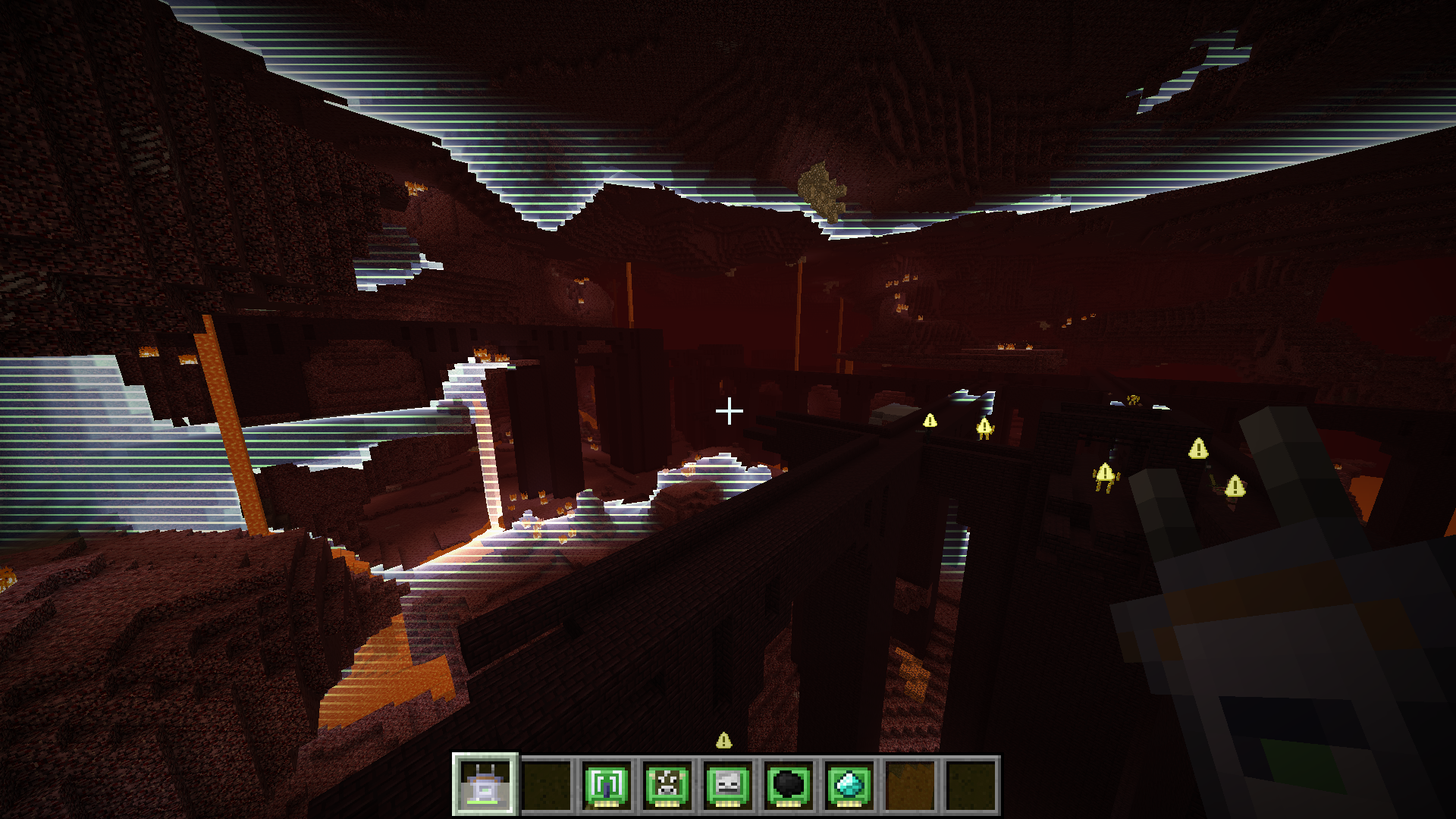
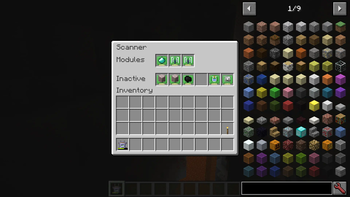
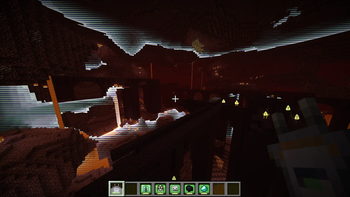
It provides a scanner item that can survey the nearby area for points of interest. Scan results are visualized for a short while in a clean and readable manner, either as in-world highlights or appropriately positioned overlays. Did I mention eye candy yet? What results are shown depends on the modules in the scanner. Up to three modules may be installed at the same time. Default modules include:
- animal detection (e.g. cows, pigs)
- monster detection (e.g. zombies, creepers)
- entity detection (configurable to a specific entity)
- common ore detection (e.g. coal, iron)
- rare ore detection (e.g. gold, diamond)
- fluid detection (e.g. water, lava)
- block detection (configurable to a specific block)
- range booster
Unless disabled in the config, the scanner will act as a chargeable item, using the Forge energy API. The energy consumed for each scan depends on the modules installed in the scanner. The scanner can be recharged in any charger mod block that is compatible with the Forge energy API.
Last but not least, there's - you guessed it - eye candy. Here's a quick video demonstrating the mod.
A few words on performance: it is great. The server does none of the actual scanning computation, so using the scanner cannot lag servers (clients will always respect server settings though). Furthermore, scanning is distributed across several ticks (hence the charging time when using the scanner), so even on the client using the scanner there should be no noticeable impact. As for rendering, the scan wave effect is rendered using a shader and a single quad. This means it's super fast and should have no noticeable impact on FPS. Also tested on a very old laptop with no dip in FPS. Mileage when using OptiFine will vary, no guarantees it'll work.
Other mods can provide additional modules to generate different kind of scan results. If you have an idea for a module, either open an issue on this project's issue tracker or if it involves another mod, try to talk the mod's author into adding support for Scannable. They'll love that. Honest.
Verfügbare Versionen
Scannable auf dem Server installieren
Server bestellen
Bestelle einen Minecraft Java Server mit mindestens 3 GB RAM (4 GB empfohlen).
fabric Loader setzen
Wähle im Panel unter "Egg" den fabric-Loader und die passende Minecraft-Version (1.21.11).
Mod installieren
Öffne den Mod-Browser im Dashboard und suche nach "Scannable". Klicke "Installieren" – fertig! Alternativ: Lade die .jar via SFTP in den /mods Ordner.
Kompatibilität
Mod-Loader
Minecraft-Versionen
1.21.11, 1.21.1, 1.20.4 (+7 weitere)
Server-seitig
✓ ErforderlichEmpfohlener RAM
4 GB(min. 3 GB)Häufige Fragen
Scannable Server crasht beim Start – was tun?
Häufigste Ursache: falsche fabric-Version oder zu wenig RAM. Prüfe im Server-Log (latest.log), ob ein "OutOfMemoryError" oder "Mixin"-Fehler auftritt. Bei Mado Hosting: Stelle sicher, dass mindestens 3 GB RAM zugewiesen sind und der Loader zur Mod-Version passt (1.21.11). Über das Panel kannst du den Loader mit einem Klick wechseln.
Ist Scannable mit fabric und forge und neoforge kompatibel?
Scannable unterstützt offiziell fabric, forge, neoforge für Minecraft 1.21.11, 1.21.1, 1.20.4. Achtung: Forge- und Fabric-Mods sind NICHT untereinander kompatibel – wähle einen Loader und bleibe dabei. Im Mado Dashboard werden inkompatible Loader-Kombinationen automatisch erkannt.
Server laggt mit Scannable – wie optimiere ich die Performance?
Empfohlener RAM: 4 GB (+1 GB pro 8 Spieler). Prüfe mit /spark profiler, ob Scannable den meisten Tick-Time verbraucht. Häufige Fixes: Server-View-Distance auf 8-10 reduzieren, bei Forge "performant" oder "starlight" als Zusatz-Mod installieren. Bei Mado Hosting läuft dein Server auf NVMe-SSDs mit dedizierten CPU-Kernen für minimale Latenz.
Ähnliche Mods



![[TaCZ] Timeless and Classics Zero](https://cdn.modrinth.com/data/SzzJttH8/fd27766d2bb8390d284696b1dbd358f87e081439_96.webp)


Modded Server mieten
Installiere Scannable mit nur einem Klick auf deinem Server.