
Scannable
One scanner to find them, and with eye candy bind them.
Screenshots
About this Mod
Scannable is a small addition to the smart explorer's (as in your) tool-belt. Also, eye candy.
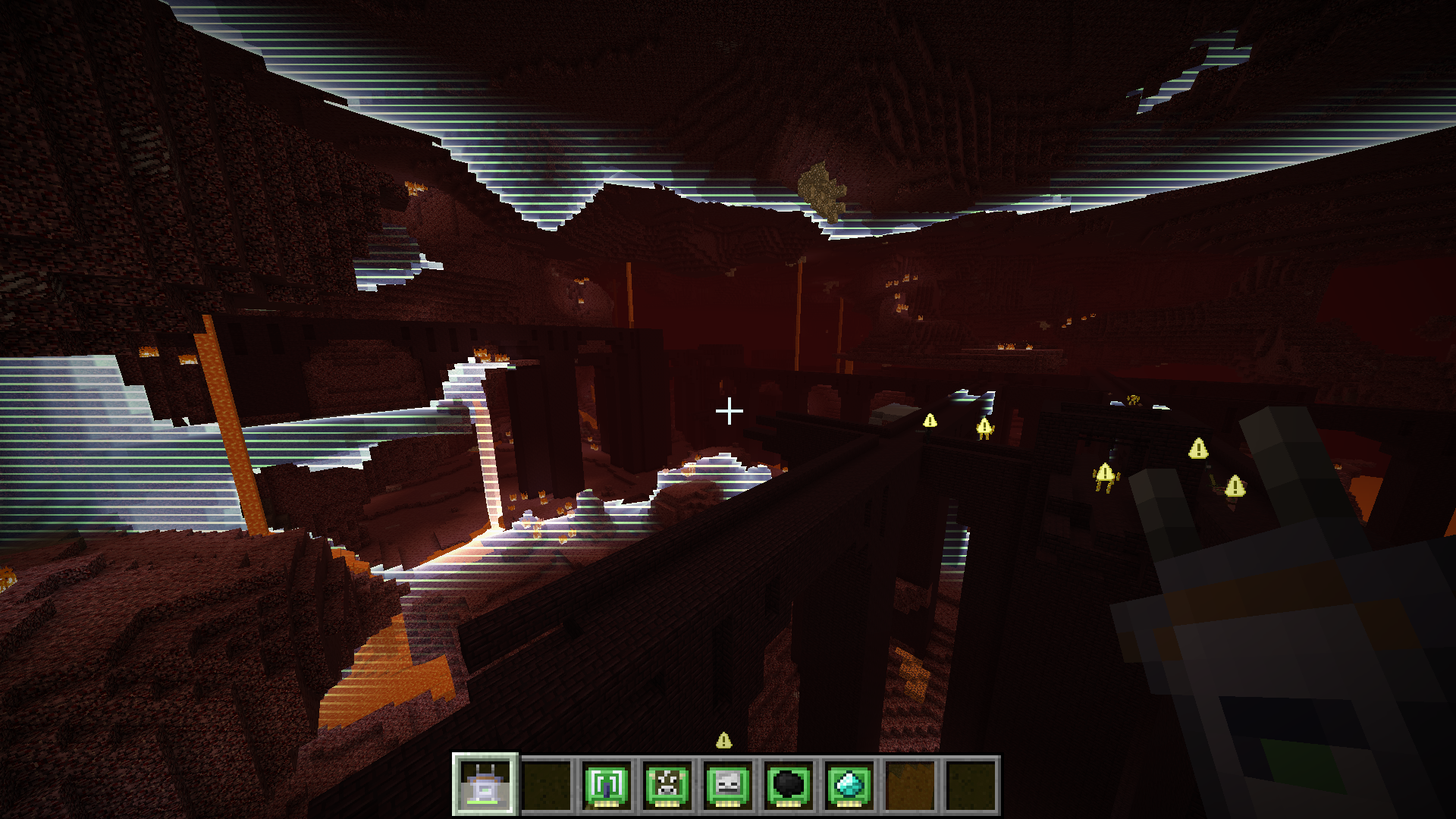
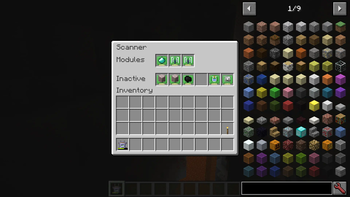
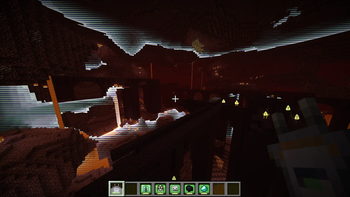
It provides a scanner item that can survey the nearby area for points of interest. Scan results are visualized for a short while in a clean and readable manner, either as in-world highlights or appropriately positioned overlays. Did I mention eye candy yet? What results are shown depends on the modules in the scanner. Up to three modules may be installed at the same time. Default modules include:
- animal detection (e.g. cows, pigs)
- monster detection (e.g. zombies, creepers)
- entity detection (configurable to a specific entity)
- common ore detection (e.g. coal, iron)
- rare ore detection (e.g. gold, diamond)
- fluid detection (e.g. water, lava)
- block detection (configurable to a specific block)
- range booster
Unless disabled in the config, the scanner will act as a chargeable item, using the Forge energy API. The energy consumed for each scan depends on the modules installed in the scanner. The scanner can be recharged in any charger mod block that is compatible with the Forge energy API.
Last but not least, there's - you guessed it - eye candy. Here's a quick video demonstrating the mod.
A few words on performance: it is great. The server does none of the actual scanning computation, so using the scanner cannot lag servers (clients will always respect server settings though). Furthermore, scanning is distributed across several ticks (hence the charging time when using the scanner), so even on the client using the scanner there should be no noticeable impact. As for rendering, the scan wave effect is rendered using a shader and a single quad. This means it's super fast and should have no noticeable impact on FPS. Also tested on a very old laptop with no dip in FPS. Mileage when using OptiFine will vary, no guarantees it'll work.
Other mods can provide additional modules to generate different kind of scan results. If you have an idea for a module, either open an issue on this project's issue tracker or if it involves another mod, try to talk the mod's author into adding support for Scannable. They'll love that. Honest.
Available Versions
How to Install Scannable on Your Server
Order Server
Order a Minecraft Java server with at least 3 GB RAM (4 GB recommended).
Set fabric Loader
In the panel under "Egg", select the fabric loader and matching Minecraft version (1.21.11).
Install Mod
Open the mod browser in the dashboard and search for "Scannable". Click "Install" – done! Alternatively, upload the .jar via SFTP to the /mods folder.
Compatibility
Mod Loaders
Minecraft Versions
1.21.11, 1.21.1, 1.20.4 (+7 more)
Server-side
✓ RequiredRecommended RAM
4 GB(min. 3 GB)Frequently Asked Questions
Scannable server crashes on startup – what to do?
Most common cause: wrong fabric version or insufficient RAM. Check the server log (latest.log) for "OutOfMemoryError" or "Mixin" errors. With Mado Hosting: ensure at least 3 GB RAM is allocated and the loader matches the mod version (1.21.11). You can switch loaders with one click in the panel.
Is Scannable compatible with fabric and forge and neoforge?
Scannable officially supports fabric, forge, neoforge for Minecraft 1.21.11, 1.21.1, 1.20.4. Note: Forge and Fabric mods are NOT cross-compatible – pick one loader and stick with it. The Mado dashboard automatically detects incompatible loader combinations.
Server lagging with Scannable – how to optimize performance?
Recommended RAM: 4 GB (per 8 players). Use /spark profiler to check if Scannable consumes the most tick time. Common fixes: reduce server view-distance to 8-10, install "performant" or "starlight" as supplementary mods on Forge. With Mado Hosting, your server runs on NVMe SSDs with dedicated CPU cores for minimal latency.
Similar Mods



![[TaCZ] Timeless and Classics Zero](https://cdn.modrinth.com/data/SzzJttH8/fd27766d2bb8390d284696b1dbd358f87e081439_96.webp)


Rent Modded Server
Install Scannable with just one click on your server.