

Modrinth · Fabric, Quilt · Client-Mod
Stfu
Stfu ist eine clientseitige Mod. Du installierst sie auf deinem Rechner, auf dem Server ist sie nicht nötig.
A mod that fixes some annoyances and speeds up your game!
- Downloads
- 2.8M
- Autor
- ItsFelix5
- Loader
- Fabric, Quilt
- Minecraft
- 1.20 – 26.3
- Aktualisiert
- –
Einrichtung
Stfu auf deinem Client installieren
Clientseitige Mods laufen nur auf deinem Rechner. Mehr Server-RAM ändert an ihrer Leistung nichts.
- 01
Loader lokal installieren
Installiere Fabric oder Quilt für deine Minecraft-Version in deinem Launcher.
- 02
Datei herunterladen
Lade die Stfu-Datei für deinen Loader und exakt deine Minecraft-Version herunter, zum Beispiel 26.3.
- 03
In den Mods-Ordner legen
Lege die .jar-Datei in den lokalen Ordner .minecraft/mods und entferne ältere Duplikate.
- 04
Starten
Starte Minecraft mit dem Loader-Profil. Auf dem Server musst du nichts ändern.
- Auf dem Server
- Nicht nötig
- Auf dem Client
- Erforderlich
- Loader
- Fabric, Quilt
- Minecraft
- 26.3, 26.2, 26.1.2 +51 weitere
- Lizenz
- MIT License
Versionen
Veröffentlichte Versionen
Nimm die Datei, die zu Loader und Minecraft-Version deines Servers passt. Server und Spieler brauchen dieselbe Version.
Stfu · Modrinth- 2.5.1-1.21.617. Juni 2025Minecraft 1.21.6 · Fabric, Quilt
- 1.2.33. Oktober 2024Minecraft 1.20.5, 1.20.6, 1.21, 1.21.1 · Fabric, Quilt
Originalbeschreibung des Projektautors
Stfu



Current changes:
- Improved performance and loading times
- Allowed disabling custom world advice, the tutorial, the multiplayer warning, chat signing warnings, telemetry and night vision flicker
- Disabled realms notifications and the narrator on startup and allowed rebinding the narrator key
- Allowed toggling all kinds of toasts and opening the inventory in portals
- Enabled the operator item tab by default
- Removed the chat command length limit
- Added options to hide advancement broadcasts and command block output, compact chat spam and combine HUD bars
- Added an option to increase the maximum amount of chat messages, to hide particles and stop block animations
- Added keybinds for controlling game music and an option for reducing volume when the window is unfocused
- Fixed tooltips running off the screen and model gaps
- Added options that speed up minecraft/world (re)loading
- Made it possible to get rid of the reloading screen and to bind a button to multiple keybinds
- Set the default LAN port to 25565
- Full list
Only 1.20.1, 1.21.1, 1.21.8-11 and 26.1 are actively supported at this time, older versions might work but will have some missing features or bugs.
Looking for more client mods? Check out Camera Tweaks!
Faq
I have a suggestion for this mod!
If you have any suggestions, feel free to tell me!
I found a bug!
If you found a bug, please report it so I can fix it asap!
Is this mod compatible with X?
Probably, I am trying to make this mod as compatible as I can. If there is a problematic conflict you can
open an issue.
Can I use this in my modpack?
Yes, of course as long as it stays on modrinth or curseforge!
Can I redistribute this mod?
No, you can't redistribute this mod without my permission. You can only link to this page.
Why is this mod called "Stfu"?
This is because the mod was originally created to remove the annoying new world advice and the narrator jumpscares.
Muss Stfu auf dem Minecraft Server installiert werden?
Nein. Modrinth kennzeichnet Stfu serverseitig als nicht unterstützt. Installiere die Mod nur im lokalen Mods-Ordner. Dein Server kann unverändert bleiben, sofern die Projektseite keine zusätzliche Abhängigkeit nennt.
Welche Version und welchen Loader braucht Stfu?
Nutze eine Datei für Fabric, Quilt und exakt deine Minecraft-Version. Unterstützt werden unter anderem 26.3, 26.2, 26.1.2. Dateien für verschiedene Loader sind nicht austauschbar.
Stfu funktioniert nicht – was kann ich prüfen?
Prüfe zuerst Minecraft-Version, Loader-Version und erforderliche Abhängigkeiten. Da die Mod clientseitig ist, löst mehr Server-RAM das Problem nicht.
Ähnliche Mods
Beliebte Mods aus derselben Kategorie
 Nur Client

Sodium
von jellysquid3
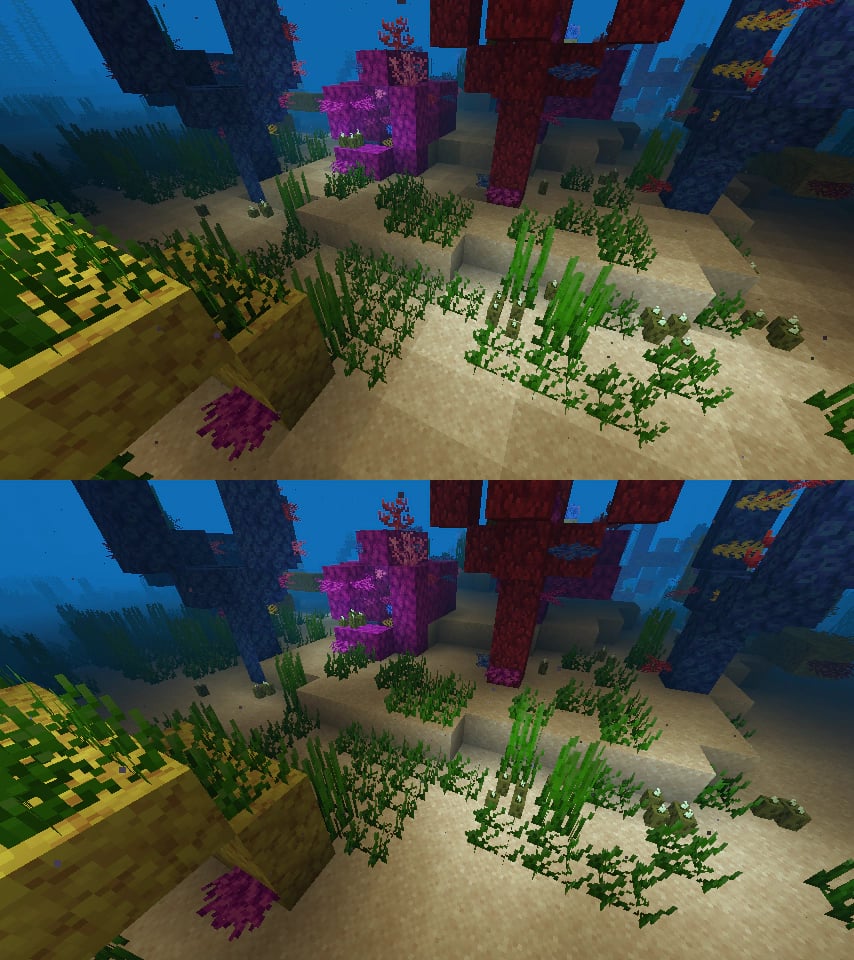
A high-performance rendering engine replacement for Minecraft, which greatly improves frame rates and reduces micro-stutter.
 Nur Client

Iris Shaders
von coderbot
A modern shader pack loader for Minecraft intended to be compatible with existing OptiFine shader packs
 Nur Client

Entity Culling
von tr7zw
Using async path-tracing to hide Block-/Entities that are not visible
 Server-fähig

FerriteCore
von malte0811
Memory usage optimizations
Mods für deinen eigenen Server gesucht?
Im Katalog findest du Mods, die auf Minecraft Servern laufen.