
Simply Cozy
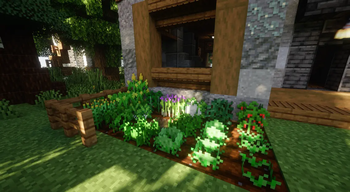
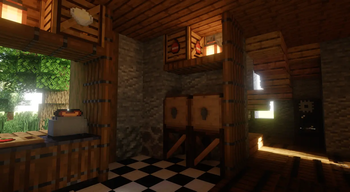
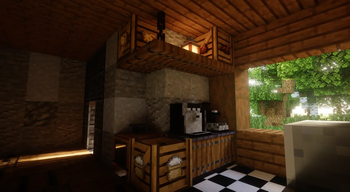
This mod adds loads of cozy features to minecraft. Crops, Decorations and more!
Screenshots



Über diese Mod
This is a follow up on the grow a crop mod, but now better and cozier! It focuses on adding decoration blocks and crops. This way, I want to make Minecraft cozier to play!
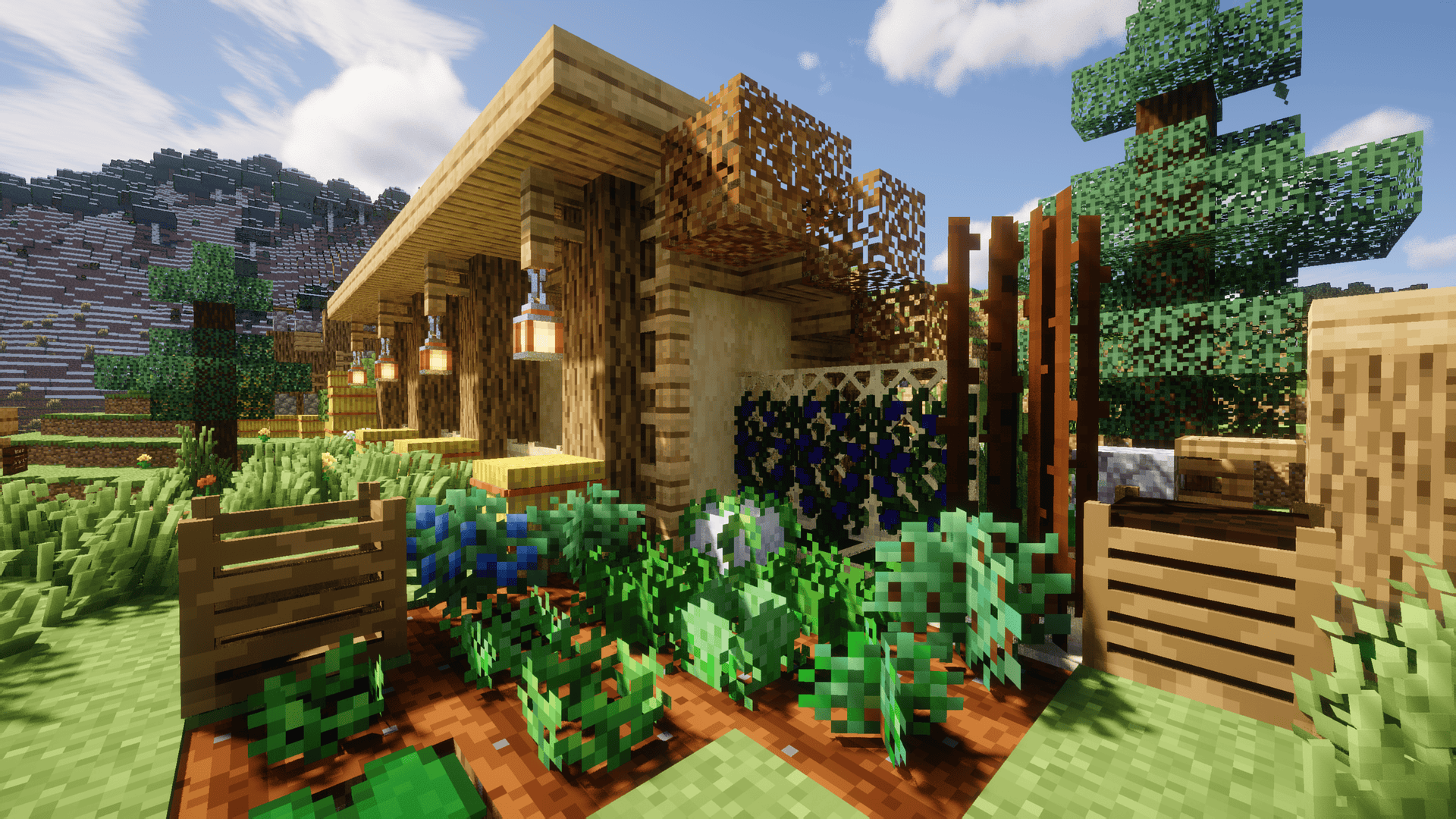
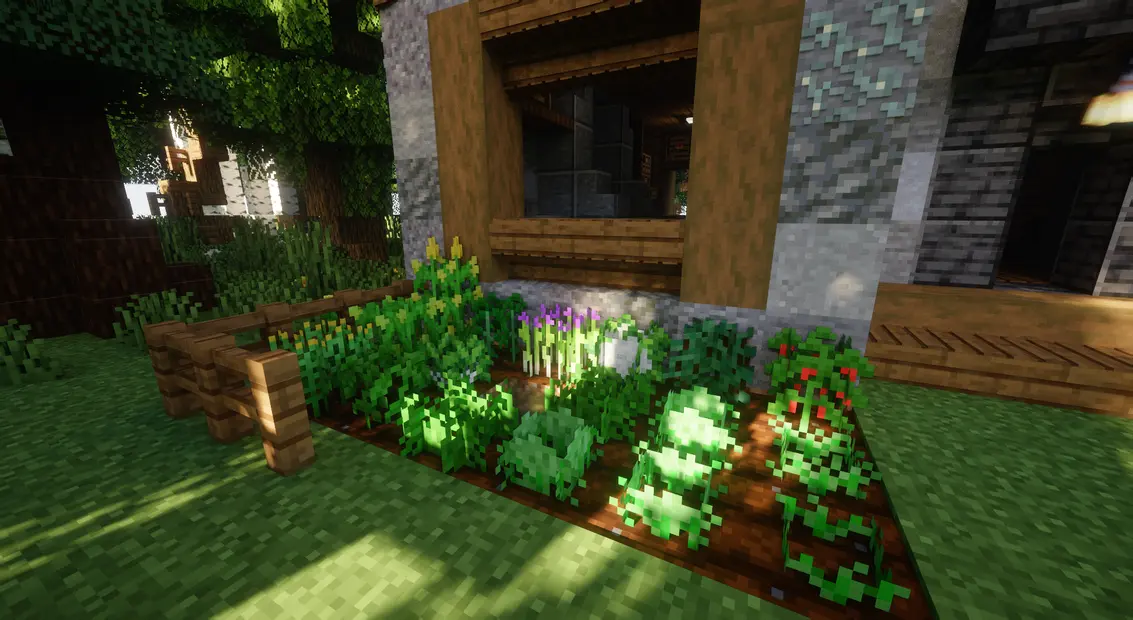
The mod adds crops:
- Basil, blueberries, cauliflower, chives, cinnamon, coffee, corn, dill, grapes, tea; with more on the way!
The mod adds decor for your:
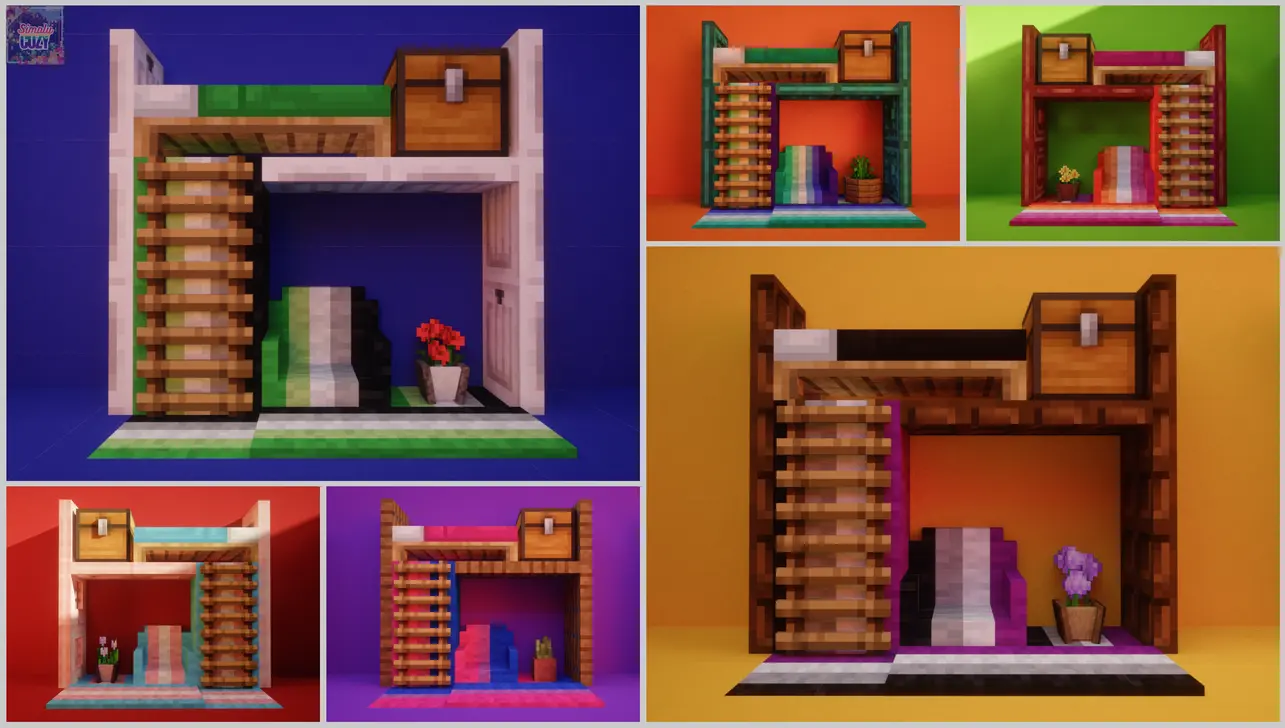
- Kitchen, living room, lighting, Pride (all wool block/entity variants + beds), garden, clutter (a vase with incense, model ship, etc), holidays (Valentines, Christmas, etc).

The mod adds functional blocks:
- Audio Mixer (for music playback - WITH CHANNEL SUPPORT) & Speakers
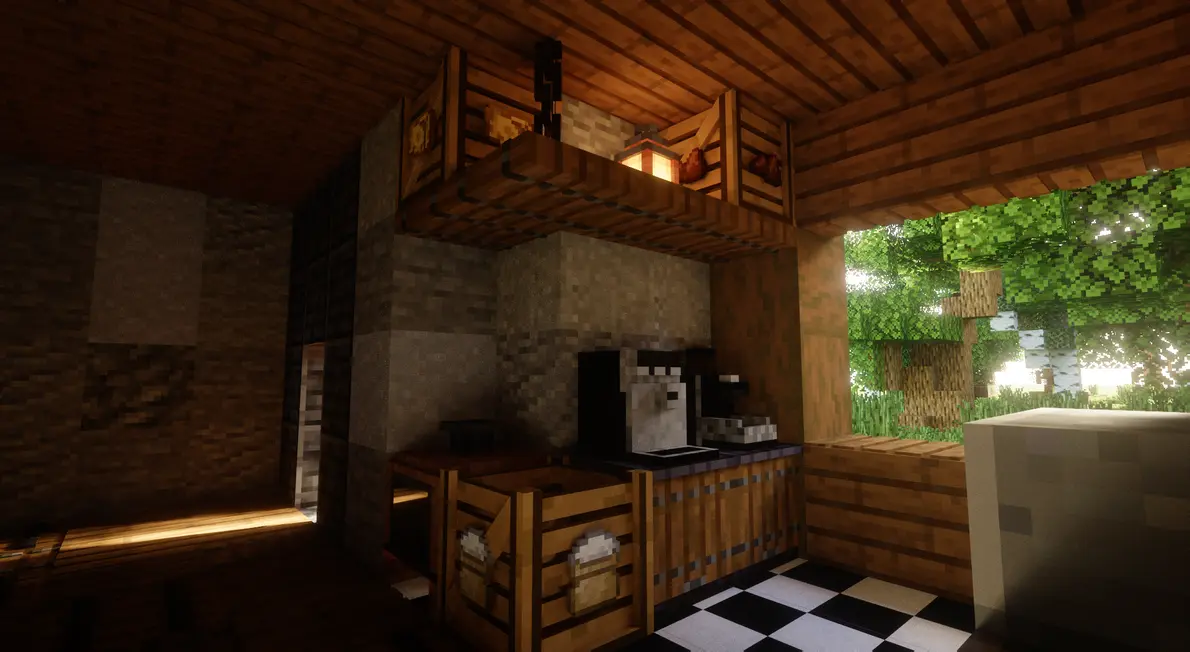
- Coffee Machine & Coffee Grinder
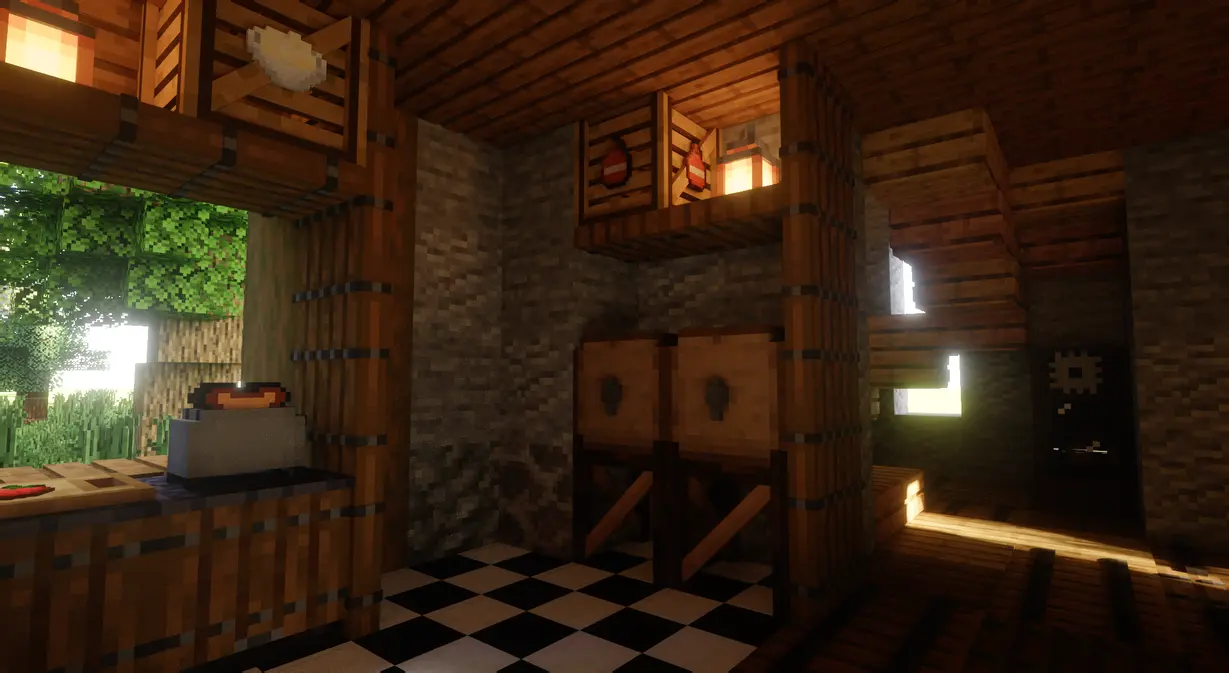
- Wood Ovens and Toasters
- Fermentation Barrels
- Maple Spile

Recommended mods:
FAQ
Which Minecraft versions are supported?
Only the latest minecraft version is supported at present, but I plan to backport the mod at some point after the mod reaches release 1.10.May I use this mod in a modpack?
Yes, but please keep in mind to give credit and to not claim or present the mod as your own work.Will the mod ever be added to bedrock?
I am not planning on ever working with bedrock currently, no.May I use the mod in content creation?
Of course!Where can I find the wiki?
In the section 'links' and then click on wiki! (on this page)
Credits:
Spartan_B312 - Helps with screenshots and testing the mod, he also made a lot of other models!
HRE_Knight - Helps with streamlining/improving models. Also made countless models besides that!
Smarcle - Made the cottage home painting
Please do note that the mod is still in development and if you experience any bugs please report them in the discord!


Verfügbare Versionen
Simply Cozy auf dem Server installieren
Server bestellen
Bestelle einen Minecraft Java Server mit mindestens 3 GB RAM (4 GB empfohlen).
fabric Loader setzen
Wähle im Panel unter "Egg" den fabric-Loader und die passende Minecraft-Version (26.3).
Mod installieren
Öffne den Mod-Browser im Dashboard und suche nach "Simply Cozy". Klicke "Installieren" – fertig! Alternativ: Lade die .jar via SFTP in den /mods Ordner.
Kompatibilität
Mod-Loader
Minecraft-Versionen
26.3, 26.2, 26.1.2 (+9 weitere)
Server-seitig
✓ ErforderlichEmpfohlener RAM
4 GB(min. 3 GB)Häufige Fragen
Simply Cozy Server crasht beim Start – was tun?
Häufigste Ursache: falsche fabric-Version oder zu wenig RAM. Prüfe im Server-Log (latest.log), ob ein "OutOfMemoryError" oder "Mixin"-Fehler auftritt. Bei Mado Hosting: Stelle sicher, dass mindestens 3 GB RAM zugewiesen sind und der Loader zur Mod-Version passt (26.3). Über das Panel kannst du den Loader mit einem Klick wechseln.
Ist Simply Cozy mit fabric kompatibel?
Simply Cozy unterstützt offiziell fabric für Minecraft 26.3, 26.2, 26.1.2. Im Mado Dashboard werden inkompatible Loader-Kombinationen automatisch erkannt.
Server laggt mit Simply Cozy – wie optimiere ich die Performance?
Empfohlener RAM: 4 GB (+1 GB pro 8 Spieler). Prüfe mit /spark profiler, ob Simply Cozy den meisten Tick-Time verbraucht. Häufige Fixes: Server-View-Distance auf 8-10 reduzieren, bei Forge "performant" oder "starlight" als Zusatz-Mod installieren. Bei Mado Hosting läuft dein Server auf NVMe-SSDs mit dedizierten CPU-Kernen für minimale Latenz.
Ähnliche Mods

![[ETF] Entity Texture Features](https://cdn.modrinth.com/data/BVzZfTc1/af683d206d50b05258d865b0d6e4aa2f2cee12f2_96.webp)
![[EMF] Entity Model Features](https://cdn.modrinth.com/data/4I1XuqiY/6e5bbd0d06b1741bfdab6c0cfab6de8fdaf0064c_96.webp)



Modded Server mieten
Installiere Simply Cozy mit nur einem Klick auf deinem Server.
Details
- Lizenz
- Creative Commons Attribution No Derivatives 4.0 International
- Server-seitig
- Erforderlich