
Skin Shuffle
Effortless in-game skin customization and management—change, store, and customize your skins with SkinShuffle. Instant skin changes available on compatible servers.
Screenshots
Über diese Mod



SkinShuffle
SkinShuffle is a mod that allows you to change, store and customise your skin in-game. It also allows you to change your skin without leaving the server as long as the mod is installed on the server.
SkinShuffle integrates with Mojang's online API to change skins, if you do not have a Minecraft account, SkinShuffle WILL NOT work, you will receive NO SUPPORT from me for using a pirated version of Minecraft.
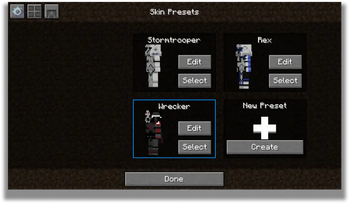
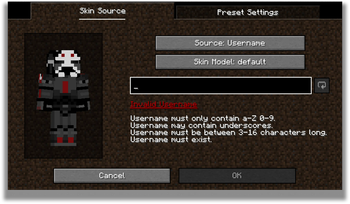
Skins are stored in Skin Presets, these presets can be created from the following sources:
- Texture URLs
- Usernames
- UUIDs
- Files
- In-game textures (Identifiers)
Supported Versions
Only the latest stable release (26.1) and latest beta release (26.3) are supported.
Server-Side Support
When SkinShuffle is installed on the server, you can change your skin in-game without having to relog. SkinShuffle will refresh your skin for you, and for other players instantly - even for players that do not have the mod on their client.
Got a Paper/Spigot/Bukkit server? Consider using the Skin Shuffle Bridge plugin to allow players on your server to hot-swap skins!
Alternatively, SkinShuffle is supported by SkinRestorer (fabric+neoforge+forge) if your server has that installed, players using SkinShuffle will be able to quickly change their skins without needing to rejoin!
We have massive plans to expand server-side support in the future:
- Skin Changing Commands that allow vanilla clients to change their skins.
- Skin Preset Sharing
Client-Side Support
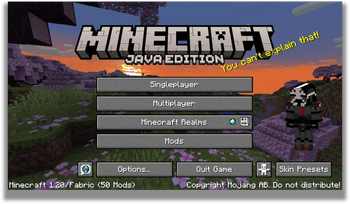
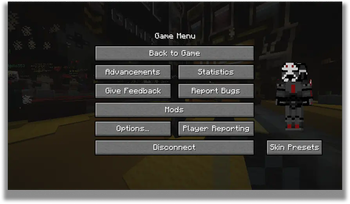
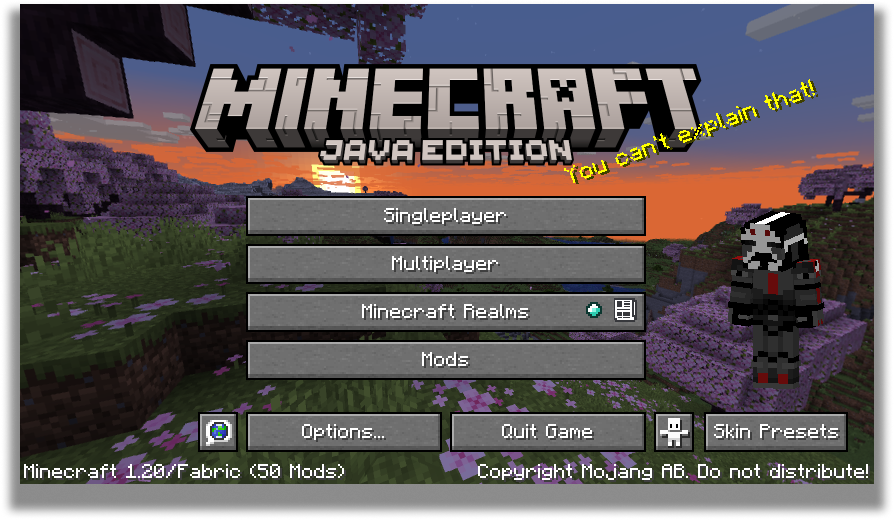
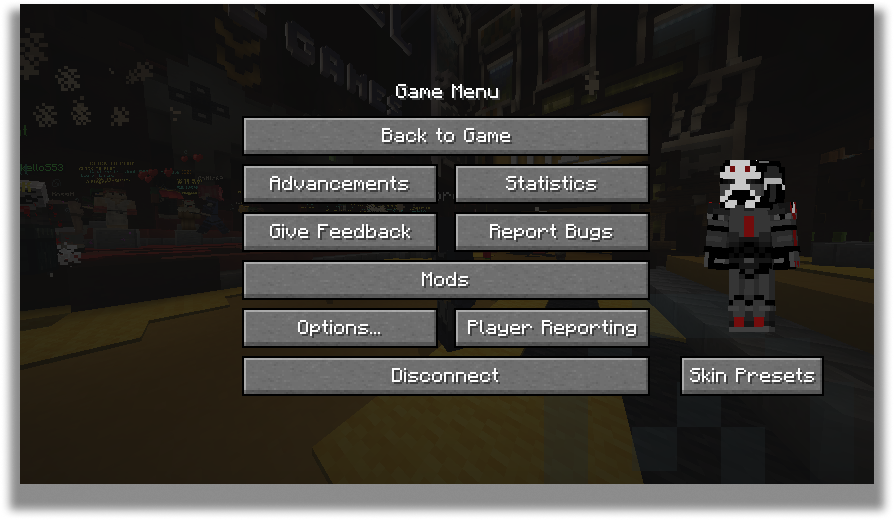
SkinShuffle works right out the bat for clients! Browse, create and edit skin presets in the Carousel and Edit Preset screens that can be accessed via Mod Menu or through the widget on the pause screen and the title screen.
When you start the game for the first time with SkinShuffle, it will automatically create a preset from your current skin and set it as the main preset! Your currently chosen preset will be shown on the widget.
Carousel Screen
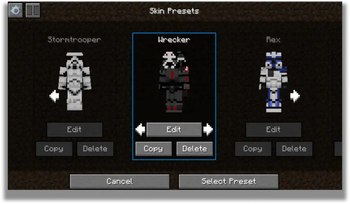
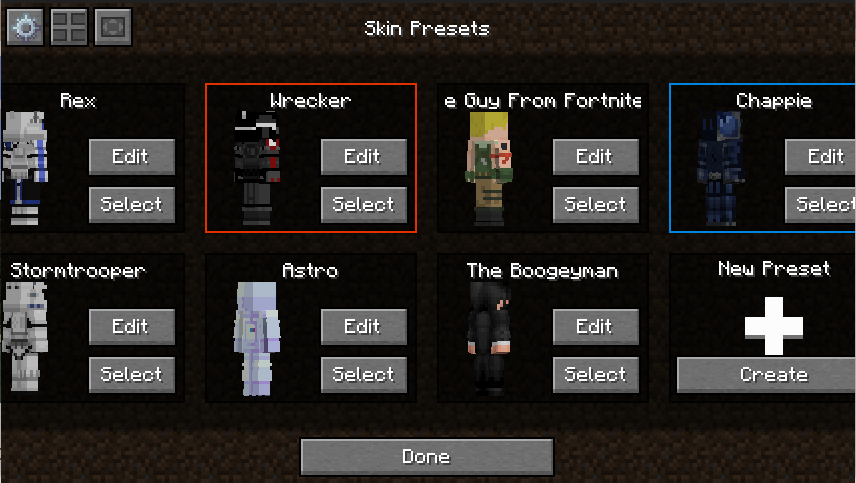
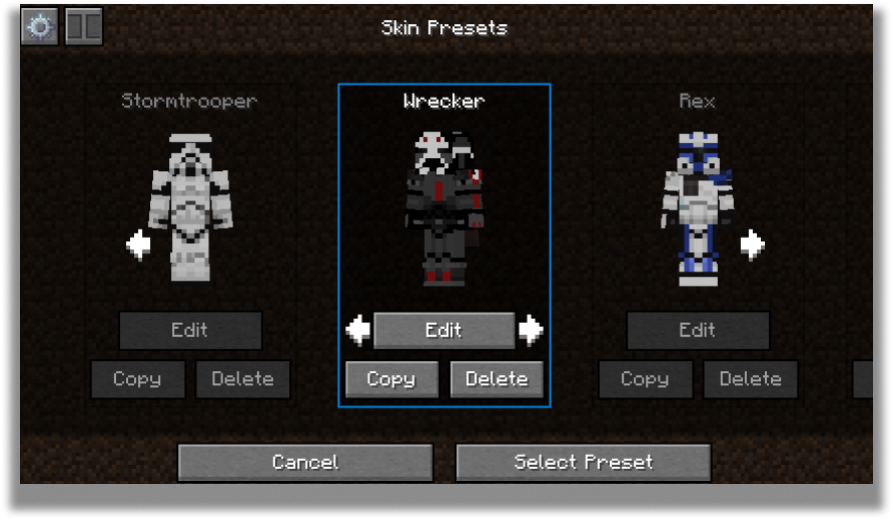
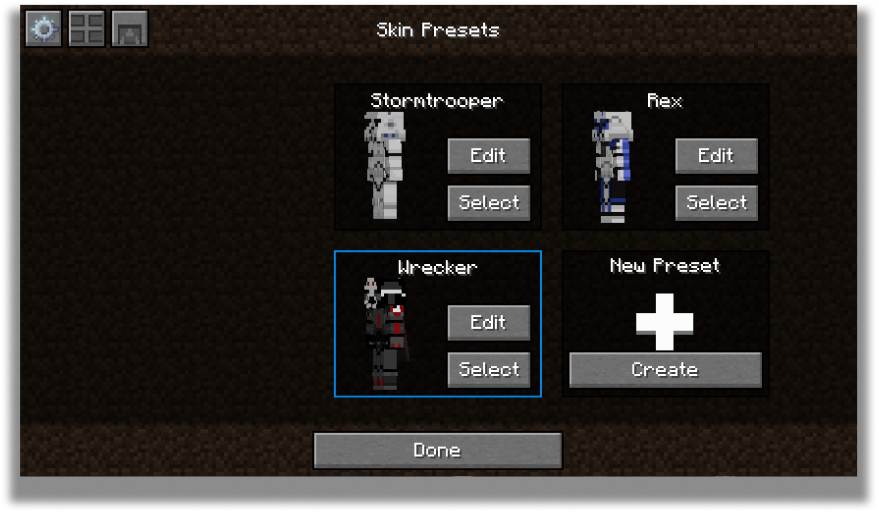
The carousel is where all your skins will be stored for future use! You can create, edit and delete your presets.
The carousel screen has two modes: Compact and Carousel
You can customize every preset to your own desire in the edit screen.
Edit Screen
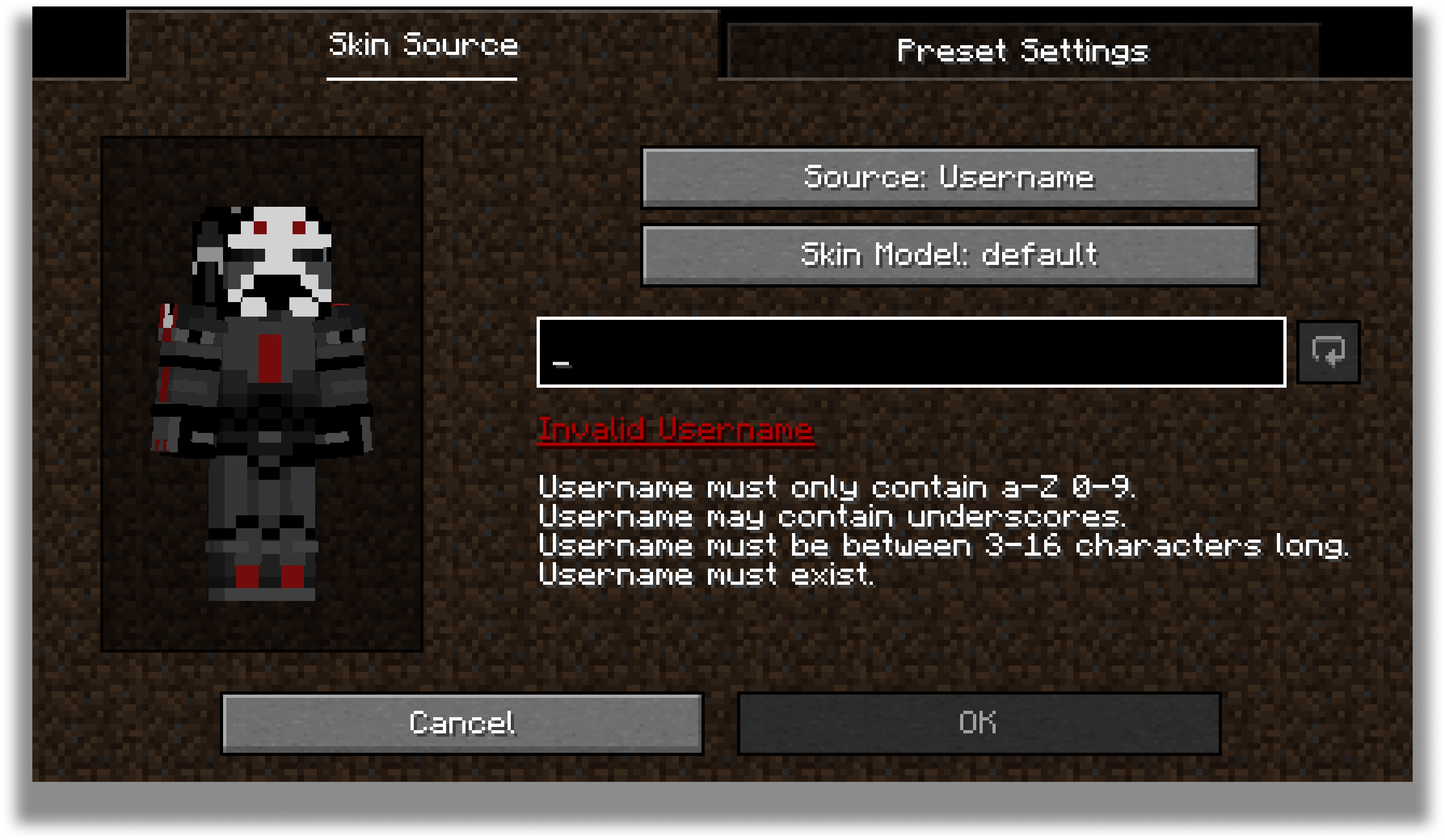
The edit screen allows you to change the actual texture of the skin, the model type and the name of the preset.
For the future, there are plans to add cape and ear customization to this screen.
Configuration
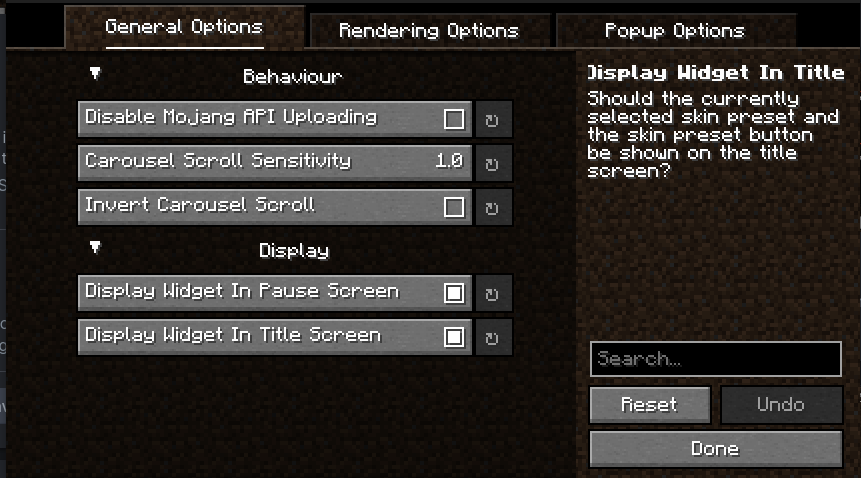
Every part of SkinShuffle is customizable thanks to YACL's powerful configuration screen.
You can customize the speed that skins rotate in the carousel, to where they should follow your cursor, and where the preview widget should show.
By using my mods, you agree to the Modpack Distribution Guidelines and the End User License Agreement
Verfügbare Versionen
Skin Shuffle auf dem Server installieren
Server bestellen
Bestelle einen Minecraft Java Server mit mindestens 3 GB RAM (4 GB empfohlen).
fabric Loader setzen
Wähle im Panel unter "Egg" den fabric-Loader und die passende Minecraft-Version (26.3).
Mod installieren
Öffne den Mod-Browser im Dashboard und suche nach "Skin Shuffle". Klicke "Installieren" – fertig! Alternativ: Lade die .jar via SFTP in den /mods Ordner.
Kompatibilität
Mod-Loader
Minecraft-Versionen
26.3, 26.2, 26.1.2 (+21 weitere)
Server-seitig
~ OptionalEmpfohlener RAM
4 GB(min. 3 GB)Häufige Fragen
Skin Shuffle Server crasht beim Start – was tun?
Häufigste Ursache: falsche fabric-Version oder zu wenig RAM. Prüfe im Server-Log (latest.log), ob ein "OutOfMemoryError" oder "Mixin"-Fehler auftritt. Bei Mado Hosting: Stelle sicher, dass mindestens 3 GB RAM zugewiesen sind und der Loader zur Mod-Version passt (26.3). Über das Panel kannst du den Loader mit einem Klick wechseln.
Ist Skin Shuffle mit fabric kompatibel?
Skin Shuffle unterstützt offiziell fabric für Minecraft 26.3, 26.2, 26.1.2. Im Mado Dashboard werden inkompatible Loader-Kombinationen automatisch erkannt.
Server laggt mit Skin Shuffle – wie optimiere ich die Performance?
Empfohlener RAM: 4 GB (+1 GB pro 8 Spieler). Prüfe mit /spark profiler, ob Skin Shuffle den meisten Tick-Time verbraucht. Häufige Fixes: Server-View-Distance auf 8-10 reduzieren, bei Forge "performant" oder "starlight" als Zusatz-Mod installieren. Bei Mado Hosting läuft dein Server auf NVMe-SSDs mit dedizierten CPU-Kernen für minimale Latenz.
Ähnliche Mods






Modded Server mieten
Installiere Skin Shuffle mit nur einem Klick auf deinem Server.