
SuperFancyClouds: Refabricated
A vanilla style mod that makes clouds fancier and more dynamic.
Screenshots

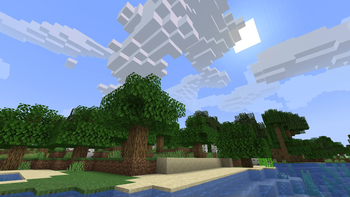
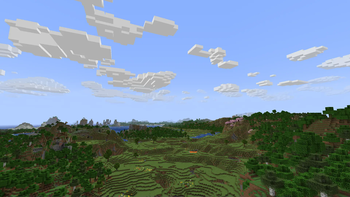


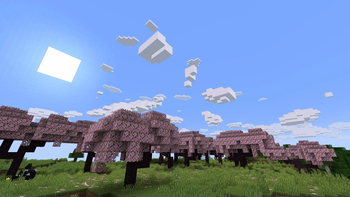
Über diese Mod
Refabricated / Rearchitected / Reneoforged
This is an unofficial continuation of SuperFancyClouds original by ami-wishes.
- This mod is a fabric port of SuperFancyClouds in the beginning, so named "refabricated".
- Since 1.7.4 we support multiloader powered by Arch-Api, this mod is rename to "rearchitected".
- Since x.9.1 we support neoforge but without arch, this mod is rename to "reneoforged".
SuperFancyClouds
A client/server side mod makes your Minecraft sky full of more stereoscopic and dynamic clouds.
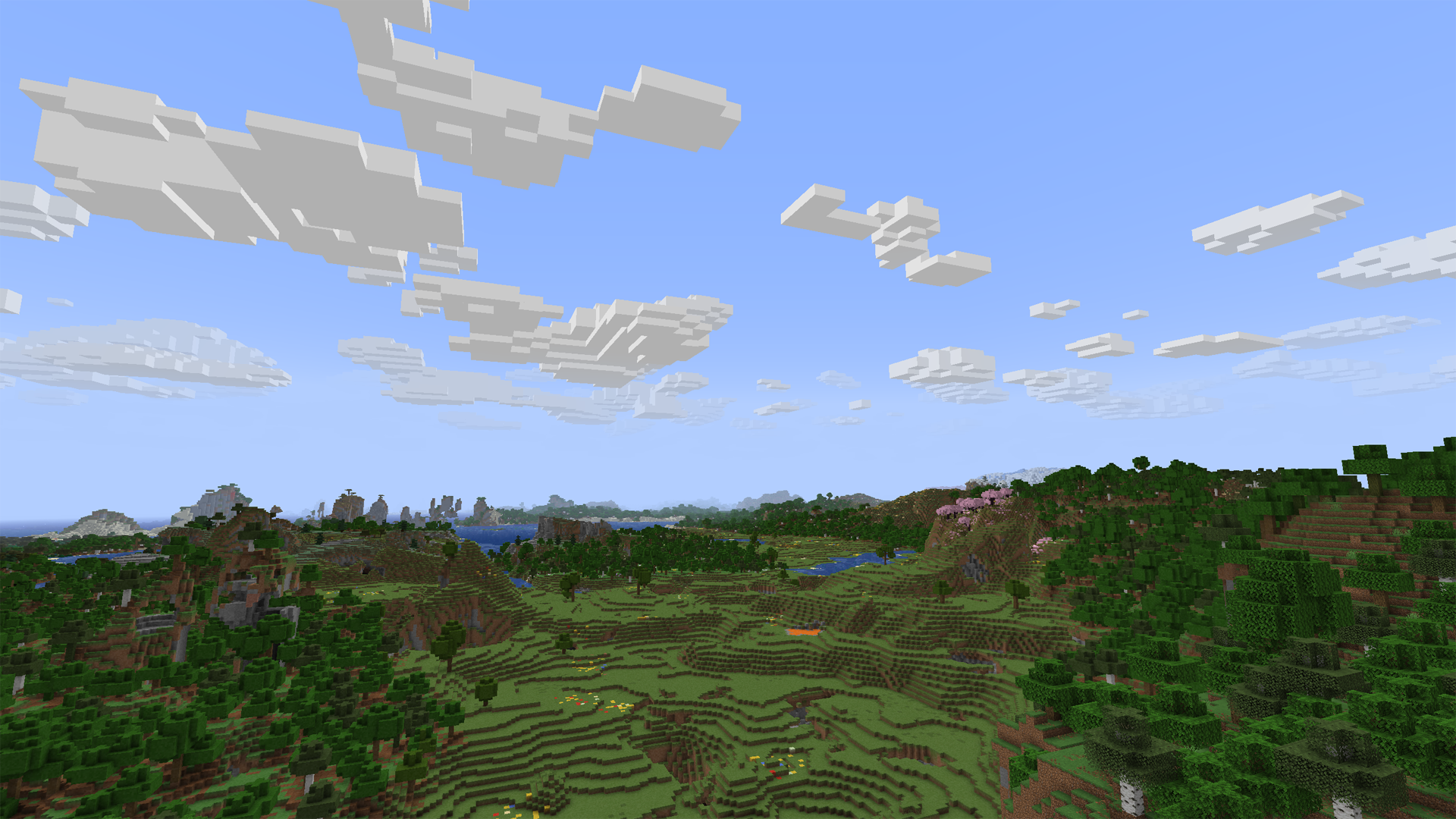
Tap the Images on navigator bar for more preview.
Beyond the Original
- Cloud height / density / width / thickness and other contents is highly configurable.
- Cloud can detect current weather and biome to change its density.
- Cloud will get blush at dawn or dusk.
- Cloud bottom will get darker when its thickness is high.
- Cloud will dodge from higher mountains or tall building. (>1.7.0, inspired by RealisticClouds)
- Cloud can detect biome chunk-by-chunk for more accurate and rational placing. (>1.7.0, personal revival from RealisticClouds, it's a nice mod :)
- Rain can only appear where is cloud above.
- Dimension divide config supported.
- And more…
Fix
- Cloud will not be culled in view boundary.
- Cloud will not refresh when playing for too long.
- Improved flicker issue when player across chunk border.
Mod relationship
Dependence
For all platform:
- Architectury API is required (for multiplatform version).
- Cloth Config is optional to build config screen on client.
Fabric extra:
- Fabric API is required.
- Mod Menu is optional to access config screen on client.
Compatibility
- Distant Horizons 's LOD chunk no longer covered by SFCR (manually enable required).
- Particle Rain 's rain particle no generated where is no clouds (manually enable required).
- SereneSeasons & Fabric Seasons can changing SFCR cloud density by different seasons.
Incompatibility
Obviously incompatible with most mod who modified cloud render system. Include Cull Clouds, Extended Clouds and the others. If you put SFCR with it together, they will throw some issue even crash.
- If you encounter a crash with Sodium,try disable its cloud mixin by add
mixin.features.render.world.clouds=falseto .minecraft/config/sodium-mixins.properties
Q&A
Few cloud?
It's maybe normal due to cloud noise sampler and dynamic density feature. You can decrease sample steps, biome affect, and increase common density in config screen to let the sampler generating more clouds. (The density curve is not straight but like a stair. You may need to move larger range on density slider to make it effect.)
Fog may also cover the clouds. You can disable it to check the clouds amounts.
If you set a high value of biome affect and play in desert or savanna, there may not be a cloud in the sky. Its based on biome downfall value and times with cloud density.
Client or Server?
Client side only is OK. But if it have both side installed and enable server function in config, SFCR can make every player have same shape of clouds.
On dedicated server, there is a command list for its administrators to control SFCR feature & config remotely. Simply type in "/sfcr help" then enter in chat bar you'll see it.
Version supports?
This mod now maintained in:
- 1.16.5, 1.18.2, 1.19.2, 1.20(.1) on Fabric, Forge.
- 1.21(.1), 1.21.11, 26.1.x, 26.2 on Fabric, NeoForge.
Modpacks?
Free to use under MIT License.
Link
You can submit your suggestion or issue on Github.
Or, also 
Verfügbare Versionen
SuperFancyClouds: Refabricated auf dem Server installieren
Server bestellen
Bestelle einen Minecraft Java Server mit mindestens 3 GB RAM (4 GB empfohlen).
fabric Loader setzen
Wähle im Panel unter "Egg" den fabric-Loader und die passende Minecraft-Version (26.3).
Mod installieren
Öffne den Mod-Browser im Dashboard und suche nach "SuperFancyClouds: Refabricated". Klicke "Installieren" – fertig! Alternativ: Lade die .jar via SFTP in den /mods Ordner.
Kompatibilität
Mod-Loader
Minecraft-Versionen
26.3, 26.3-snapshot-1, 26.2 (+37 weitere)
Server-seitig
~ OptionalEmpfohlener RAM
4 GB(min. 3 GB)Häufige Fragen
SuperFancyClouds: Refabricated Server crasht beim Start – was tun?
Häufigste Ursache: falsche fabric-Version oder zu wenig RAM. Prüfe im Server-Log (latest.log), ob ein "OutOfMemoryError" oder "Mixin"-Fehler auftritt. Bei Mado Hosting: Stelle sicher, dass mindestens 3 GB RAM zugewiesen sind und der Loader zur Mod-Version passt (26.3). Über das Panel kannst du den Loader mit einem Klick wechseln.
Ist SuperFancyClouds: Refabricated mit fabric und forge und neoforge kompatibel?
SuperFancyClouds: Refabricated unterstützt offiziell fabric, forge, neoforge für Minecraft 26.3, 26.3-snapshot-1, 26.2. Achtung: Forge- und Fabric-Mods sind NICHT untereinander kompatibel – wähle einen Loader und bleibe dabei. Im Mado Dashboard werden inkompatible Loader-Kombinationen automatisch erkannt.
Server laggt mit SuperFancyClouds: Refabricated – wie optimiere ich die Performance?
Empfohlener RAM: 4 GB (+1 GB pro 8 Spieler). Prüfe mit /spark profiler, ob SuperFancyClouds: Refabricated den meisten Tick-Time verbraucht. Häufige Fixes: Server-View-Distance auf 8-10 reduzieren, bei Forge "performant" oder "starlight" als Zusatz-Mod installieren. Bei Mado Hosting läuft dein Server auf NVMe-SSDs mit dedizierten CPU-Kernen für minimale Latenz.
Ähnliche Mods

![[ETF] Entity Texture Features](https://cdn.modrinth.com/data/BVzZfTc1/af683d206d50b05258d865b0d6e4aa2f2cee12f2_96.webp)
![[EMF] Entity Model Features](https://cdn.modrinth.com/data/4I1XuqiY/6e5bbd0d06b1741bfdab6c0cfab6de8fdaf0064c_96.webp)



Modded Server mieten
Installiere SuperFancyClouds: Refabricated mit nur einem Klick auf deinem Server.