
Sweety's Garden
🌼 Bring extra life to the Overworld's biomes with new flowers
Screenshots


Über diese Mod

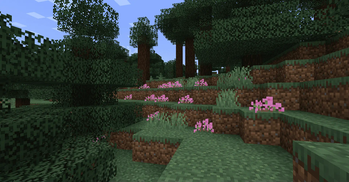
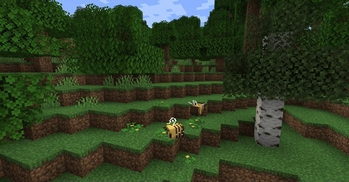
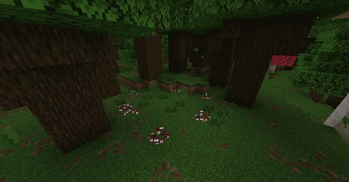
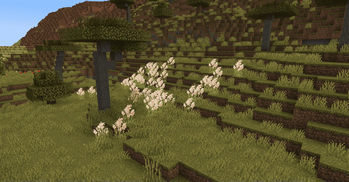
Sweety's Garden is a small mod, adding 16 new plants found all around the world, providing a bit of extra variety and life to a lot of overworld biomes. This mod also tries to highlight less common flowers (avoiding Rafflesias, Clover or Cattails).
---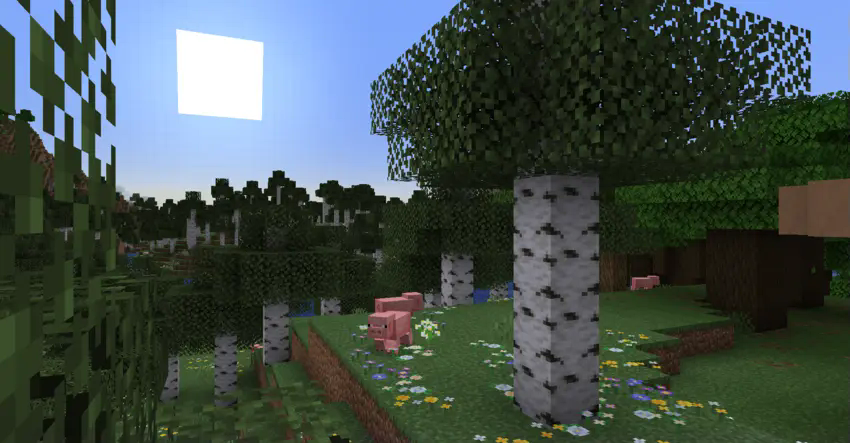
Some flowers will be relatively rare, to act as a nice uncommon sighting, but others, like Heather or Wood Anemone can be quite common.
This new plants won't be traded by Wandering Traders, but can all be bonemealed indefinitely to be duplicated.
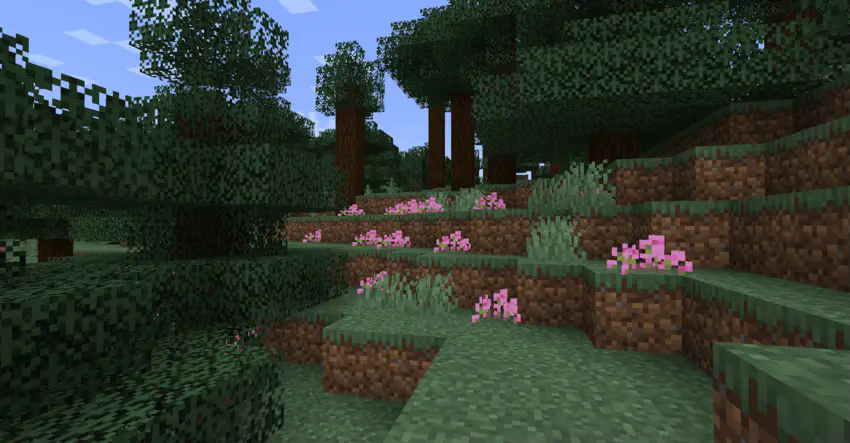
The config file is able to disable any of those plants, if you don't like the generation of a feature (or if you feel like it wouldn't fit your modpack).
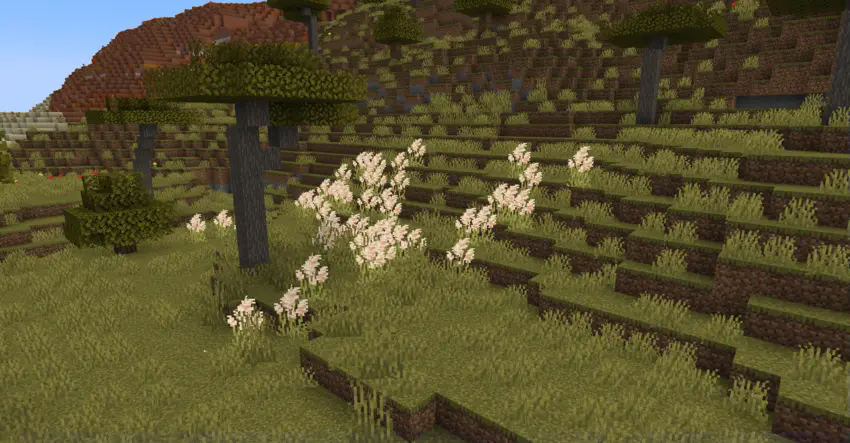
Plants considered as small flowers can be used to craft dyes, and all small plants (outside of Wildflowers-type ones) can be potted.

Plants and the biomes they are found in
- Baileya : Desert
- Bloody Dogwood : Snow slopes, Grove
- Busy Lizzie : Jungle, Sparse jungle
- Cyan Poppy : Stony peaks, Windswept gravelly hills
- Drimia : Eroded badlands, Wooded badlands
- Edelweiss : Grove, Jagged peaks, Frozen peaks
- Heather : Windswept forest, Taiga, Snowy taiga
- Hepatica : Birch forest, Flower forest
- Pale Petals : Pale Garden
- Pampas : Savanna
- Passion Flower : Jungle
- Pontederia : Swamp
- Purple Shamrock : Dark forest
- Shaggy Purslane : Mangrove swamp
- Snowdrop : Snowy plains, Snowy taiga
- Wood Anemone : Old growth birch forest
- Wood Sorrel : Forest, Jungle
Some extra infos
- Baileya will generate with sandstone blocks nearby, as an indicator of the area's dryness
- Cyan Poppies are an hommage to Cyan Roses. They are relatively rare
- Edelweiss will always generate as a single flower
- Hepatica will generate as patchs, that will contain a variety of vanilla flowers, and Wood Anemones
- Passion Flowers will only generate on the side of additional fallen trees (they aren't the same as vanilla trees in 1.21.5+, and can be distinguished by the fact they are generally covered in more vegetation)
- Shaggy Purslane can generate on Mangrove Roots
- Snowdrop will only be found under Spruce Trees
- Wood Anemone will generate as patchs, that will contain a variety of vanilla flowers
Feel free to suggest your ideas, or to use this in your modpacks :D
You can also join our discord at unusualsquad.com/discord
Verfügbare Versionen
Sweety's Garden auf dem Server installieren
Server bestellen
Bestelle einen Minecraft Java Server mit mindestens 4 GB RAM (6 GB empfohlen).
forge Loader setzen
Wähle im Panel unter "Egg" den forge-Loader und die passende Minecraft-Version (1.21.8).
Mod installieren
Öffne den Mod-Browser im Dashboard und suche nach "Sweety's Garden". Klicke "Installieren" – fertig! Alternativ: Lade die .jar via SFTP in den /mods Ordner.
Kompatibilität
Mod-Loader
Minecraft-Versionen
1.21.8, 1.21.7, 1.21.6 (+3 weitere)
Server-seitig
✓ ErforderlichEmpfohlener RAM
6 GB(min. 4 GB)Häufige Fragen
Sweety's Garden Server crasht beim Start – was tun?
Häufigste Ursache: falsche forge-Version oder zu wenig RAM. Prüfe im Server-Log (latest.log), ob ein "OutOfMemoryError" oder "Mixin"-Fehler auftritt. Bei Mado Hosting: Stelle sicher, dass mindestens 4 GB RAM zugewiesen sind und der Loader zur Mod-Version passt (1.21.8). Über das Panel kannst du den Loader mit einem Klick wechseln.
Ist Sweety's Garden mit forge und neoforge kompatibel?
Sweety's Garden unterstützt offiziell forge, neoforge für Minecraft 1.21.8, 1.21.7, 1.21.6. Im Mado Dashboard werden inkompatible Loader-Kombinationen automatisch erkannt.
Server laggt mit Sweety's Garden – wie optimiere ich die Performance?
Empfohlener RAM: 6 GB (+1 GB pro 5 Spieler). Prüfe mit /spark profiler, ob Sweety's Garden den meisten Tick-Time verbraucht. Häufige Fixes: Server-View-Distance auf 8-10 reduzieren, bei Forge "performant" oder "starlight" als Zusatz-Mod installieren. Bei Mado Hosting läuft dein Server auf NVMe-SSDs mit dedizierten CPU-Kernen für minimale Latenz.
Ähnliche Mods

![[ETF] Entity Texture Features](https://cdn.modrinth.com/data/BVzZfTc1/af683d206d50b05258d865b0d6e4aa2f2cee12f2_96.webp)
![[EMF] Entity Model Features](https://cdn.modrinth.com/data/4I1XuqiY/6e5bbd0d06b1741bfdab6c0cfab6de8fdaf0064c_96.webp)



Modded Server mieten
Installiere Sweety's Garden mit nur einem Klick auf deinem Server.