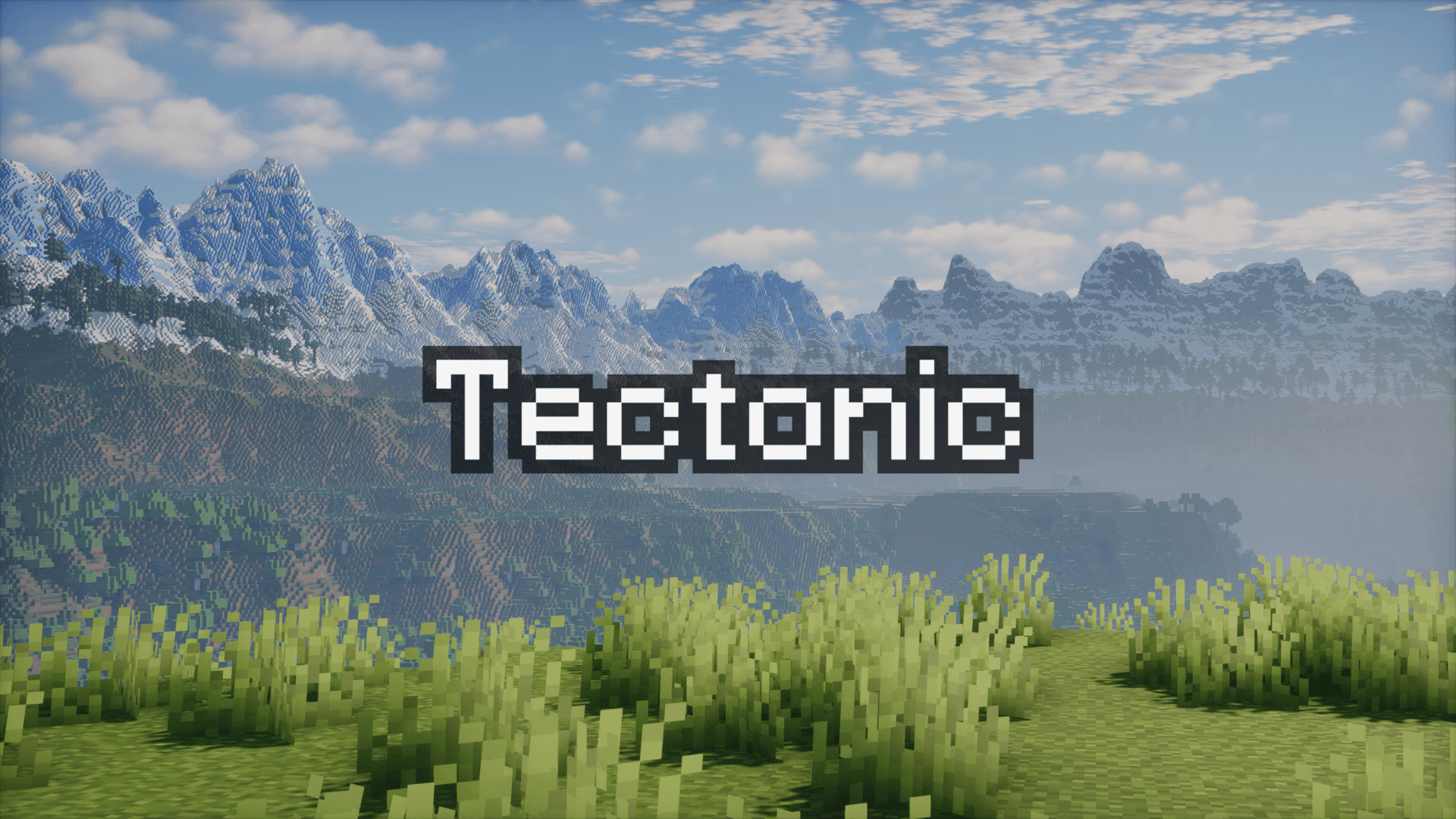

Modrinth · Fabric, Forge, NeoForge, Quilt
Tectonic auf deinem Minecraft Server
Tectonic läuft auf Minecraft Servern mit Fabric oder Forge oder NeoForge oder Quilt. Bestell deinen Server, stell den Loader im Panel ein und installiere die Mod mit einem Klick im Mod-Browser.
Terrain shaping brought to new heights, grander and more varied than ever before!
- Downloads
- 17.9M
- Autor
- Apollo
- Loader
- Fabric, Forge, NeoForge, Quilt
- Minecraft
- 1.18.2 – 26.3
- Aktualisiert
- –
Screenshots
So sieht Tectonic aus

Bilder: Tectonic auf Modrinth, vom Projektteam veröffentlicht.
Einrichtung
Tectonic auf dem Server installieren
Server und Spieler brauchen denselben Loader und dieselbe Minecraft-Version. Sichere die Welt, bevor du Mods hinzufügst oder aktualisierst.
- 01
Konfigurieren
6 GB RAM sind vorausgewählt. Laufzeit und Add-ons wählst du selbst, bezahlt wird per Kreditkarte oder PayPal.
- 02
Loader einstellen
Stell im Panel die Serversoftware auf Fabric oder Forge oder NeoForge oder Quilt und wähl die passende Minecraft-Version, zum Beispiel 26.3.
- 03
Mod installieren
Such im Mod-Browser nach „Tectonic“ und installiere die Version für deinen Loader. Alternativ lädst du die .jar per SFTP in den Ordner mods. Erforderliche Abhängigkeiten stehen auf der Projektseite.
- 04
Verbinden
Tectonic ist auf dem Client optional. Spieler verbinden sich über die Serveradresse aus dem Panel.
- Auf dem Server
- Erforderlich
- Auf dem Client
- Optional
- Loader
- Fabric, Forge, NeoForge, Quilt
- Minecraft
- 26.3, 26.2, 26.1.2 +31 weitere
- Lizenz
- MIT License
Das Panel
Mods installieren, Fehler finden.
Echte Screenshots aus dem Mado Panel. Beides ist bei jedem Minecraft Server enthalten.
Mod-Browser
Modrinth und CurseForge direkt im Panel.
Der Browser filtert nach deiner Minecraft-Version. Mods installierst du mit einem Klick, ohne .jar-Dateien hochzuladen.

KI-Crash-Analyse
Wenn ein Mod crasht, liest die Analyse das Log.
Mods scheitern oft an einer falschen Loader-Version, Java-Version oder fehlenden Abhängigkeit. Die Analyse nennt eine wahrscheinliche Ursache und einen Lösungsvorschlag.

Versionen
Veröffentlichte Versionen
Nimm die Datei, die zu Loader und Minecraft-Version deines Servers passt. Server und Spieler brauchen dieselbe Version.
Tectonic · Modrinth- v3.0.31 ~ Neoforge 26.327. September 2026Minecraft 26.3 · NeoForge
- v3.0.31 ~ Fabric 26.327. September 2026Minecraft 26.3 · Fabric
- v3.0.30 ~ Neoforge 26.326. September 2026Minecraft 26.3 · NeoForge
- v3.0.29 ~ Neoforge 26.321. September 2026Minecraft 26.3 · NeoForge
- v3.0.29 ~ Fabric 26.321. September 2026Minecraft 26.3 · Fabric
Originalbeschreibung des Projektautors
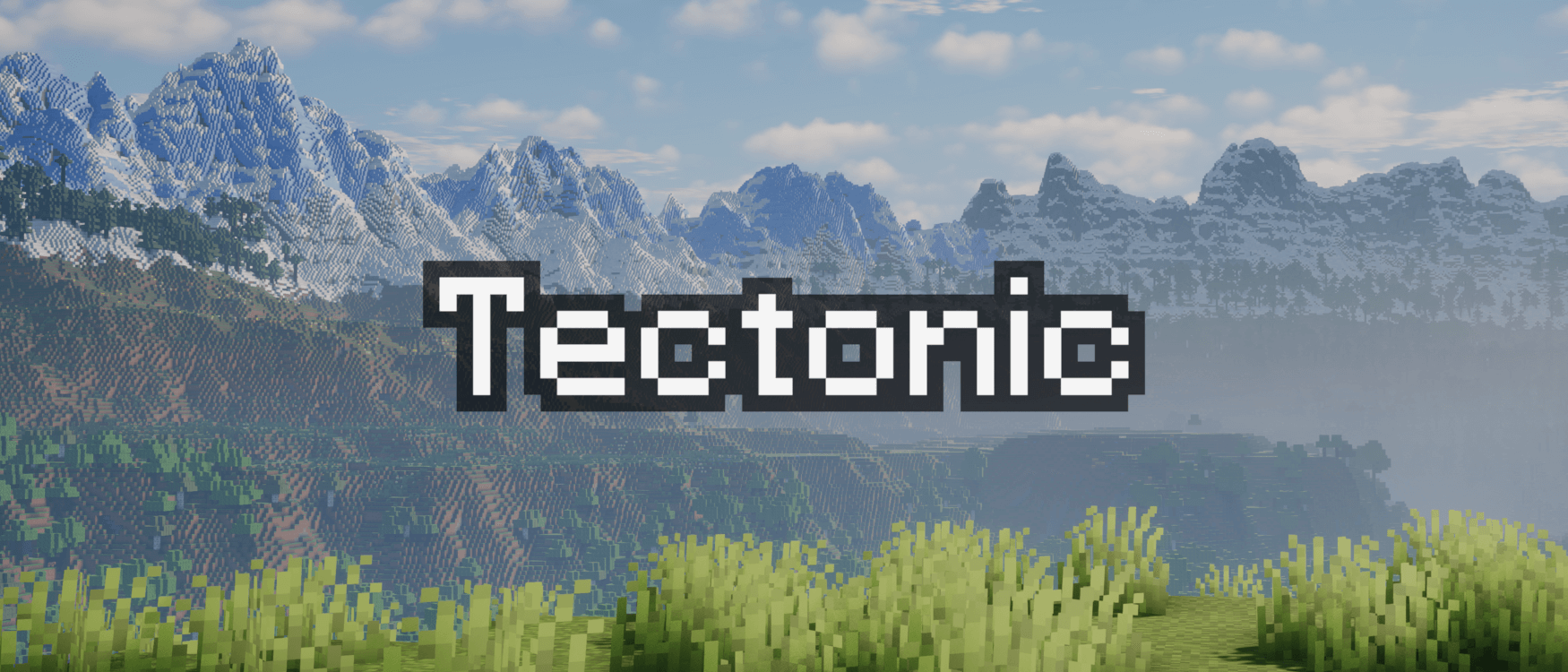
Welcome to Tectonic, a world generation project that aims to transform how terrain is shaped.
Important Notes
Tectonic's supported versions right now are 1.21.1 and 26.1. Other versions will not have issues fixed on them.
Biome Mod Compatibility
Most Biome Mods (BOP, RU, NS, BWG)
Tectonic is compatible with mods that rely on Terrablender or Biolith to add their biomes to worldgen. This includes Biomes O Plenty, Regions Unexplored, Nature's Spirit, and more.
Terralith
Tectonic has a special version with Terralith compatibility. This version is shipped in the mod version of Tectonic, but it is available as a standalone datapack here.
CliffTree
On 1.20, Tectonic and Clifftree are not compatible.
On 1.21, Tectonic needs some small tweaks to work with CliffTree. These tweaks are shipped with the mod version of Tectonic, but they are available as a datapack here.
Features
The mod version of Tectonic has a config for editing many of the following features. Tectonic v3 has a config screen, making it easier than ever to know what certain fields do and to configure them in-game.
Continents and Islands
In Tectonic v3, terrain forms into continent-like landmasses. Continents will generate thousands to tens of thousands of blocks wide, tailored to account for the project's massive mountain ranges and new terrain types.
In the oceans between continents you'll find relatively smaller "islands", ranging up to around a thousand blocks across. These islands use vanilla's mountain terrain shaping, now making it possible to find traditional mountain rings.
With Terralith installed, these islands spawn Calderas and Volcanoes!
Deeper Oceans
Oceans are much deeper than they are in vanilla, with deep oceans even extending into the deepslate layer! Deep oceans in particular have more varied terrain, featuring overhangs and valleys.
If the mod version is installed, vanilla Ocean Monuments will generate deeper to compensate for the deeper oceans.
Mountain Ranges
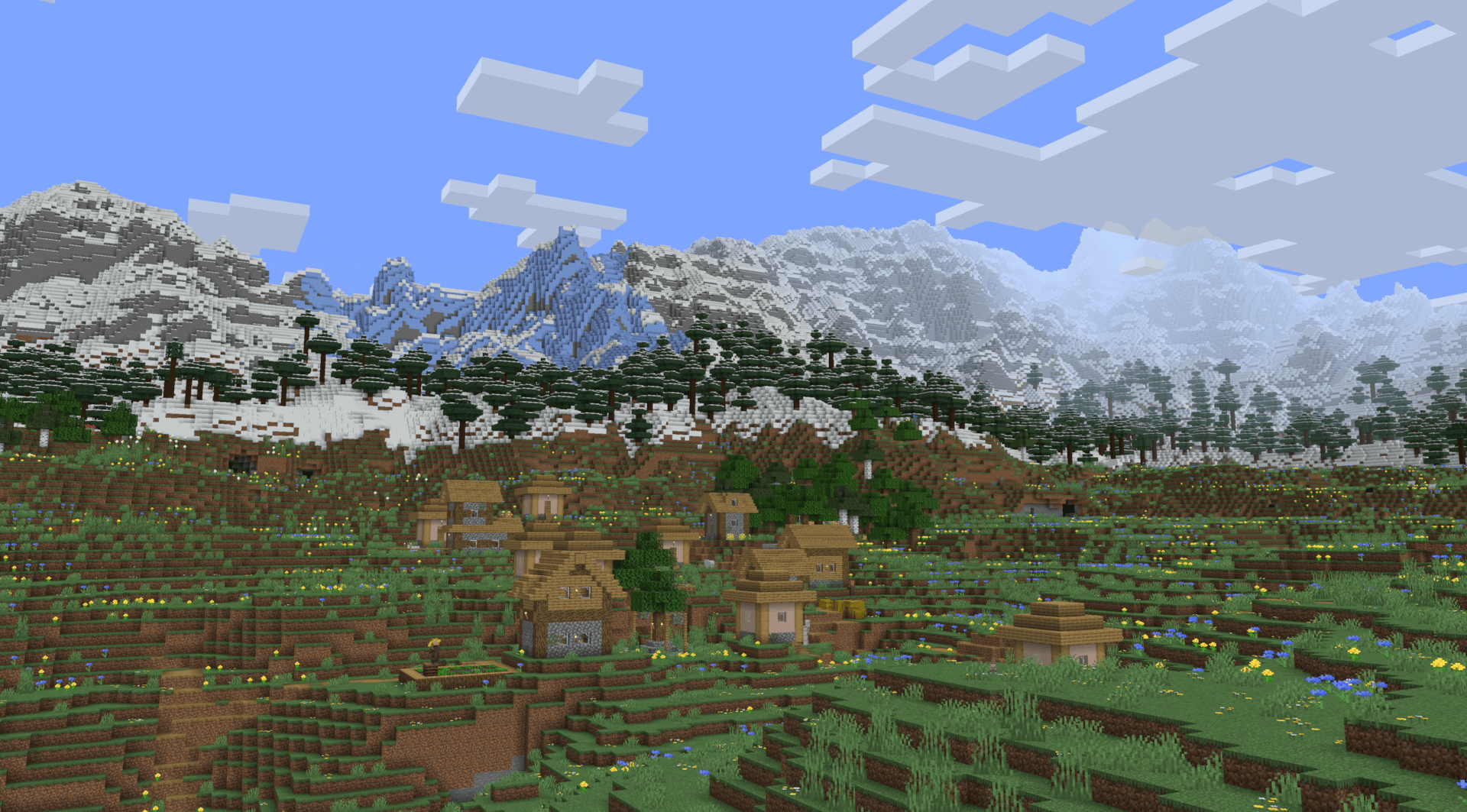
The biggest highlight of Tectonic's terrain is the massive mountain ranges. They can stretch for tens of thousands of blocks, going high enough to approach the build limit!
Underground Rivers
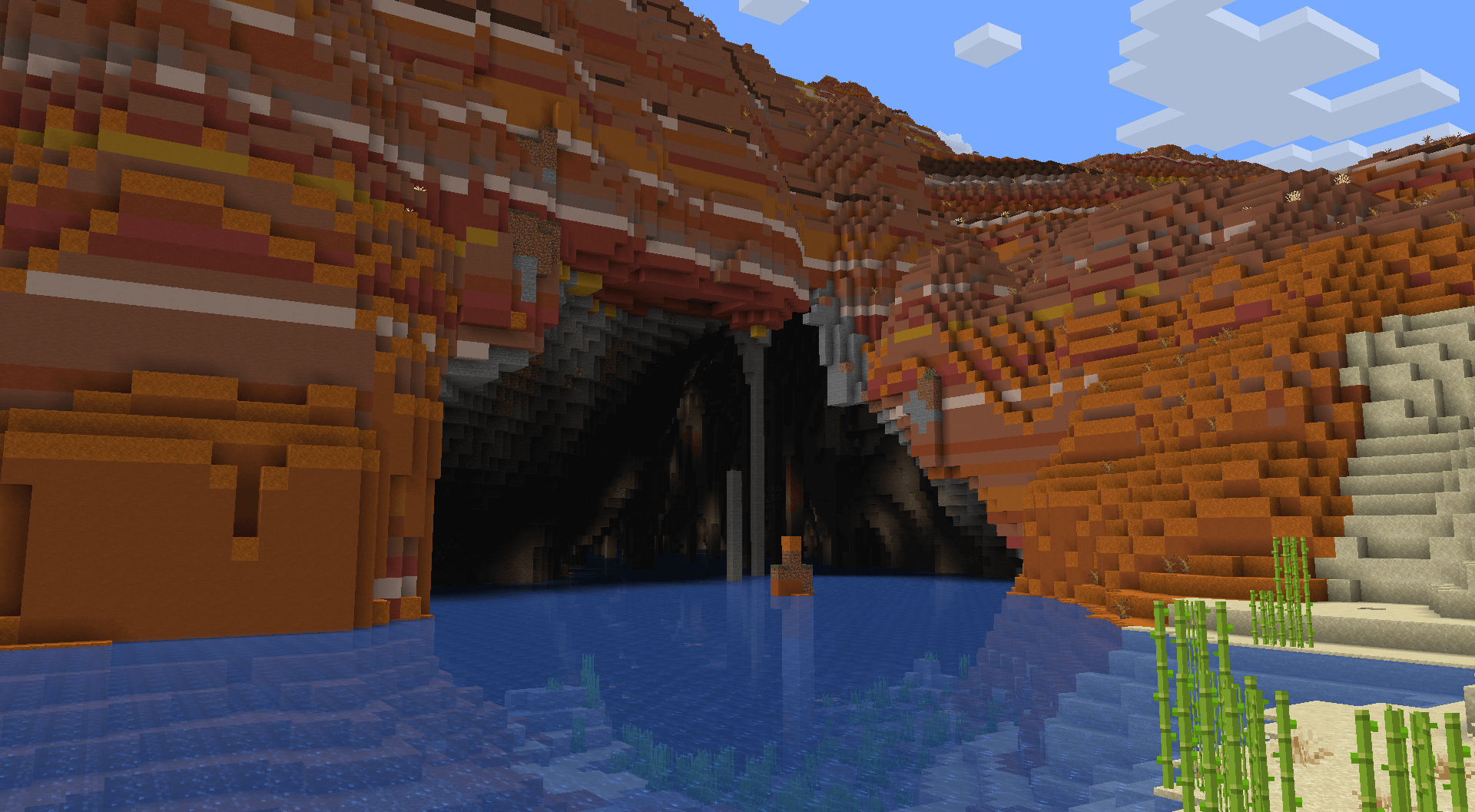
In mountainous terrain that is too towering to allow regular river generation, terrain gets carved for rivers to continue underground. These link right up to the regular rivers, so there's no interruption in exploring along rivers. These rivers vary vastly in size and shape.
If the mod version is installed, these will have increased glow lichen and rare areas with lanterns!
Lava Tunnels
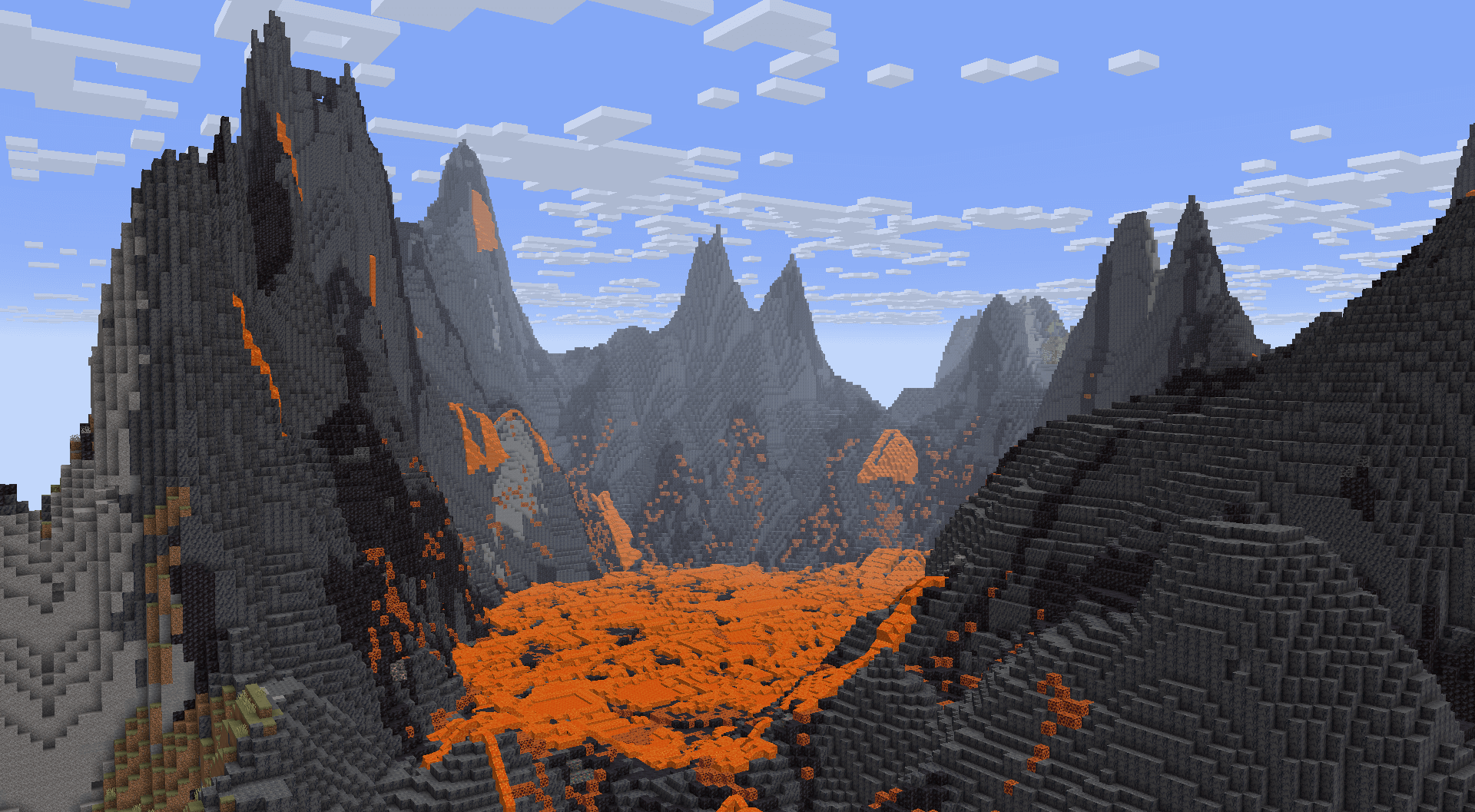
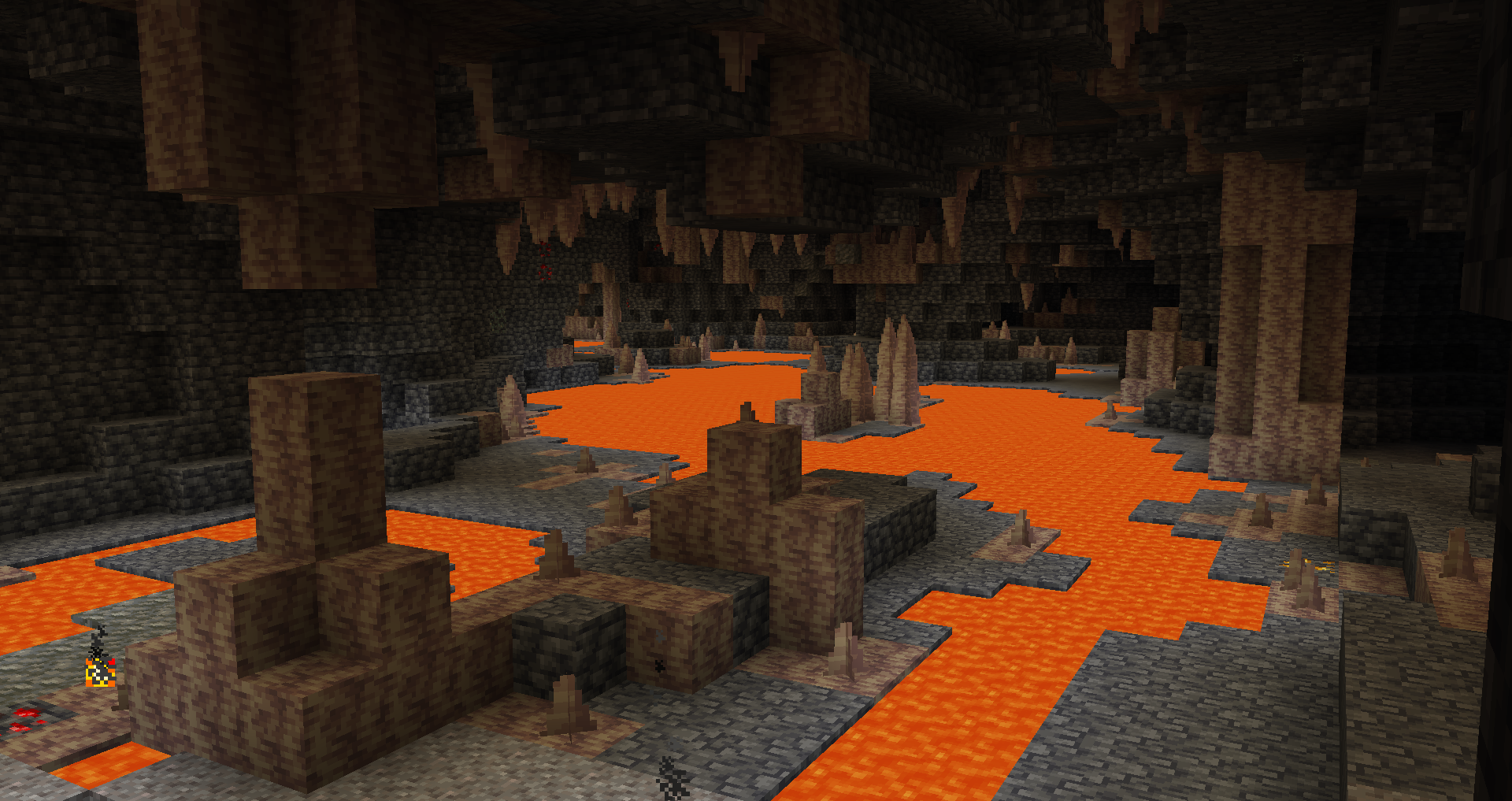
Very deep underground, you can find a deeper variant of underground rivers with different shaping and lava instead of water.
Jungle Pillars
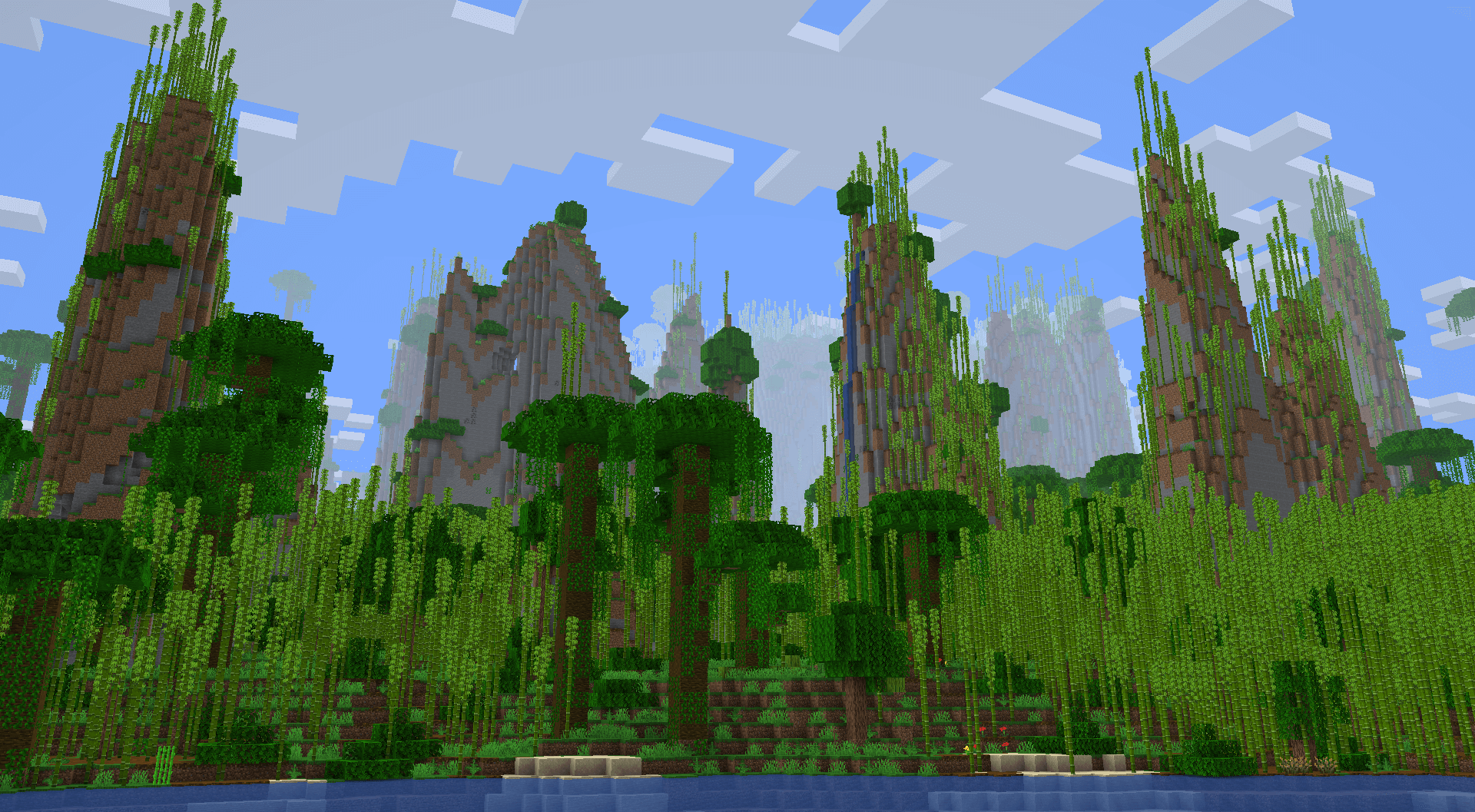
Some jungles feature massive pillars that can extend upwards of a hundred blocks tall!
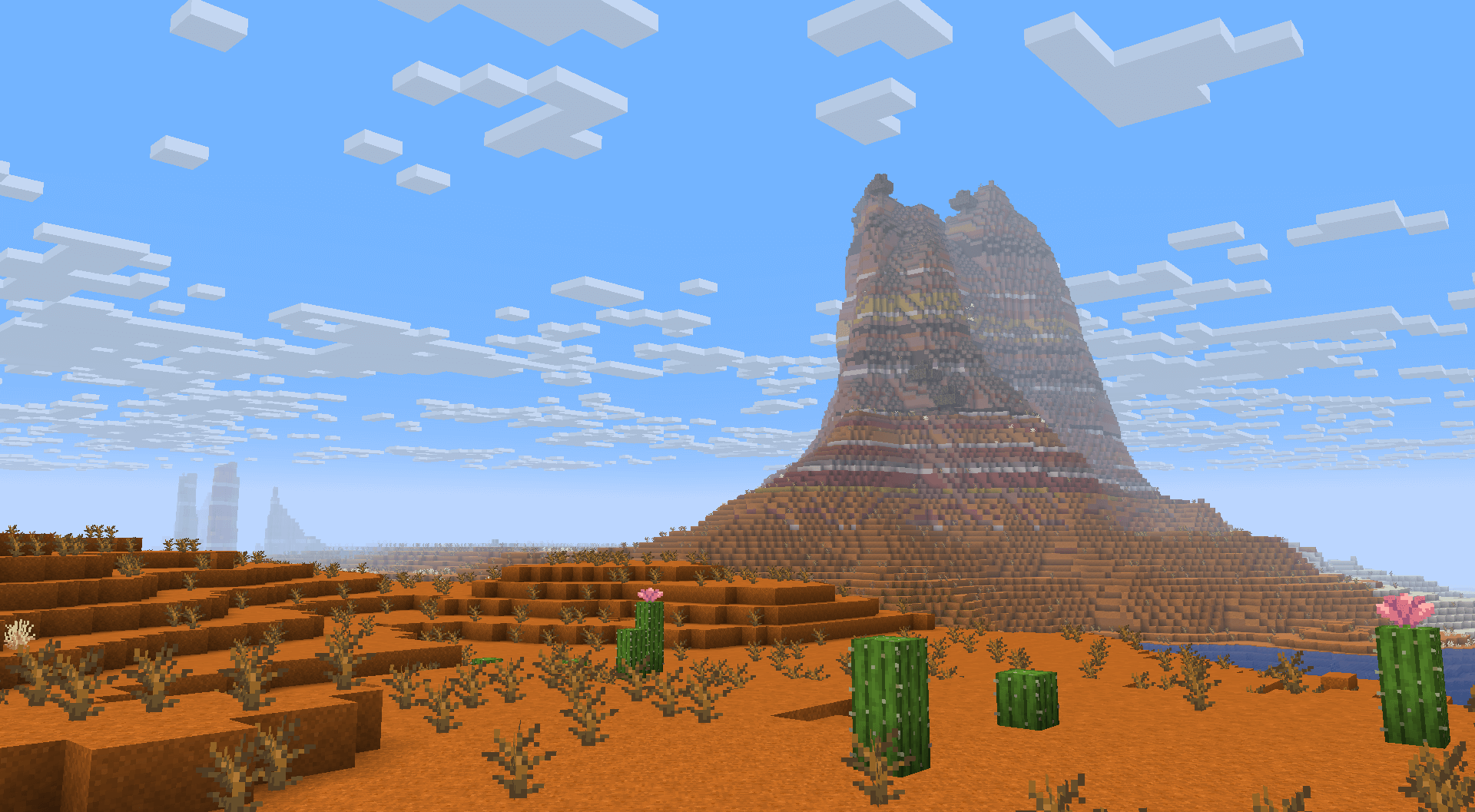
Canyons
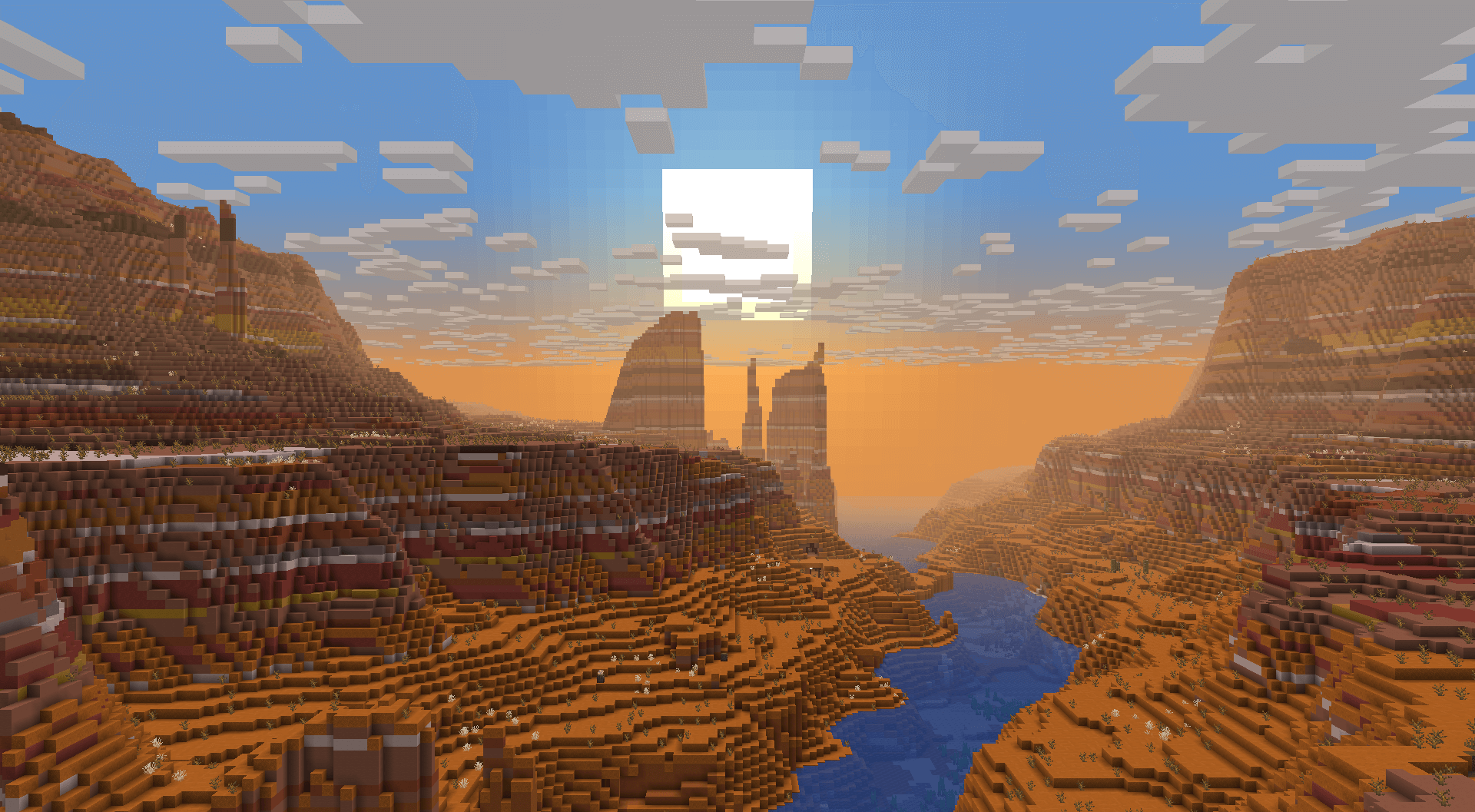
Some badlands will generate very large canyons, making them a spectacle to find and travel through.
Dunes
Most deserts will generate smooth, rolling dunes.
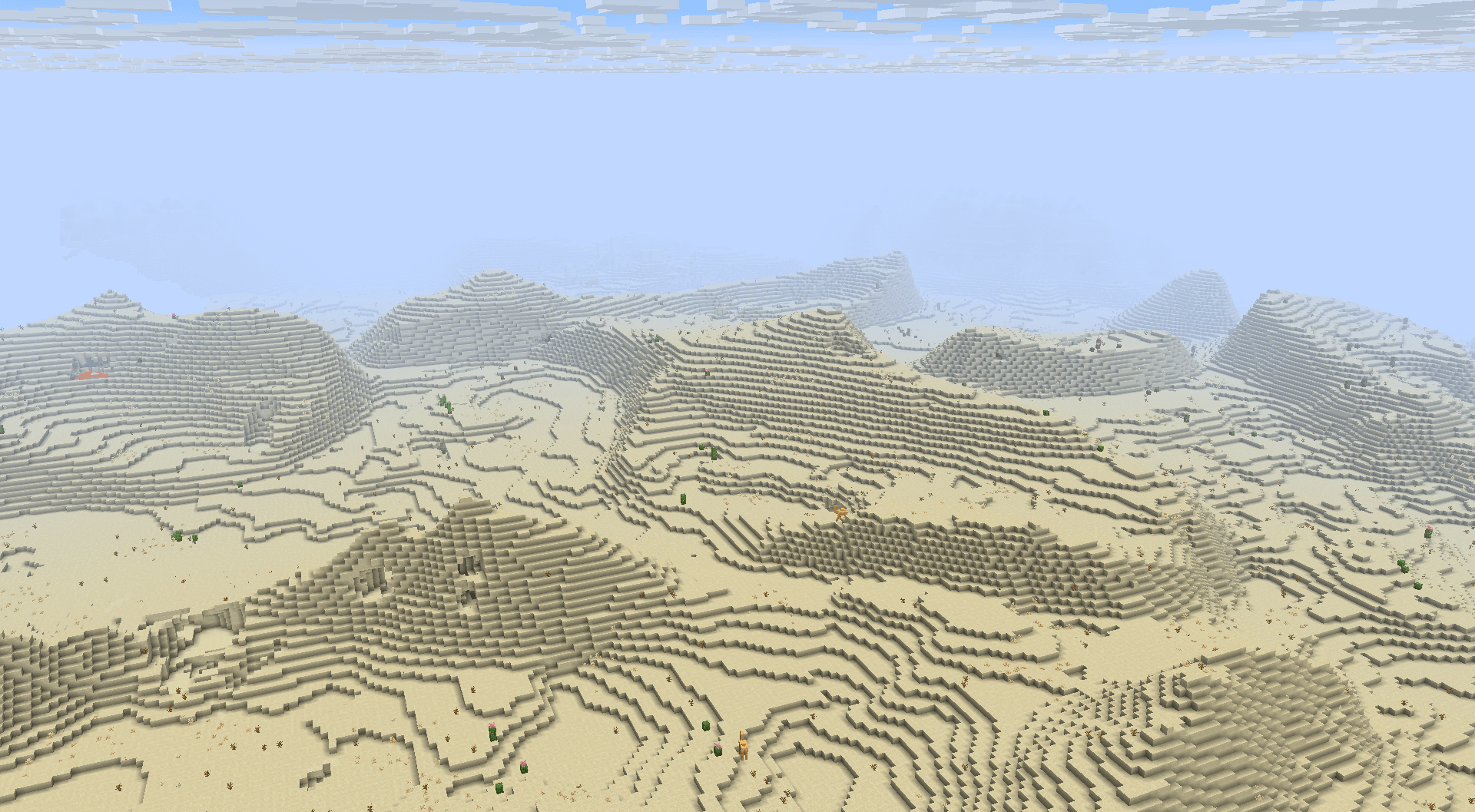
Plateaus
In some areas, towering 2-3 tiered plateaus will generate. These plateaus will sometimes have smoother "ramps" to make exploration in survival more accessible.
Badlands also feature isolated plateaus, not directly bound to nearby rivers.
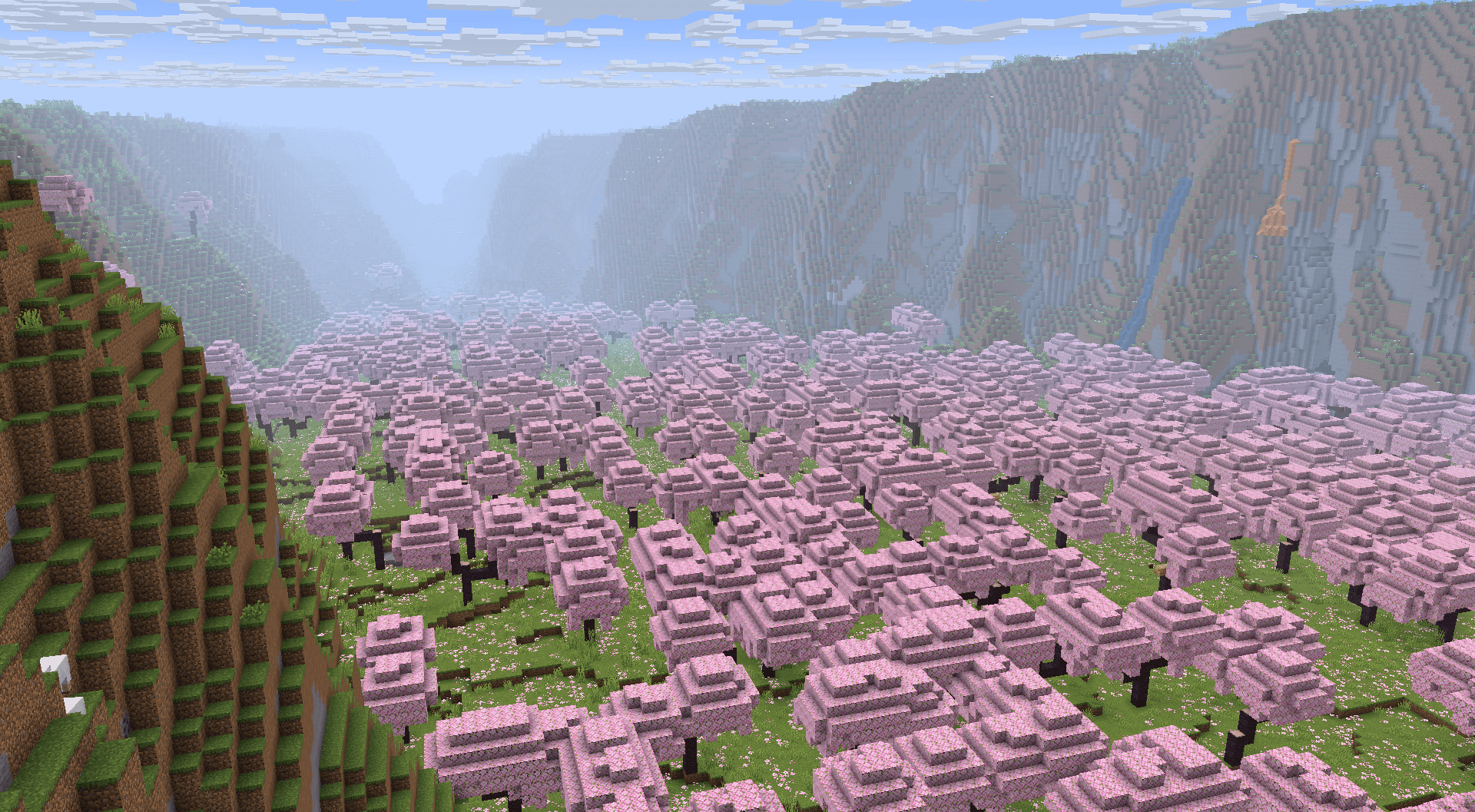
Valleys
While plateaus usually elevate plateau biomes, some Cherry Groves and Pale Gardens have the plateaus surround the biome, turning the biome into a valley.
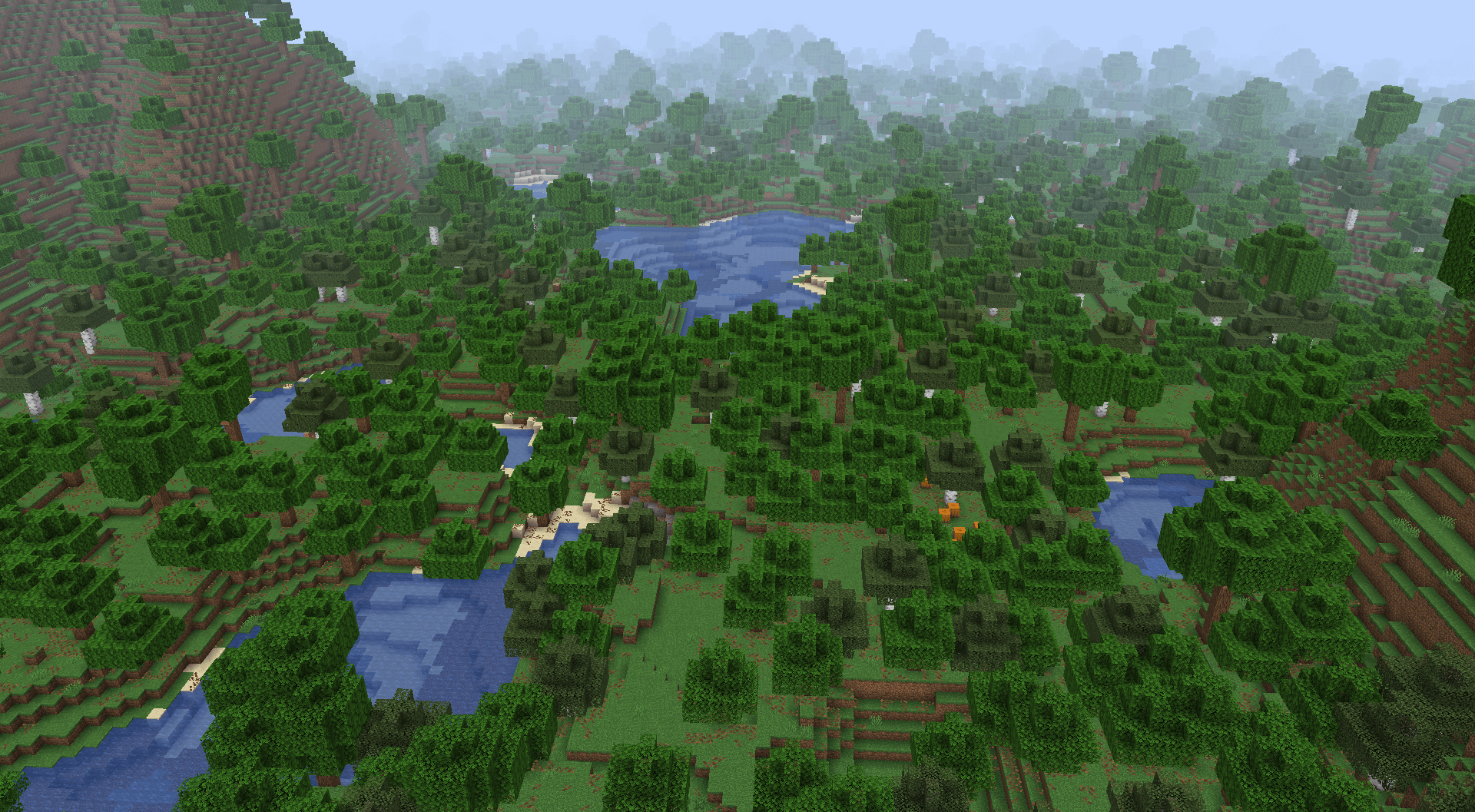
Wetlands
Some forest, jungle and taiga biomes generate very close to sea level and generate frequent ponds and lakes.
Tectonic Server crasht beim Start – was tun?
Häufige Ursachen: Loader- oder Minecraft-Version passen nicht zur Mod-Datei, eine Abhängigkeit fehlt oder der RAM reicht nicht. Such im Log (latest.log) nach „OutOfMemoryError“, „Mixin“ oder fehlenden Mods. Bei Mado wertet die KI-Crash-Analyse das Log aus und schlägt eine Ursache vor. Loader und Version änderst du im Panel.
Mit welchem Loader läuft Tectonic?
Laut Modrinth unterstützt Tectonic Fabric, Forge, NeoForge, Quilt für Minecraft 26.3, 26.2, 26.1.2. Forge- und Fabric-Dateien sind nicht untereinander austauschbar: Wähl einen Loader für Server und Clients.
Wie viel RAM braucht ein Server mit Tectonic?
Als Orientierung 4–6 GB für einen Server mit dieser Mod. Das ist eine Schätzung, keine gemessene Mindestanforderung. Weitere Mods, viele Spieler und große Sichtweiten brauchen mehr. Ob eine Mod die Tick-Zeit belastet, siehst du mit dem spark-Profiler.
Ähnliche Mods
Beliebte Mods aus derselben Kategorie
 Server-fähig

Xaero's Minimap
von thexaero
Displays a map of the nearby world terrain, players, mobs, entities in the corner of your screen. Lets you create waypoints which help you find the locations you've marked.
 Server-fähig

Xaero's World Map
von thexaero
Adds a full screen world map which shows you what you have explored in the world. Works great together with Xaero's Minimap.
 Nur Client

Not Enough Animations
von tr7zw
Bringing first-person animations to the third-person
 Nur Client

3D Skin Layers
von tr7zw
Render the player skin layer in 3d!
Bereit für deinen Server mit Tectonic?
6 GB RAM ab 12,00 € im Monat. 35 % auf den 1. Monat mit MADO35.