
Tectonic
Terrain shaping brought to new heights, grander and more varied than ever before!
Screenshots
About this Mod
Welcome to Tectonic, a world generation project that aims to transform how terrain is shaped.
Important Notes
Tectonic's supported versions right now are 1.21.1 and 26.1. Other versions will not have issues fixed on them.
Biome Mod Compatibility
Most Biome Mods (BOP, RU, NS, BWG)
Tectonic is compatible with mods that rely on Terrablender or Biolith to add their biomes to worldgen. This includes Biomes O Plenty, Regions Unexplored, Nature's Spirit, and more.
Terralith
Tectonic has a special version with Terralith compatibility. This version is shipped in the mod version of Tectonic, but it is available as a standalone datapack here.
CliffTree
On 1.20, Tectonic and Clifftree are not compatible.
On 1.21, Tectonic needs some small tweaks to work with CliffTree. These tweaks are shipped with the mod version of Tectonic, but they are available as a datapack here.
Features
The mod version of Tectonic has a config for editing many of the following features. Tectonic v3 has a config screen, making it easier than ever to know what certain fields do and to configure them in-game.
Continents and Islands
In Tectonic v3, terrain forms into continent-like landmasses. Continents will generate thousands to tens of thousands of blocks wide, tailored to account for the project's massive mountain ranges and new terrain types.
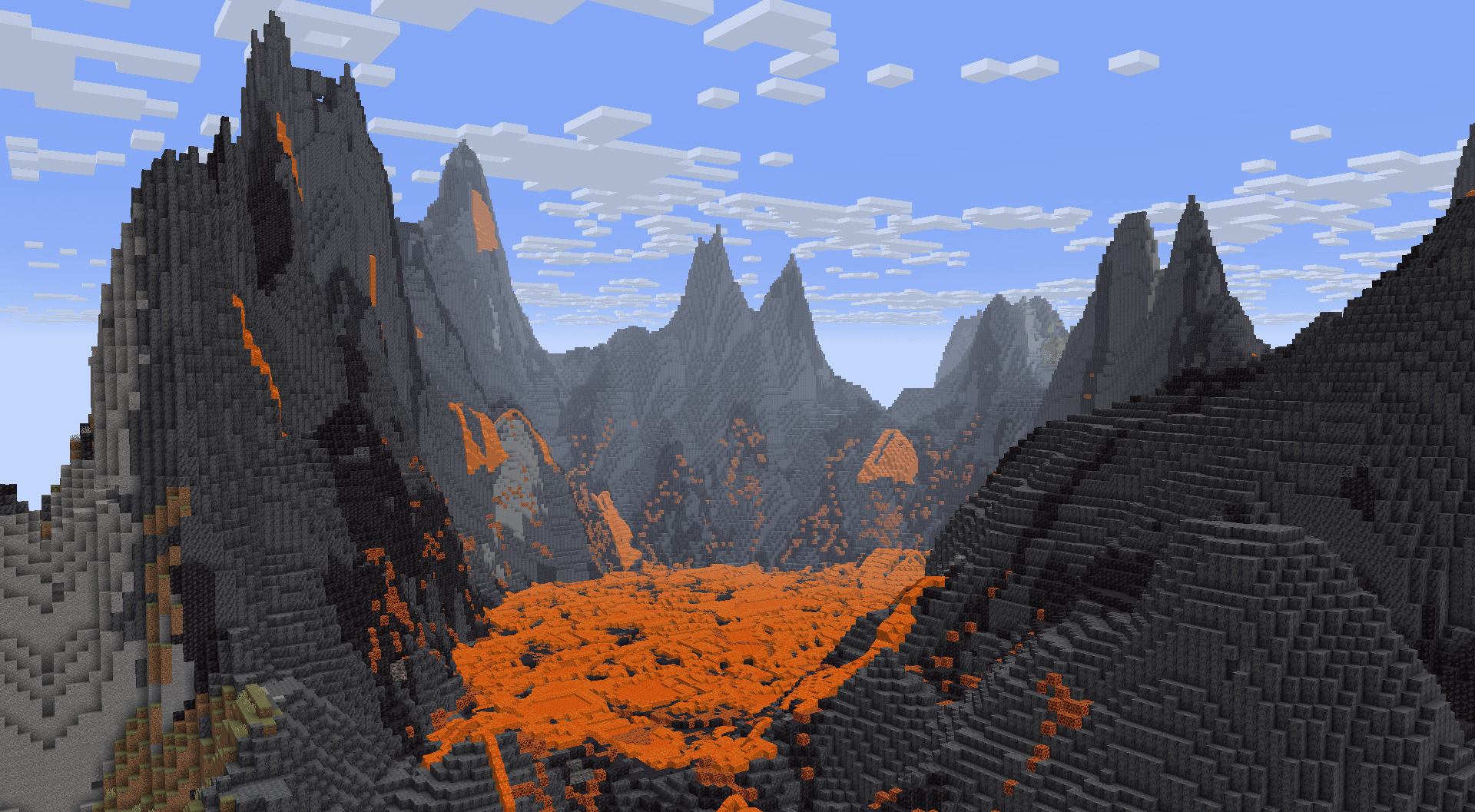
In the oceans between continents you'll find relatively smaller "islands", ranging up to around a thousand blocks across. These islands use vanilla's mountain terrain shaping, now making it possible to find traditional mountain rings.
With Terralith installed, these islands spawn Calderas and Volcanoes!
Deeper Oceans
Oceans are much deeper than they are in vanilla, with deep oceans even extending into the deepslate layer! Deep oceans in particular have more varied terrain, featuring overhangs and valleys.
If the mod version is installed, vanilla Ocean Monuments will generate deeper to compensate for the deeper oceans.
Mountain Ranges
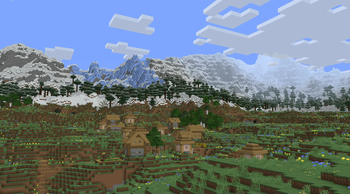
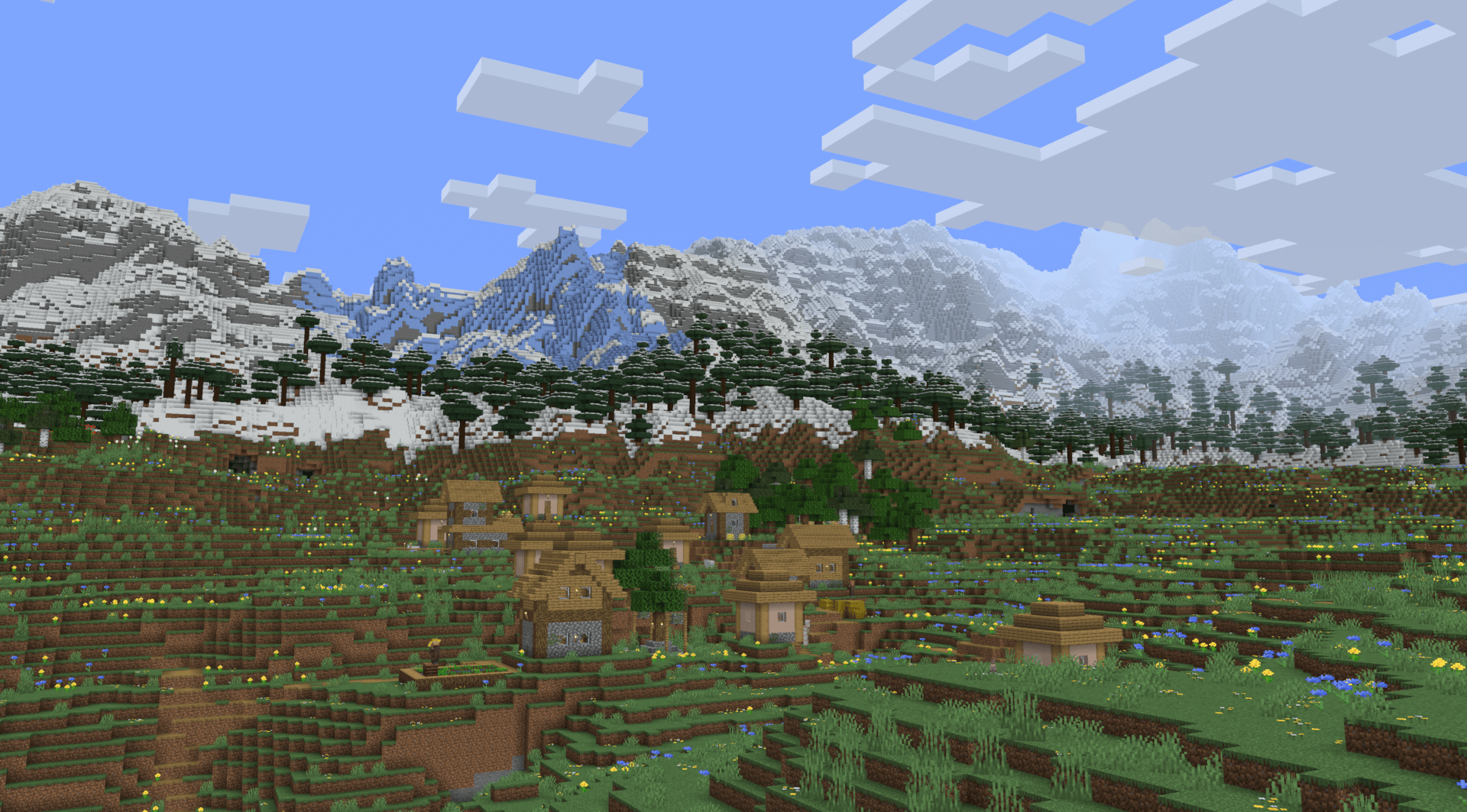
The biggest highlight of Tectonic's terrain is the massive mountain ranges. They can stretch for tens of thousands of blocks, going high enough to approach the build limit!
Underground Rivers
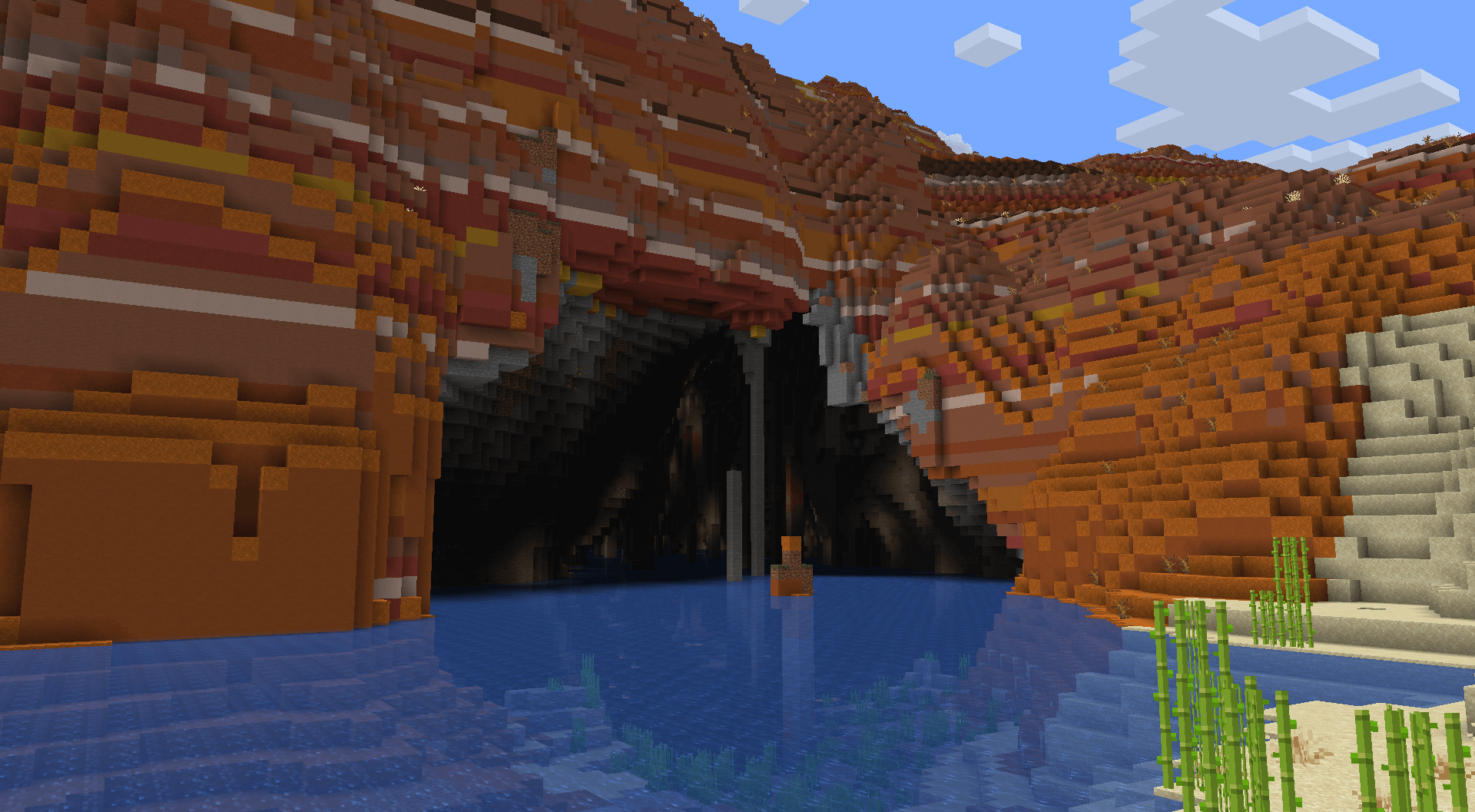
In mountainous terrain that is too towering to allow regular river generation, terrain gets carved for rivers to continue underground. These link right up to the regular rivers, so there's no interruption in exploring along rivers. These rivers vary vastly in size and shape.
If the mod version is installed, these will have increased glow lichen and rare areas with lanterns!
Lava Tunnels
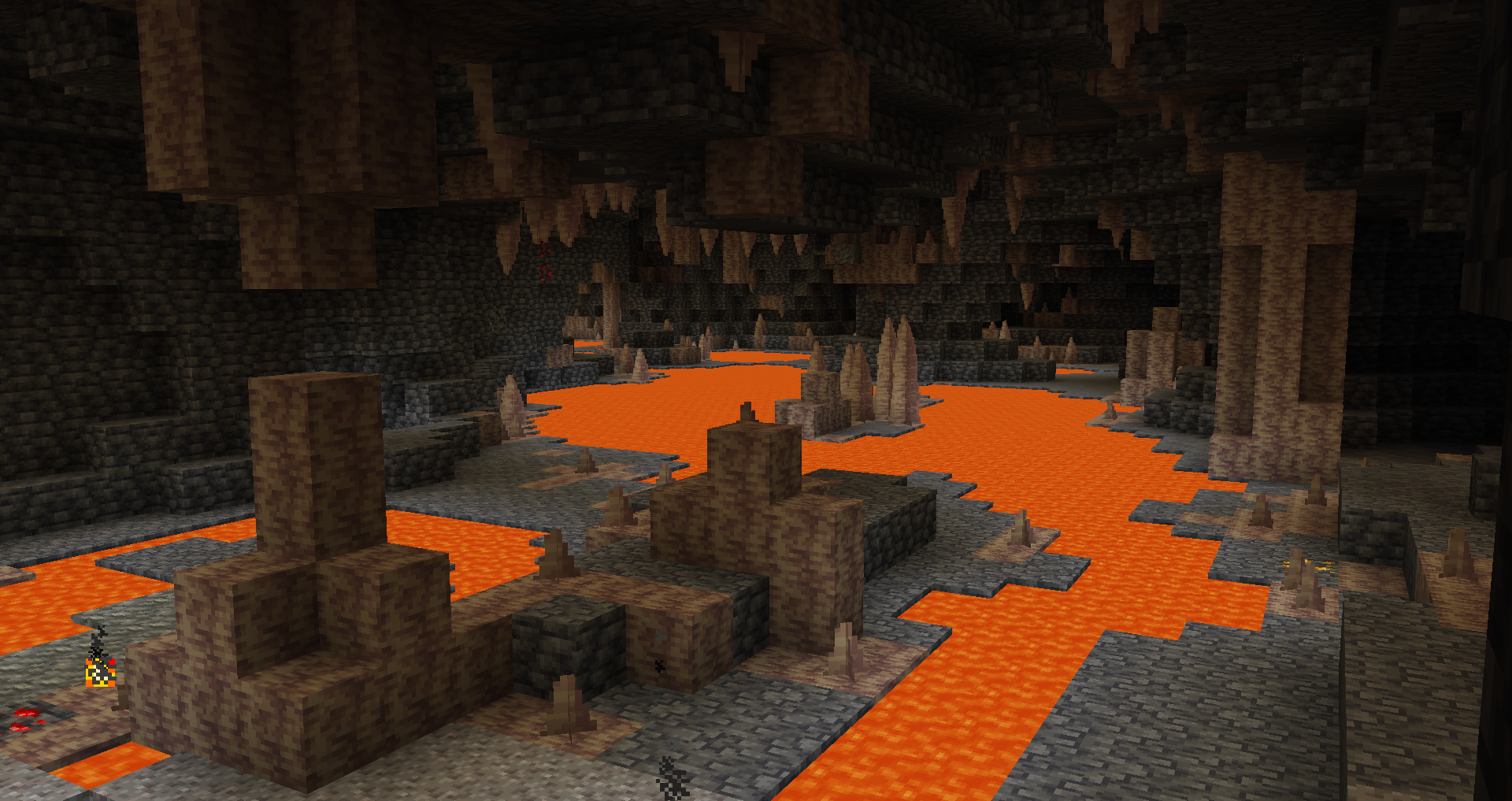
Very deep underground, you can find a deeper variant of underground rivers with different shaping and lava instead of water.
Jungle Pillars
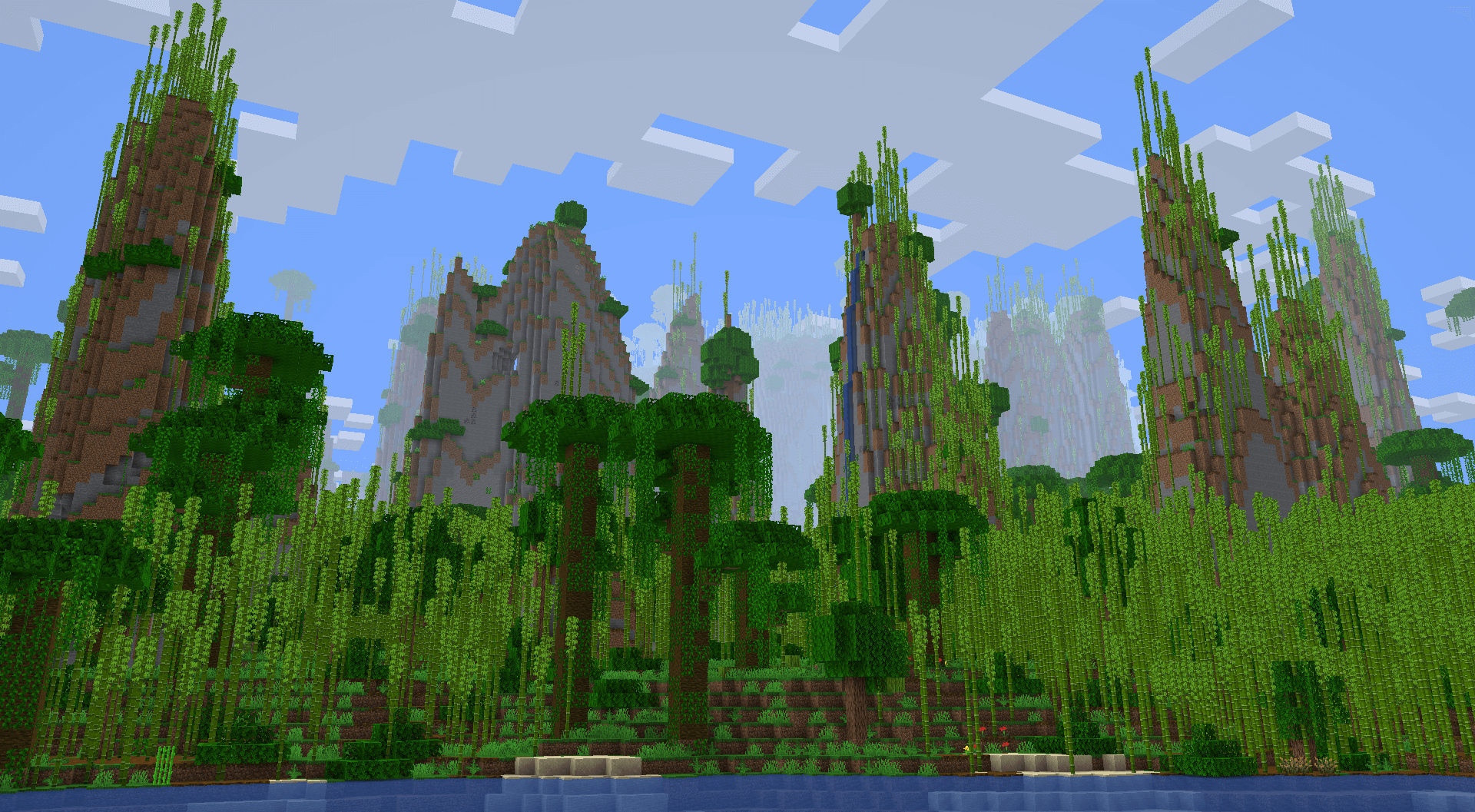
Some jungles feature massive pillars that can extend upwards of a hundred blocks tall!
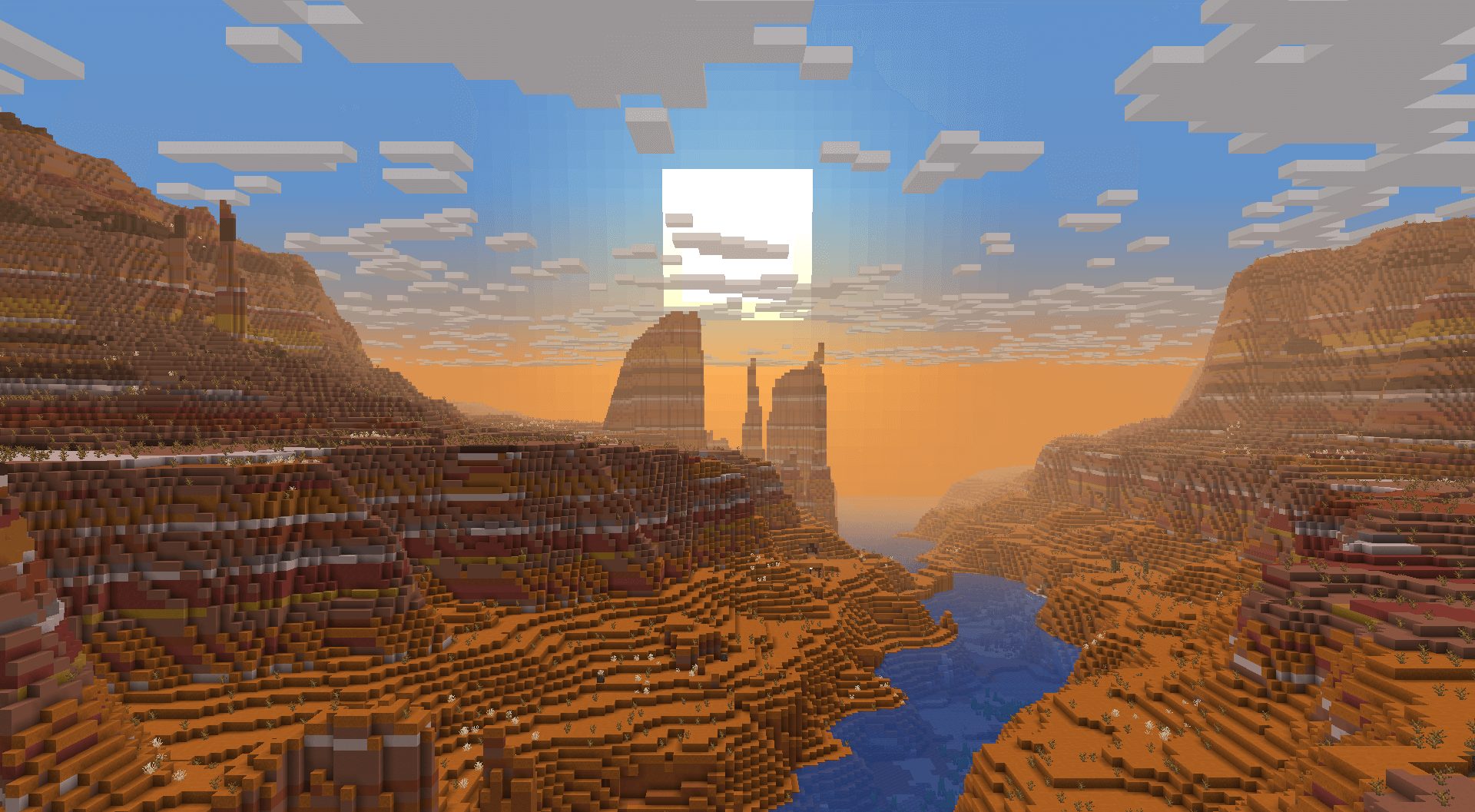
Canyons
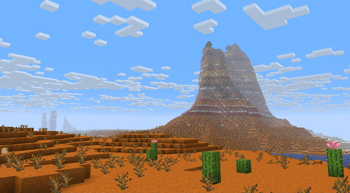
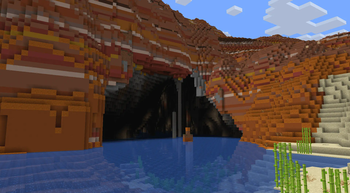
Some badlands will generate very large canyons, making them a spectacle to find and travel through.
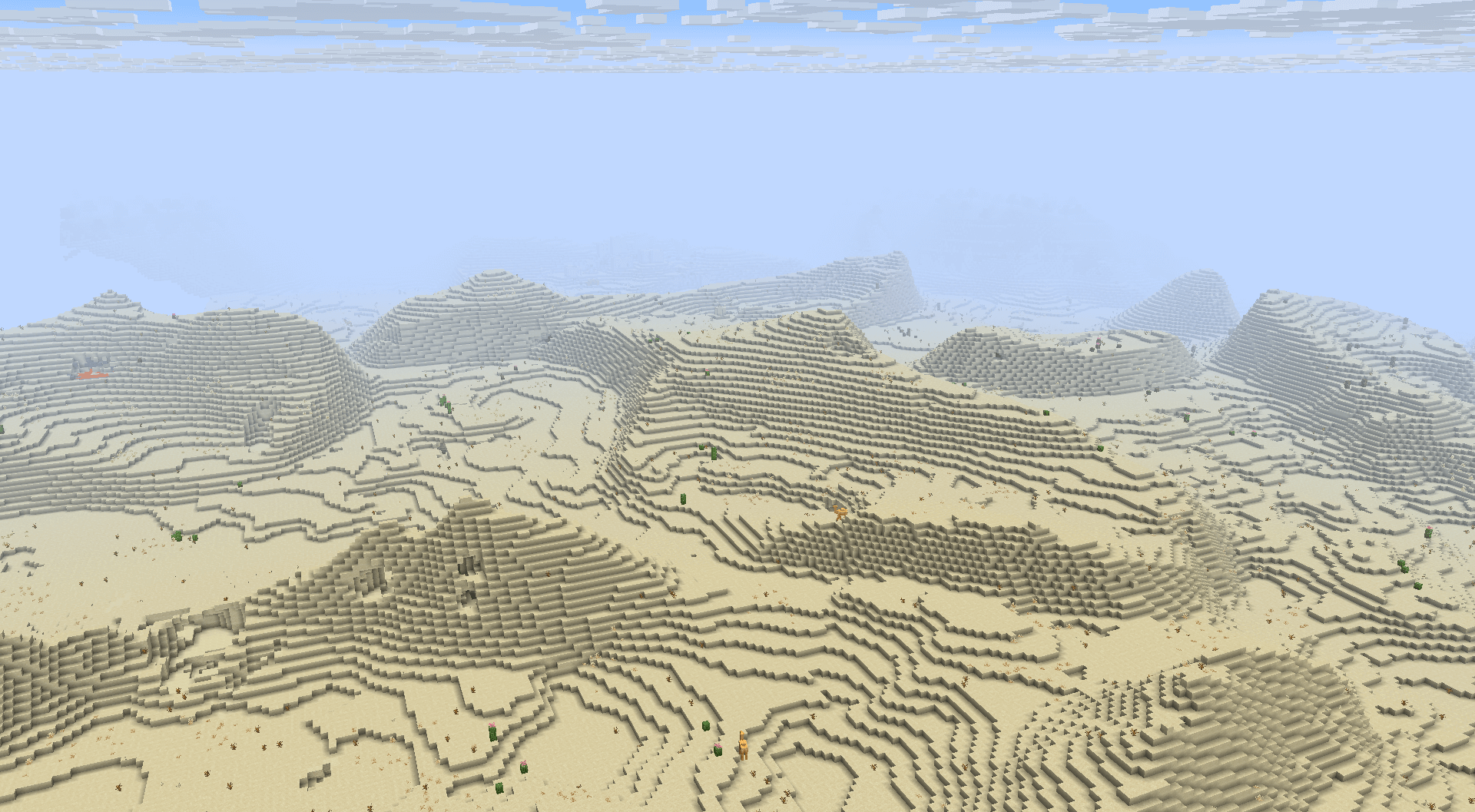
Dunes
Most deserts will generate smooth, rolling dunes.
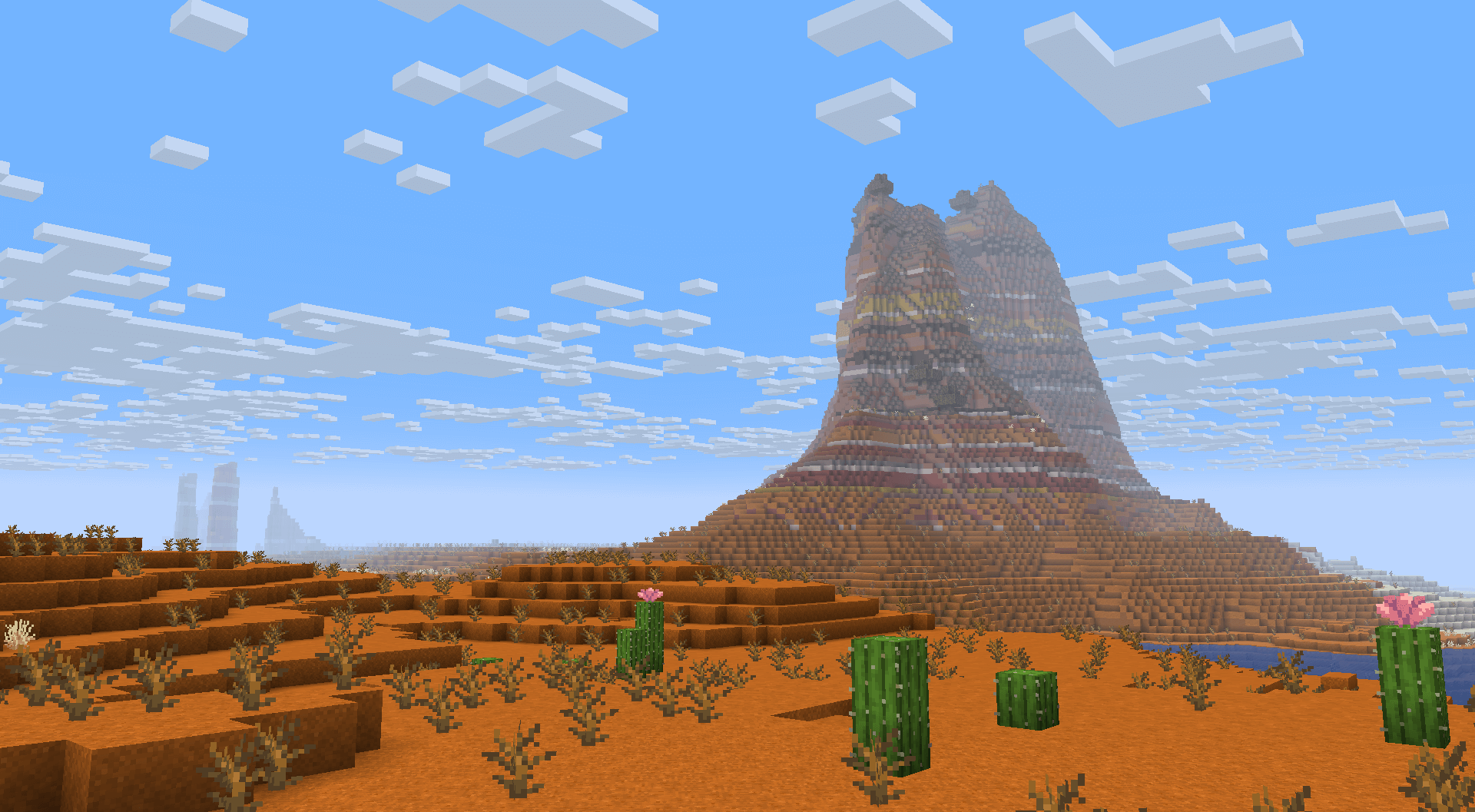
Plateaus
In some areas, towering 2-3 tiered plateaus will generate. These plateaus will sometimes have smoother "ramps" to make exploration in survival more accessible.
Badlands also feature isolated plateaus, not directly bound to nearby rivers.
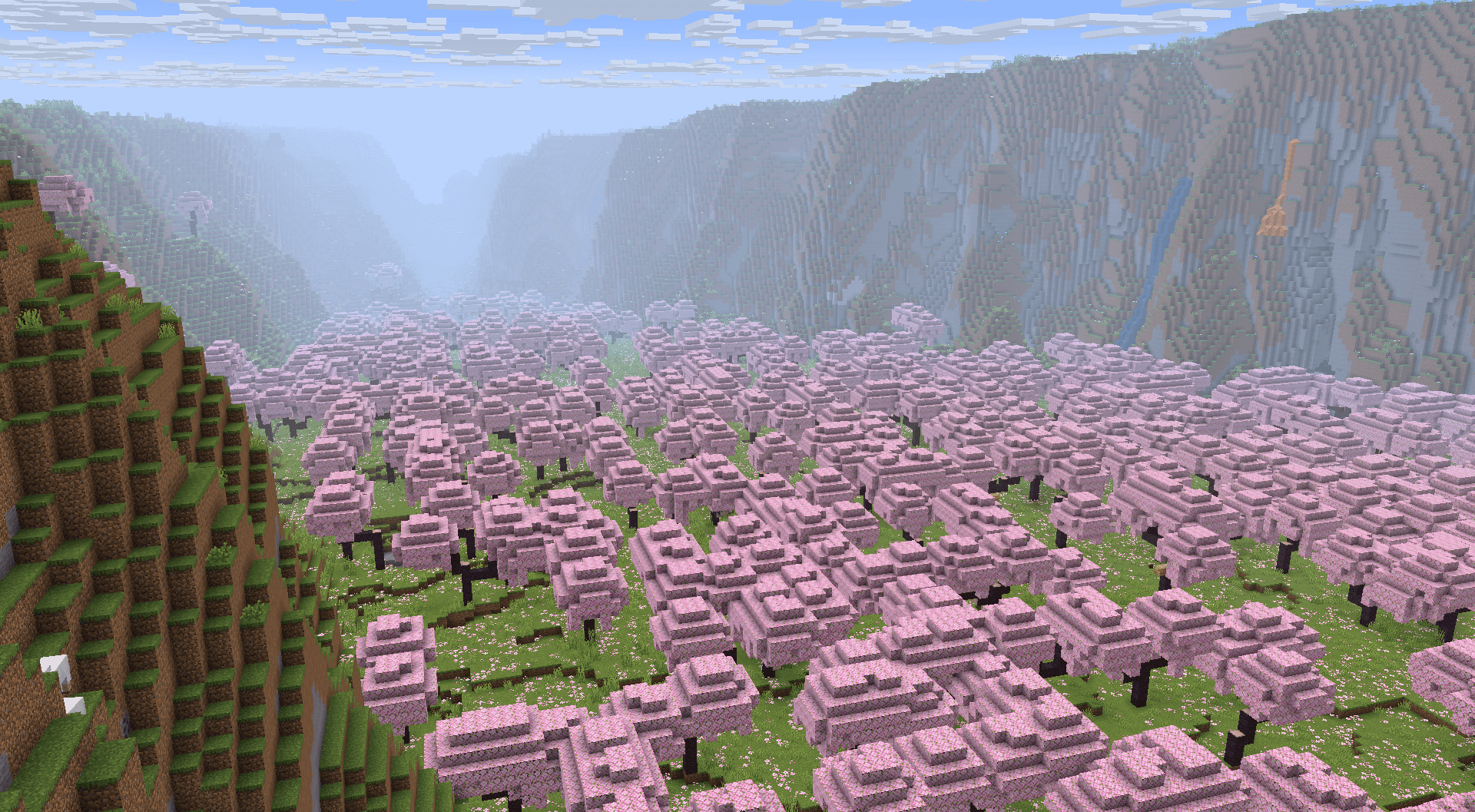
Valleys
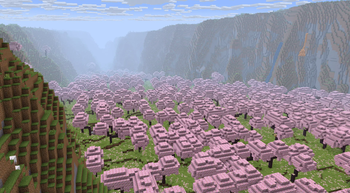
While plateaus usually elevate plateau biomes, some Cherry Groves and Pale Gardens have the plateaus surround the biome, turning the biome into a valley.
Wetlands
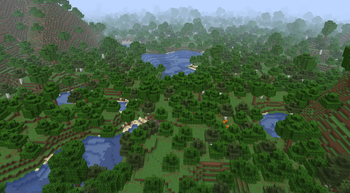
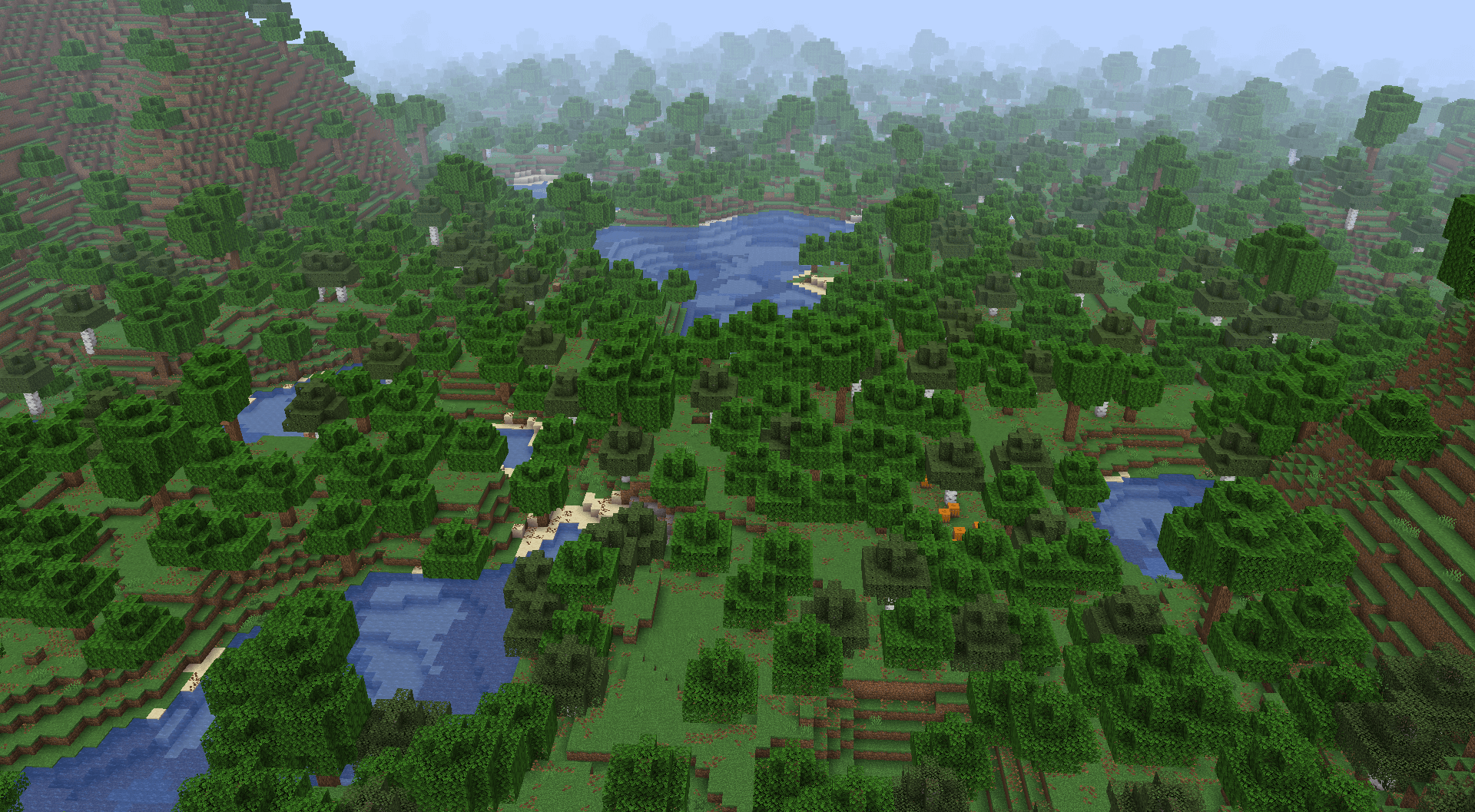
Some forest, jungle and taiga biomes generate very close to sea level and generate frequent ponds and lakes.
Available Versions
How to Install Tectonic on Your Server
Order Server
Order a Minecraft Java server with at least 4 GB RAM (6 GB recommended).
Set datapack Loader
In the panel under "Egg", select the datapack loader and matching Minecraft version (26.3).
Install Mod
Open the mod browser in the dashboard and search for "Tectonic". Click "Install" – done! Alternatively, upload the .jar via SFTP to the /mods folder.
Compatibility
Mod Loaders
Minecraft Versions
26.3, 26.2, 26.1.2 (+31 more)
Server-side
✓ RequiredRecommended RAM
6 GB(min. 4 GB)Frequently Asked Questions
Tectonic server crashes on startup – what to do?
Most common cause: wrong datapack version or insufficient RAM. Check the server log (latest.log) for "OutOfMemoryError" or "Mixin" errors. With Mado Hosting: ensure at least 4 GB RAM is allocated and the loader matches the mod version (26.3). You can switch loaders with one click in the panel.
Is Tectonic compatible with datapack and fabric and forge and neoforge and quilt?
Tectonic officially supports datapack, fabric, forge, neoforge, quilt for Minecraft 26.3, 26.2, 26.1.2. Note: Forge and Fabric mods are NOT cross-compatible – pick one loader and stick with it. The Mado dashboard automatically detects incompatible loader combinations.
Server lagging with Tectonic – how to optimize performance?
Recommended RAM: 6 GB (per 5 players). Use /spark profiler to check if Tectonic consumes the most tick time. Common fixes: reduce server view-distance to 8-10, install "performant" or "starlight" as supplementary mods on Forge. With Mado Hosting, your server runs on NVMe SSDs with dedicated CPU cores for minimal latency.
Similar Mods




Rent Modded Server
Install Tectonic with just one click on your server.