
Templates 2
Retexturable blocks powered by the Fabric Rendering API
Screenshots
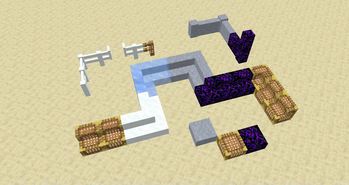
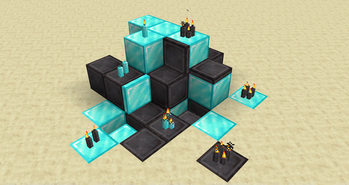
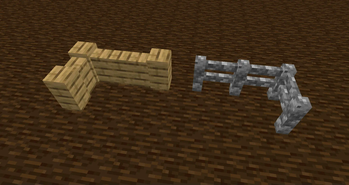
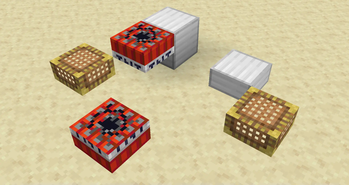
Über diese Mod
| version | loader availability | note |
|---|---|---|
| 1.21.1 | Fabric | |
| 1.20.4 | Fabric | (unmaintained) |
| 1.20.1 | Fabric |
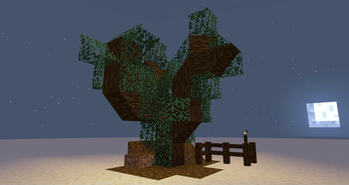
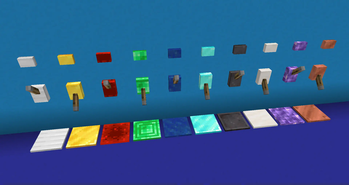
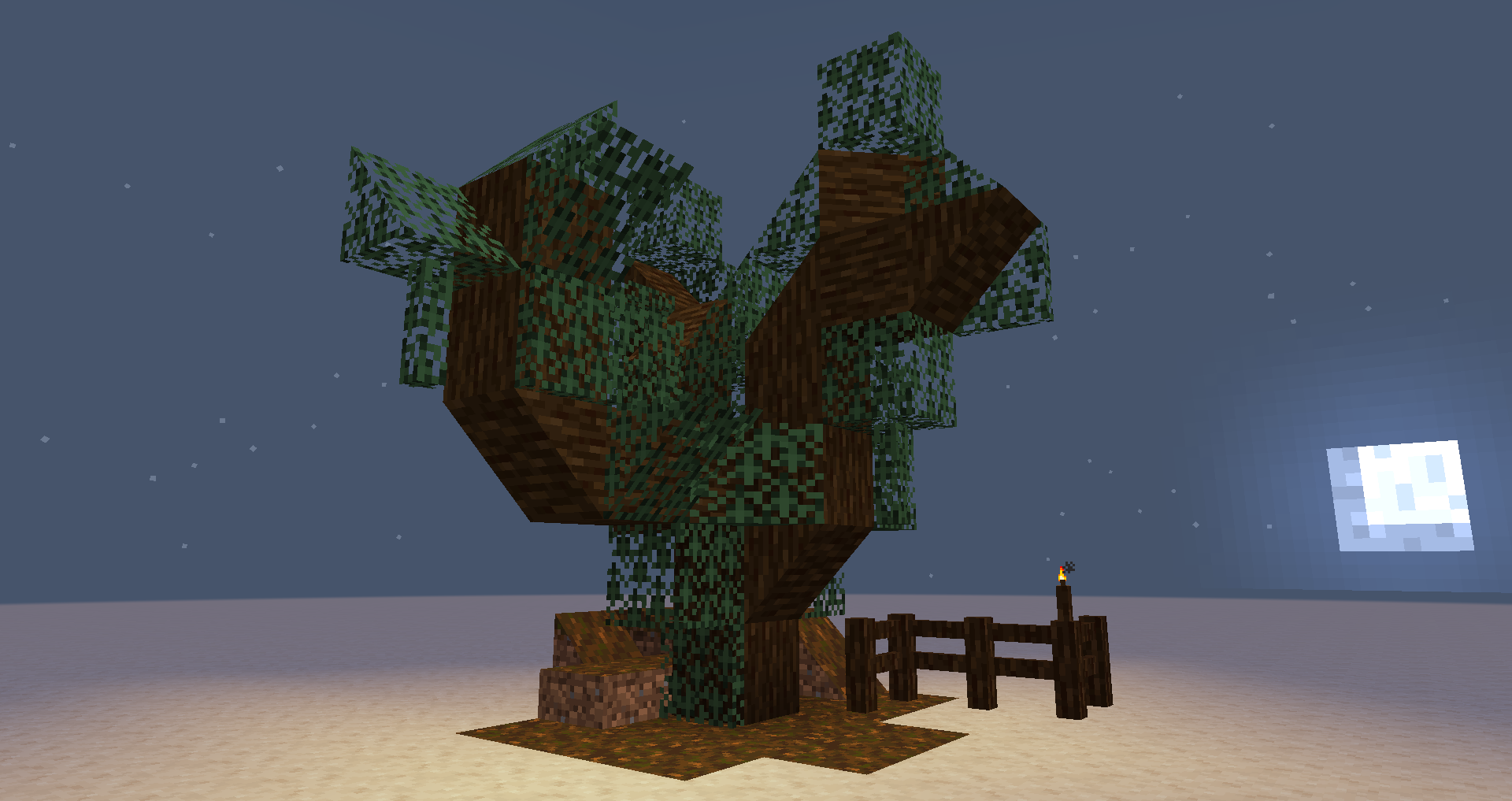
Templates adds retexturable blocks. Place a Template and right-click it with any full-size block, and the Template will look just like that block.
You can make custom fences, walls, stairs, slabs, trapdoors, levers, buttons, candles, TNT, and more.
- Click with Glowstone Dust to make it emit light.
- Click with a Redstone Torch to make it act as a redstone power source.
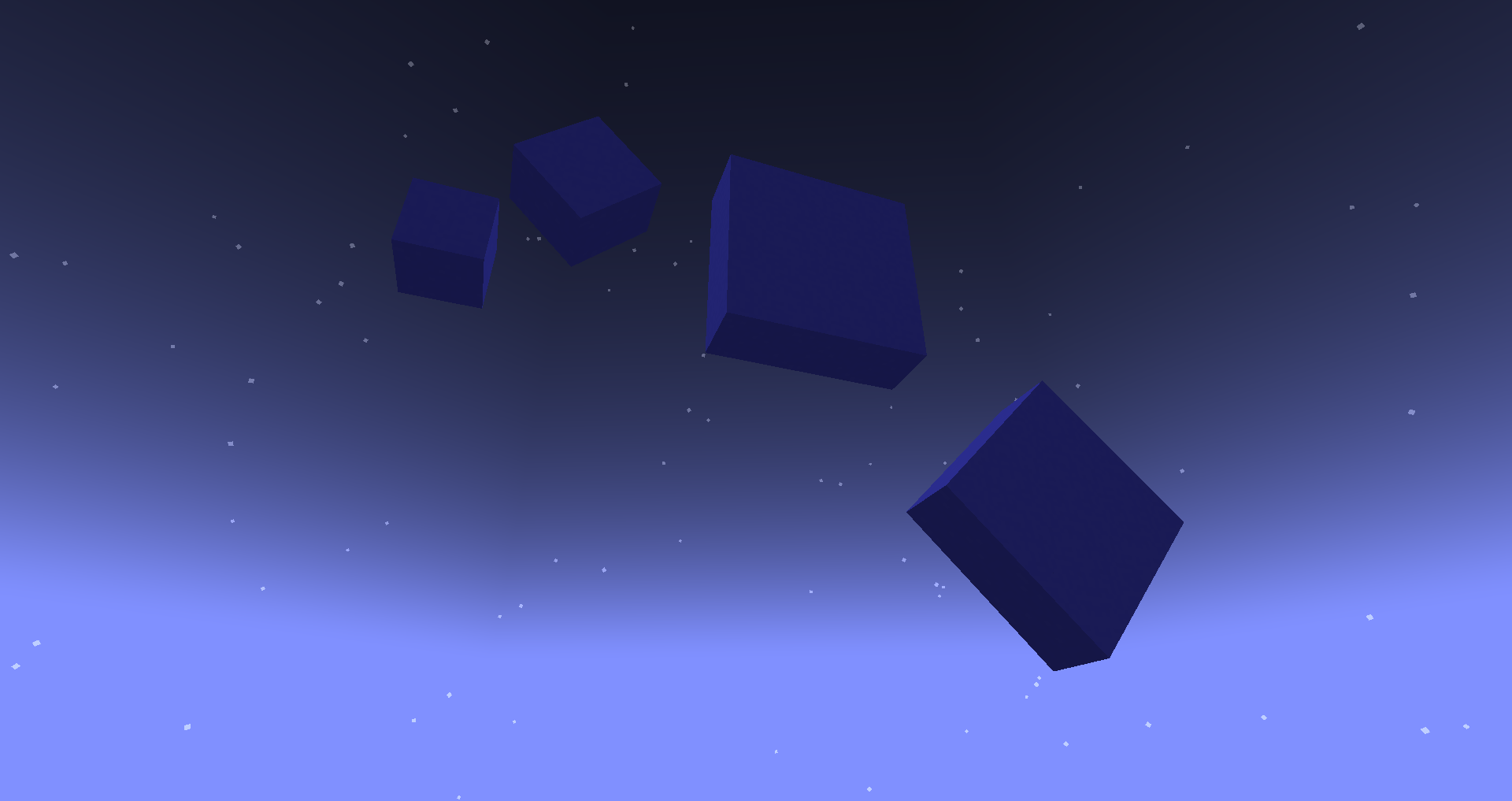
- Click with a Popped Chorus Fruit to make it non-solid.
It is a mod in the long tradition of "Carpenter's Blocks", "Framed Blocks", and friends. It is not the first implementation of this idea, and it won't be the last.
It's also not too hard for other mods to interface with Templates and add their own templatable blocks.
New in 2.2.0: Supports connected textures! I tested Chisel Reborn, but any mod that implements FabricBlock#getAppearance should work.
⚠ Templates was originally conceived as a tech-demo for, and tests the limits of, the Fabric Rendering API. You'll need a compatible renderer implementation installed. Fabric API includes one called Indigo, but in 1.20, it is not compatible with Sodium. If you use Sodium, you might need to install a mod like Indium for Templates to work properly.
Verfügbare Versionen
Templates 2 auf dem Server installieren
Server bestellen
Bestelle einen Minecraft Java Server mit mindestens 3 GB RAM (4 GB empfohlen).
fabric Loader setzen
Wähle im Panel unter "Egg" den fabric-Loader und die passende Minecraft-Version (1.21.1).
Mod installieren
Öffne den Mod-Browser im Dashboard und suche nach "Templates 2". Klicke "Installieren" – fertig! Alternativ: Lade die .jar via SFTP in den /mods Ordner.
Kompatibilität
Mod-Loader
Minecraft-Versionen
1.21.1, 1.20.4, 1.20.1
Server-seitig
✓ ErforderlichEmpfohlener RAM
4 GB(min. 3 GB)Häufige Fragen
Templates 2 Server crasht beim Start – was tun?
Häufigste Ursache: falsche fabric-Version oder zu wenig RAM. Prüfe im Server-Log (latest.log), ob ein "OutOfMemoryError" oder "Mixin"-Fehler auftritt. Bei Mado Hosting: Stelle sicher, dass mindestens 3 GB RAM zugewiesen sind und der Loader zur Mod-Version passt (1.21.1). Über das Panel kannst du den Loader mit einem Klick wechseln.
Ist Templates 2 mit fabric und quilt kompatibel?
Templates 2 unterstützt offiziell fabric, quilt für Minecraft 1.21.1, 1.20.4, 1.20.1. Im Mado Dashboard werden inkompatible Loader-Kombinationen automatisch erkannt.
Server laggt mit Templates 2 – wie optimiere ich die Performance?
Empfohlener RAM: 4 GB (+1 GB pro 8 Spieler). Prüfe mit /spark profiler, ob Templates 2 den meisten Tick-Time verbraucht. Häufige Fixes: Server-View-Distance auf 8-10 reduzieren, bei Forge "performant" oder "starlight" als Zusatz-Mod installieren. Bei Mado Hosting läuft dein Server auf NVMe-SSDs mit dedizierten CPU-Kernen für minimale Latenz.
Ähnliche Mods

![[ETF] Entity Texture Features](https://cdn.modrinth.com/data/BVzZfTc1/af683d206d50b05258d865b0d6e4aa2f2cee12f2_96.webp)
![[EMF] Entity Model Features](https://cdn.modrinth.com/data/4I1XuqiY/6e5bbd0d06b1741bfdab6c0cfab6de8fdaf0064c_96.webp)



Modded Server mieten
Installiere Templates 2 mit nur einem Klick auf deinem Server.