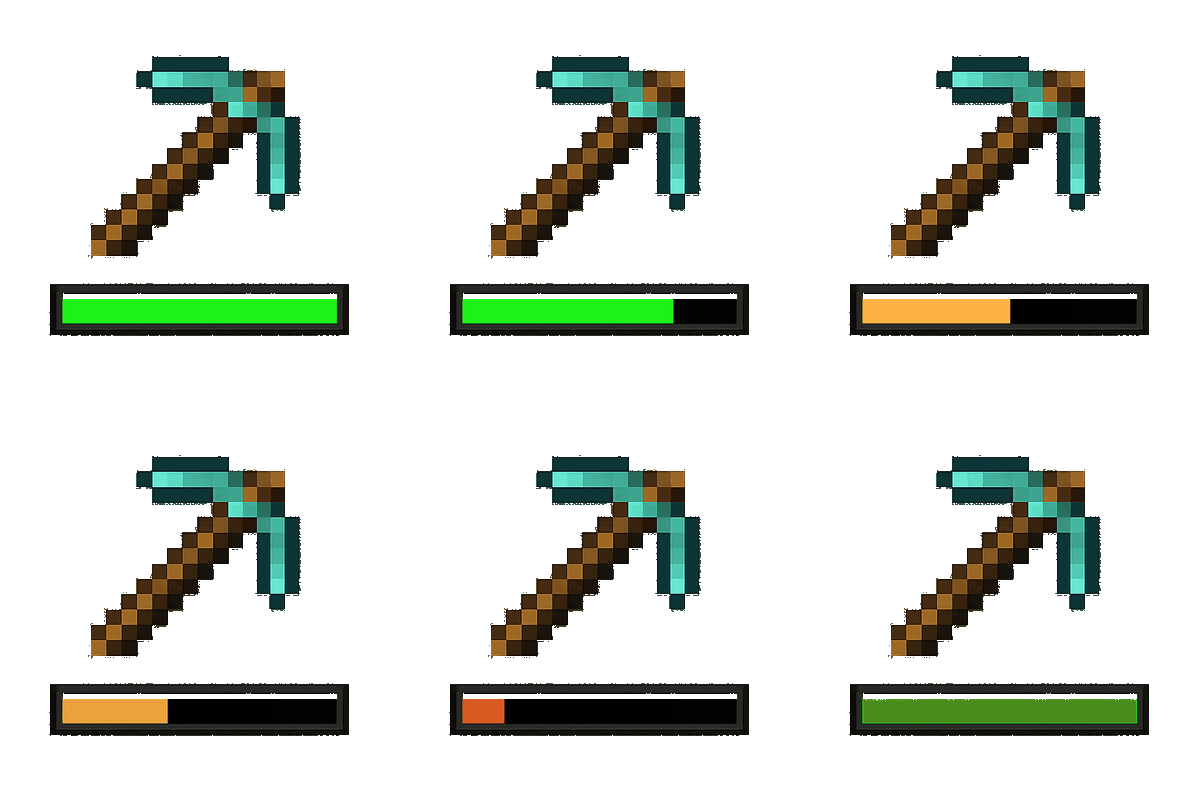
Tool Replacement
A mod that automatically replaces broken tools with a new one from the inventory.
Über diese Mod

Tool Replacement
Tool Replacement is a lightweight quality-of-life mod that automatically replaces broken tools with another matching tool from your inventory.
Instead of stopping in the middle of mining, digging, farming, or combat to manually select another tool, the mod searches your inventory and equips a replacement automatically.
Features
- Automatically replaces tools when they break
- Searches your inventory for a suitable replacement
- Keeps you working without manually switching tools
- Supports different material tiers of the same tool type
- Lightweight and simple with no unnecessary systems
- Works automatically without requiring any keybinds
Supported Tools
Tool Replacement supports the following tool types:
- Pickaxes
- Axes
- Shovels
- Hoes
- Swords
For example, if your Iron Pickaxe breaks and you have a Diamond Pickaxe somewhere in your inventory, the Diamond Pickaxe can automatically be moved into your hand.
How It Works
When the tool you are currently using breaks, Tool Replacement checks your inventory for another tool of the same type.
The first compatible replacement it finds is automatically equipped into your hand, allowing you to continue without interruption.
Different materials are supported, so the replacement does not need to be made from the same material as the broken tool.
Modded Tool Support
The mod includes support for detecting compatible modded tools where possible.
Tools that correctly use Minecraft's standard tool tags should work automatically.
Verfügbare Versionen
Tool Replacement auf dem Server installieren
Server bestellen
Bestelle einen Minecraft Java Server mit mindestens 3 GB RAM (4 GB empfohlen).
fabric Loader setzen
Wähle im Panel unter "Egg" den fabric-Loader und die passende Minecraft-Version (26.2).
Mod installieren
Öffne den Mod-Browser im Dashboard und suche nach "Tool Replacement". Klicke "Installieren" – fertig! Alternativ: Lade die .jar via SFTP in den /mods Ordner.
Kompatibilität
Mod-Loader
Minecraft-Versionen
26.2, 26.1.2, 26.1.1 (+11 weitere)
Server-seitig
✓ ErforderlichEmpfohlener RAM
4 GB(min. 3 GB)Häufige Fragen
Tool Replacement Server crasht beim Start – was tun?
Häufigste Ursache: falsche fabric-Version oder zu wenig RAM. Prüfe im Server-Log (latest.log), ob ein "OutOfMemoryError" oder "Mixin"-Fehler auftritt. Bei Mado Hosting: Stelle sicher, dass mindestens 3 GB RAM zugewiesen sind und der Loader zur Mod-Version passt (26.2). Über das Panel kannst du den Loader mit einem Klick wechseln.
Ist Tool Replacement mit fabric und forge kompatibel?
Tool Replacement unterstützt offiziell fabric, forge für Minecraft 26.2, 26.1.2, 26.1.1. Achtung: Forge- und Fabric-Mods sind NICHT untereinander kompatibel – wähle einen Loader und bleibe dabei. Im Mado Dashboard werden inkompatible Loader-Kombinationen automatisch erkannt.
Server laggt mit Tool Replacement – wie optimiere ich die Performance?
Empfohlener RAM: 4 GB (+1 GB pro 8 Spieler). Prüfe mit /spark profiler, ob Tool Replacement den meisten Tick-Time verbraucht. Häufige Fixes: Server-View-Distance auf 8-10 reduzieren, bei Forge "performant" oder "starlight" als Zusatz-Mod installieren. Bei Mado Hosting läuft dein Server auf NVMe-SSDs mit dedizierten CPU-Kernen für minimale Latenz.
Ähnliche Mods


Modded Server mieten
Installiere Tool Replacement mit nur einem Klick auf deinem Server.