
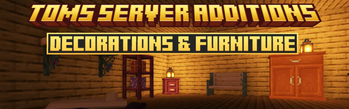
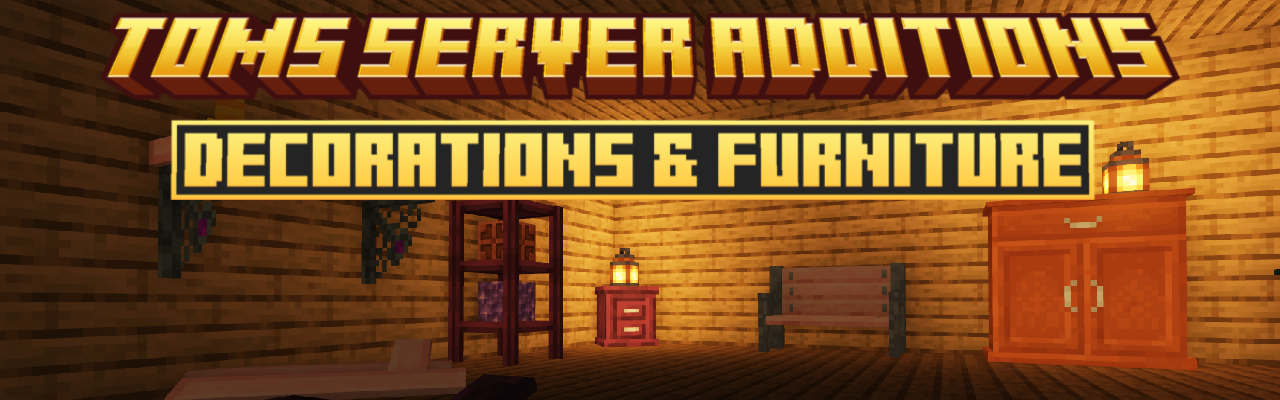
Toms Server Additions: Decorations & Furniture
Server-side decorations and furniture, comes with its own workbench block! No client side mods required!
Screenshots
Über diese Mod
This mod adds a variety of decorations and furniture to your server / world.
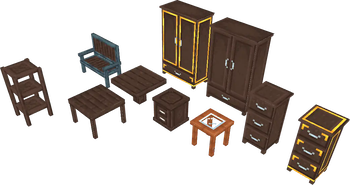
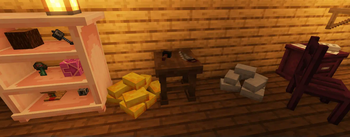
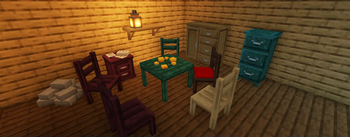
Enjoy over 200+ different furniture pieces, from benches and chairs you can sit on, to tables, shelves in which you can place items and blocks, dressers, cabinets and many more!
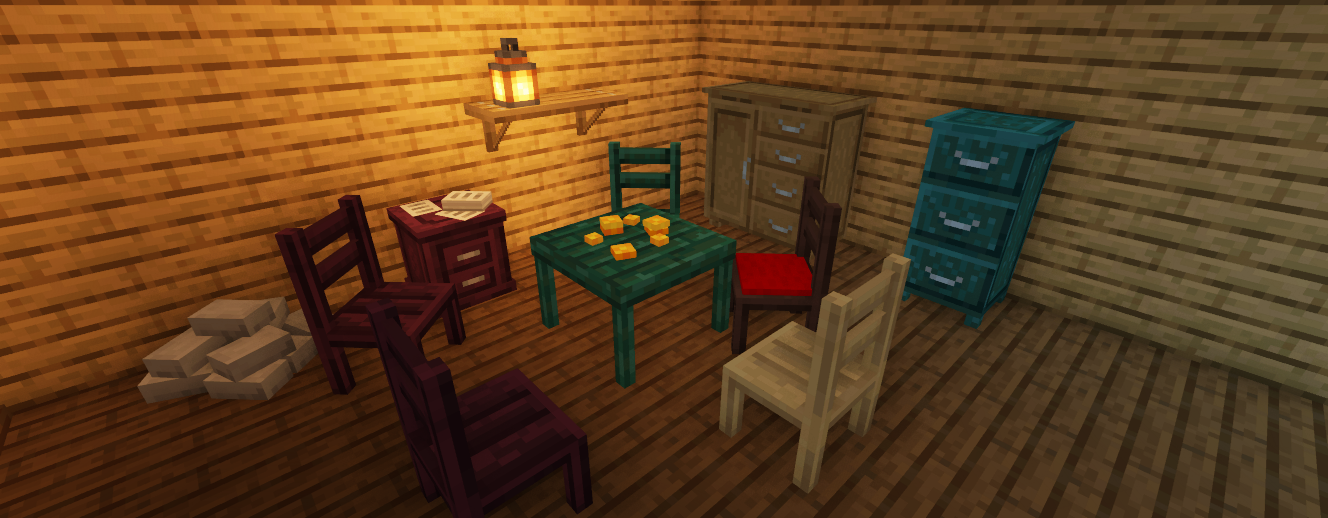
This mod is server-side (but also works in single-player).
Clients joining the server won't need to have the mod installed
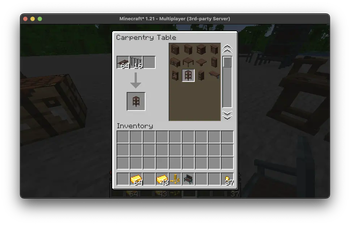
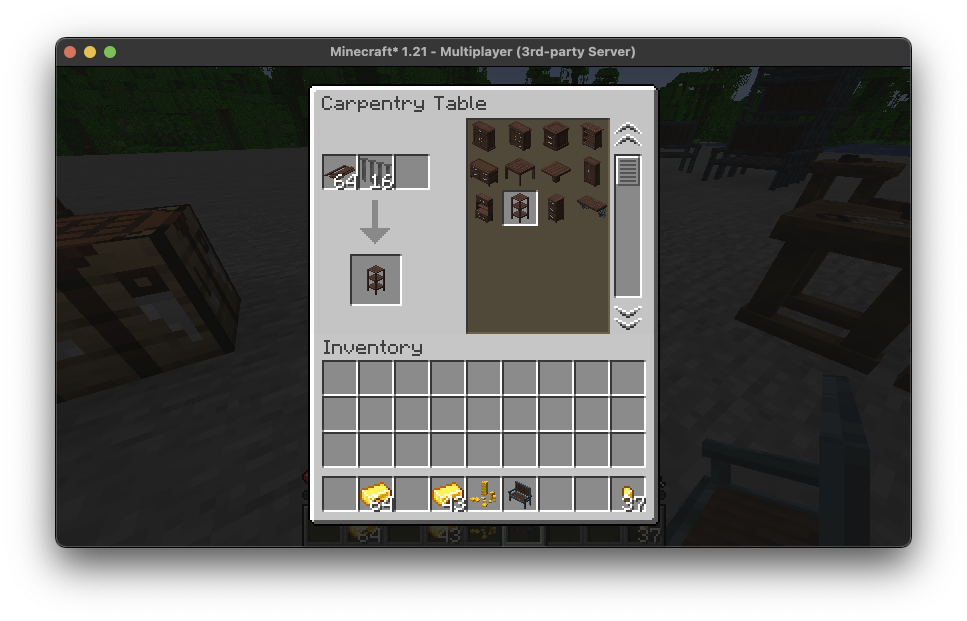
The mod comes with a Carpentry Table, which is used to craft most of the furniture.
Other decorative items are crafted using the vanilla crafting table.
You might want to join my discord server for suggestions, early previews and updates or bug reports: 

Carpentry Table
You can craft the Carpentry Table using any wooden logs in a crafting table.
Crafting
Nails:
Crafted using iron ingots and netherite scrap.
Main ingredient for most furnitureCut Oak/Birch/etc. Planks:
Crafted using 2 normal planks of any wood type in the carpentry table.
Another main ingredient for furniture.
To see all available recipes, install Polydex by patbox.
Verfügbare Versionen
Toms Server Additions: Decorations & Furniture auf dem Server installieren
Server bestellen
Bestelle einen Minecraft Java Server mit mindestens 3 GB RAM (4 GB empfohlen).
fabric Loader setzen
Wähle im Panel unter "Egg" den fabric-Loader und die passende Minecraft-Version (26.3).
Mod installieren
Öffne den Mod-Browser im Dashboard und suche nach "Toms Server Additions: Decorations & Furniture". Klicke "Installieren" – fertig! Alternativ: Lade die .jar via SFTP in den /mods Ordner.
Kompatibilität
Mod-Loader
Minecraft-Versionen
26.3, 26.1.2, 26.1.1 (+16 weitere)
Server-seitig
✓ ErforderlichEmpfohlener RAM
4 GB(min. 3 GB)Häufige Fragen
Toms Server Additions: Decorations & Furniture Server crasht beim Start – was tun?
Häufigste Ursache: falsche fabric-Version oder zu wenig RAM. Prüfe im Server-Log (latest.log), ob ein "OutOfMemoryError" oder "Mixin"-Fehler auftritt. Bei Mado Hosting: Stelle sicher, dass mindestens 3 GB RAM zugewiesen sind und der Loader zur Mod-Version passt (26.3). Über das Panel kannst du den Loader mit einem Klick wechseln.
Ist Toms Server Additions: Decorations & Furniture mit fabric kompatibel?
Toms Server Additions: Decorations & Furniture unterstützt offiziell fabric für Minecraft 26.3, 26.1.2, 26.1.1. Im Mado Dashboard werden inkompatible Loader-Kombinationen automatisch erkannt.
Server laggt mit Toms Server Additions: Decorations & Furniture – wie optimiere ich die Performance?
Empfohlener RAM: 4 GB (+1 GB pro 8 Spieler). Prüfe mit /spark profiler, ob Toms Server Additions: Decorations & Furniture den meisten Tick-Time verbraucht. Häufige Fixes: Server-View-Distance auf 8-10 reduzieren, bei Forge "performant" oder "starlight" als Zusatz-Mod installieren. Bei Mado Hosting läuft dein Server auf NVMe-SSDs mit dedizierten CPU-Kernen für minimale Latenz.
Ähnliche Mods

![[ETF] Entity Texture Features](https://cdn.modrinth.com/data/BVzZfTc1/af683d206d50b05258d865b0d6e4aa2f2cee12f2_96.webp)
![[EMF] Entity Model Features](https://cdn.modrinth.com/data/4I1XuqiY/6e5bbd0d06b1741bfdab6c0cfab6de8fdaf0064c_96.webp)



Modded Server mieten
Installiere Toms Server Additions: Decorations & Furniture mit nur einem Klick auf deinem Server.
Details
- Lizenz
- GNU Lesser General Public License v3.0 only
- Server-seitig
- Erforderlich