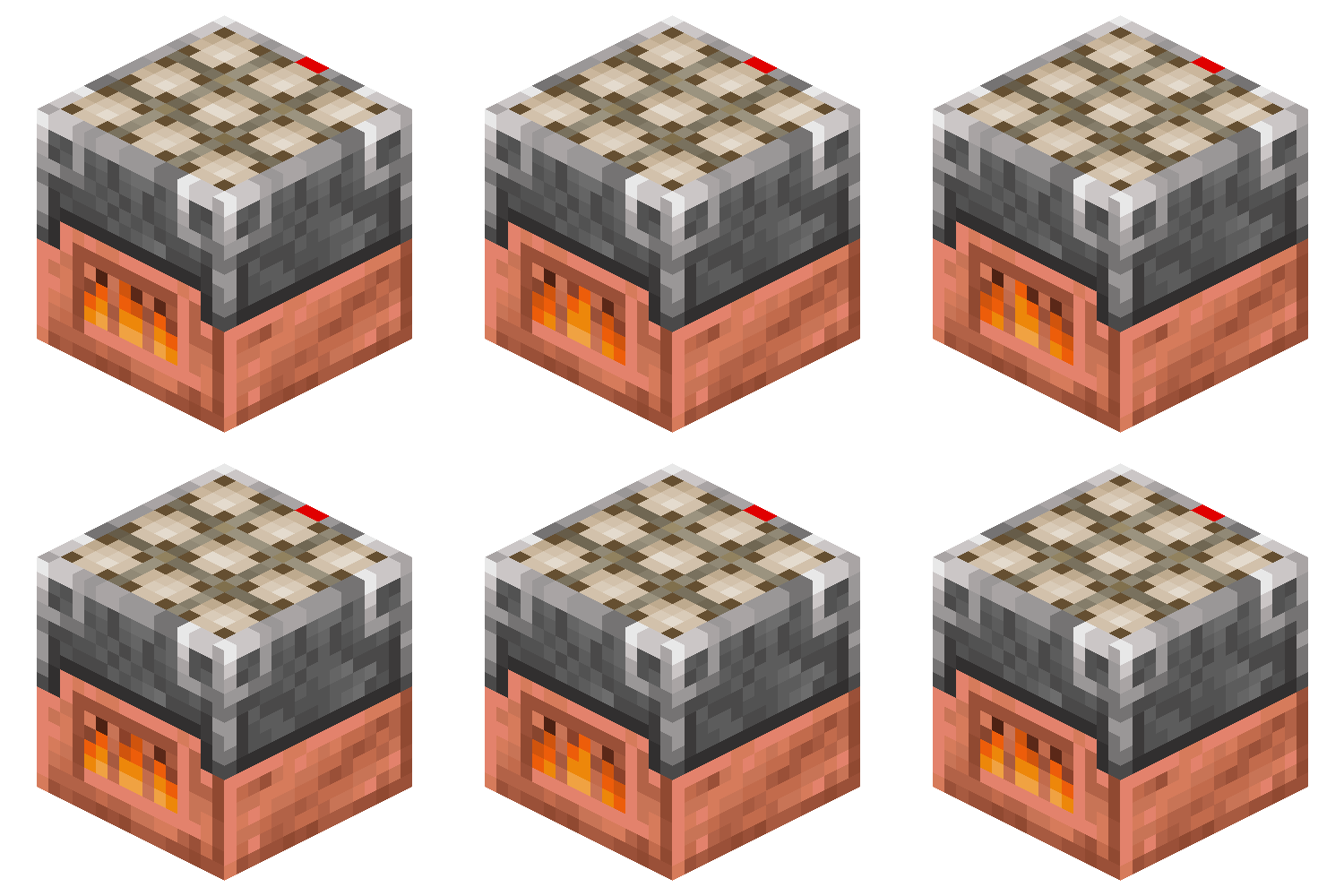
Ultimate Furnace
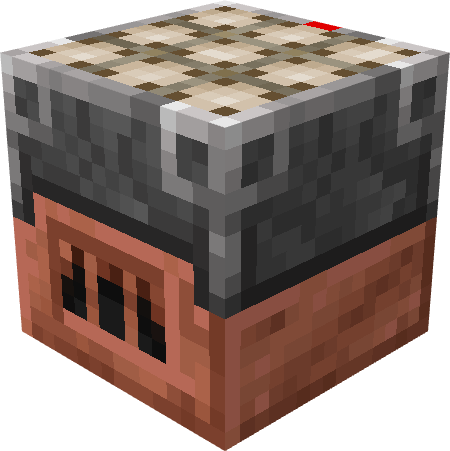
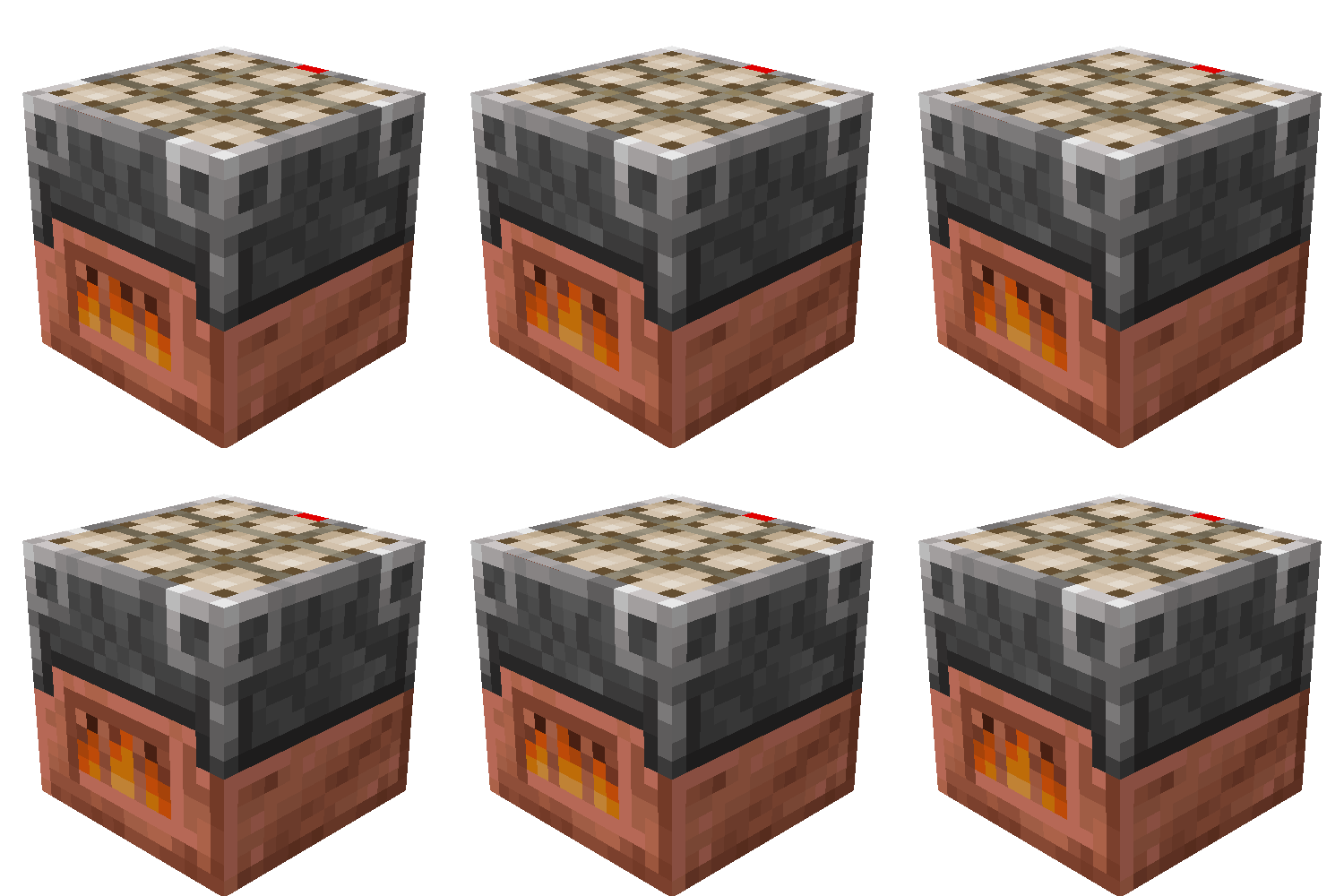
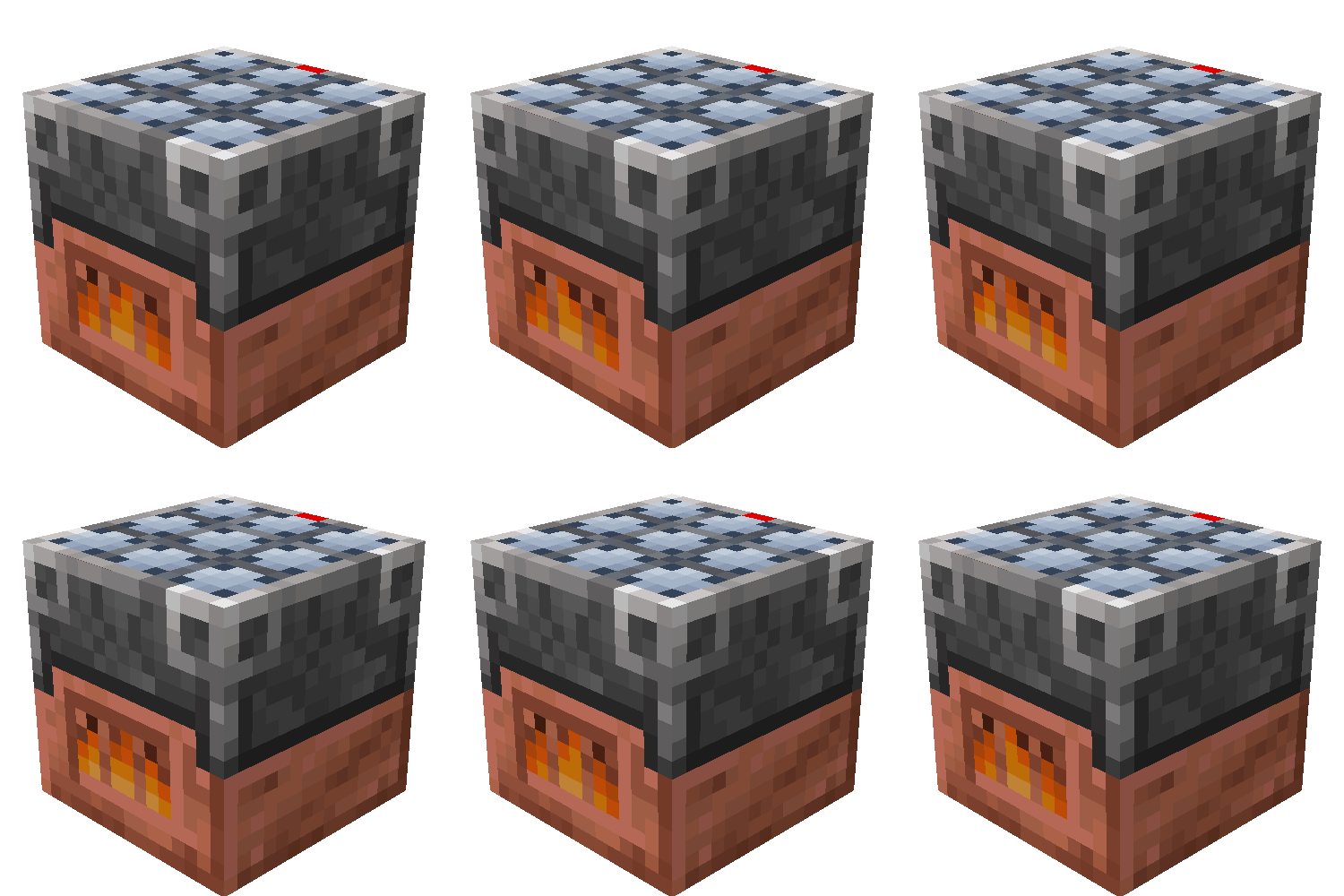
The Ultimate Furnace Mod adds a fuel-free, solar-powered furnace that levels up to smelt faster and store more energy. At night, it uses stored power. The mod also adds the Copper Plate Block, which reacts to temperature.
Screenshots
Über diese Mod
Ultimate Furnace Mod
Overview
The Ultimate Furnace Mod introduces a powerful, self-sustaining furnace to Minecraft, featuring a leveling system and unique functionality designed to streamline smelting while adding a progression element. Additionally, the mod introduces the Copper Plate Block, which dynamically reacts to its environment.
Ultimate Furnace
Self-Sustaining Smelting
The Ultimate Furnace doesn’t require traditional fuel. Instead:
- It remains active during the day, automatically smelting items using sunlight.
- At night, it utilizes stored solar power from the day. If storage runs out, the furnace temporarily halts operation.
Leveling and Upgrades
The furnace features a leveling system, allowing it to improve over time:
- More items smelted → Faster smelting speed.
- Increased sunlight absorption rate.
- Expanded power storage capacity.
Custom GUI Design
The Ultimate Furnace comes with a unique yet intuitive GUI, featuring:
- A progress bar that tracks experience toward the next level.
- A fire icon that appears only when actively smelting.
- A power storage indicator, letting players monitor available energy at a glance.
- A progress bar for letting players know how much time is left of the items' smelting time.
Command Functionality
The mod also provides a command interface to manage your furnace stats conveniently:
- Getting Stats: Use
/ultimatefurnace getto display current statistics, including level, smelt count, and stored power. - Setting Stats: Use
/ultimatefurnace setfollowed by the stat (level, smeltcount, or storedPower) and the desired value to adjust your furnace's attributes.
This mod enhances Minecraft’s smelting mechanics by providing a fuel-free alternative while introducing a rewarding progression system. Perfect for players looking for greater control over their smelting efficiency without constant resource management.
Copper Plate Block
Environmental Interaction
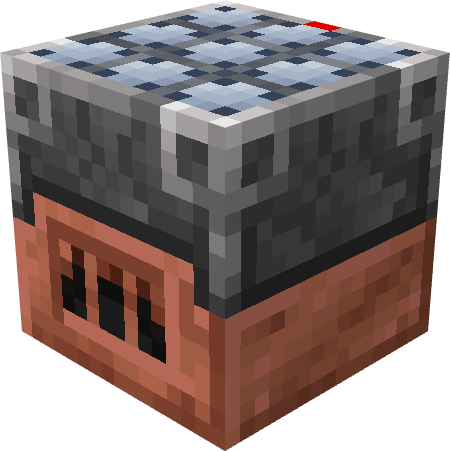
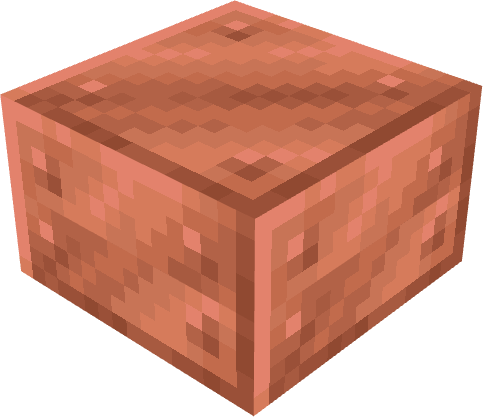
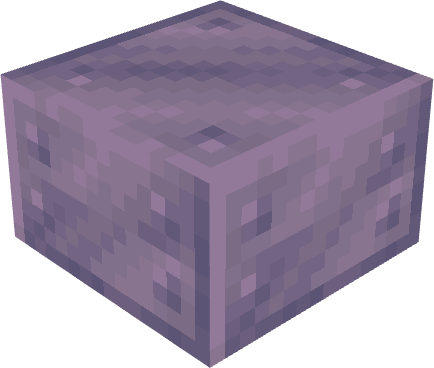
The mod also introduces the Copper Plate Block, a versatile block that changes its state dynamically based on the block beneath it:
Copper Plate: This block has no other use that for crafting the Ultimate Furnace or in use for decoraion.
Cold Copper Plate: Activated when placed on cold blocks (e.g., ice, snow).
- Effect: Freezes entities that come into contact.
Hot Copper Plate: Activated when placed on warm blocks (e.g., lava, magma).
- Effect: Burns entities that come into contact.
This feature adds a strategic element to the game, allowing players to harness environmental conditions for both utility and trap mechanisms.
Disclaimer
- A version for Minecraft 1.19.2 is available, but some key functionalities are missing.
- For more details, visit the Version 1.19.2!
Verfügbare Versionen
Ultimate Furnace auf dem Server installieren
Server bestellen
Bestelle einen Minecraft Java Server mit mindestens 3 GB RAM (4 GB empfohlen).
fabric Loader setzen
Wähle im Panel unter "Egg" den fabric-Loader und die passende Minecraft-Version (1.21.5).
Mod installieren
Öffne den Mod-Browser im Dashboard und suche nach "Ultimate Furnace". Klicke "Installieren" – fertig! Alternativ: Lade die .jar via SFTP in den /mods Ordner.
Kompatibilität
Mod-Loader
Minecraft-Versionen
1.21.5, 1.21.4, 1.21.3 (+4 weitere)
Server-seitig
✓ ErforderlichEmpfohlener RAM
4 GB(min. 3 GB)Häufige Fragen
Ultimate Furnace Server crasht beim Start – was tun?
Häufigste Ursache: falsche fabric-Version oder zu wenig RAM. Prüfe im Server-Log (latest.log), ob ein "OutOfMemoryError" oder "Mixin"-Fehler auftritt. Bei Mado Hosting: Stelle sicher, dass mindestens 3 GB RAM zugewiesen sind und der Loader zur Mod-Version passt (1.21.5). Über das Panel kannst du den Loader mit einem Klick wechseln.
Ist Ultimate Furnace mit fabric und quilt kompatibel?
Ultimate Furnace unterstützt offiziell fabric, quilt für Minecraft 1.21.5, 1.21.4, 1.21.3. Im Mado Dashboard werden inkompatible Loader-Kombinationen automatisch erkannt.
Server laggt mit Ultimate Furnace – wie optimiere ich die Performance?
Empfohlener RAM: 4 GB (+1 GB pro 8 Spieler). Prüfe mit /spark profiler, ob Ultimate Furnace den meisten Tick-Time verbraucht. Häufige Fixes: Server-View-Distance auf 8-10 reduzieren, bei Forge "performant" oder "starlight" als Zusatz-Mod installieren. Bei Mado Hosting läuft dein Server auf NVMe-SSDs mit dedizierten CPU-Kernen für minimale Latenz.
Ähnliche Mods

![[ETF] Entity Texture Features](https://cdn.modrinth.com/data/BVzZfTc1/af683d206d50b05258d865b0d6e4aa2f2cee12f2_96.webp)
![[EMF] Entity Model Features](https://cdn.modrinth.com/data/4I1XuqiY/6e5bbd0d06b1741bfdab6c0cfab6de8fdaf0064c_96.webp)



Modded Server mieten
Installiere Ultimate Furnace mit nur einem Klick auf deinem Server.