

Modrinth · Fabric · Client-Mod
Vidalia
Vidalia ist eine clientseitige Mod. Du installierst sie auf deinem Rechner, auf dem Server ist sie nicht nötig.
Customize different visuals/animations from 1.7/1.8 eras and more.
- Downloads
- 784.3K
- Autor
- Mixces
- Loader
- Fabric
- Minecraft
- 1.21.10 – 26.3
- Aktualisiert
- –
Screenshots
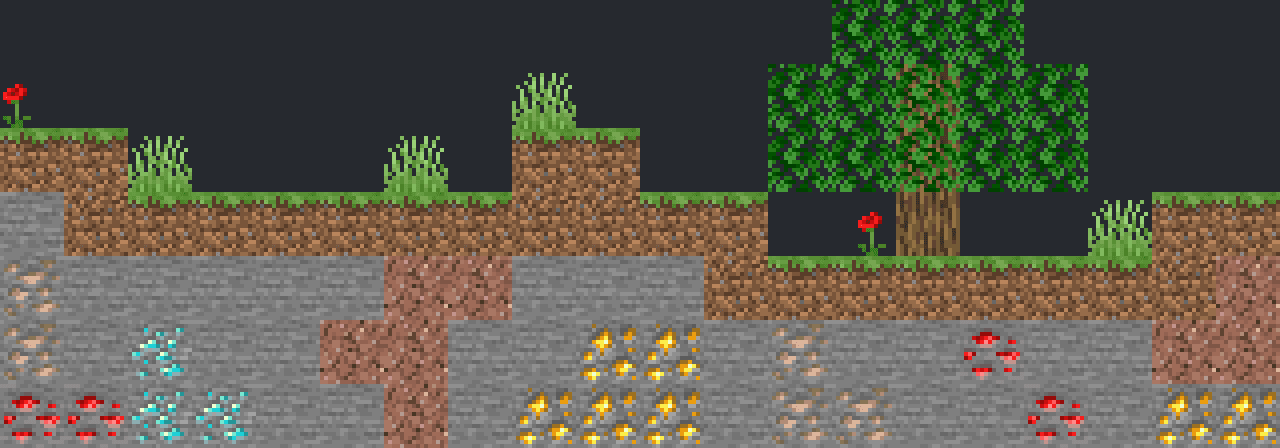
So sieht Vidalia aus

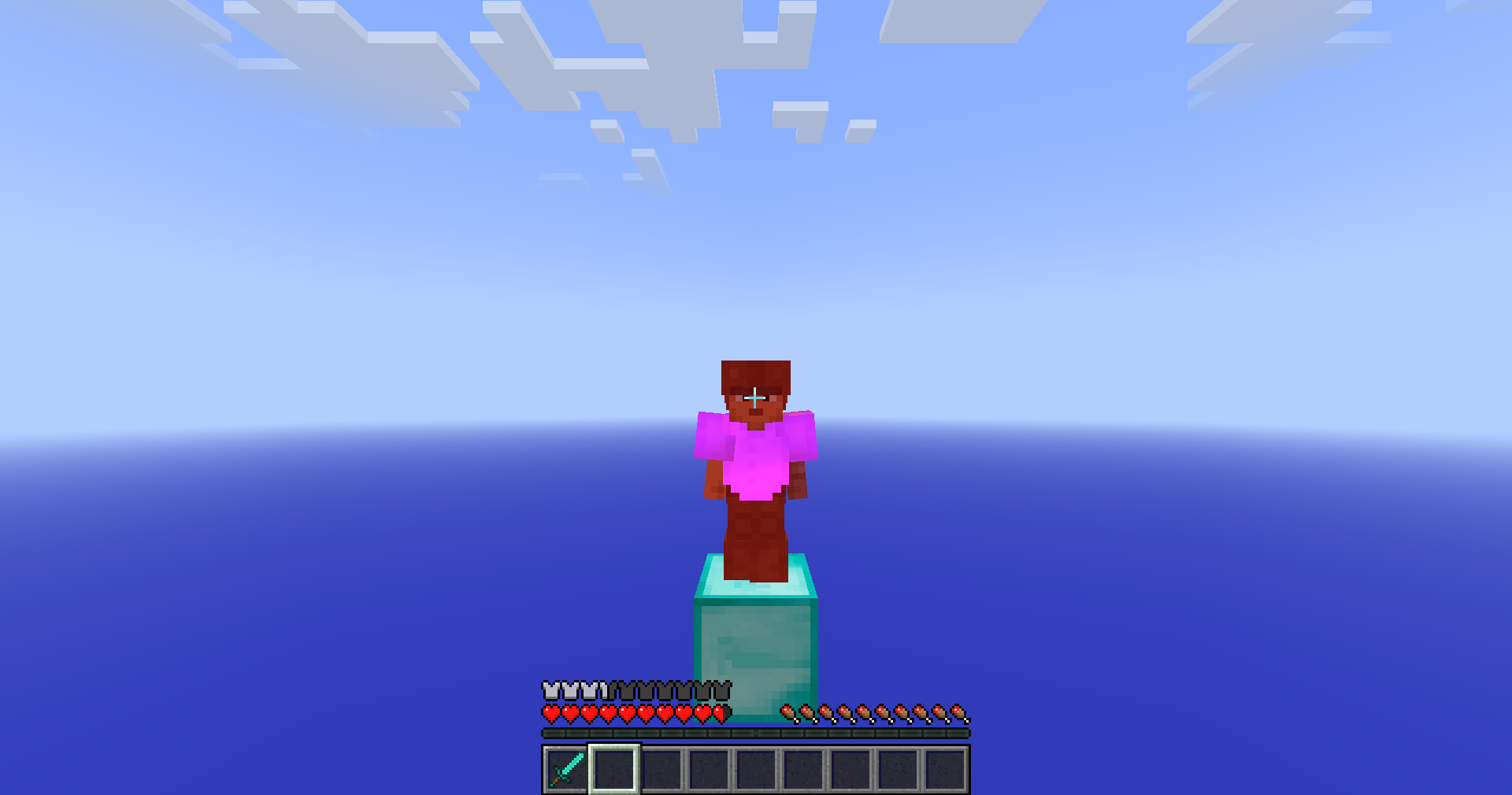
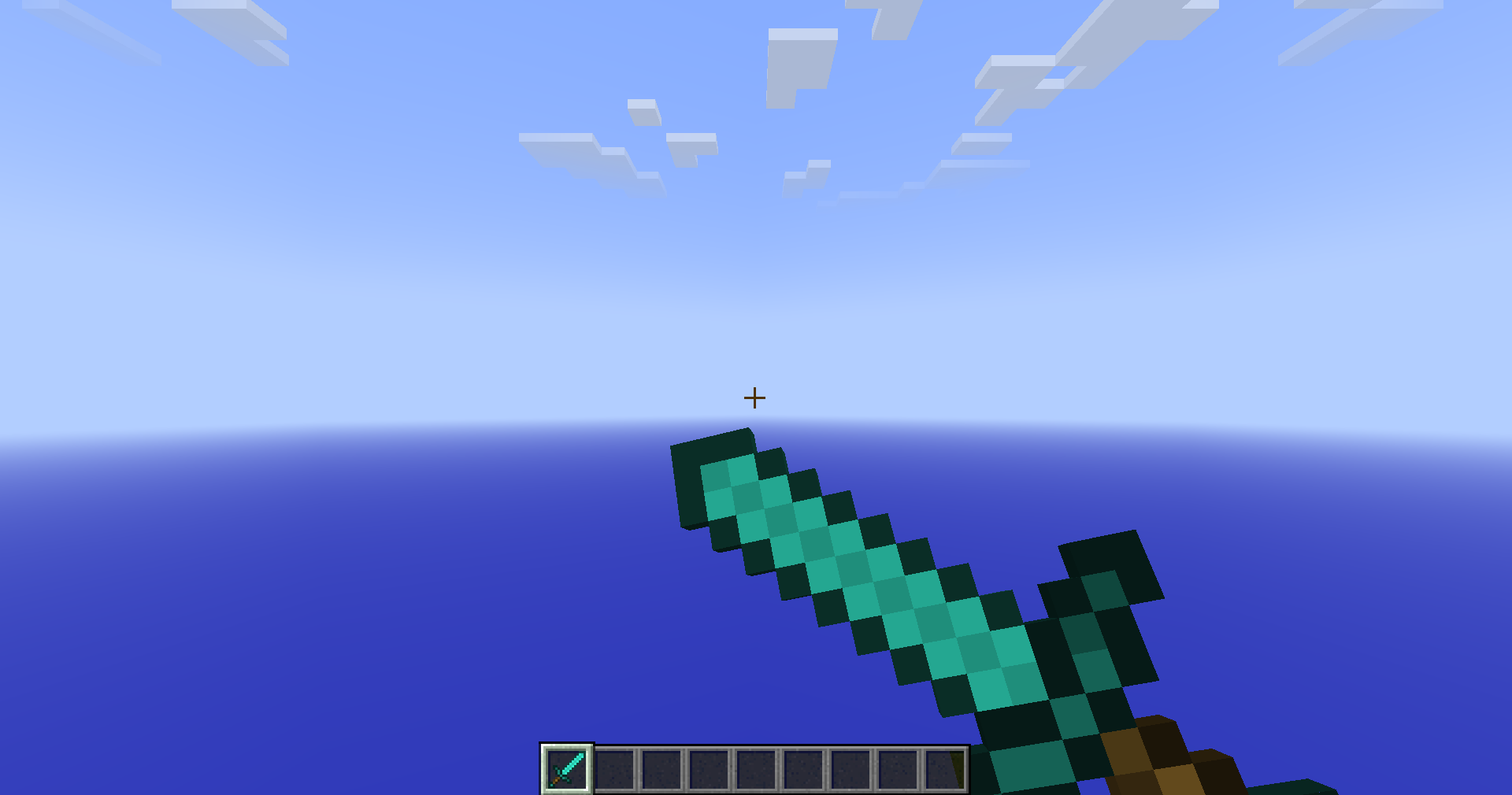
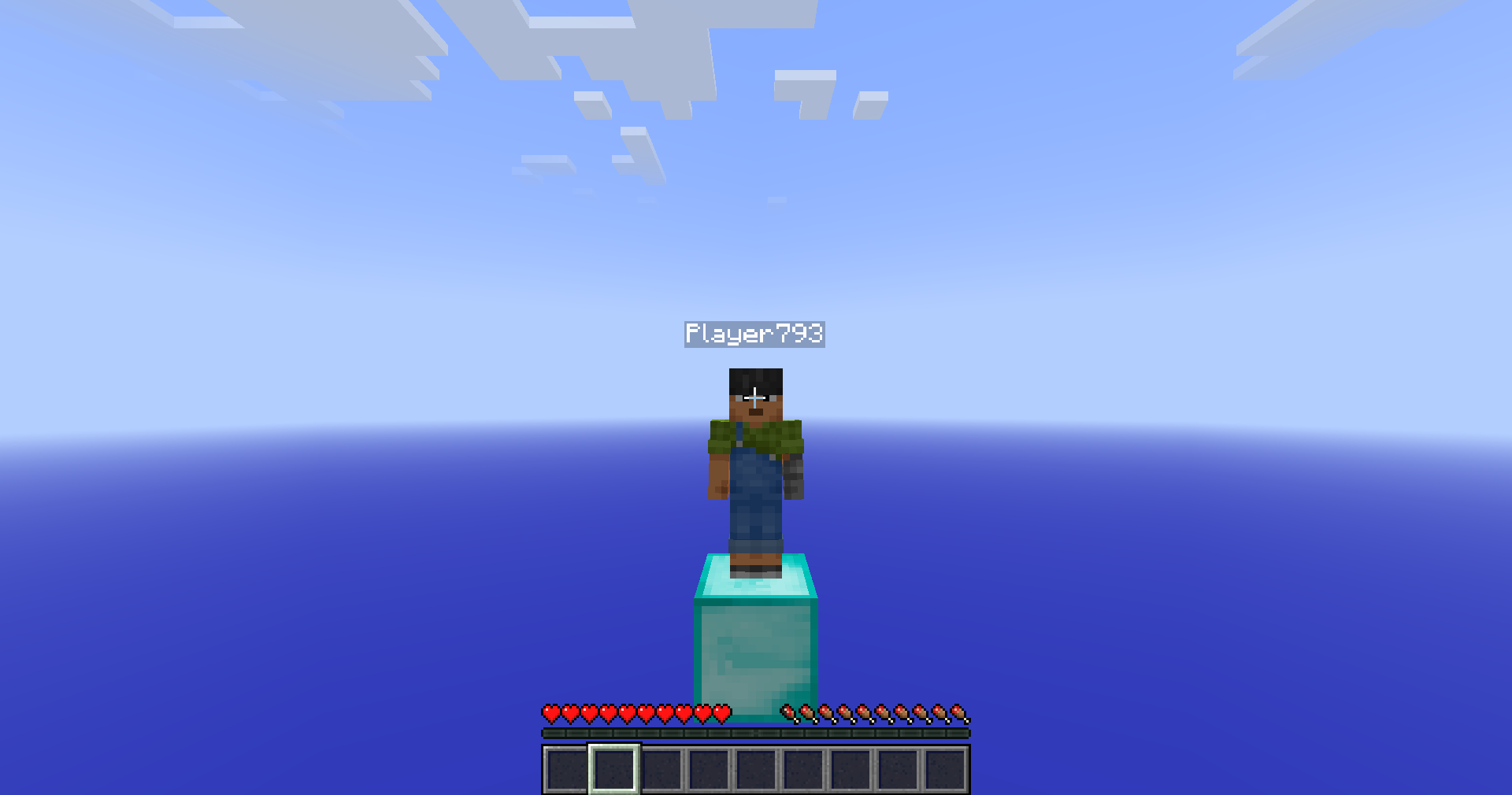
Bilder: Vidalia auf Modrinth, vom Projektteam veröffentlicht.
Einrichtung
Vidalia auf deinem Client installieren
Clientseitige Mods laufen nur auf deinem Rechner. Mehr Server-RAM ändert an ihrer Leistung nichts.
- 01
Loader lokal installieren
Installiere Fabric für deine Minecraft-Version in deinem Launcher.
- 02
Datei herunterladen
Lade die Vidalia-Datei für deinen Loader und exakt deine Minecraft-Version herunter, zum Beispiel 26.3.
- 03
In den Mods-Ordner legen
Lege die .jar-Datei in den lokalen Ordner .minecraft/mods und entferne ältere Duplikate.
- 04
Starten
Starte Minecraft mit dem Loader-Profil. Auf dem Server musst du nichts ändern.
- Auf dem Server
- Nicht nötig
- Auf dem Client
- Erforderlich
- Loader
- Fabric
- Minecraft
- 26.3, 26.2, 26.1.2 +11 weitere
- Lizenz
- LicenseRef-Polyform-Shield-1.0.0
Versionen
Veröffentlichte Versionen
Nimm die Datei, die zu Loader und Minecraft-Version deines Servers passt. Server und Spieler brauchen dieselbe Version.
Vidalia · Modrinth- Release 4.4.1 for 26.318. September 2026Minecraft 26.3 · Fabric
- Release 4.4.1 for 26.218. September 2026Minecraft 26.2 · Fabric
- Release 4.4.1 for 26.1-26.1.218. September 2026Minecraft 26.1, 26.1.2 · Fabric
- Release 4.4.1 for 1.21.1118. September 2026Minecraft 1.21.11 · Fabric
- Release 4.3 for 26.1-26.1.219. August 2026Minecraft 26.1, 26.1.1, 26.1.2 · Fabric
Originalbeschreibung des Projektautors
Animatium

Customize different visuals/animations from 1.7/1.8 eras and more.
If you select a version in onboarding and want to change it later, use /animatium presets ingame to do so!
Nostalgica Reverie
Consider joining the Nostalgica Reverie Discord for sneak peeks and updates on development! By joining, you can:
- Get installation help and technical support for alot of nostalgic projects
- Get the latest updates about development
- Talk with and collaborate with our team
- And just hang out with the rest of our community!
Dependencies
This mod uses YACL as it's config library of choice. Make sure you install the correct
version to prevent crashing.
Support
Have any issues or need support? Feel free to use
our issue tracker to address that. If you are reporting a
crash, make sure you include information about the mods you are using and attach any relevant log files you have. If you
want to suggest features, join our discord!
Enums
Feature
| Feature Name | Identifier | Description |
|---|---|---|
| All | all | Turn on all of these features. |
| Miss Penalty | miss_penalty | Turn on/off the swing miss penalty. |
| Left Click Item Usage | left_click_item_usage | Turn on/off the ability to start using a item whilst holding left click. |
| Mining Item Usage | mining_item_usage | Turn on/off the ability to start mining/break blocks whilst using a item like in 1.7. |
| Hide Attached Fishing Rod Bobber | hide_rod_bobber | Turn on/off the rendering of the fishing rod bobber when attached to you in first-person. |
| Pick Inflation | pick_inflation | Turn on/off the 0.1 pick (hitbox) inflation when attacking an entity. |
| Old Sneak Height | old_sneak_height | Turn on/off the old hitbox/eye height size when sneaking like it was in <=1.8. |
| Client-Sided Entity Movement | clientside_entities | Turn on/off the entity movement calculations from the client. (In 1.7, entity movement was handled by the client) |
Payloads
Allows the server to enable/disable server-only features that enhance gameplay.
| Identifier | Direction | Field Name | Field Type | Description |
|---|---|---|---|---|
| animatium:info | Server | Version | Double | Current release version of the mod. |
| Development Version | Optional | Current dev build commit of the mod. Only provided when mod is a development build. | ||
| Config Category Count | Var Int | |||
| Config Entry* | Config Category (x)^* | |||
| animatium:set_features | Client | Features List | EnumSet<Feature> | List of server-features the client should use currently. |
Config Category
| Field Name | Field Type | Description |
|---|---|---|
| Entry | Config Entry (x)* | Each entry of the config category |
Config Entry
| Field Name | Field Type | Description |
|---|---|---|
| Name | String | The id of the config field |
| Type | Enum | The type used to determined the type of the value provided. |
| Value | T | Value based on type. (Boolean, Float, Enum) |
Muss Vidalia auf dem Minecraft Server installiert werden?
Nein. Modrinth kennzeichnet Vidalia serverseitig als nicht unterstützt. Installiere die Mod nur im lokalen Mods-Ordner. Dein Server kann unverändert bleiben, sofern die Projektseite keine zusätzliche Abhängigkeit nennt.
Welche Version und welchen Loader braucht Vidalia?
Nutze eine Datei für Fabric und exakt deine Minecraft-Version. Unterstützt werden unter anderem 26.3, 26.2, 26.1.2. Dateien für verschiedene Loader sind nicht austauschbar.
Vidalia funktioniert nicht – was kann ich prüfen?
Prüfe zuerst Minecraft-Version, Loader-Version und erforderliche Abhängigkeiten. Da die Mod clientseitig ist, löst mehr Server-RAM das Problem nicht.
Ähnliche Mods
Beliebte Mods aus derselben Kategorie
 Nur Client

Sodium Extra
von FlashyReese
A Sodium addon that adds features that shouldn't be in Sodium.
 Server-fähig
VeinMiner
von Miraculixx
Mine the whole vein on mining a single ore/block. Make the tedious mining experience to something satisfying and fun! FTB Ultimine alternative
 Nur Client

Remove Reloading Screen
von dima_dencep
Makes resource packs load in the background, allowing you to do other things while waiting!
 Server-fähig

Sinytra Connector
von Su5eD
Lets you play Fabric mods on NeoForge
Mods für deinen eigenen Server gesucht?
Im Katalog findest du Mods, die auf Minecraft Servern laufen.