

Modrinth · Fabric · Client mod
Vidalia
Vidalia is a client-side mod. Install it on your computer; the server does not need it.
Customize different visuals/animations from 1.7/1.8 eras and more.
- Downloads
- 784.3K
- Author
- Mixces
- Loader
- Fabric
- Minecraft
- 1.21.10 – 26.3
- Updated
- –
Screenshots
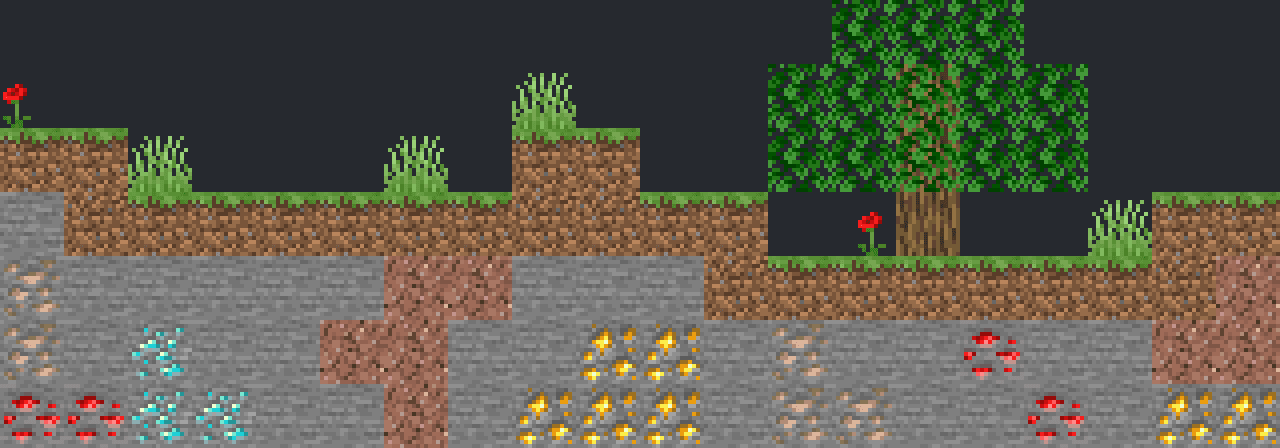
What Vidalia looks like

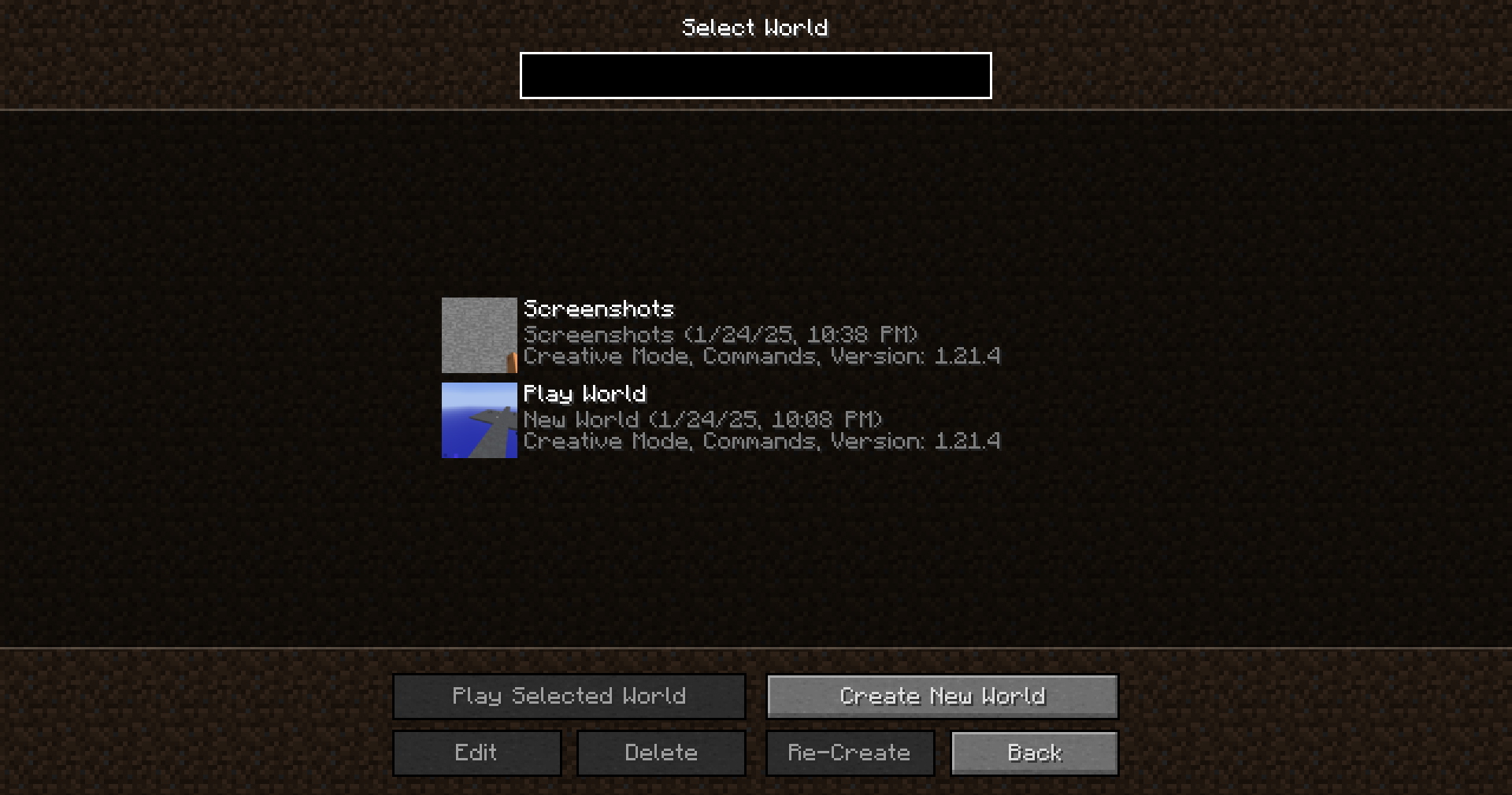
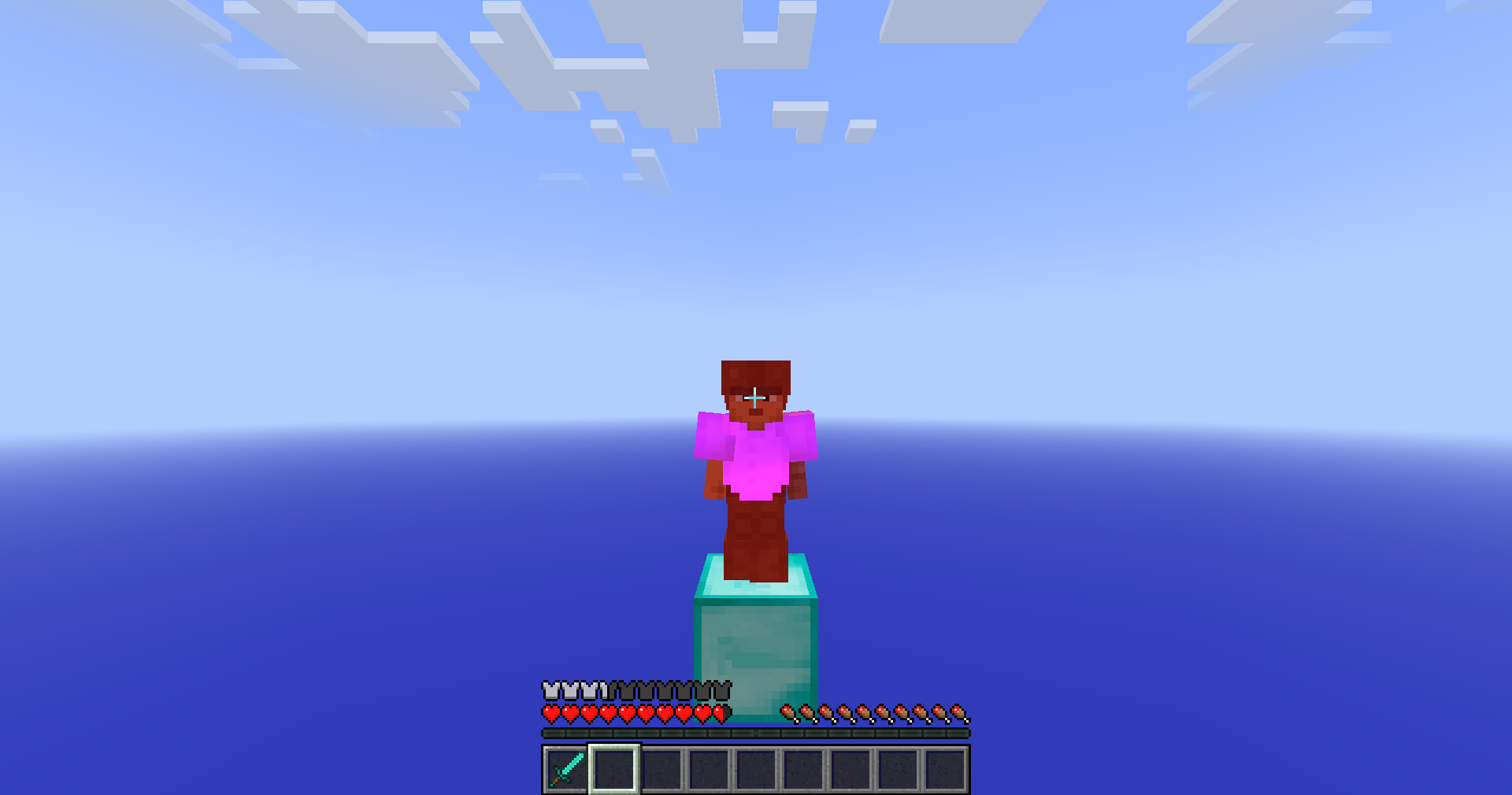
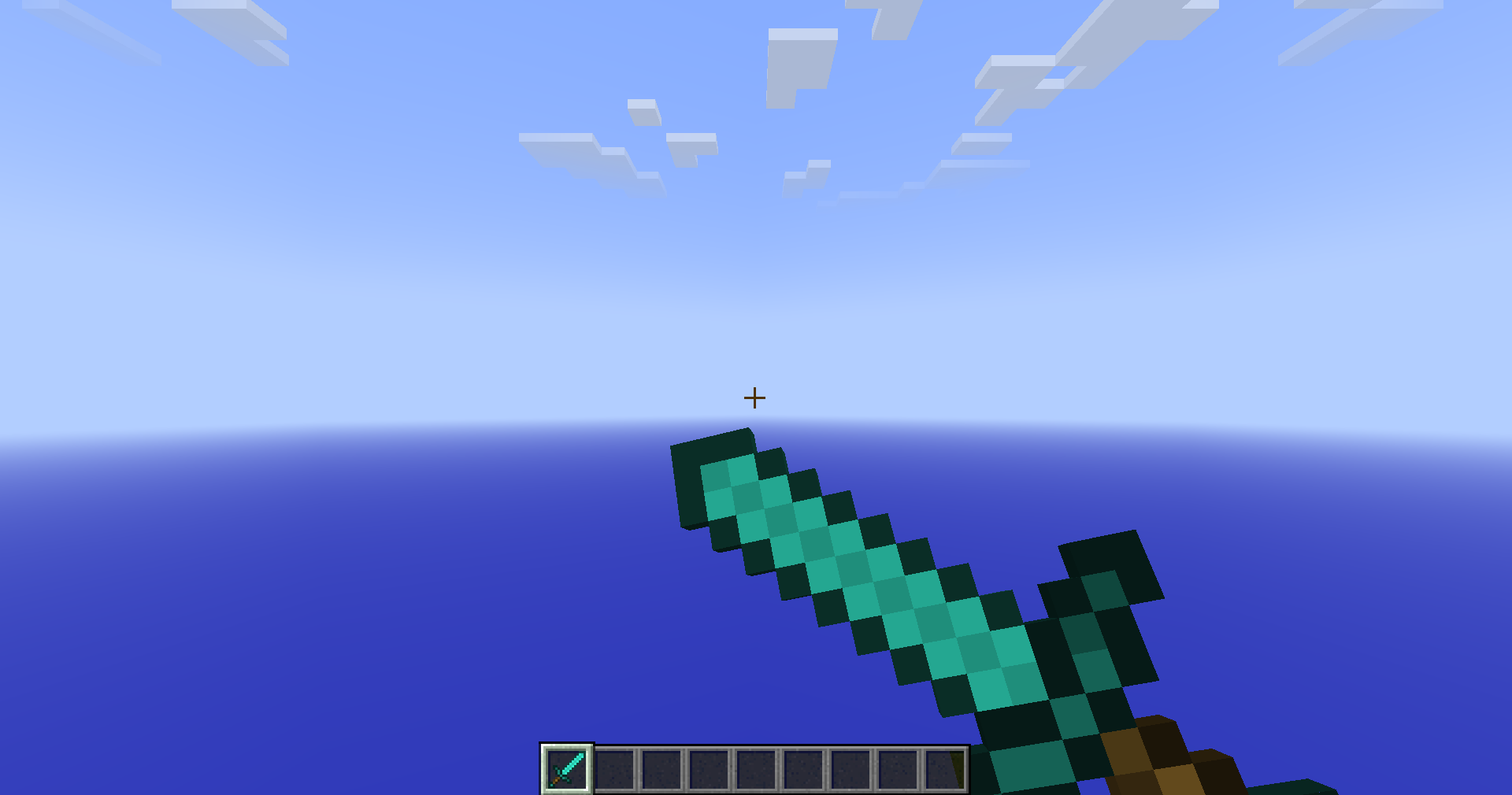
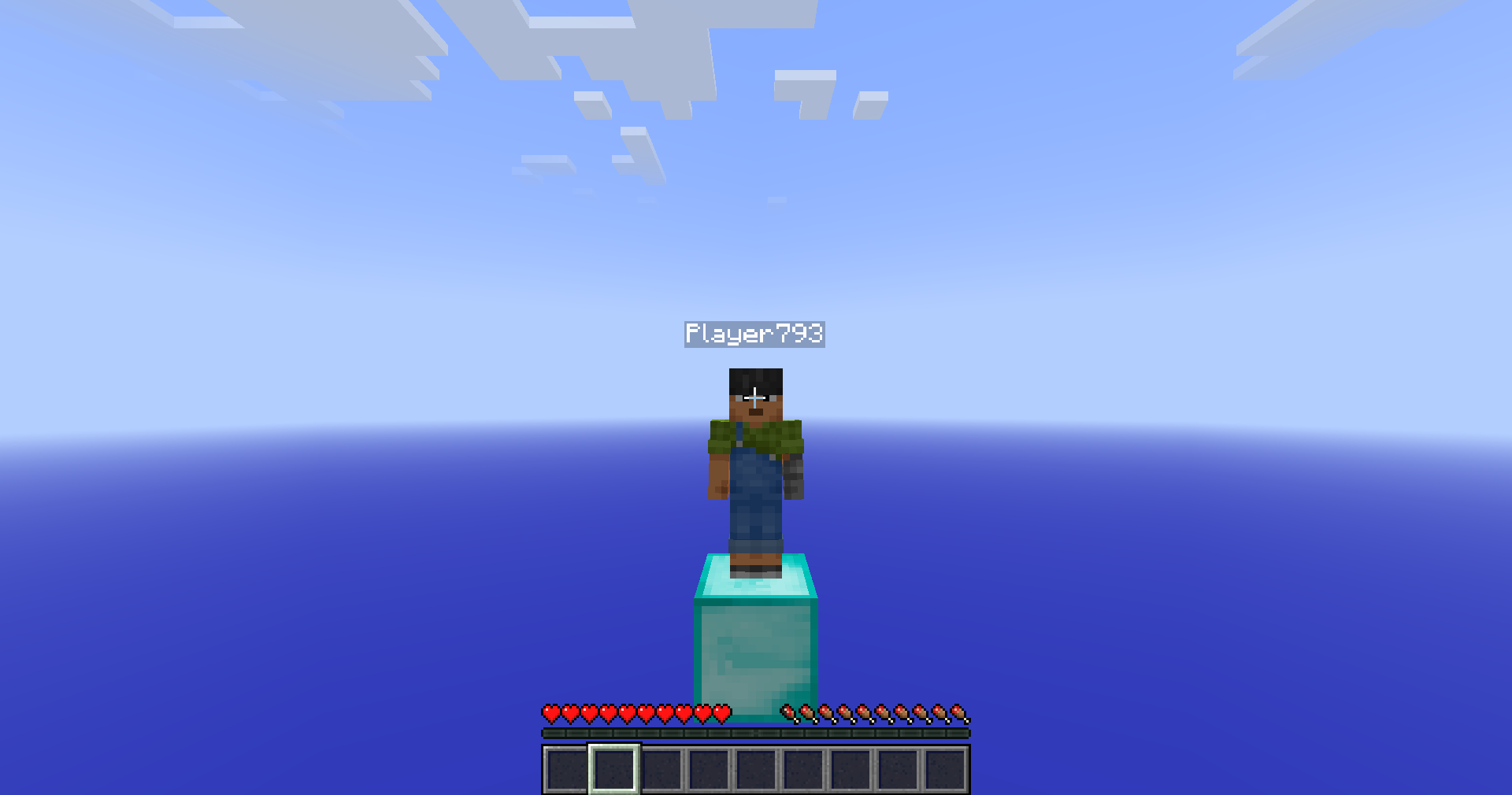
Images: Vidalia on Modrinth, published by the project team.
Setup
Install Vidalia on your client
Client-side mods only run on your computer. More server RAM does not change their performance.
- 01
Install the loader locally
Install Fabric for your Minecraft version in your launcher.
- 02
Download the file
Download the Vidalia file for your loader and your exact Minecraft version, for example 26.3.
- 03
Add it to the mods folder
Put the .jar file in your local .minecraft/mods folder and remove older duplicates.
- 04
Launch
Launch Minecraft with the loader profile. Nothing needs to change on the server.
- On the server
- Not needed
- On the client
- Required
- Loader
- Fabric
- Minecraft
- 26.3, 26.2, 26.1.2 +11 more
- License
- LicenseRef-Polyform-Shield-1.0.0
Releases
Published releases
Pick the file that matches your server’s loader and Minecraft version. The server and players need the same release.
Vidalia · Modrinth- Release 4.4.1 for 26.3September 18, 2026Minecraft 26.3 · Fabric
- Release 4.4.1 for 26.2September 18, 2026Minecraft 26.2 · Fabric
- Release 4.4.1 for 26.1-26.1.2September 18, 2026Minecraft 26.1, 26.1.2 · Fabric
- Release 4.4.1 for 1.21.11September 18, 2026Minecraft 1.21.11 · Fabric
- Release 4.3 for 26.1-26.1.2August 19, 2026Minecraft 26.1, 26.1.1, 26.1.2 · Fabric
Original description by the project author
Animatium

Customize different visuals/animations from 1.7/1.8 eras and more.
If you select a version in onboarding and want to change it later, use /animatium presets ingame to do so!
Nostalgica Reverie
Consider joining the Nostalgica Reverie Discord for sneak peeks and updates on development! By joining, you can:
- Get installation help and technical support for alot of nostalgic projects
- Get the latest updates about development
- Talk with and collaborate with our team
- And just hang out with the rest of our community!
Dependencies
This mod uses YACL as it's config library of choice. Make sure you install the correct
version to prevent crashing.
Support
Have any issues or need support? Feel free to use
our issue tracker to address that. If you are reporting a
crash, make sure you include information about the mods you are using and attach any relevant log files you have. If you
want to suggest features, join our discord!
Enums
Feature
| Feature Name | Identifier | Description |
|---|---|---|
| All | all | Turn on all of these features. |
| Miss Penalty | miss_penalty | Turn on/off the swing miss penalty. |
| Left Click Item Usage | left_click_item_usage | Turn on/off the ability to start using a item whilst holding left click. |
| Mining Item Usage | mining_item_usage | Turn on/off the ability to start mining/break blocks whilst using a item like in 1.7. |
| Hide Attached Fishing Rod Bobber | hide_rod_bobber | Turn on/off the rendering of the fishing rod bobber when attached to you in first-person. |
| Pick Inflation | pick_inflation | Turn on/off the 0.1 pick (hitbox) inflation when attacking an entity. |
| Old Sneak Height | old_sneak_height | Turn on/off the old hitbox/eye height size when sneaking like it was in <=1.8. |
| Client-Sided Entity Movement | clientside_entities | Turn on/off the entity movement calculations from the client. (In 1.7, entity movement was handled by the client) |
Payloads
Allows the server to enable/disable server-only features that enhance gameplay.
| Identifier | Direction | Field Name | Field Type | Description |
|---|---|---|---|---|
| animatium:info | Server | Version | Double | Current release version of the mod. |
| Development Version | Optional | Current dev build commit of the mod. Only provided when mod is a development build. | ||
| Config Category Count | Var Int | |||
| Config Entry* | Config Category (x)^* | |||
| animatium:set_features | Client | Features List | EnumSet<Feature> | List of server-features the client should use currently. |
Config Category
| Field Name | Field Type | Description |
|---|---|---|
| Entry | Config Entry (x)* | Each entry of the config category |
Config Entry
| Field Name | Field Type | Description |
|---|---|---|
| Name | String | The id of the config field |
| Type | Enum | The type used to determined the type of the value provided. |
| Value | T | Value based on type. (Boolean, Float, Enum) |
Does Vidalia need to be installed on the Minecraft server?
No. Modrinth marks Vidalia as unsupported on the server side. Install it only in your local mods folder. Your server can stay unchanged unless the project page lists an additional dependency.
Which version and loader does Vidalia require?
Use a file for Fabric and your exact Minecraft version. Supported versions include 26.3, 26.2, 26.1.2. Files for different loaders are not interchangeable.
Vidalia is not working – what should I check?
First check the Minecraft version, loader version and required dependencies. Because the mod is client-side, more server RAM will not fix it.
Similar mods
Popular mods in the same category
 Client only

Sodium Extra
by FlashyReese
A Sodium addon that adds features that shouldn't be in Sodium.
 Server-ready
VeinMiner
by Miraculixx
Mine the whole vein on mining a single ore/block. Make the tedious mining experience to something satisfying and fun! FTB Ultimine alternative
 Client only

Remove Reloading Screen
by dima_dencep
Makes resource packs load in the background, allowing you to do other things while waiting!
 Server-ready

Sinytra Connector
by Su5eD
Lets you play Fabric mods on NeoForge
Looking for mods for your own server?
The catalog lists mods that run on Minecraft servers.