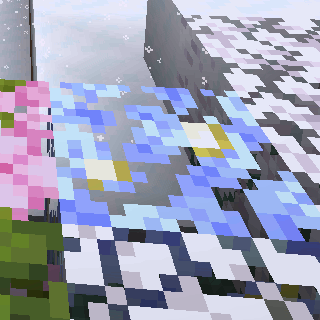
Visual Snowy Leaves
Snowy leaves that work for you, everywhere (not required on servers).
Screenshots
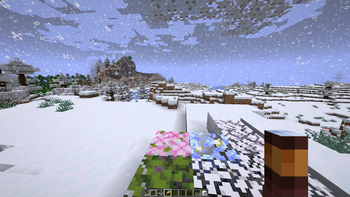
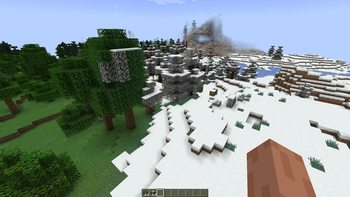
Über diese Mod
Snowy leaves that works for you, everywhere (especially servers).
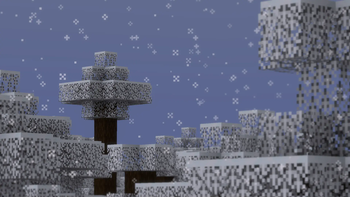
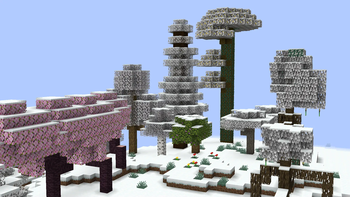
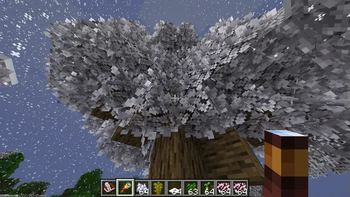
Leaves will slowly fade into their snowy colors during snowfall comprable to the same feature found at Minecraft: Bedrock Edition. Timings ang transition conditions are fully configurable!
Soon for version 0.6.0 (currently in Beta):
- This mods modifies Minecraft core shaders.
This is to achieve smooth transition instead of the former reliance on the more demanding and clunky chunk rebuilds. - This mod will not work when Iris shaders is enabled.
A fallback render is being considered at the moment.
See also: https://github.com/IrisShaders/Iris/blob/1.21.11/docs/development/compatibility/core-shaders.md
Compared to other snowy leaves mods, this one is fully client-side! You can join servers with no worries with things like registry mismatch and weird blocks that shouldn't be rendered there! Improvements through texture modifications allows leaves to reach true white at their fully frosted state instead of just gray leaves.
Configuration
The Visual Snowy Leaves configuration can be accessed through three ways:
- with Fabric API installed, you can bind a key to open the config screen
- with ModMenu, the same config screen can be accessed through the mod menu instead
- in any case, the configuration can still be accessed at
<.minecraft>/config/visual-snowy-leaves.json
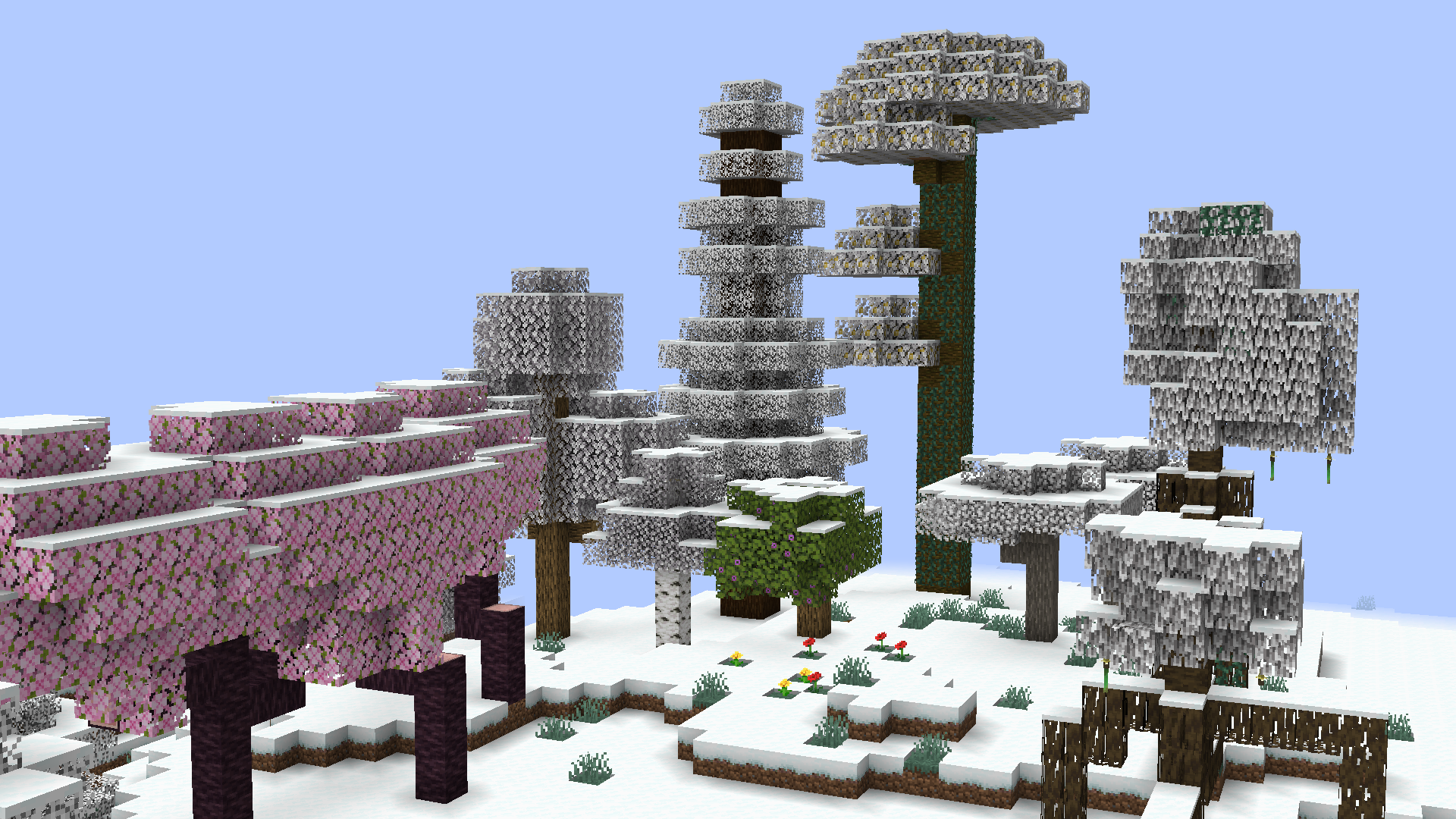
Verfügbare Versionen
Visual Snowy Leaves auf deinem Client installieren
Mod-Loader lokal installieren
Installiere fabric für deine lokale Minecraft-Version.
Passende Datei herunterladen
Wähle die Visual Snowy Leaves-Datei für fabric und Minecraft 26.1-snapshot-2.
Mod installieren
Lege die .jar-Datei in deinem lokalen .minecraft/mods-Ordner ab und starte Minecraft neu. Eine Installation auf dem Server ist nicht nötig.
Kompatibilität
Mod-Loader
Minecraft-Versionen
26.1-snapshot-2, 26.1-snapshot-1, 1.21.11 (+57 weitere)
Server-seitig
✗ Nicht unterstütztEmpfohlener RAM
4 GB(min. 3 GB)Häufige Fragen
Muss Visual Snowy Leaves auf dem Minecraft Server installiert werden?
Nein. Modrinth kennzeichnet Visual Snowy Leaves serverseitig als nicht unterstützt. Installiere die Mod nur im lokalen Minecraft-Mods-Ordner. Dein Server kann unverändert bleiben, sofern die Mod-Seite keine zusätzliche Abhängigkeit nennt.
Welche Version und welchen Loader braucht Visual Snowy Leaves?
Nutze eine Datei für fabric und exakt deine Minecraft-Version. Unterstützte Versionen sind unter anderem 26.1-snapshot-2, 26.1-snapshot-1, 1.21.11. Loader-Dateien sind nicht untereinander austauschbar.
Visual Snowy Leaves funktioniert nicht – was kann ich prüfen?
Prüfe zuerst Minecraft-Version, Loader-Version und erforderliche Abhängigkeiten. Lege die .jar-Datei im lokalen .minecraft/mods-Ordner ab und entferne ältere Duplikate. Da die Mod clientseitig ist, löst mehr Server-RAM dieses Problem nicht.
Ähnliche Mods

![[ETF] Entity Texture Features](https://cdn.modrinth.com/data/BVzZfTc1/af683d206d50b05258d865b0d6e4aa2f2cee12f2_96.webp)
![[EMF] Entity Model Features](https://cdn.modrinth.com/data/4I1XuqiY/6e5bbd0d06b1741bfdab6c0cfab6de8fdaf0064c_96.webp)



Minecraft Server für deine Gruppe
Visual Snowy Leaves bleibt auf deinem Client. Hoste dazu eine kompatible Welt für deine Mitspieler.