
XPlus ContingameIME
An unofficial continuation of an unofficial continuation of IngameIME. Use input method in full screen Minecraft.
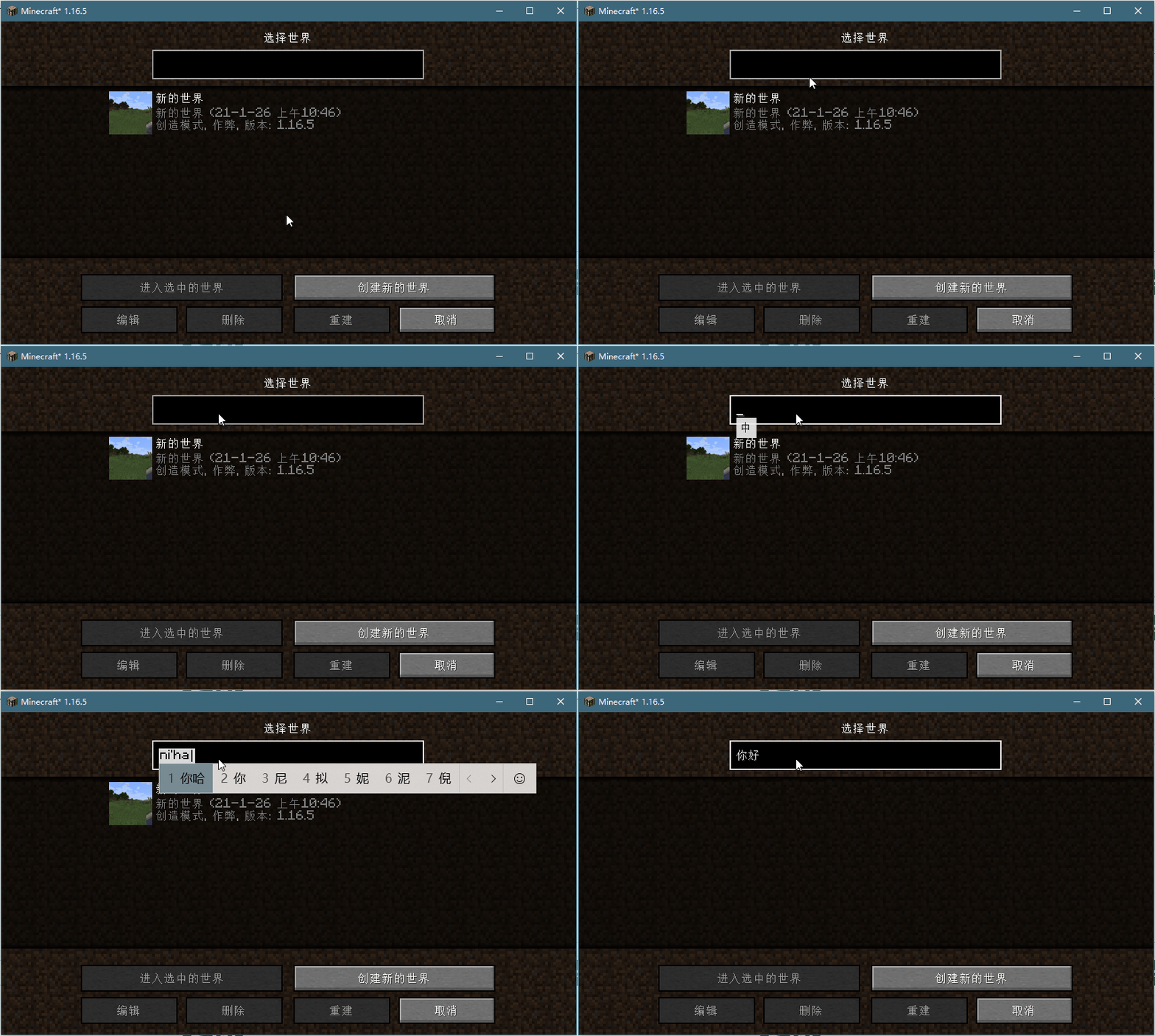
Screenshots
Über diese Mod
XPlus ContingameIME
An unofficial continuation of an unofficial continuation of IngameIME. An unofficial update of ContingameIME.
Use input method in full screen Minecraft.
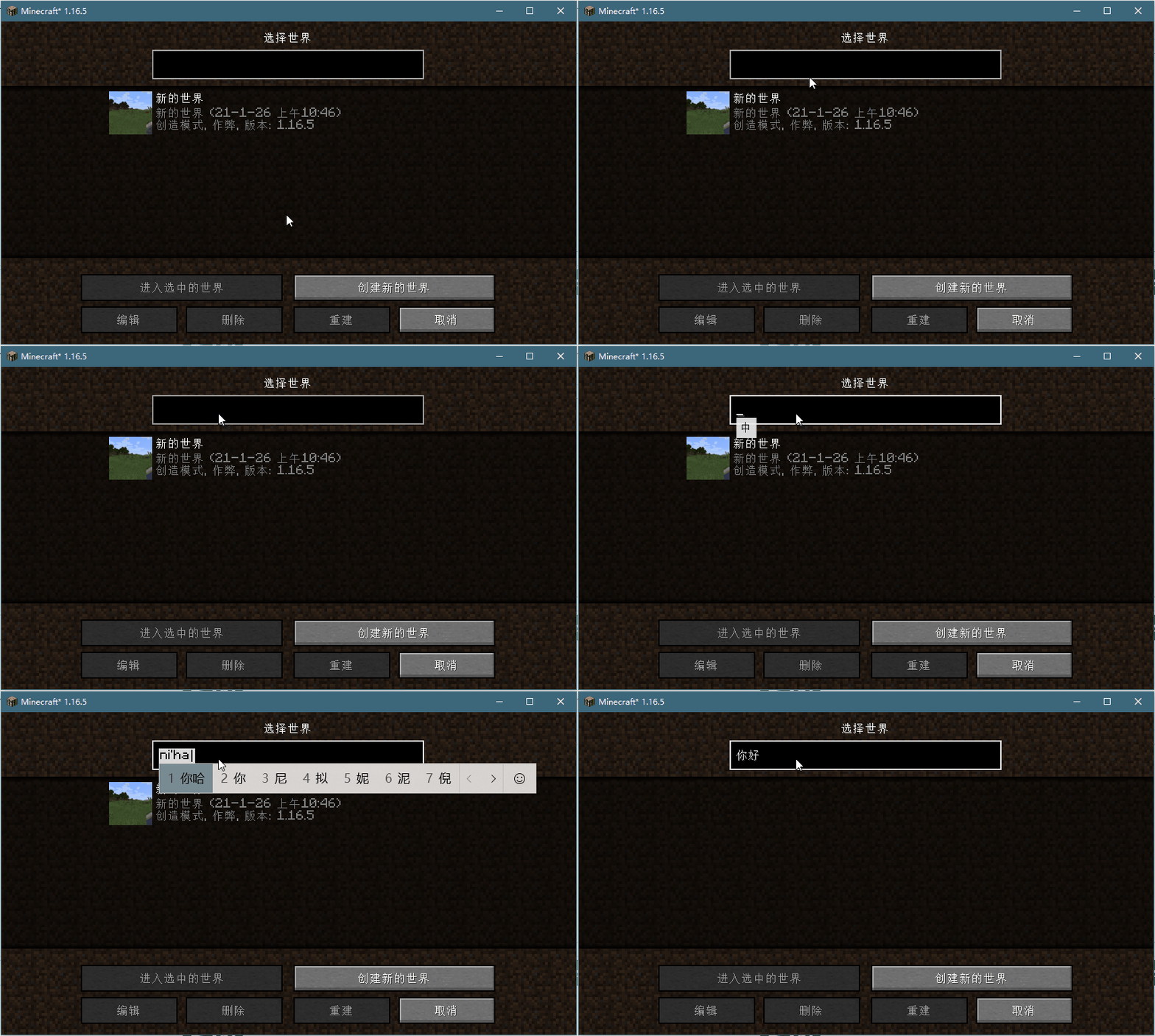
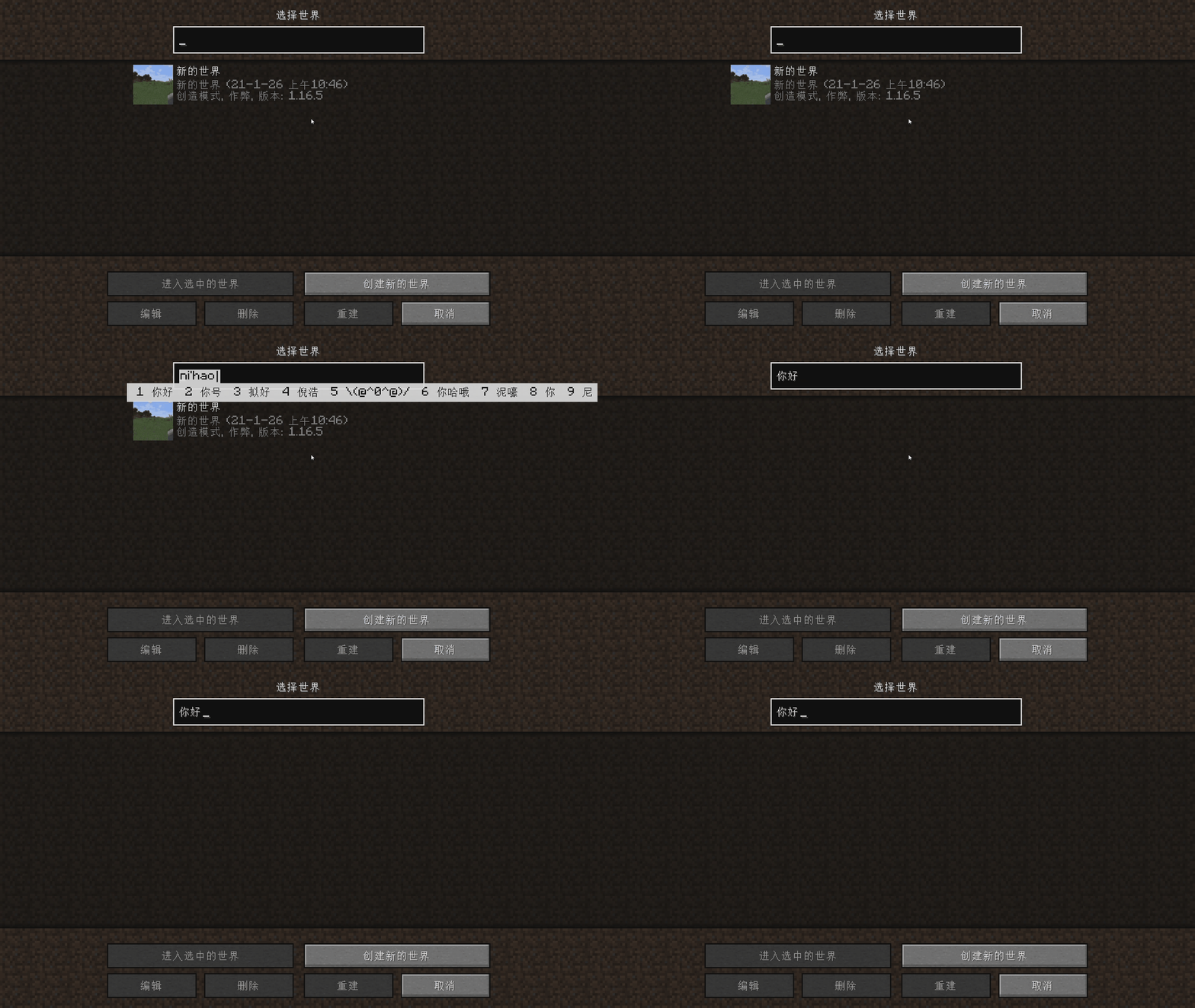
Preview
Window Mode
Full screen Mode
Toggle Key
- Click the hotkey to switch between temporary input state and closed state
- Double-click the hot key to switch to open mode
- temporary input state switch to closed State when mouse move and something was committed
Dependencies
Forge (Not Supported ATM)
Fabric
- Fabric Language Kotlin
- Cloth Config API (Fabric)
- Architectury API (Fabric)
- Satin API (Optional, conflicts with OptiFine)
This Mod requires VCRuntime141 to run, download it on the official website of Microsoft Download Link
This mod code reference/use
- Xieecao/C2GIME (LGPL-2.1)
- ThinkingStudios/ContingameIME (LGPL-2.1)
- Windmill-City/IngameIME-Minecraft (LGPL-2.1)
- Wybxc/IngameIME-Minecraft (LGPL-2.1)
Verfügbare Versionen
XPlus ContingameIME auf deinem Client installieren
Mod-Loader lokal installieren
Installiere fabric für deine lokale Minecraft-Version.
Passende Datei herunterladen
Wähle die XPlus ContingameIME-Datei für fabric und Minecraft 1.21.5.
Mod installieren
Lege die .jar-Datei in deinem lokalen .minecraft/mods-Ordner ab und starte Minecraft neu. Eine Installation auf dem Server ist nicht nötig.
Kompatibilität
Mod-Loader
Minecraft-Versionen
1.21.5, 1.21.4, 1.21.3 (+3 weitere)
Server-seitig
✗ Nicht unterstütztEmpfohlener RAM
4 GB(min. 3 GB)Häufige Fragen
Muss XPlus ContingameIME auf dem Minecraft Server installiert werden?
Nein. Modrinth kennzeichnet XPlus ContingameIME serverseitig als nicht unterstützt. Installiere die Mod nur im lokalen Minecraft-Mods-Ordner. Dein Server kann unverändert bleiben, sofern die Mod-Seite keine zusätzliche Abhängigkeit nennt.
Welche Version und welchen Loader braucht XPlus ContingameIME?
Nutze eine Datei für fabric und exakt deine Minecraft-Version. Unterstützte Versionen sind unter anderem 1.21.5, 1.21.4, 1.21.3. Loader-Dateien sind nicht untereinander austauschbar.
XPlus ContingameIME funktioniert nicht – was kann ich prüfen?
Prüfe zuerst Minecraft-Version, Loader-Version und erforderliche Abhängigkeiten. Lege die .jar-Datei im lokalen .minecraft/mods-Ordner ab und entferne ältere Duplikate. Da die Mod clientseitig ist, löst mehr Server-RAM dieses Problem nicht.
Ähnliche Mods





Minecraft Server für deine Gruppe
XPlus ContingameIME bleibt auf deinem Client. Hoste dazu eine kompatible Welt für deine Mitspieler.
Details
- Lizenz
- GNU Lesser General Public License v2.1 only
- Server-seitig
- Nicht unterstützt