
Zombie Awareness
Smarter more aware zombies (and others), they track you down via blood scent, sound, and light source awareness
Screenshots
Über diese Mod
Features:
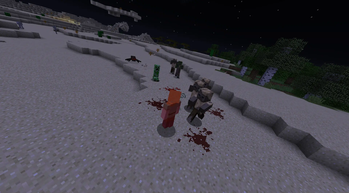
Blood Senses:
You spill blood if you get hurt, shown on the ground, and if low health you bleed out once in a while, and they will sense it and track you down
Sound Senses:
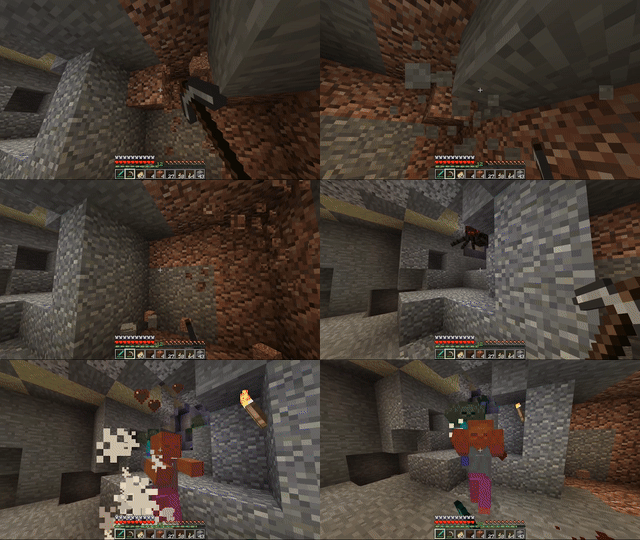
Causing these will alert other monsters of your position, they are:
Mining for blocks, Placing blocks, Explosions, Bows and Crossbows, Eating, Doors, Gates, Notes, Records, Buttons, Levers, Pressure Plates, Tripwires, Chests, Barrels, Pistons, Other zombies, and more!:
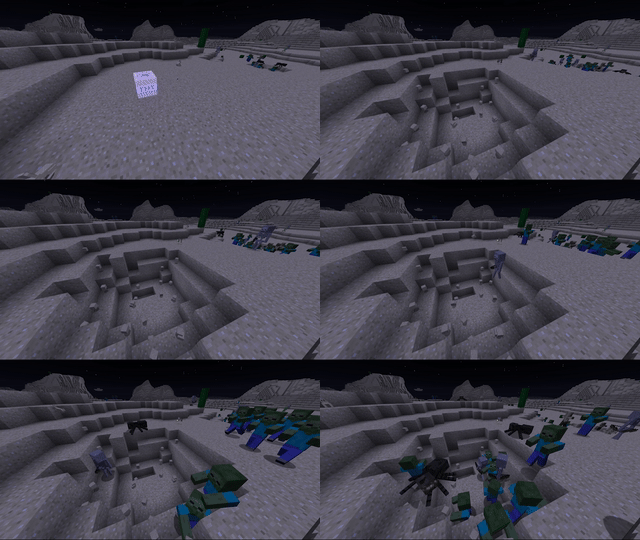
The louder the sound the more impact it has on them hearing it:
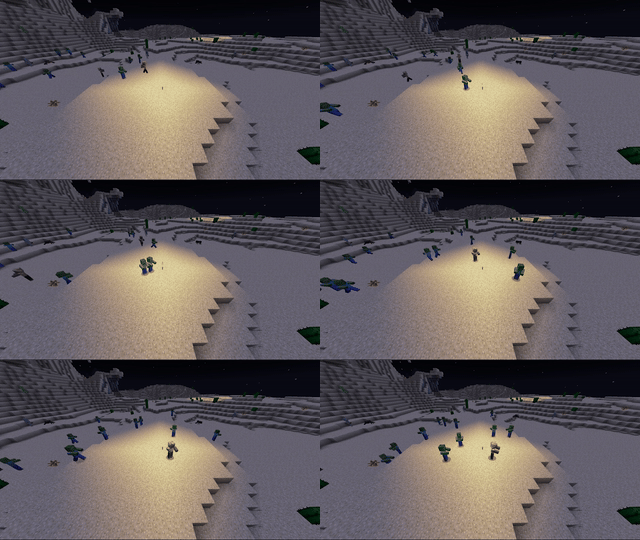
Light Sources:
Monsters can see exposed light sources from super far away, and will come to investigate if they have line of sight
Config:
Choose what monsters you want enhanced
by default it enables it for: "minecraft:zombie", "minecraft:husk", "minecraft:creeper", "minecraft:skeleton", "minecraft:stray", "minecraft:witch", "minecraft:zombie_villager"
Tries to support modded mobs, After running your modpack once, check out MobLists.toml -> enhanceableMobs to see a list of modded mobs that might work!
Misc:
Use pisons or tnt to attract zombies to areas, usefull for distractions to help you get away. They always go for the louder noise.
Optional random wandering hordes on surface (default off): Mobs will gather up together and wander the terrain in large groups randomly
Requires CoroUtil
Use in any modpack you want!
Verfügbare Versionen
Zombie Awareness auf dem Server installieren
Server bestellen
Bestelle einen Minecraft Java Server mit mindestens 3 GB RAM (4 GB empfohlen).
fabric Loader setzen
Wähle im Panel unter "Egg" den fabric-Loader und die passende Minecraft-Version (1.21.1).
Mod installieren
Öffne den Mod-Browser im Dashboard und suche nach "Zombie Awareness". Klicke "Installieren" – fertig! Alternativ: Lade die .jar via SFTP in den /mods Ordner.
Kompatibilität
Mod-Loader
Minecraft-Versionen
1.21.1, 1.21, 1.20.1 (+4 weitere)
Server-seitig
✓ ErforderlichEmpfohlener RAM
4 GB(min. 3 GB)Häufige Fragen
Zombie Awareness Server crasht beim Start – was tun?
Häufigste Ursache: falsche fabric-Version oder zu wenig RAM. Prüfe im Server-Log (latest.log), ob ein "OutOfMemoryError" oder "Mixin"-Fehler auftritt. Bei Mado Hosting: Stelle sicher, dass mindestens 3 GB RAM zugewiesen sind und der Loader zur Mod-Version passt (1.21.1). Über das Panel kannst du den Loader mit einem Klick wechseln.
Ist Zombie Awareness mit fabric und forge und neoforge kompatibel?
Zombie Awareness unterstützt offiziell fabric, forge, neoforge für Minecraft 1.21.1, 1.21, 1.20.1. Achtung: Forge- und Fabric-Mods sind NICHT untereinander kompatibel – wähle einen Loader und bleibe dabei. Im Mado Dashboard werden inkompatible Loader-Kombinationen automatisch erkannt.
Server laggt mit Zombie Awareness – wie optimiere ich die Performance?
Empfohlener RAM: 4 GB (+1 GB pro 8 Spieler). Prüfe mit /spark profiler, ob Zombie Awareness den meisten Tick-Time verbraucht. Häufige Fixes: Server-View-Distance auf 8-10 reduzieren, bei Forge "performant" oder "starlight" als Zusatz-Mod installieren. Bei Mado Hosting läuft dein Server auf NVMe-SSDs mit dedizierten CPU-Kernen für minimale Latenz.
Ähnliche Mods




Modded Server mieten
Installiere Zombie Awareness mit nur einem Klick auf deinem Server.