
Zombie Awareness
Smarter more aware zombies (and others), they track you down via blood scent, sound, and light source awareness
Screenshots
About this Mod
Features:
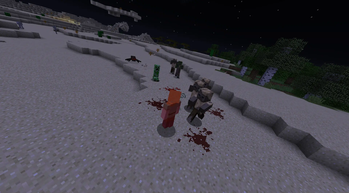
Blood Senses:
You spill blood if you get hurt, shown on the ground, and if low health you bleed out once in a while, and they will sense it and track you down
Sound Senses:
Causing these will alert other monsters of your position, they are:
Mining for blocks, Placing blocks, Explosions, Bows and Crossbows, Eating, Doors, Gates, Notes, Records, Buttons, Levers, Pressure Plates, Tripwires, Chests, Barrels, Pistons, Other zombies, and more!:
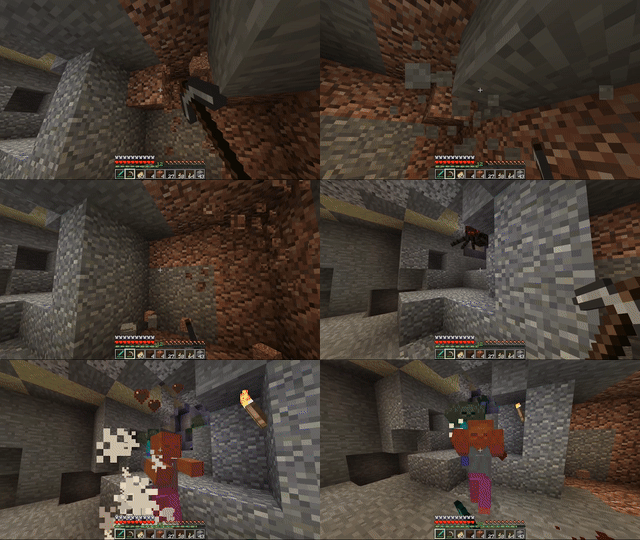
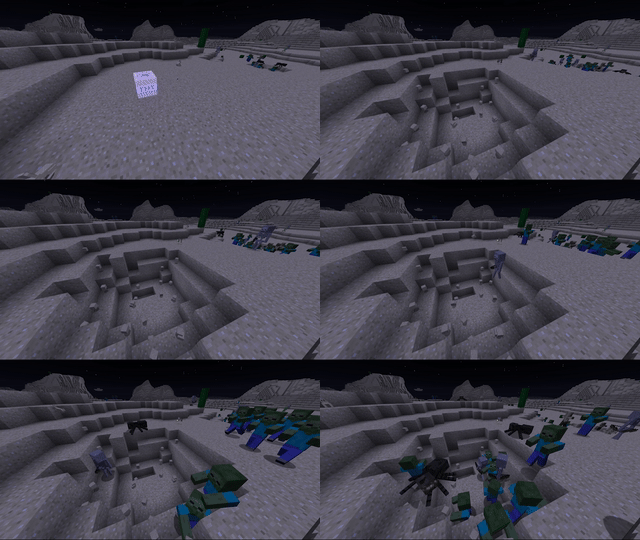
The louder the sound the more impact it has on them hearing it:
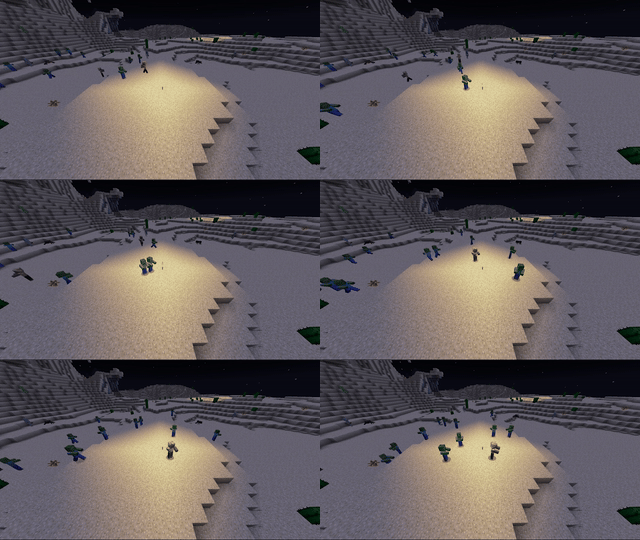
Light Sources:
Monsters can see exposed light sources from super far away, and will come to investigate if they have line of sight
Config:
Choose what monsters you want enhanced
by default it enables it for: "minecraft:zombie", "minecraft:husk", "minecraft:creeper", "minecraft:skeleton", "minecraft:stray", "minecraft:witch", "minecraft:zombie_villager"
Tries to support modded mobs, After running your modpack once, check out MobLists.toml -> enhanceableMobs to see a list of modded mobs that might work!
Misc:
Use pisons or tnt to attract zombies to areas, usefull for distractions to help you get away. They always go for the louder noise.
Optional random wandering hordes on surface (default off): Mobs will gather up together and wander the terrain in large groups randomly
Requires CoroUtil
Use in any modpack you want!
Available Versions
How to Install Zombie Awareness on Your Server
Order Server
Order a Minecraft Java server with at least 3 GB RAM (4 GB recommended).
Set fabric Loader
In the panel under "Egg", select the fabric loader and matching Minecraft version (1.21.1).
Install Mod
Open the mod browser in the dashboard and search for "Zombie Awareness". Click "Install" – done! Alternatively, upload the .jar via SFTP to the /mods folder.
Compatibility
Mod Loaders
Minecraft Versions
1.21.1, 1.21, 1.20.1 (+4 more)
Server-side
✓ RequiredRecommended RAM
4 GB(min. 3 GB)Frequently Asked Questions
Zombie Awareness server crashes on startup – what to do?
Most common cause: wrong fabric version or insufficient RAM. Check the server log (latest.log) for "OutOfMemoryError" or "Mixin" errors. With Mado Hosting: ensure at least 3 GB RAM is allocated and the loader matches the mod version (1.21.1). You can switch loaders with one click in the panel.
Is Zombie Awareness compatible with fabric and forge and neoforge?
Zombie Awareness officially supports fabric, forge, neoforge for Minecraft 1.21.1, 1.21, 1.20.1. Note: Forge and Fabric mods are NOT cross-compatible – pick one loader and stick with it. The Mado dashboard automatically detects incompatible loader combinations.
Server lagging with Zombie Awareness – how to optimize performance?
Recommended RAM: 4 GB (per 8 players). Use /spark profiler to check if Zombie Awareness consumes the most tick time. Common fixes: reduce server view-distance to 8-10, install "performant" or "starlight" as supplementary mods on Forge. With Mado Hosting, your server runs on NVMe SSDs with dedicated CPU cores for minimal latency.
Similar Mods




Rent Modded Server
Install Zombie Awareness with just one click on your server.