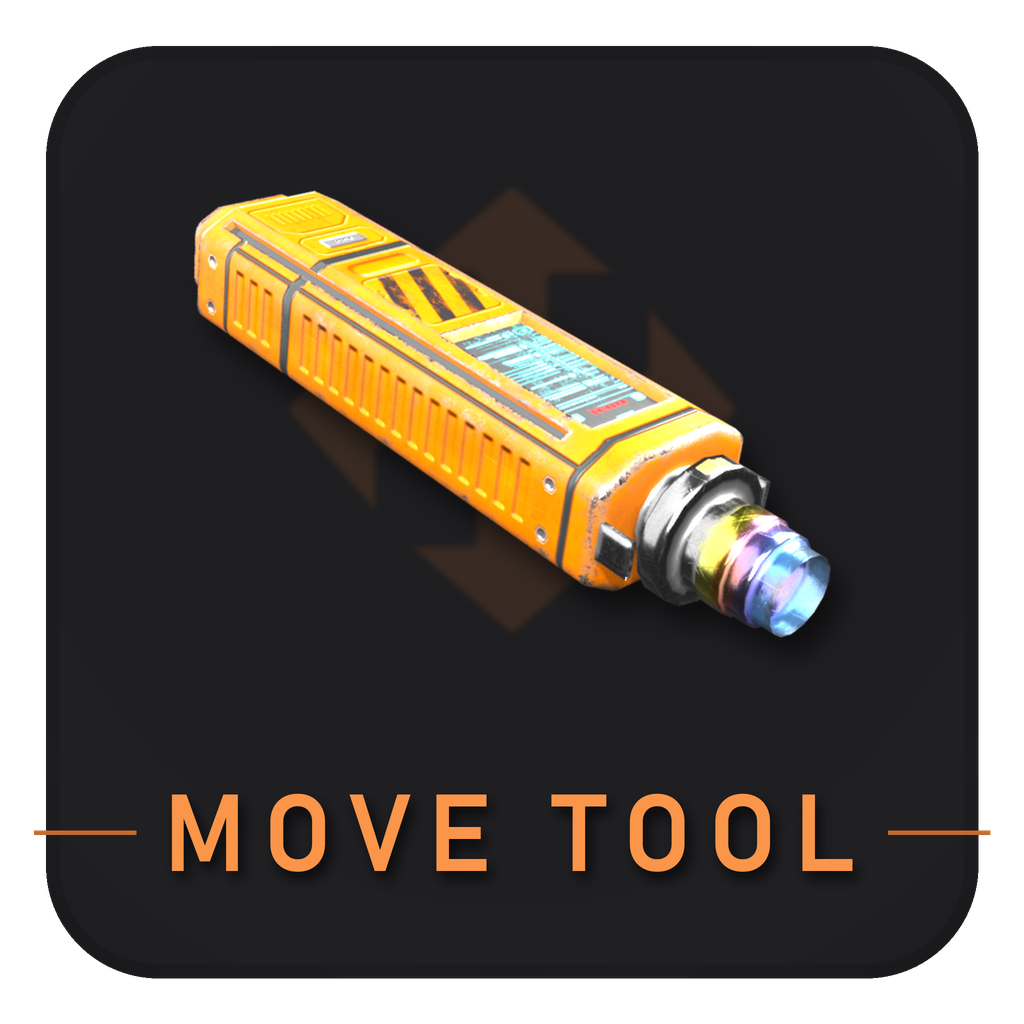
Move Tool
A tool that allows for moving structures instead of dismantling and rebuilding them
Beschreibung
This mod adds the Move Tool
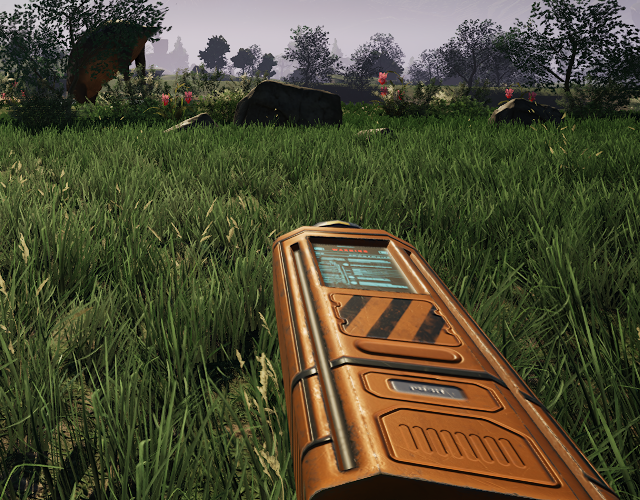
Moving a structure
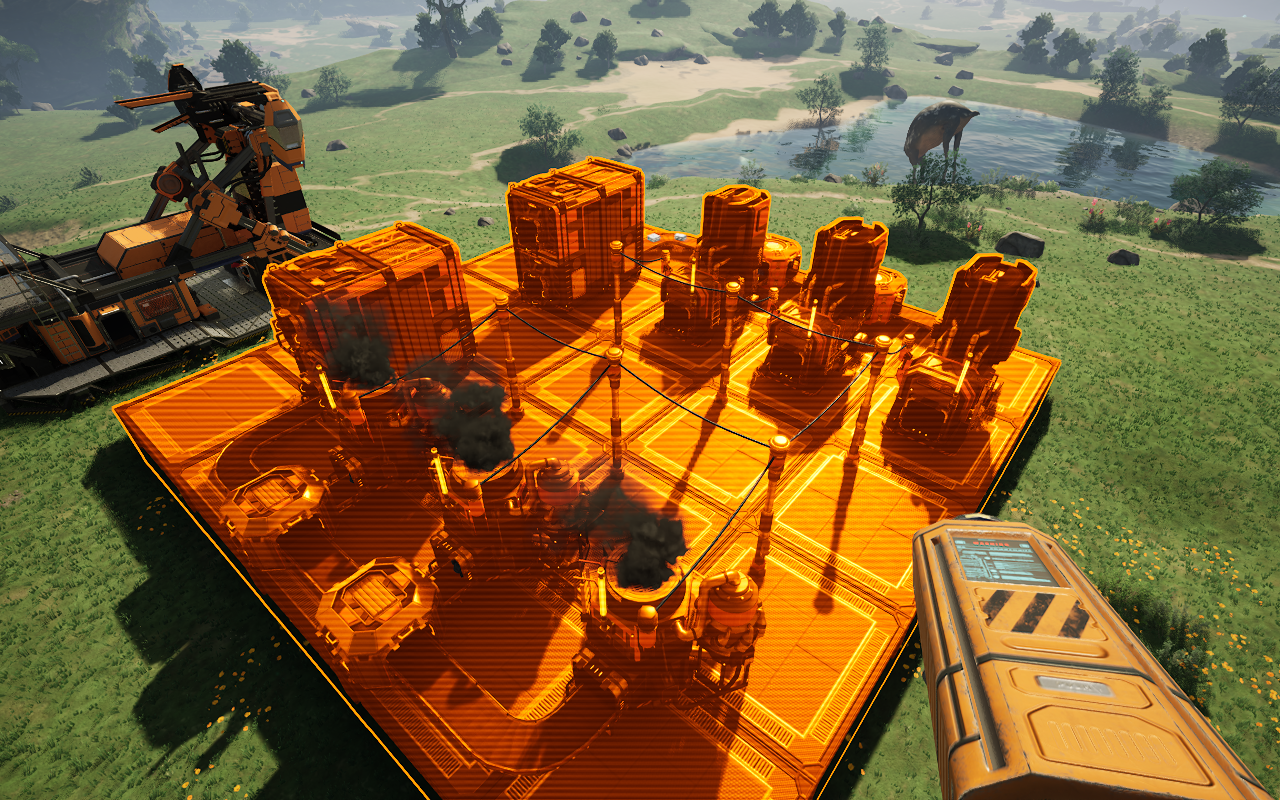
Left click a structure to pick it up, and left click again to set it down. Right click puts it back where it was. While you're holding something, normal hologram controls work: scroll wheel to rotate, H to lock the hologram in place, arrow keys and Page Up/Down to nudge it.
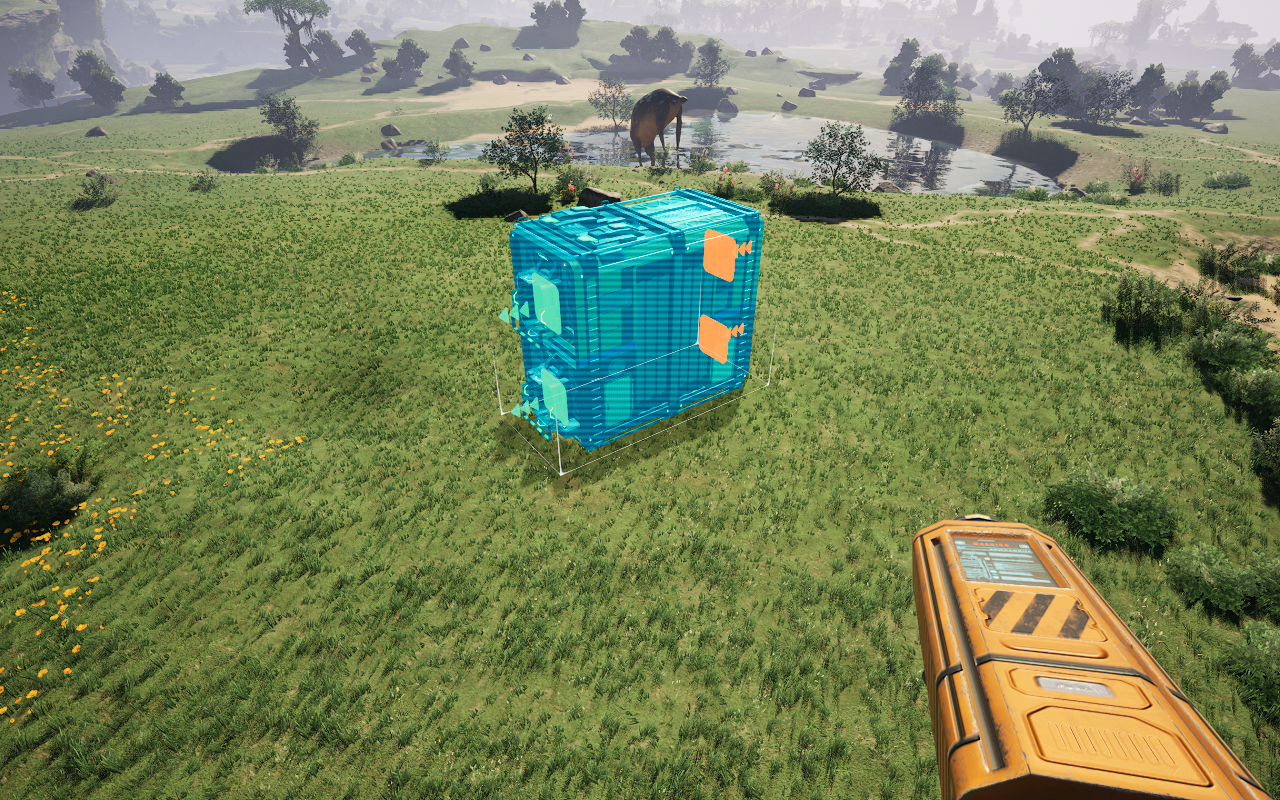
Moving multiple structures
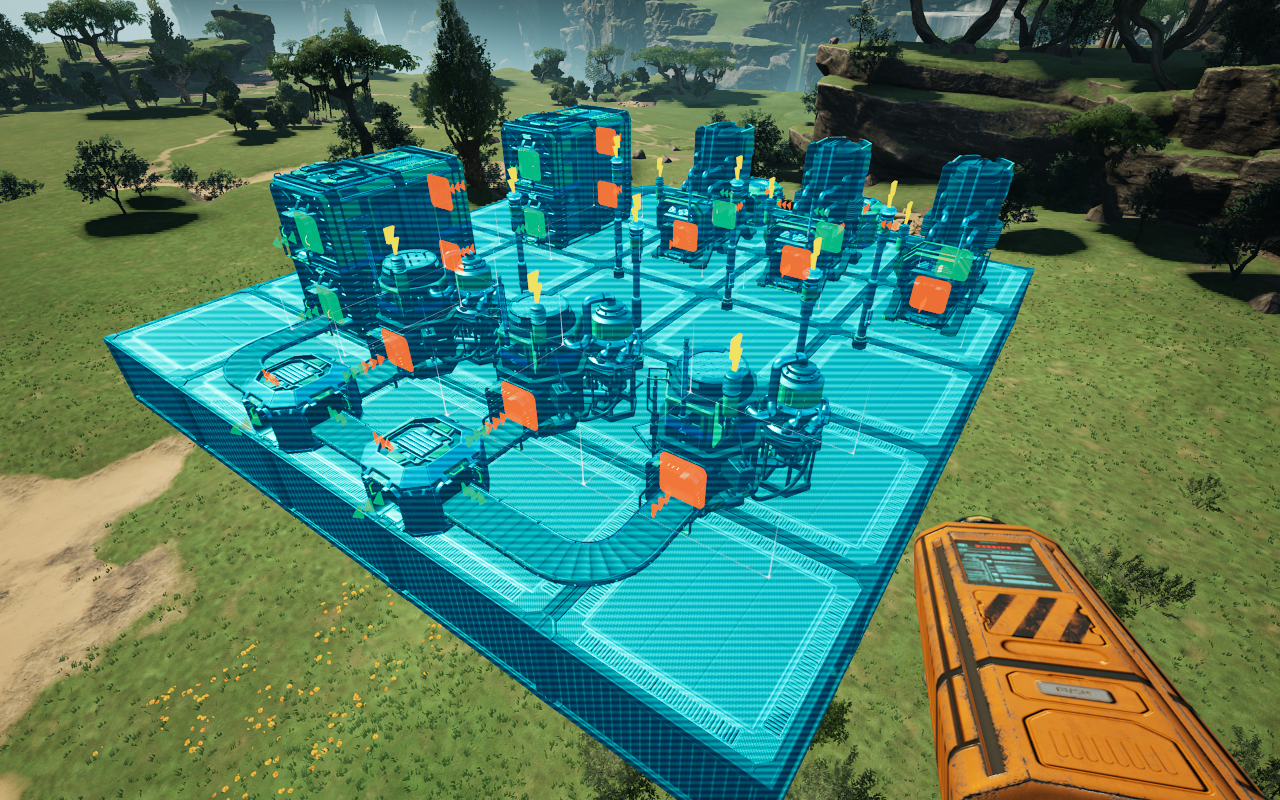
Ctrl + Left click structures to select them, or hold it down and sweep across a whole area. Left click then picks up the entire selection at once, and right click cancels it. The selection moves as one piece, with the same rotation and adjustment controls as a single structure.
While selecting, press G to filter your selection on the highlighted object (press G again on the same object, or nothing in particular, to clear the filter).
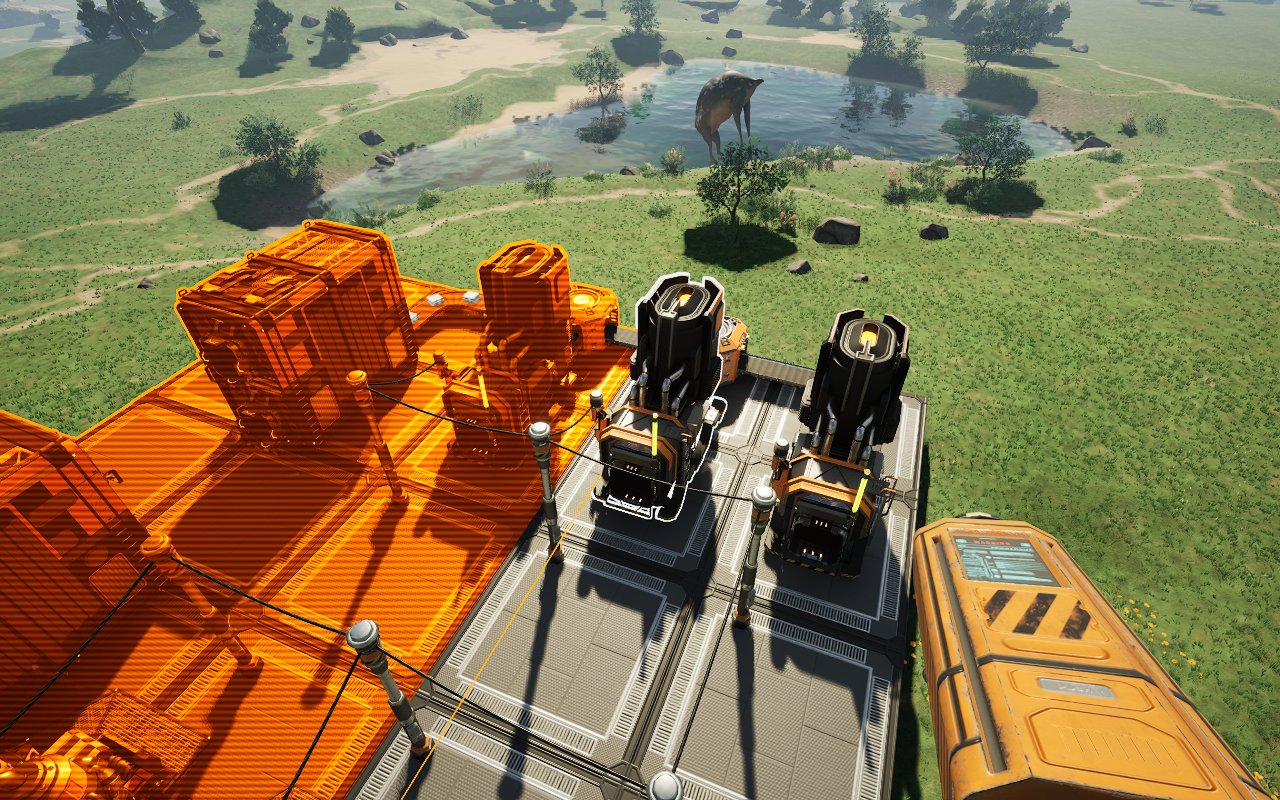
Press R to toggle Blueprint Mode, which allows you to select and move a blueprint group, or In Place mode, which locks the hologram initially so you can nudge/rotate/adjust structures in place
Inventories, contents, belts, and connections are preserved through moves, so long as each piece is included in your selection.
Reporting issues
Report issues here: https://github.com/JoshMckayMods/MoveTool-assets/issues. Please include what you did, what went wrong, and any other information.
Notes
Some buildings (rail-connected train stations or path connected truck stations, elevators, vehicle paths, drone ports, rail signals) are not movable due to complexity in how Satisfactory handles these structures.
All move tool actions use your vanilla keybinds, except for multi-select. To rebind multi-select, enable the option for the vanilla keybind in the in-game config
You can also disable movement restrictions in the config. There are several more settings and customization options in there that you can access as well
Credits
3D model created by Roy Sousa.
Versionen
Move Tool auf dem Server installieren
Satisfactory Server bestellen
Bestelle einen Satisfactory Server mit mindestens 4 GB RAM (6 GB empfohlen). Bei Multiplayer: +1 GB pro 4 Spieler.
Mod installieren
Öffne den Mod-Manager im Dashboard und suche nach "Move Tool". Installations-Dependencies werden automatisch mitinstalliert.
Server neu starten
Starte den Server neu, damit die Mod geladen wird. Spieler müssen die Mod ebenfalls lokal installiert haben.
Häufige Fragen
Move Tool funktioniert nicht nach Update – was tun?
Nach einem Satisfactory-Update müssen Mods aktualisiert werden. Prüfe auf ficsit.app, ob Move Tool bereits für die neue Game-Version aktualisiert wurde. Bei Mado Hosting: Öffne den Mod-Manager und klicke "Alle aktualisieren". Wenn die Mod noch nicht aktualisiert ist, entferne sie temporär, damit der Server startet.
Move Tool verursacht Crashes im Multiplayer – Lösung
Häufigste Ursache: alle Spieler müssen exakt die gleiche Mod-Version installiert haben. Prüfe in den Server-Logs nach "ModMismatch" oder "Version Conflict". Stelle sicher, dass alle Spieler Move Tool v1.5.3 und den gleichen SML verwenden. Bei Mado Hosting laufen Satisfactory Server mit 6 GB RAM für stabile Multiplayer-Performance.
Ist Move Tool mit anderen Satisfactory Mods kompatibel?
Move Tool nutzt den Satisfactory Mod Loader (SML). Generell sind SML-basierte Mods untereinander kompatibel, aber Mods die gleiche Game-Systeme ändern, können Konflikte verursachen. Teste neue Mod-Kombinationen am besten auf einem Backup-Save. Im Mado Dashboard werden bekannte Konflikte automatisch erkannt und du wirst gewarnt.
Move Tool Server mieten
Spiele Move Tool auf deinem eigenen Satisfactory Server mit Mod-Support.
Mod Informationen
- Ersteller
- JoshMckay
- Neueste Version
- v1.5.3
- Erstellt am
- 25. Juli 2026
- Zuletzt aktualisiert
- 8. Oktober 2026