
!lag
Client-side Fabric optimization mod for Minecraft 1.21+–26.3 with integrated Video Settings controls, safe culling, particle limits, and an FPS HUD.
Screenshots
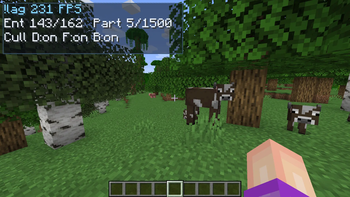
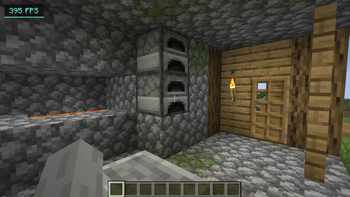
About this Mod
!lag™
!lag™ is a client-side Fabric optimization mod for Minecraft 1.21+ through 26.3. It brings performance-focused graphics tuning, searchable settings, safe culling, particle limits, smooth zoom, and a lightweight FPS HUD into one clean client mod.
The goal is simple: make Minecraft easier to tune and smoother to play without changing gameplay logic or requiring anything on the server.
Highlights
- Combined
Video + !lagsettings screen - Searchable settings with organized tabs
- Safe entity and block entity culling
- Distance and frustum culling controls
- Particle budget limiter
- Optional fullbright
- Built-in FPS HUD
- Smooth hold-to-zoom with scroll adjustment
- Menu, overlay, unfocused, minimized, AFK, and deep-AFK FPS caps
- Custom
!lagstartup loading screen
Performance Tools
!lag focuses on practical client-side tuning. You can limit expensive visuals, reduce unnecessary rendering, and quickly apply recommended settings from one place.
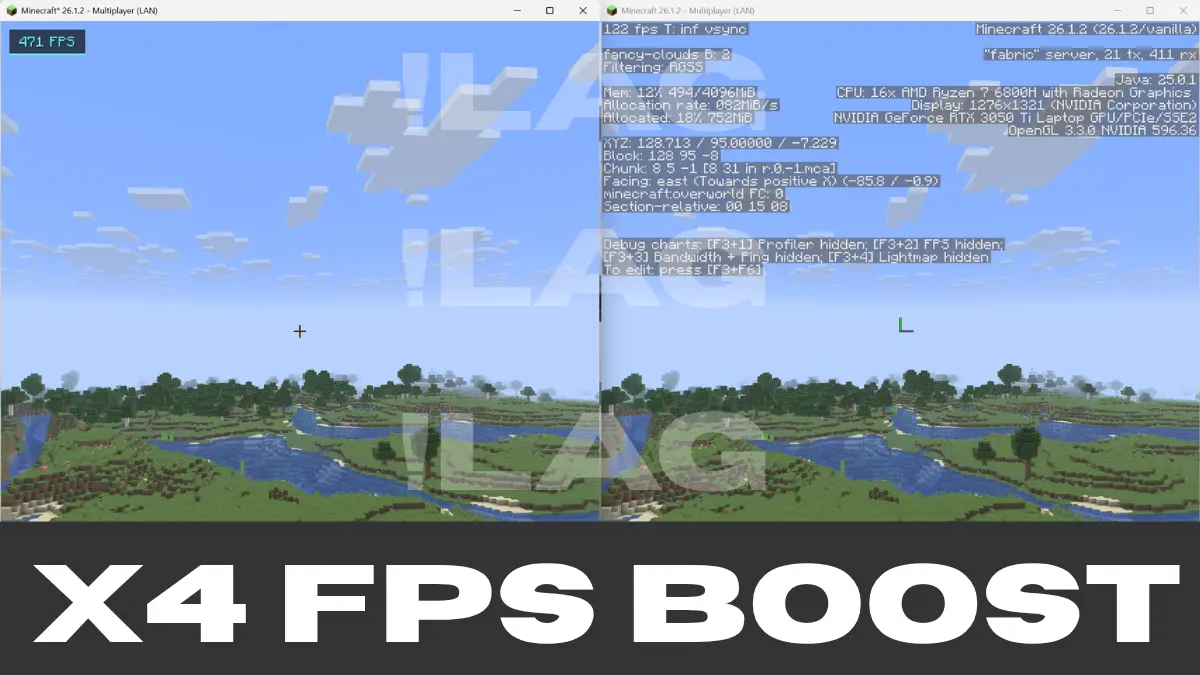
X4 BOOSTED FPS!
Included tuning options:
- Entity cull distance
- Block entity cull distance
- Visibility cache interval
- Async visibility worker count
- Particle budget per tick
- Weather effects toggle
- Entity shadows toggle
- Leaf render mode
- FPS HUD scale
- Multiple background FPS caps
Better Settings
Vanilla video settings and !lag settings live together in a merged options screen. Search helps you find the option you need quickly, while tabs keep performance, safety, visuals, distance, and FPS controls easy to browse.
Zoom
!lag includes a smooth zoom keybind.
- Default key:
V - Hold the key to zoom
- Scroll while zooming to adjust zoom strength
Compatibility
- Minecraft:
1.21+through26.3(download the build for your version) - Mod loader: Fabric
- Java:
21for 1.21.x builds ·25for Minecraft 26.x builds - Environment: client-side only
- Server required: no
Beta Note
This is an early release, so some features may continue to change as the mod is tuned and polished. Please report issues with your Minecraft version, Fabric Loader version, Fabric API version, and a short description of what happened.
License
MIT
Thanks for reading!
Buy me a coffee.
Ko-Fi
Available Versions
How to Install !lag on Your Client
Install the Mod Loader Locally
Install fabric for your local Minecraft version.
Download the Matching File
Choose the !lag file for fabric and Minecraft 26.3.
Install Mod
Place the .jar file in your local .minecraft/mods folder and restart Minecraft. No server-side installation is required.
Compatibility
Mod Loaders
Minecraft Versions
26.3, 26.2, 26.1.2 (+3 more)
Server-side
✗ UnsupportedRecommended RAM
4 GB(min. 3 GB)Frequently Asked Questions
Does !lag need to be installed on the Minecraft server?
No. Modrinth marks !lag as unsupported on the server side. Install it only in your local Minecraft mods folder. Your server can remain unchanged unless the mod page lists an additional dependency.
Which version and loader does !lag require?
Use a file for fabric and your exact Minecraft version. Supported versions include 26.3, 26.2, 26.1.2. Files for different loaders are not interchangeable.
!lag is not working – what should I check?
First check the Minecraft version, loader version and required dependencies. Put the .jar file in your local .minecraft/mods folder and remove older duplicates. Because this mod is client-side, adding server RAM will not fix it.
Similar Mods


Minecraft Server for Your Group
!lag stays on your client. Host a compatible world for your group.