
Aesthetic Storage
Add stylish, functional storage furniture to Minecraft! Craft cabinets, cupboards, and more from all vanilla woods – with support for Arboreal Nature and Wild Fields woods.
Screenshots
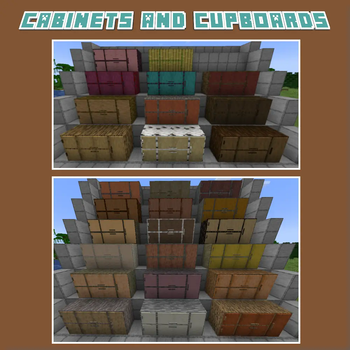
About this Mod
Aesthetic Storage introduces a beautiful collection of decorative and functional wooden storage furniture to Minecraft. From cozy kitchens to organized workshops, this mod helps you build immersive interiors with furniture that looks great and holds your items!
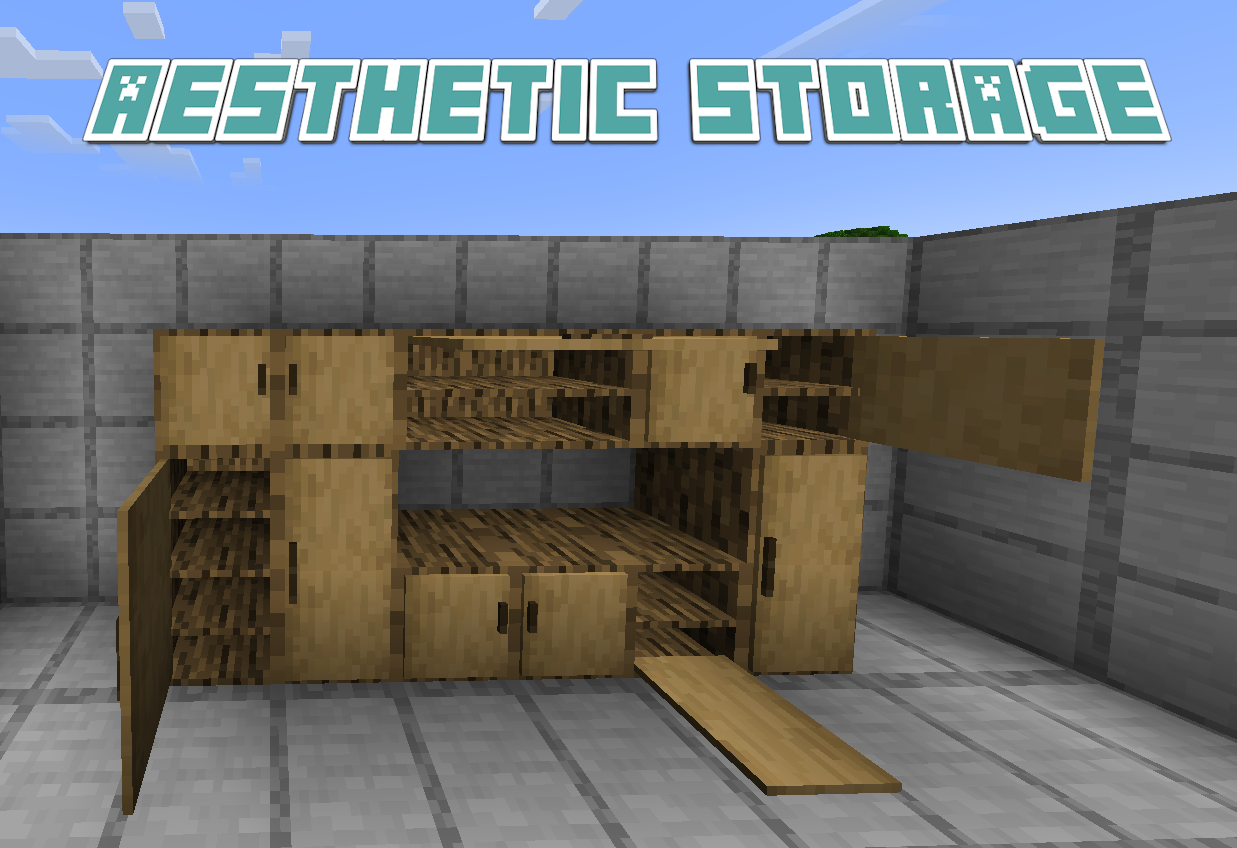
Perfect for both survival players and creative builders, Aesthetic Storage brings a rich selection of cabinets, cupboards, drawers, and other storage-themed furnishings to the game.
Functional Storage Furniture
Every furniture piece works like a container—you can store your items just like a chest, but with far more style.
Crafted From All Vanilla Wood Types
Available in oak, birch, spruce, jungle, acacia, dark oak, mangrove, cherry, bamboo, and more! Each variant has unique textures to match your build theme.

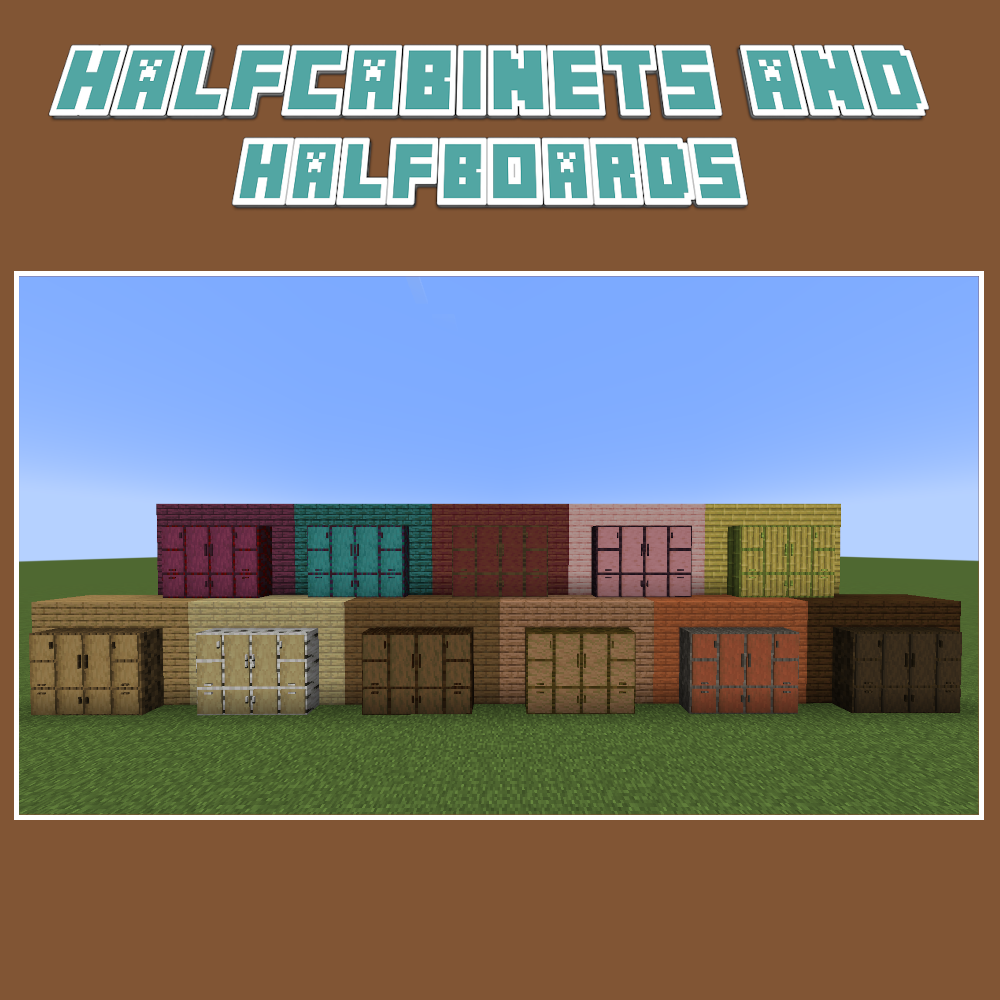
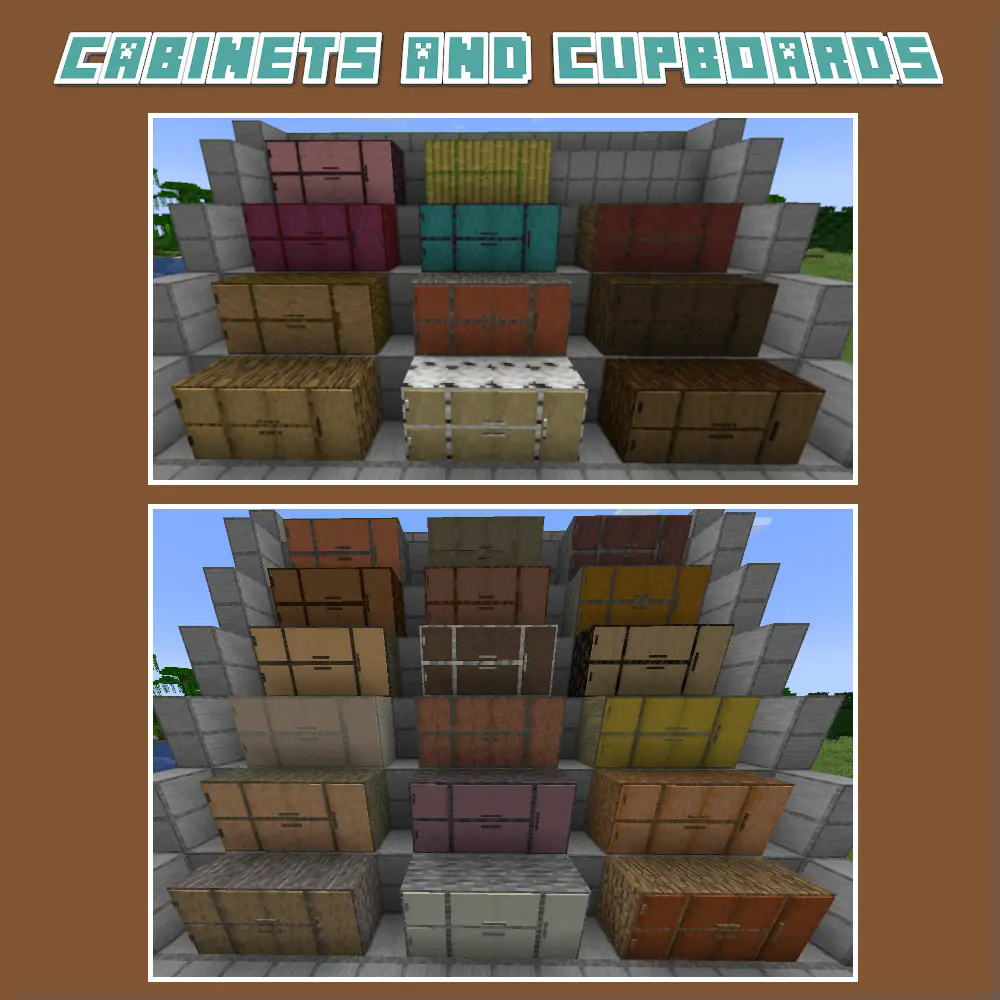
Modded Wood Integration
Seamless support for Arboreal Nature and Wild Fields — unlock beautiful, biome-specific wood variants if those mods are installed.
Cabinets, Cupboards, Drawers & More
A growing collection of storage furniture types, each designed with care to suit homes, shops, libraries, kitchens, workshops, and more.
Survival-Friendly Crafting Recipes
All furniture pieces are accessible in survival mode using balanced and intuitive crafting recipes.
Available Versions
How to Install Aesthetic Storage on Your Server
Order Server
Order a Minecraft Java server with at least 3 GB RAM (4 GB recommended).
Set fabric Loader
In the panel under "Egg", select the fabric loader and matching Minecraft version (1.21.1).
Install Mod
Open the mod browser in the dashboard and search for "Aesthetic Storage". Click "Install" – done! Alternatively, upload the .jar via SFTP to the /mods folder.
Compatibility
Mod Loaders
Minecraft Versions
1.21.1, 1.20.1, 1.19.4 (+2 more)
Server-side
✓ RequiredRecommended RAM
4 GB(min. 3 GB)Frequently Asked Questions
Aesthetic Storage server crashes on startup – what to do?
Most common cause: wrong fabric version or insufficient RAM. Check the server log (latest.log) for "OutOfMemoryError" or "Mixin" errors. With Mado Hosting: ensure at least 3 GB RAM is allocated and the loader matches the mod version (1.21.1). You can switch loaders with one click in the panel.
Is Aesthetic Storage compatible with fabric and forge and neoforge?
Aesthetic Storage officially supports fabric, forge, neoforge for Minecraft 1.21.1, 1.20.1, 1.19.4. Note: Forge and Fabric mods are NOT cross-compatible – pick one loader and stick with it. The Mado dashboard automatically detects incompatible loader combinations.
Server lagging with Aesthetic Storage – how to optimize performance?
Recommended RAM: 4 GB (per 8 players). Use /spark profiler to check if Aesthetic Storage consumes the most tick time. Common fixes: reduce server view-distance to 8-10, install "performant" or "starlight" as supplementary mods on Forge. With Mado Hosting, your server runs on NVMe SSDs with dedicated CPU cores for minimal latency.
Similar Mods

![[ETF] Entity Texture Features](https://cdn.modrinth.com/data/BVzZfTc1/af683d206d50b05258d865b0d6e4aa2f2cee12f2_96.webp)
![[EMF] Entity Model Features](https://cdn.modrinth.com/data/4I1XuqiY/6e5bbd0d06b1741bfdab6c0cfab6de8fdaf0064c_96.webp)



Rent Modded Server
Install Aesthetic Storage with just one click on your server.