
Better Health Indicator
Say goodbye to boring health bars! Experience combat with a beautiful, dynamic, and smooth animated health indicator.
Screenshots
About this Mod
Better Health Indicator
Github link
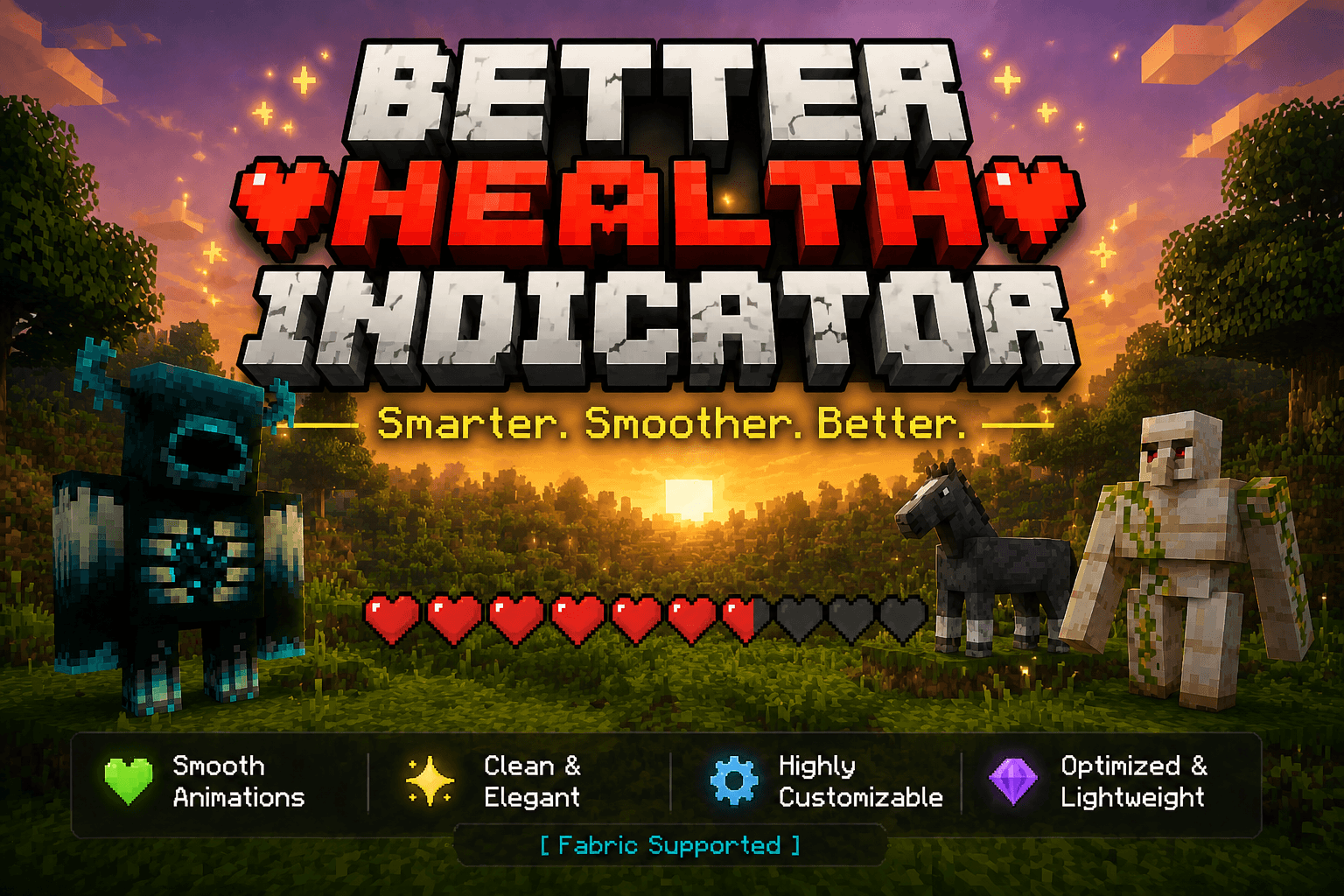
Say goodbye to boring health bars! Better Health Indicator is a client-side Fabric mod that replaces plain mob health display with a beautiful, dynamic, and smoothly animated indicator — both above entities and in a rich on-screen panel.
Client-side only. It does not need to be installed on the server, and works on most servers for normal mobs and players.
✨ Features
Over-head health bars
- Vanilla-style heart icons rendered as crisp billboards above entities.
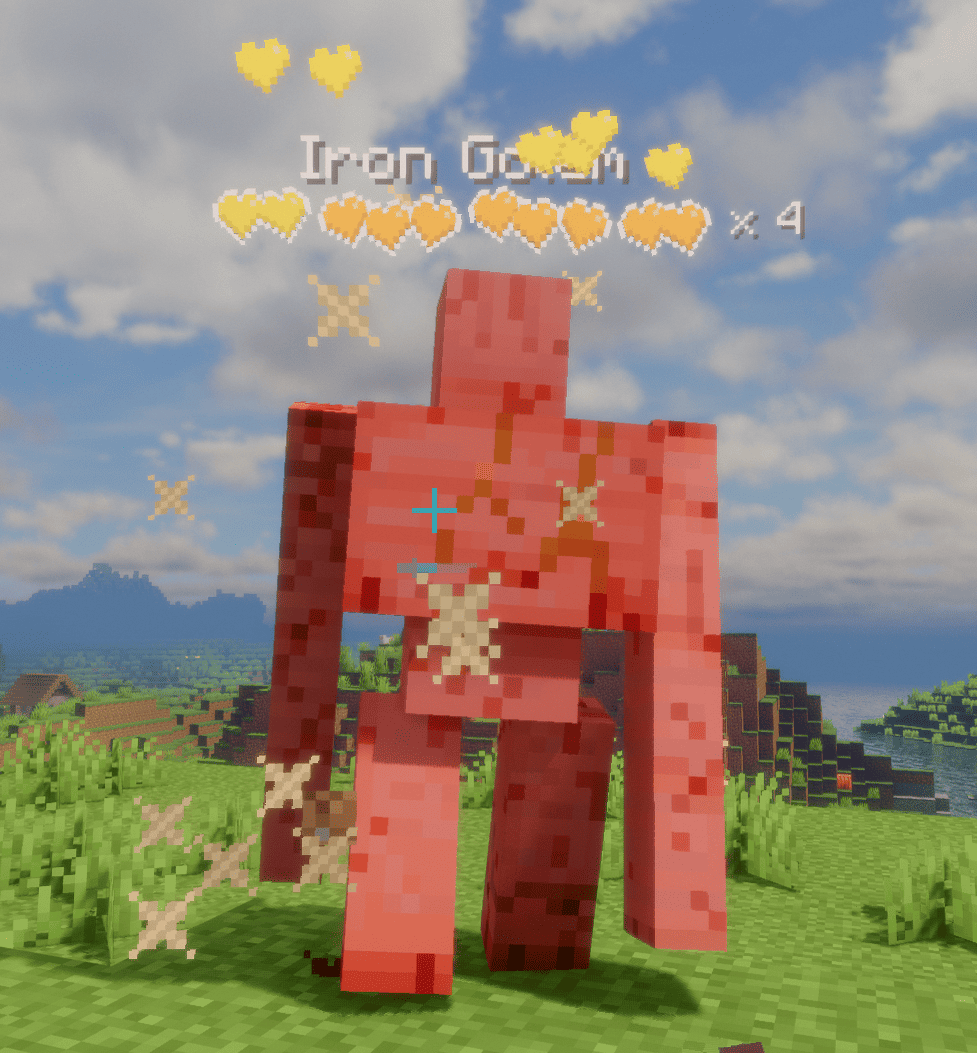
- Tiered multi-row hearts for high-HP mobs: the bottom row stays vanilla red (or hardcore hearts for powerful mobs on their last bar), while upper rows are runtime-tinted from a grayscale template with fully configurable per-tier colors.
- Dynamic "× N" multiplier for mobs with many health bars, color-coded by amount; updates live as health changes.
- Damage feedback: dropping heart particles on hit (intensity scales with damage), heart scatter + tilt, and a white "blink" highlight — all toggleable.
- Low-health tremor: hearts shake when health drops below a configurable threshold, each heart staggered like vanilla.
- Death shatter: hearts chain-burst when an entity dies.
- Name & detail: optional name display with custom scale/bold; health value or multiplier can sit beside the bar or after the name. Optionally hides the vanilla name tag to avoid overlap.
On-screen target panel
- A configurable corner panel for the entity you're looking at / recently attacked.
- Shows a live 3D model in a square or round frame, name, health (bar or hearts), and potion-effect icons.
- Light / dark themes, adjustable transparency, and auto-resizing width.
Display & control
- Display modes: On Screen or Looking At, with attack-tracking (keep showing a mob you just hit).
- Distance limit, show-self, show-full-health, and occlude-behind-walls options.
- Hide vanilla damage heart particles to avoid visual clutter.
⚙️ Configuration
Fully configurable in-game via Mod Menu + Cloth Config (both optional). Without them, settings still load from config/better_health_indicator.json.
Available Versions
How to Install Better Health Indicator on Your Client
Install the Mod Loader Locally
Install fabric for your local Minecraft version.
Download the Matching File
Choose the Better Health Indicator file for fabric and Minecraft 26.2.
Install Mod
Place the .jar file in your local .minecraft/mods folder and restart Minecraft. No server-side installation is required.
Compatibility
Mod Loaders
Minecraft Versions
26.2, 26.1.2, 26.1.1 (+11 more)
Server-side
✗ UnsupportedRecommended RAM
4 GB(min. 3 GB)Frequently Asked Questions
Does Better Health Indicator need to be installed on the Minecraft server?
No. Modrinth marks Better Health Indicator as unsupported on the server side. Install it only in your local Minecraft mods folder. Your server can remain unchanged unless the mod page lists an additional dependency.
Which version and loader does Better Health Indicator require?
Use a file for fabric, forge, neoforge and your exact Minecraft version. Supported versions include 26.2, 26.1.2, 26.1.1. Files for different loaders are not interchangeable.
Better Health Indicator is not working – what should I check?
First check the Minecraft version, loader version and required dependencies. Put the .jar file in your local .minecraft/mods folder and remove older duplicates. Because this mod is client-side, adding server RAM will not fix it.
Similar Mods

![[ETF] Entity Texture Features](https://cdn.modrinth.com/data/BVzZfTc1/af683d206d50b05258d865b0d6e4aa2f2cee12f2_96.webp)
![[EMF] Entity Model Features](https://cdn.modrinth.com/data/4I1XuqiY/6e5bbd0d06b1741bfdab6c0cfab6de8fdaf0064c_96.webp)



Minecraft Server for Your Group
Better Health Indicator stays on your client. Host a compatible world for your group.