
Chainsaw Man - Fabric
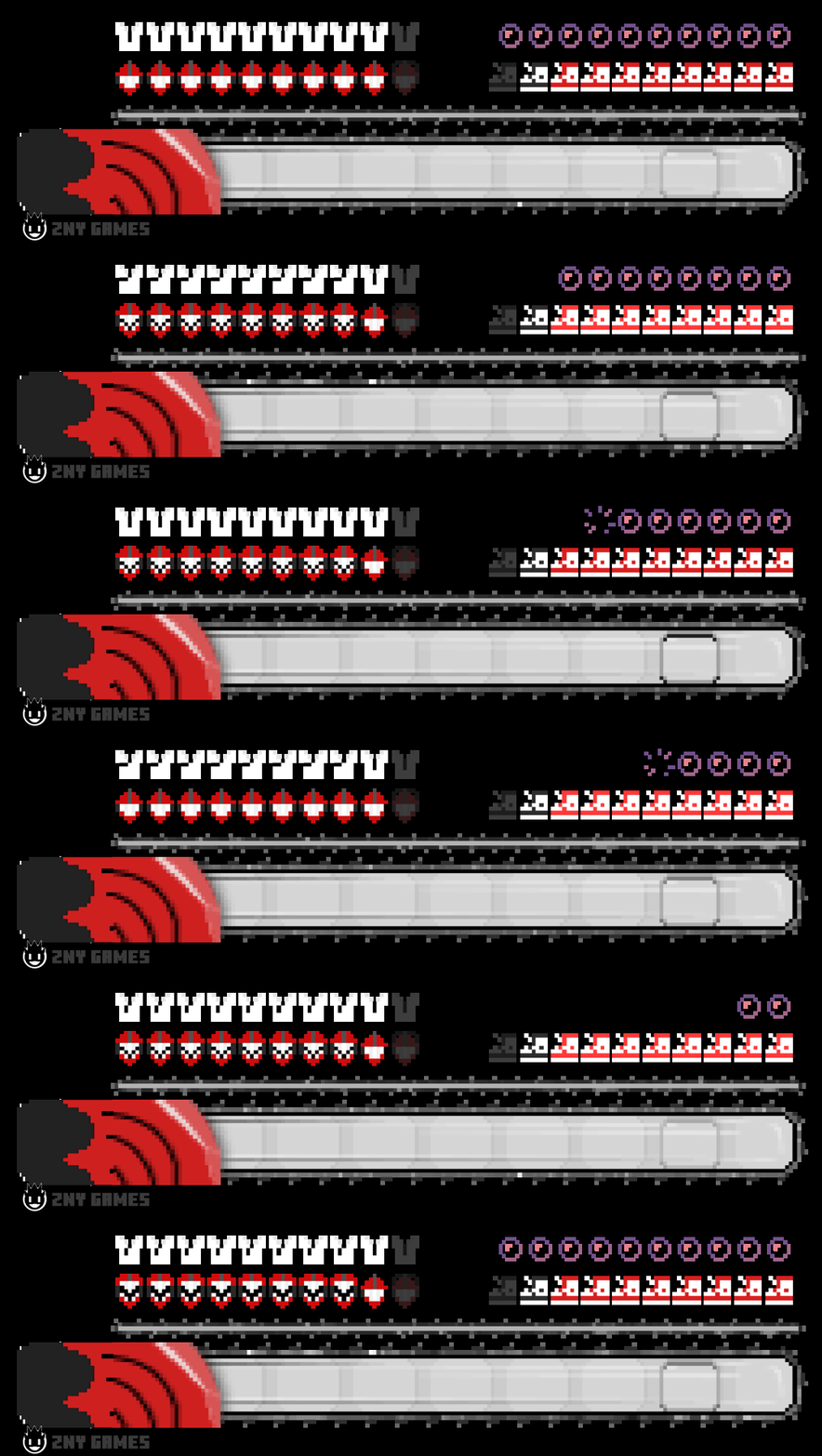
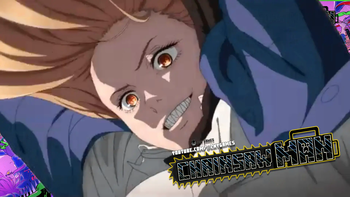
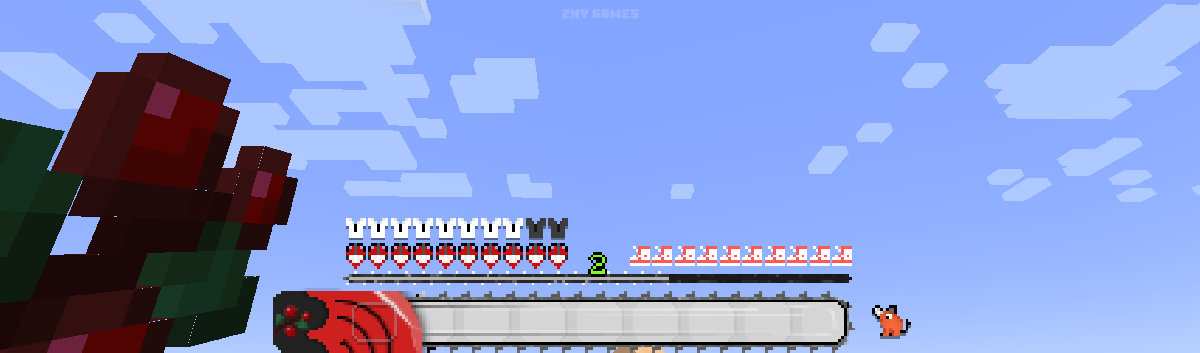
I tried to represent and animate elements from the anime "chainsaw man", aiming to capture its essence in the hotbar.
Screenshots
About this Mod

 Today, I'm excited to present a new custom hotbar inspired by the intense world of Chainsaw Man!
@znygames

🎞| TRAILER
🖼| EXAMPLE
HOTBAR


🗒| DESCRIPTION
This time, the theme is "Chainsaw Man." I hope you like it!
I tried to represent and animate elements from the anime, aiming to capture its essence in the hotbar. The texture pack includes a new hotbar and new icons, such as the hunger bar and more, all designed to reflect the Chainsaw Man theme. You can use this pack in the standard Vanilla version and with Fabric.
Dive into your Minecraft world with this dynamic and exciting look!
New! with this pack:
- This Java Minecraft texture pack is now also available for Fabric.
- The pack is playable with Fabric Loader versions 0.15.11 - 1.21.
- animated hotbar
🛈 |INSTALL
Note: If you encounter any issues, make sure that the texture pack is compatible with your version of Minecraft, and that you have followed all of the steps correctly.
Install FABRIC
- The latest Fabric Launcher is required for the Minecraft Fabric mod.
- Update your Java. At least java 21 Java Oracle
💬| COMMUNITY (っ^▿^)۶🍸🌟🍺٩(˘◡˘ )
Hey,
We invite you to join our Discord community where you can connect with fellow players, share your ideas, and report any bugs you encounter. Whether you have suggestions for improving the hotbar or need support with any issues, our community is here to help. Let’s build, explore, and create together!


🔗|BEDROCK VERSION


💖| THX!
See you in the next pack!
Available Versions
How to Install Chainsaw Man - Fabric on Your Client
Install the Mod Loader Locally
Install fabric for your local Minecraft version.
Download the Matching File
Choose the Chainsaw Man - Fabric file for fabric and Minecraft 1.21.4.
Install Mod
Place the .jar file in your local .minecraft/mods folder and restart Minecraft. No server-side installation is required.
Compatibility
Mod Loaders
Minecraft Versions
1.21.4, 1.21.3, 1.21.1 (+1 more)
Server-side
✗ UnsupportedRecommended RAM
4 GB(min. 3 GB)Frequently Asked Questions
Does Chainsaw Man - Fabric need to be installed on the Minecraft server?
No. Modrinth marks Chainsaw Man - Fabric as unsupported on the server side. Install it only in your local Minecraft mods folder. Your server can remain unchanged unless the mod page lists an additional dependency.
Which version and loader does Chainsaw Man - Fabric require?
Use a file for fabric and your exact Minecraft version. Supported versions include 1.21.4, 1.21.3, 1.21.1. Files for different loaders are not interchangeable.
Chainsaw Man - Fabric is not working – what should I check?
First check the Minecraft version, loader version and required dependencies. Put the .jar file in your local .minecraft/mods folder and remove older duplicates. Because this mod is client-side, adding server RAM will not fix it.
Similar Mods

![[ETF] Entity Texture Features](https://cdn.modrinth.com/data/BVzZfTc1/af683d206d50b05258d865b0d6e4aa2f2cee12f2_96.webp)
![[EMF] Entity Model Features](https://cdn.modrinth.com/data/4I1XuqiY/6e5bbd0d06b1741bfdab6c0cfab6de8fdaf0064c_96.webp)



Minecraft Server for Your Group
Chainsaw Man - Fabric stays on your client. Host a compatible world for your group.