
Cobblemon Tim Core
What if my Cobblemon mods worked without a bunch of copy/pasting?
About this Mod

ㅤㅤㅤㅤㅤㅤㅤWhat if all my mods relied on a single library?
─────────────────────────────────────────────────────────────────────────





─────────────────────────────────────────────────────────────────────────
TimCore is quickly changing from the place where all of my Cobblemon fixes and shared functionality goes to its own platform, making Minecraft mod development easier and more approachable for everyone.
─────────────────────────────────────────────────────────────────────────
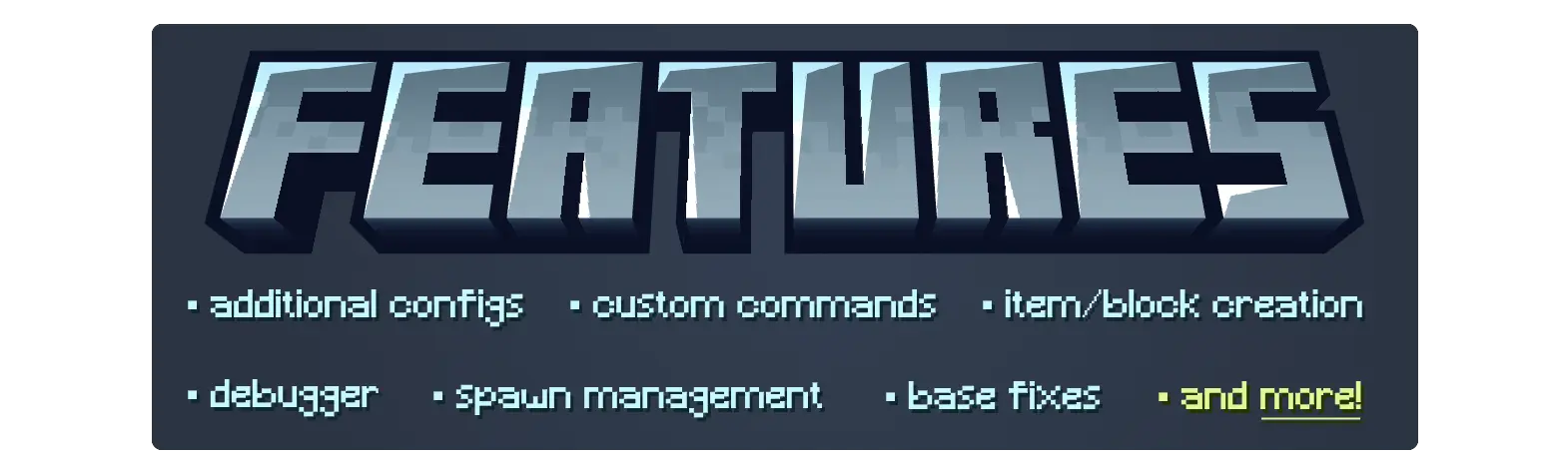
ㅤㅤㅤㅤㅤㅤㅤㅤㅤㅤㅤㅤㅤFull Feature List:
AbstractConfig
│ AbstractHandler
│ AbstractMod
│ Base Cobblemon Fixes
│ Block & Item Registration
│ Codecs
│ Commands
│ ConfigBuilder
│ Custom Pokémon Properties
│ Custom Property Extractor
│ Debugger
│ Events
│ ExpAll Logic
│ Holdings
│ Limited List
│ Overridable Options
│ PokemonMatcher
│ PokemonExtensions
│ PokemonRepresentation
│ Prevent Spawns
│ ResourceReloadListeners
│ Spawn Cause Attachment
│ Spawning Buckets Attachment
│ Spawning Influences
│ Wild Pokémon Reservation System
─────────────────────────────────────────────────────────────────────────

─────────────────────────────────────────────────────────────────────────

I develop my mods for the community to enjoy. My mods are and always will be free to download and tinker with. Enjoying my work? Consider supporting TimInc via Ko-Fi!
─────────────────────────────────────────────────────────────────────────
Available Versions
How to Install Cobblemon Tim Core on Your Server
Order Server
Order a Minecraft Java server with at least 3 GB RAM (4 GB recommended).
Set fabric Loader
In the panel under "Egg", select the fabric loader and matching Minecraft version (1.21.1).
Install Mod
Open the mod browser in the dashboard and search for "Cobblemon Tim Core". Click "Install" – done! Alternatively, upload the .jar via SFTP to the /mods folder.
Compatibility
Mod Loaders
Minecraft Versions
1.21.1
Server-side
✓ RequiredRecommended RAM
4 GB(min. 3 GB)Frequently Asked Questions
Cobblemon Tim Core server crashes on startup – what to do?
Most common cause: wrong fabric version or insufficient RAM. Check the server log (latest.log) for "OutOfMemoryError" or "Mixin" errors. With Mado Hosting: ensure at least 3 GB RAM is allocated and the loader matches the mod version (1.21.1). You can switch loaders with one click in the panel.
Is Cobblemon Tim Core compatible with fabric and neoforge?
Cobblemon Tim Core officially supports fabric, neoforge for Minecraft 1.21.1. The Mado dashboard automatically detects incompatible loader combinations.
Server lagging with Cobblemon Tim Core – how to optimize performance?
Recommended RAM: 4 GB (per 8 players). Use /spark profiler to check if Cobblemon Tim Core consumes the most tick time. Common fixes: reduce server view-distance to 8-10, install "performant" or "starlight" as supplementary mods on Forge. With Mado Hosting, your server runs on NVMe SSDs with dedicated CPU cores for minimal latency.
Similar Mods



Rent Modded Server
Install Cobblemon Tim Core with just one click on your server.