

Modrinth · Fabric, Forge, NeoForge
Just Enough Items (JEI) on your Minecraft server
Just Enough Items (JEI) runs on Minecraft servers with Fabric or Forge or NeoForge. Order your server, set the loader in the panel and install the mod with one click in the mod browser.
View Items and Recipes
- Downloads
- 86.7M
- Author
- mezz
- Loader
- Fabric, Forge, NeoForge
- Minecraft
- 1.10 – 26.3
- Updated
- –
Screenshots
What Just Enough Items (JEI) looks like

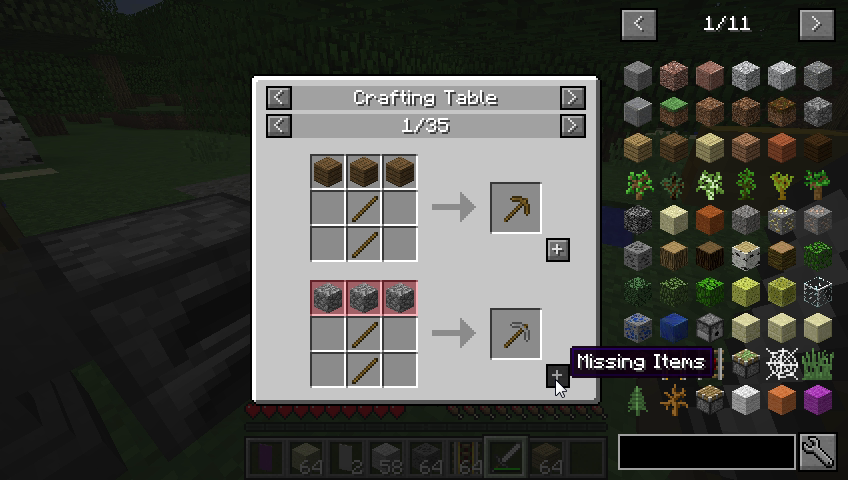
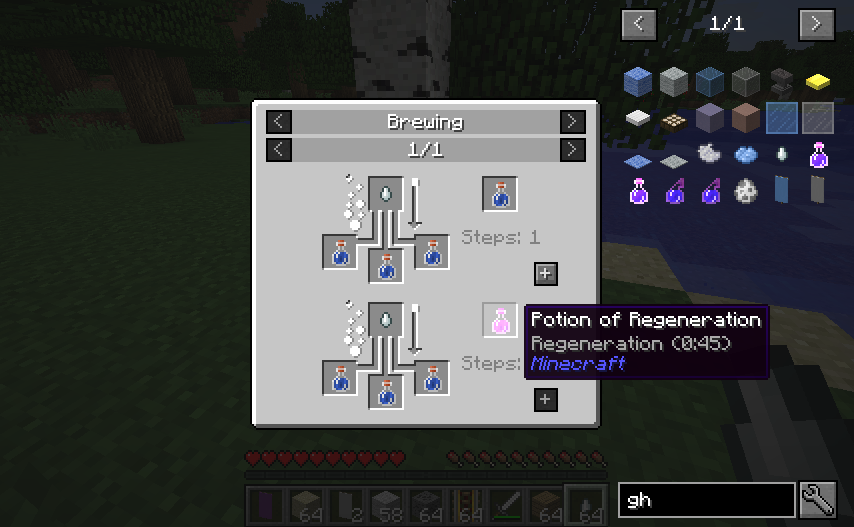
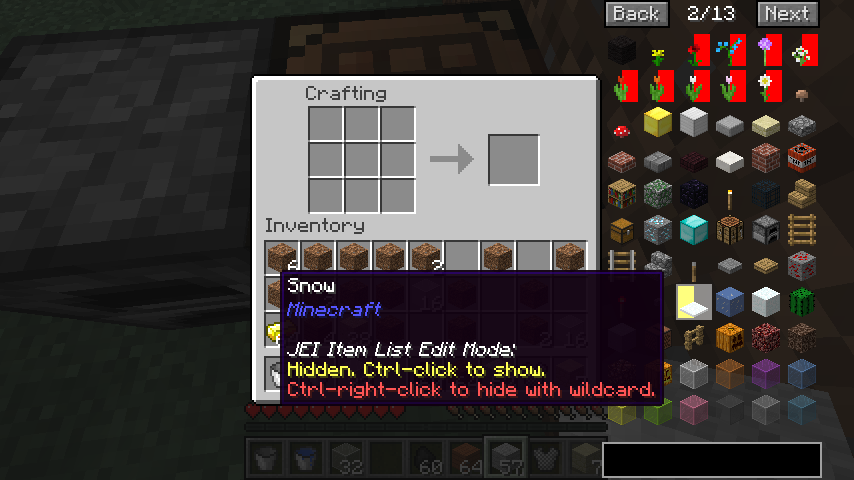
Images: Just Enough Items (JEI) on Modrinth, published by the project team.
Setup
Install Just Enough Items (JEI) on your server
The server and players need the same loader and Minecraft version. Back up the world before adding or updating mods.
- 01
Configure
4 GB of RAM is preselected. You choose the term and add-ons and pay by credit card or PayPal.
- 02
Set the loader
In the panel, set the server software to Fabric or Forge or NeoForge and choose the matching Minecraft version, for example 26.3.
- 03
Install the mod
Search the mod browser for “Just Enough Items (JEI)” and install the release for your loader. Alternatively, upload the .jar to the mods folder via SFTP. Required dependencies are listed on the project page.
- 04
Connect
Just Enough Items (JEI) is optional on the client. Players connect using the server address from the panel.
- On the server
- Optional
- On the client
- Optional
- Loader
- Fabric, Forge, NeoForge
- Minecraft
- 26.3, 26.2, 26.1.2 +48 more
- License
- MIT License
The panel
Install mods, find errors.
Real screenshots from the Mado panel. Both come with every Minecraft server.
Mod browser
Modrinth and CurseForge, right in the panel.
The browser filters by your Minecraft version. Install mods with one click, without uploading .jar files.

AI crash analysis
When a mod crashes, the analyzer reads the log.
Mods often fail on a wrong loader version, Java version or missing dependency. The analyzer names a likely cause and suggests a fix.

Releases
Published releases
Pick the file that matches your server’s loader and Minecraft version. The server and players need the same release.
Just Enough Items (JEI) · Modrinth- 2.28.18.187 for 1.8.9January 27, 2023Minecraft 1.8.9 · Forge
- 3.6.8.225 for 1.9.4January 27, 2023Minecraft 1.9.4 · Forge
- 3.7.1.219 for 1.10January 27, 2023Minecraft 1.10 · Forge
- 2.16.2.78 for 1.8.9January 27, 2023Minecraft 1.8.8, 1.8.9 · Forge
- 2.14.0.139 for 1.8January 27, 2023Minecraft 1.8 · Forge
Original description by the project author
Just Enough Items
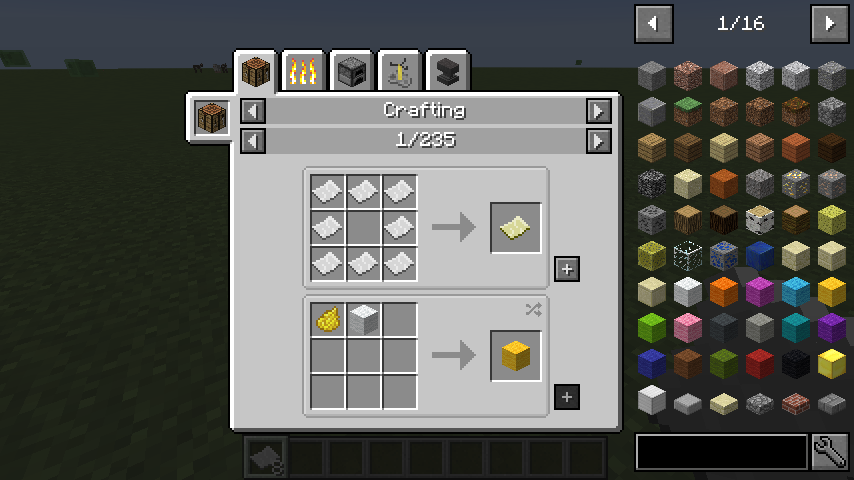
JEI is an item and recipe viewing mod for Minecraft, built from the ground up for stability and performance.
Controls
Inventory:
(Minecraft Options -> Controls)
Show Recipes: Hover over item + R
Show Uses: Hover over item + U
Toggle Item List Overlay: Control + O
Item List:
Show Recipes: Click Item or type R
Show Uses: Right-Click Item or type U
Next/Previous page: Scroll Wheel
Search:
Select Search Bar: Click or Control + F
Clear Search: Right Click
Previous Search: *Up Arrow *
Search by Mod Name: Type @ in front of a word (@thaum)
Multiple terms work together (wand @thaum)
Exclude search terms: Type - in front of a word (@thaum -wand)
Search terms that have spaces in them: Type "" around the words ("two words")
Recipe View:
Next/Previous page: Scroll Wheel
Show all Recipes: Click the recipe category's name
Move items into crafting area: Click the [+] button. Shift-Click to move multiple sets of items.
View advanced controls
Advanced Search:
Search by Tooltip Only: Type # in front of a word
Search by OreDict name: Type $ in front of a word
Search by Creative Tab: Type % in front of a word
Multiple Searches: Separate terms with | characters, like "wrench|hammer"
With Cheat Mode Active:
Get a full stack of Items: Click Item
Get one Item: Right-Click Item
Delete Item: Drop an Item into the Item List
With Item List Edit Mode Active:
(These controls are shown in-game on the item tooltip)
Hide Item: Control-Click Item
Hide Items and Sub-Items: Control-Right-Click Item
Hide all Items from a mod: Control-Shift-Click Item
FAQ
Can I include JEI in my mod pack?
Of course!
Can JEI run client-only, or with a vanilla server?
[1.21.1 or lower] Yes, with some features disabled:
- The "Move items into crafting area" [+] buttons.
- Cheating in items that have lots of NBT data.
- Deleting items.
[1.21.2+] Since Minecraft 1.21.2, recipes are stored on the server and not the client. Please install JEI and NeoForge/Fabric on the server to sync recipes to the client.
Where can I find the ___ feature from NEI?
The chart here shows which mods support each feature.
I have an issue / bug / crash / report / request, where can I send it?
Support
Just Enough Items (JEI) server crashes on startup – what to do?
Common causes: the loader or Minecraft version does not match the mod file, a dependency is missing, or RAM is too low. Check the log (latest.log) for “OutOfMemoryError”, “Mixin” or missing mods. At Mado, the AI crash analysis reads the log and suggests a cause. You can change the loader and version in the panel.
Which loader does Just Enough Items (JEI) run on?
According to Modrinth, Just Enough Items (JEI) supports Fabric, Forge, NeoForge for Minecraft 26.3, 26.2, 26.1.2. Forge and Fabric files are not interchangeable: pick one loader for the server and clients.
How much RAM does a server with Just Enough Items (JEI) need?
As guidance, 3–4 GB for a server with this mod. This is an estimate, not a measured minimum. More mods, many players and long view distances need more. The spark profiler shows whether a mod is costing tick time.
Similar mods
Popular mods in the same category
 Server-ready
Fabric API
by modmuss50
Lightweight and modular API providing common hooks and intercompatibility measures utilized by mods using the Fabric toolchain.
 Server-ready

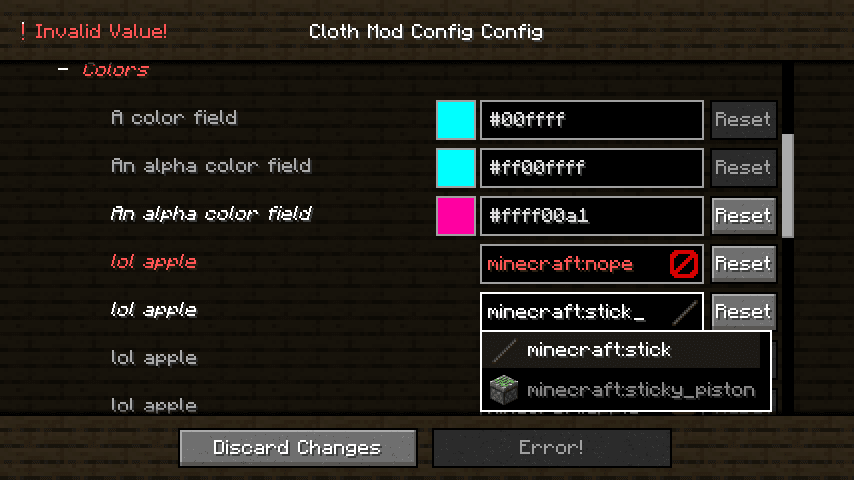
Cloth Config API
by shedaniel
Configuration Library for Minecraft Mods
 Server-ready

YetAnotherConfigLib (YACL)
by isxander
A builder-based configuration library for Minecraft!
 Server-ready

Fabric Language Kotlin
by modmuss50
This is a mod that enables usage of the Kotlin programming language for Fabric mods.
Ready for your server with Just Enough Items (JEI)?
4 GB of RAM from €8.00 per month. 35% off your first month with MADO35.