
CosmeticArmours
A Mod Adding New CosmeticArmours into Your Minecraft Worlds!
Screenshots





About this Mod








~ Plain Text Description ~
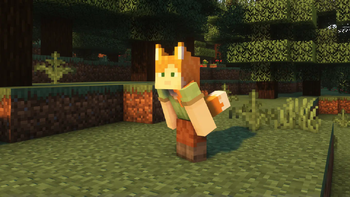
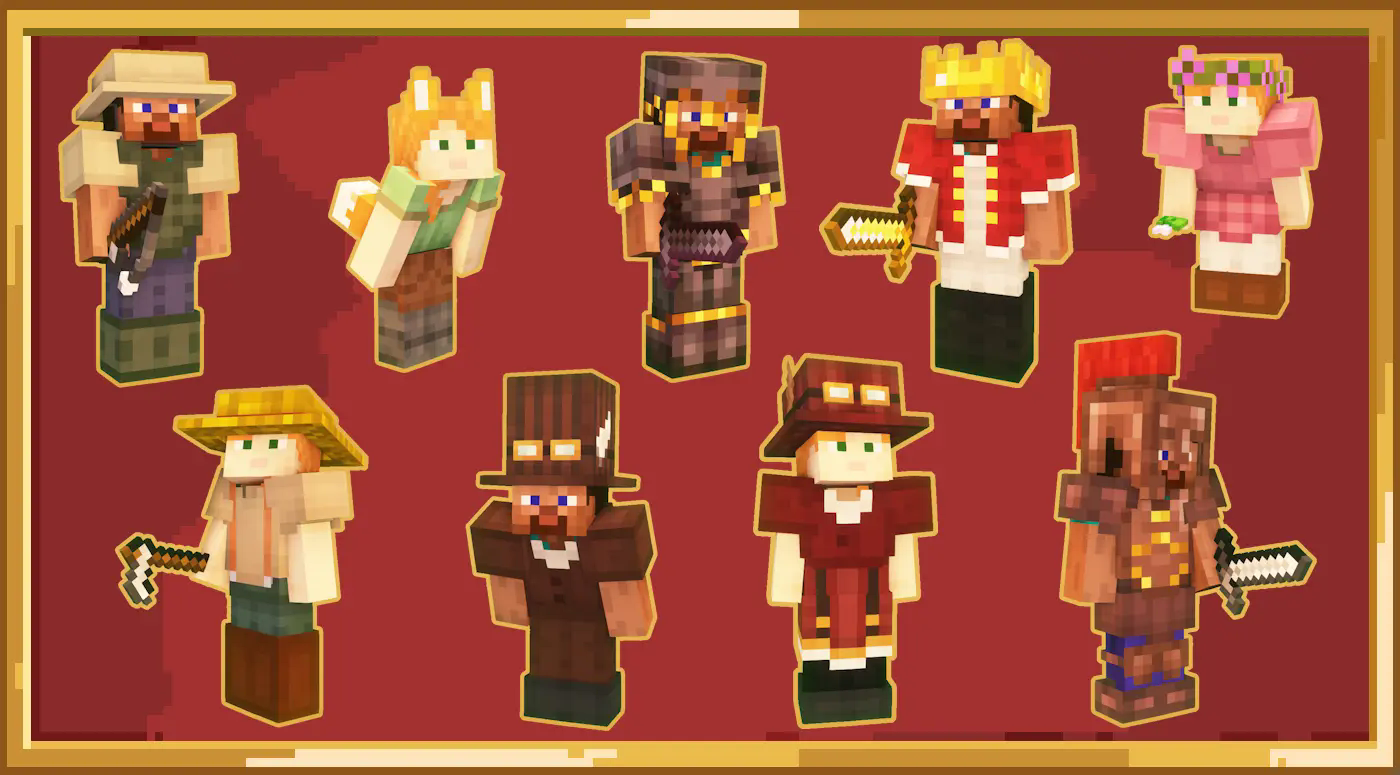
CosmeticArmours introduces an assortment of new Armour sets and Accessories into your Minecraft worlds, each Armour piece prioritising aesthetic appeal whilst still maintaining its practicality for survival worlds!
All Armours are fully balanced to reflect the materials used in crafting, ensuring Armour progression remains balanced, whilst still allowing you to show off your unique individuality and style~
Need to know how to craft something? Everything added by this mod is in the guidebook!
Feel free to join our Discord to submit your ideas!
Available Versions
How to Install CosmeticArmours on Your Server
Order Server
Order a Minecraft Java server with at least 3 GB RAM (4 GB recommended).
Set forge Loader
In the panel under "Egg", select the forge loader and matching Minecraft version (1.21.1).
Install Mod
Open the mod browser in the dashboard and search for "CosmeticArmours". Click "Install" – done! Alternatively, upload the .jar via SFTP to the /mods folder.
Compatibility
Mod Loaders
Minecraft Versions
1.21.1, 1.20.6, 1.20.4 (+2 more)
Server-side
✓ RequiredRecommended RAM
4 GB(min. 3 GB)Frequently Asked Questions
CosmeticArmours server crashes on startup – what to do?
Most common cause: wrong forge version or insufficient RAM. Check the server log (latest.log) for "OutOfMemoryError" or "Mixin" errors. With Mado Hosting: ensure at least 3 GB RAM is allocated and the loader matches the mod version (1.21.1). You can switch loaders with one click in the panel.
Is CosmeticArmours compatible with forge and neoforge?
CosmeticArmours officially supports forge, neoforge for Minecraft 1.21.1, 1.20.6, 1.20.4. The Mado dashboard automatically detects incompatible loader combinations.
Server lagging with CosmeticArmours – how to optimize performance?
Recommended RAM: 4 GB (per 8 players). Use /spark profiler to check if CosmeticArmours consumes the most tick time. Common fixes: reduce server view-distance to 8-10, install "performant" or "starlight" as supplementary mods on Forge. With Mado Hosting, your server runs on NVMe SSDs with dedicated CPU cores for minimal latency.
Similar Mods

![[ETF] Entity Texture Features](https://cdn.modrinth.com/data/BVzZfTc1/af683d206d50b05258d865b0d6e4aa2f2cee12f2_96.webp)
![[EMF] Entity Model Features](https://cdn.modrinth.com/data/4I1XuqiY/6e5bbd0d06b1741bfdab6c0cfab6de8fdaf0064c_96.webp)



Rent Modded Server
Install CosmeticArmours with just one click on your server.