
Create: Cyber Goggles
A client-side mod for Create that provides modular assistance features.
Screenshots


About this Mod




Overview
Create: Cyber Goggles is a client-side mod for Create, providing modular assistance features.
Features
All features can be toggled individually in the config.
Goggles:
- Advanced info: fuller rotation speed, stress and flow info
- Precise numbers: more decimal places, configurable
- Hide static rotation info: only show what still changes
- Better factory gauge: connect / move factory gauges in more ways
- Better store info: improved table-cloth store display and interaction
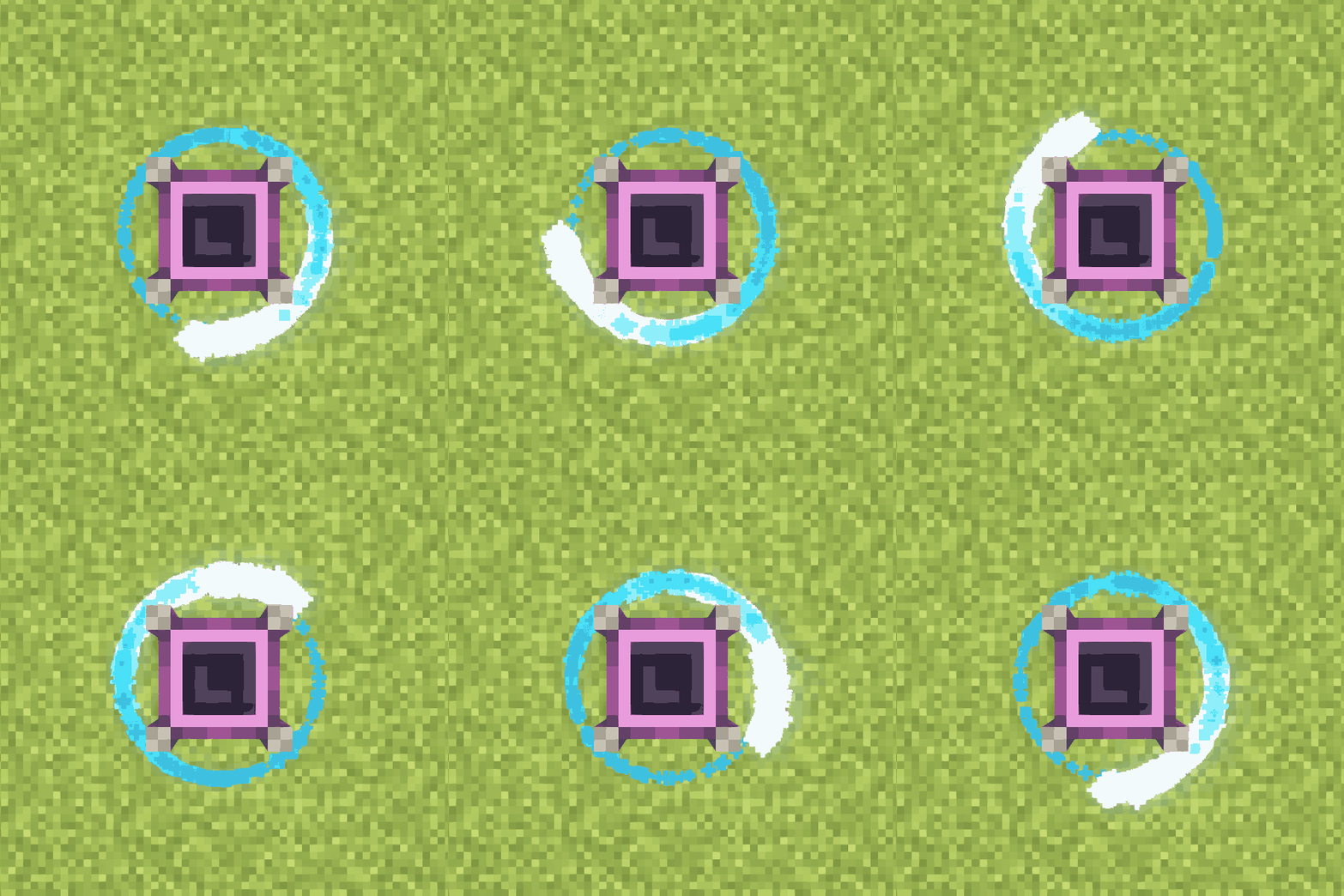
- Render rotation particles of the targeted block
Tooltips:
- Additional content will be displayed below:
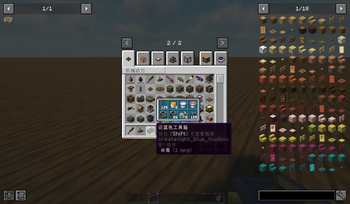
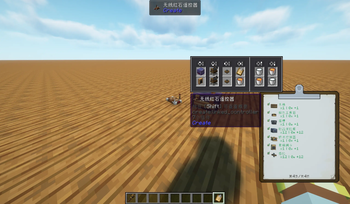
- Container, fluid container, ender chest, toolbox, clipboard, map, backtank, diving boots, wrench, linked controller, list filter,
attribute filter - Package, placard, table cloth, depot, deployer, millstone, crushing controller, redstone requester, factory gauge
Overlays:
- Item info overlay on blocks, with switchable theme and colors
- Drafting view: pixelated, outlined post-processing, with adjustable pixel scale and line color
Outliner:
- Analog box and connection lines, configurable colors and delayed render
Schematic:
- 3D preview: a rotatable, zoomable preview of the selected schematic next to the Schematic Table
- Tooltip preview: hold Alt while hovering a schematic item
- Export render: one-click render of a schematic to a PNG (1024 by default, hold Shift for 2048), with configurable orientation and
antialiasing, fluids included - Sable support: with sable installed, sub-levels (ships) in the schematic are previewed and
rendered as well - Export command:
/ccg schematic export <file> [width] [orientation] [antialiasing] - Truncate long schematic names so they no longer overflow the scroll box
Aeronautics:
- Always show mass and friction
- Force overlay: gravity, lift, drag, levitation, balloon lift, propulsion, magnetic force and center of mass for the followed contraption,
plus an HUD with mass and force values
Misc:
- Wrench and chain conveyor enhancements
- Create-style stack count, blueprint name fix, recursive blueprint scan, infinite edit-box length
- Quick request actions, JEI recipe transfer for stock keeper and redstone requester, preview filter, show stress network
- A few stability fixes (e.g. NBT crash)
Versions
| Minecraft | Forge | Fabric/Quilt | NeoForge | Create: Cyber Goggles | Create |
|---|---|---|---|---|---|
| 1.21.8-26.1.2 | ✅ | 3.0+ | 6.0+ (Create-Fly) | ||
| 1.21.1 | ✅ | 1.0+ | 6.0+ | ||
| 1.20.1 | ✅ | ✅ | ✅ | 1.0+ | 1.x: 0.5+, 6.0+; 2.0+: 6.0+ |
| 1.18.2-1.19.2 | ✅ | ✅ | 1.x | 0.5+ |
Localization
Welcome to help translate this mod into more languages on Crowdin!
Credits
This project uses some code derived from the following mods:
Available Versions
How to Install Create: Cyber Goggles on Your Client
Install the Mod Loader Locally
Install fabric for your local Minecraft version.
Download the Matching File
Choose the Create: Cyber Goggles file for fabric and Minecraft 26.2.
Install Mod
Place the .jar file in your local .minecraft/mods folder and restart Minecraft. No server-side installation is required.
Compatibility
Mod Loaders
Minecraft Versions
26.2, 26.1.2, 1.21.11 (+6 more)
Server-side
✗ UnsupportedRecommended RAM
6 GB(min. 4 GB)Frequently Asked Questions
Does Create: Cyber Goggles need to be installed on the Minecraft server?
No. Modrinth marks Create: Cyber Goggles as unsupported on the server side. Install it only in your local Minecraft mods folder. Your server can remain unchanged unless the mod page lists an additional dependency.
Which version and loader does Create: Cyber Goggles require?
Use a file for fabric, forge, neoforge, quilt and your exact Minecraft version. Supported versions include 26.2, 26.1.2, 1.21.11. Files for different loaders are not interchangeable.
Create: Cyber Goggles is not working – what should I check?
First check the Minecraft version, loader version and required dependencies. Put the .jar file in your local .minecraft/mods folder and remove older duplicates. Because this mod is client-side, adding server RAM will not fix it.
Similar Mods





Minecraft Server for Your Group
Create: Cyber Goggles stays on your client. Host a compatible world for your group.