
Distraction Free Recipes (EMI / REI / JEI)
Automatically hides the recipe viewer when not searching.
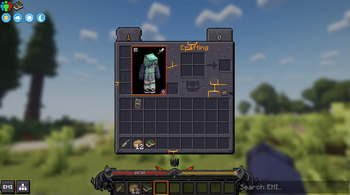
Screenshots
About this Mod

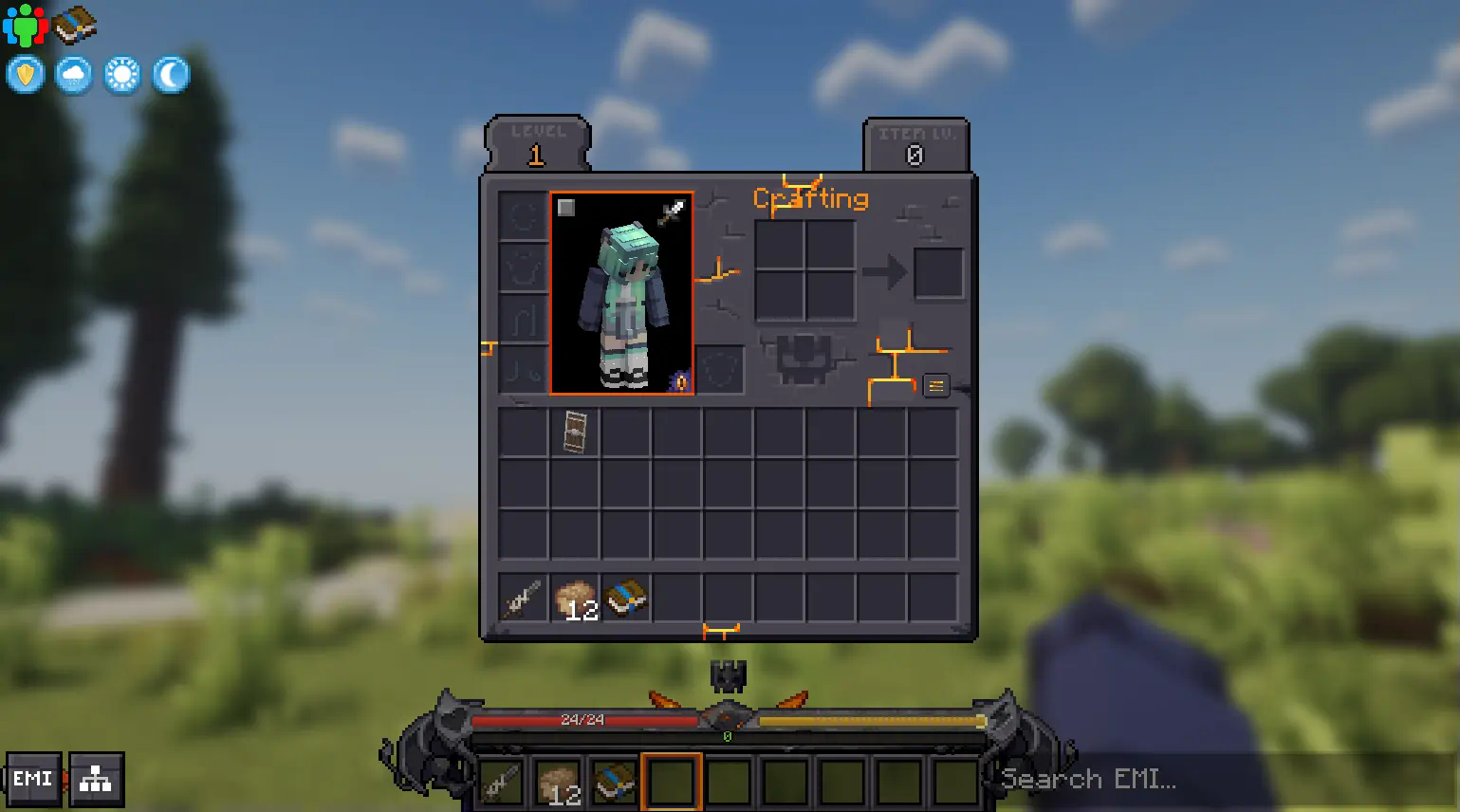
Distraction Free Recipes is a simple mod that helps to declutter your inventory interface by automatically hiding that huge list of items if you're not actively searching for anything. Currently, it supports EMI, REI, and JEI fully.
For new players who aren't used to modded Minecraft, opening your screen and being bombarded with hundreds of items filling up half the interface can be overwhelming, and often a surprisingly large barrier to entry. Given that it's not really necessary to view the entire item list all at once at all times, it makes sense to auto-hide the item list to help with accessibility for new players.
There is also an additional option (default: off) to reduce the opacity of the somewhat ugly vanilla search box, which helps it blend in to the backgrund a little more, and an option to show a text saying "Search to View Recipes" to help confused players who may think JEI is missing.
Also, while not usually very heavy on performance, rendering less things on screen is always better.
Showcase in Prominence II RPG:
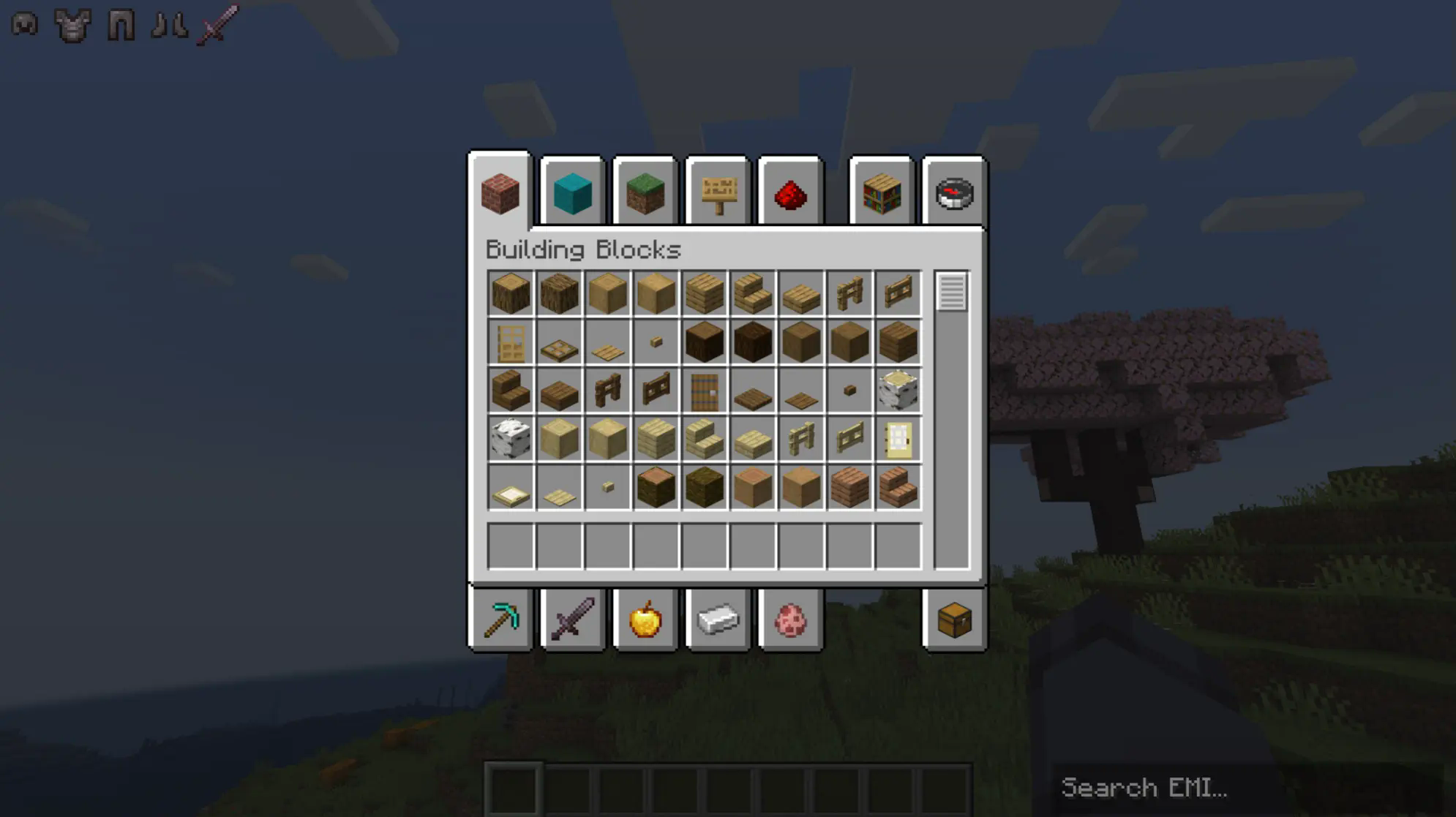
For the most immersive option, with EMI, you may also consider the following config options:
- Distraction Free Recipes > Lower Opacity: True
- EMI > Left Sidebar > Header: Invisible
- EMI > Right Sidebar > Columns: 9
- EMI > Center Search Bar: False
- EMI > Config and Recipe Tree Button: Hidden
This allows you to hide all other UI elements while still maintaining favorites on the left side and the ability to search on the right side:
If you're concerned about players being confused, you can enable the help text option: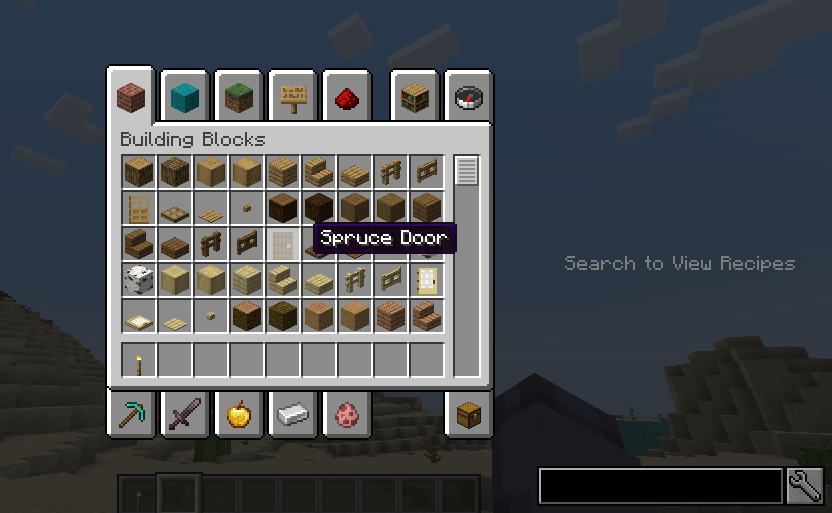
Available Versions
How to Install Distraction Free Recipes (EMI / REI / JEI) on Your Client
Install the Mod Loader Locally
Install fabric for your local Minecraft version.
Download the Matching File
Choose the Distraction Free Recipes (EMI / REI / JEI) file for fabric and Minecraft 1.21.1.
Install Mod
Place the .jar file in your local .minecraft/mods folder and restart Minecraft. No server-side installation is required.
Compatibility
Mod Loaders
Minecraft Versions
1.21.1, 1.20.1, 1.20
Server-side
✗ UnsupportedRecommended RAM
4 GB(min. 3 GB)Frequently Asked Questions
Does Distraction Free Recipes (EMI / REI / JEI) need to be installed on the Minecraft server?
No. Modrinth marks Distraction Free Recipes (EMI / REI / JEI) as unsupported on the server side. Install it only in your local Minecraft mods folder. Your server can remain unchanged unless the mod page lists an additional dependency.
Which version and loader does Distraction Free Recipes (EMI / REI / JEI) require?
Use a file for fabric, forge, neoforge and your exact Minecraft version. Supported versions include 1.21.1, 1.20.1, 1.20. Files for different loaders are not interchangeable.
Distraction Free Recipes (EMI / REI / JEI) is not working – what should I check?
First check the Minecraft version, loader version and required dependencies. Put the .jar file in your local .minecraft/mods folder and remove older duplicates. Because this mod is client-side, adding server RAM will not fix it.
Similar Mods

![[ETF] Entity Texture Features](https://cdn.modrinth.com/data/BVzZfTc1/af683d206d50b05258d865b0d6e4aa2f2cee12f2_96.webp)
![[EMF] Entity Model Features](https://cdn.modrinth.com/data/4I1XuqiY/6e5bbd0d06b1741bfdab6c0cfab6de8fdaf0064c_96.webp)



Minecraft Server for Your Group
Distraction Free Recipes (EMI / REI / JEI) stays on your client. Host a compatible world for your group.