
Elytra Trims
Customizable elytra mod with trims, banner patterns and more!
Screenshots
About this Mod
Elytra Trims
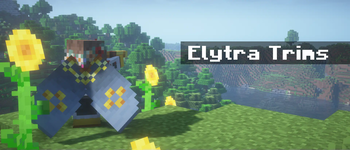
With this mod, you can add armor trims, dye your elytra in any color, and put banner patterns on them.







Installation
[!IMPORTANT]
Mod functionality and compatibility may be different across Minecraft updates!
Dependencies
Elytra Trims requires Fabric Language Kotlin
or Kotlin Lang Forge (alternatively Kotlin for Forge)
on the respective mod loader.
On 1.20 and 1.21 you may also need YACL and ModMenu (Fabric only).
Prerequisites
In multiplayer, Elytra Trims must be installed on the server, however this doesn't prevent players without the mod from joining.
| Elytra Trims = ET | Player doesn't have ET | Player has ET |
|---|---|---|
| Server doesn't have ET | Vanilla experience. | Player can join, but can't apply trims, patterns, etc. to elytras. |
| Server has ET | Player can join, but doesn't see trims, patterns, etc. | Player can craft and see decorated elytras. |
Features
Trims
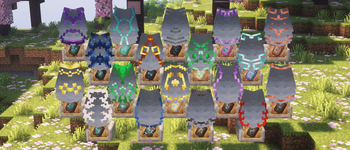
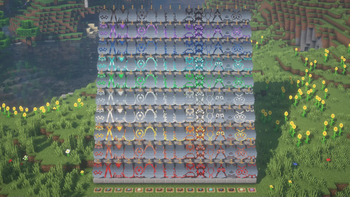
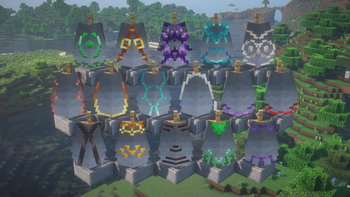
Trims can be applied to elytras similar to the armor. By default, the mod provides textures for a all vanilla trims, and some custom ones!
Note: on 1.20 and 1.21 you may need to install Elytra Trims Extensions for trim compat.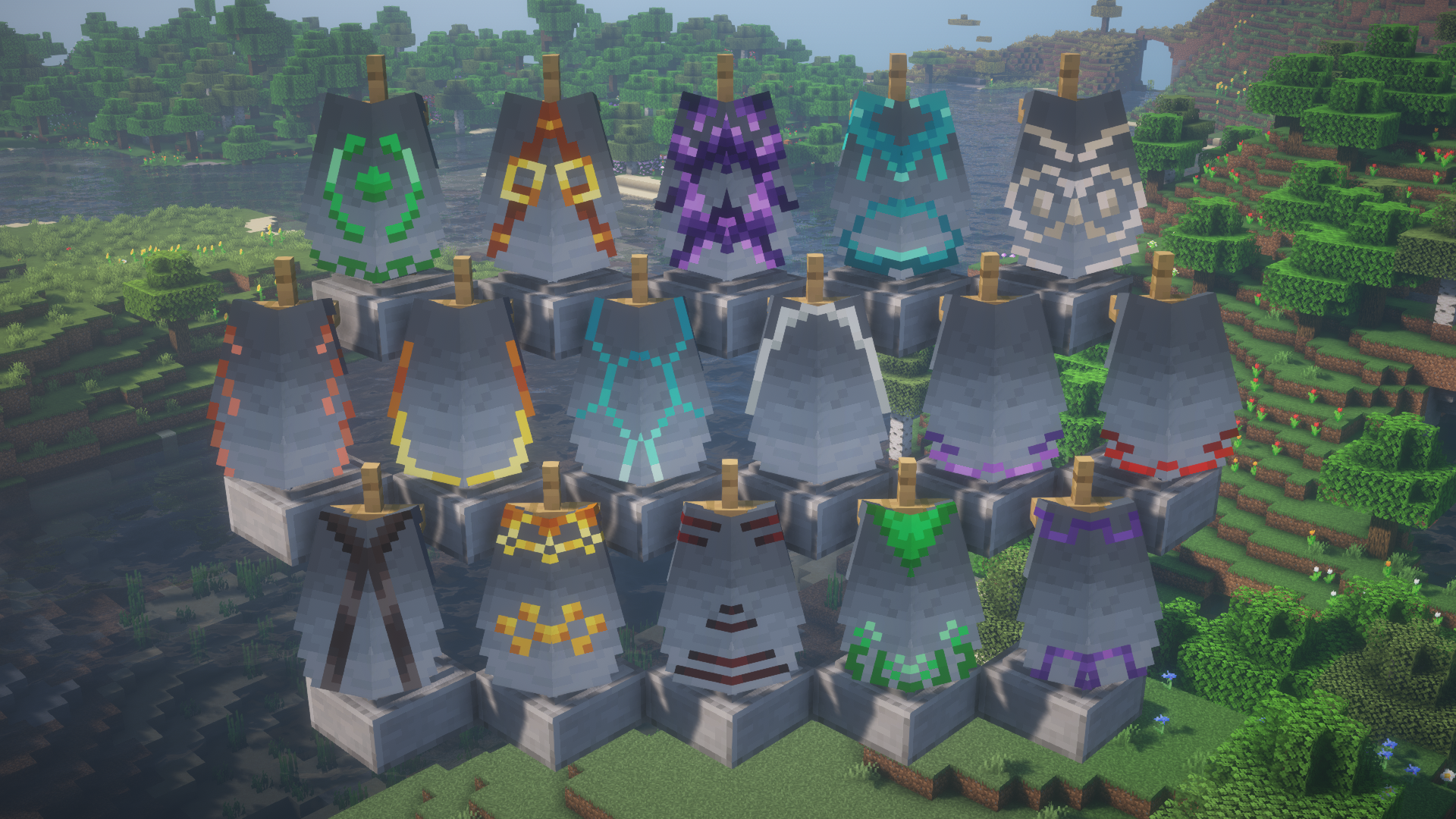
Additionally, you can replace the trim pattern in the recipe with a trial key to get access to even more elytras.
Note: this feature is currently only available on 1.21.10 and newer.
Banner patterns
Banners can be applied to elytras to show the patterns.
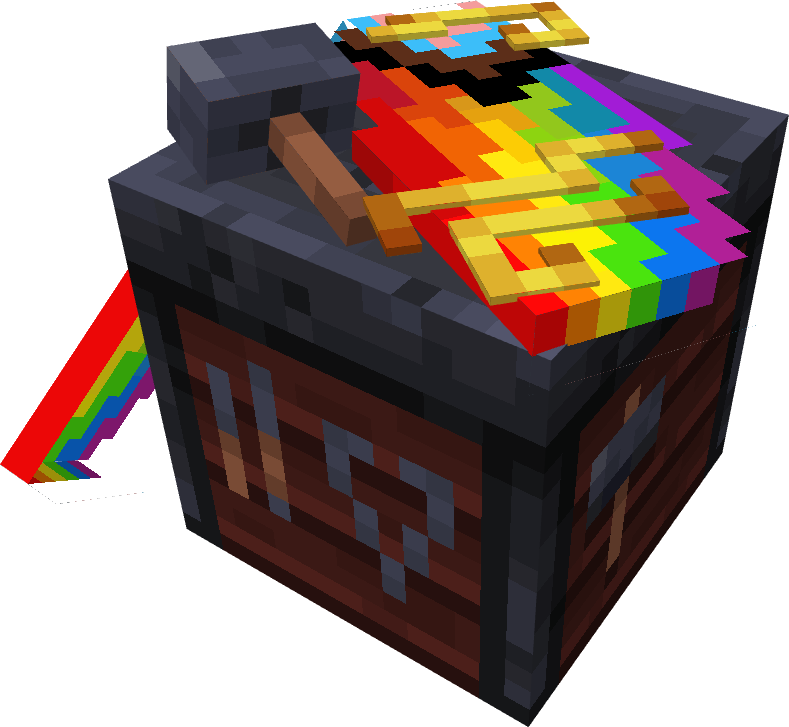
In the smithing table, combining elytra with a banner and either paper or leather will transfer
banner or shield patterns respectively.
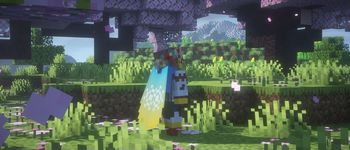
Note: the patterns are applied without the base - you need to dye the elytra to add it.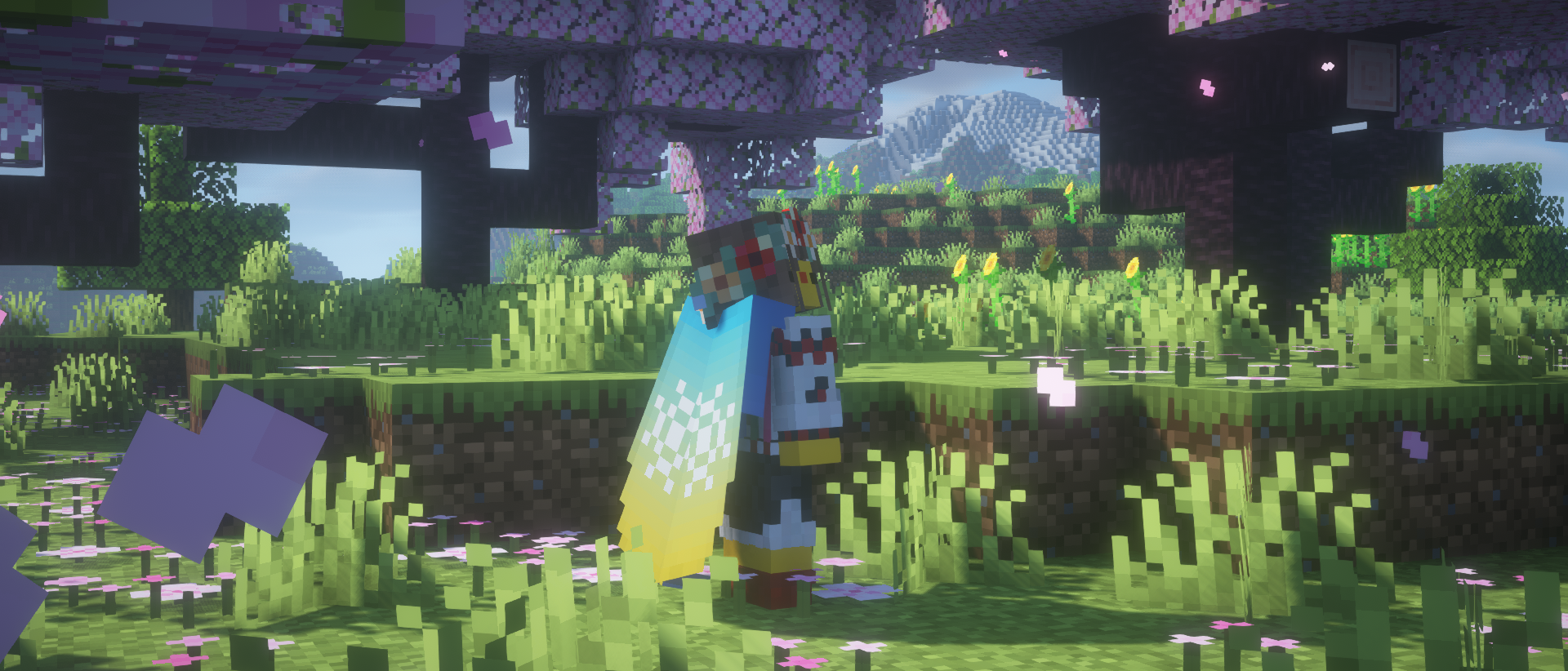
Dyeing
If you fancy something simplistic, dye your elytra however you want in a crafting table.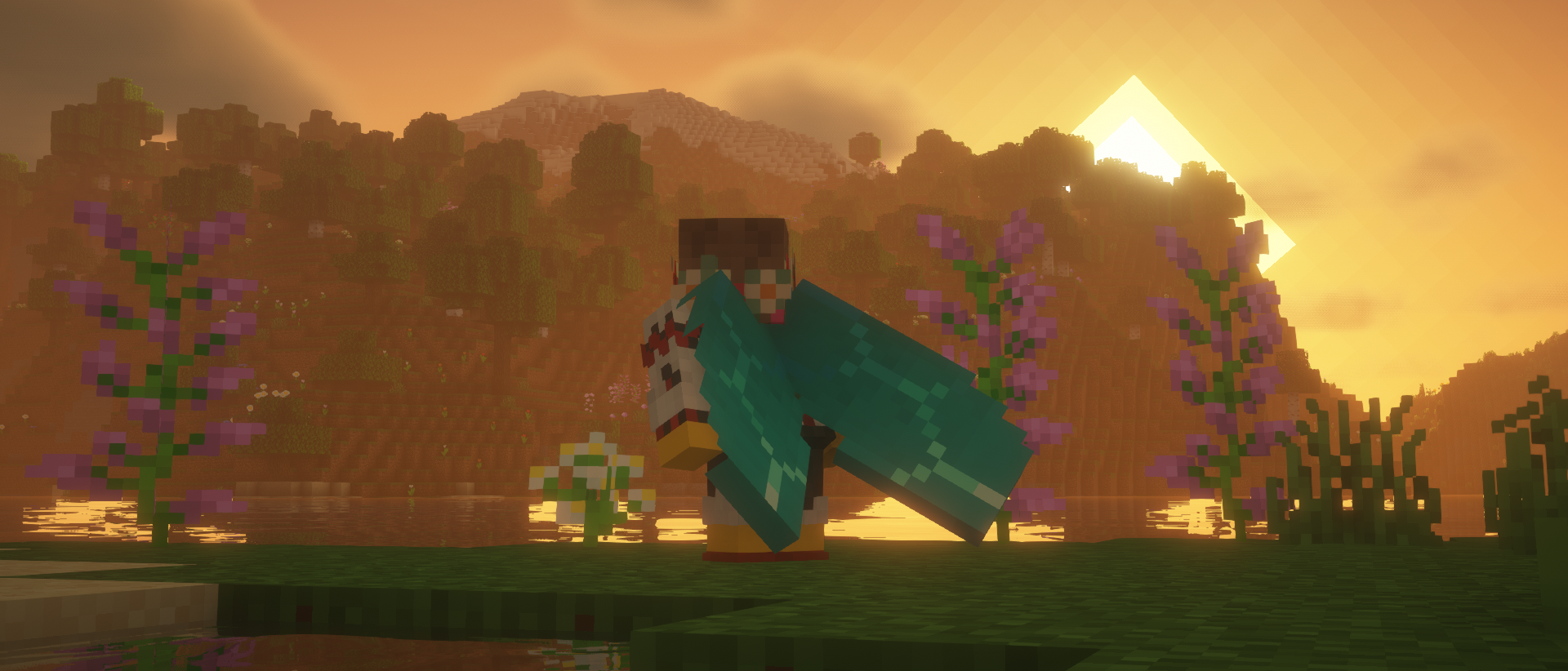
Glowing
Combine an elytra with a glow ink sac in the crafting table to make it glow!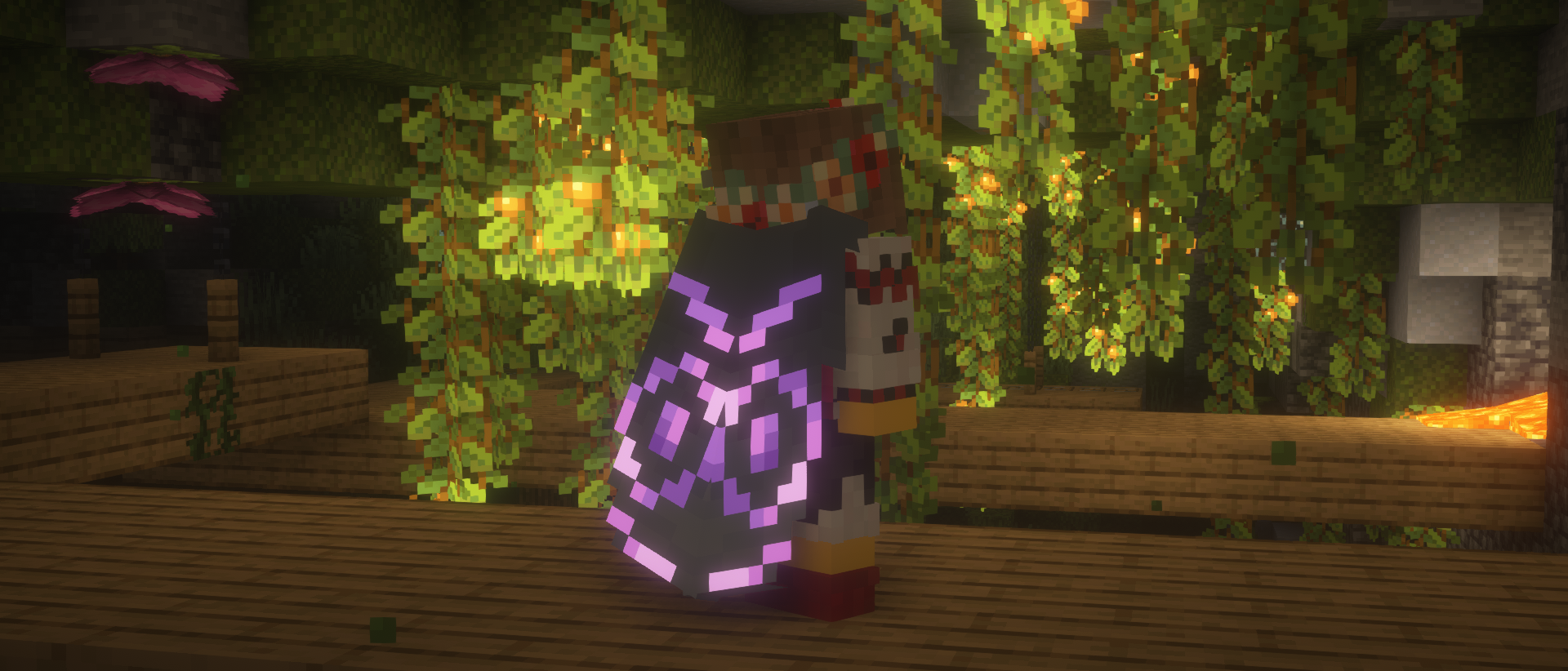
Cosmic effect
An expensive endeavor, but if you're willing to part with a nether star, you can apply a unique effect to your elytra.
Easter eggs
Elytra Trims has a couple secret recipes and interactions, which are best discovered by accident, so keep your eyes out!
Recipes
You can find the full information about Elytra Trims recipes on the wiki.
FAQ
Are there any conflicts with other mods?
- Customizable Elytra: overrides elytra renderer entirely.
- Kube JS: breaks elytra decoration recipes.
- Lunar/Feather Client: breaks elytra rendering.
I can't put trims/banners/dyes on the elytra!
Please check the following criteria:
- Elytra Trims is installed on the server with the correct mod loader.
- There aren't any conflicting mods installed.
- Recipes may differ across the updates, check the mod changelog page.
If nothing helps, please make an issue report.
I can't see the trims!
Please check the following criteria:
- You have Elytra Trims installed on the client with the correct mod loader.
- There aren't any conflicting mods installed.
If it's a trim provided by a mod or a datapack, it will need custom textures for the elytra.
Please make a trim request,
but be patient, as it takes creative work to make good trim designs.
If it's a non-vanilla elytra, it may need explicit support from Elytra Trims.
In this or other cases, please make an issue report.
Available Versions
How to Install Elytra Trims on Your Server
Order Server
Order a Minecraft Java server with at least 3 GB RAM (4 GB recommended).
Set fabric Loader
In the panel under "Egg", select the fabric loader and matching Minecraft version (26.3).
Install Mod
Open the mod browser in the dashboard and search for "Elytra Trims". Click "Install" – done! Alternatively, upload the .jar via SFTP to the /mods folder.
Compatibility
Mod Loaders
Minecraft Versions
26.3, 26.3-snapshot-10, 26.3-snapshot-9 (+42 more)
Server-side
~ OptionalRecommended RAM
4 GB(min. 3 GB)Frequently Asked Questions
Elytra Trims server crashes on startup – what to do?
Most common cause: wrong fabric version or insufficient RAM. Check the server log (latest.log) for "OutOfMemoryError" or "Mixin" errors. With Mado Hosting: ensure at least 3 GB RAM is allocated and the loader matches the mod version (26.3). You can switch loaders with one click in the panel.
Is Elytra Trims compatible with fabric and forge and neoforge and quilt?
Elytra Trims officially supports fabric, forge, neoforge, quilt for Minecraft 26.3, 26.3-snapshot-10, 26.3-snapshot-9. Note: Forge and Fabric mods are NOT cross-compatible – pick one loader and stick with it. The Mado dashboard automatically detects incompatible loader combinations.
Server lagging with Elytra Trims – how to optimize performance?
Recommended RAM: 4 GB (per 8 players). Use /spark profiler to check if Elytra Trims consumes the most tick time. Common fixes: reduce server view-distance to 8-10, install "performant" or "starlight" as supplementary mods on Forge. With Mado Hosting, your server runs on NVMe SSDs with dedicated CPU cores for minimal latency.
Similar Mods

![[ETF] Entity Texture Features](https://cdn.modrinth.com/data/BVzZfTc1/af683d206d50b05258d865b0d6e4aa2f2cee12f2_96.webp)
![[EMF] Entity Model Features](https://cdn.modrinth.com/data/4I1XuqiY/6e5bbd0d06b1741bfdab6c0cfab6de8fdaf0064c_96.webp)



Rent Modded Server
Install Elytra Trims with just one click on your server.