
Entity Render Disabler
A minecraft mod to disable selected Entity Render
Screenshots
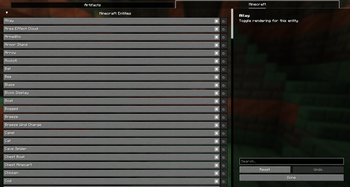
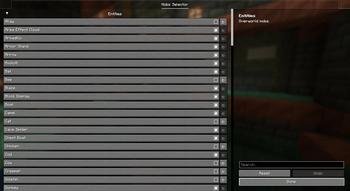
About this Mod
✨ Entity Render Disabler ✨
Are too many mobs ruining your FPS? Say goodbye to lag spikes with Entity Render Disabler!
This mod gives you the power to enable or disable the rendering of specific entities directly through a user-friendly configuration menu. By customizing which entities are rendered, you can significantly reduce FPS lag and improve performance without compromising gameplay.
🎯 Key Features:
- Multi-Mod Support: Automatically detects and organizes entities from all installed mods
- Organized by Mod: Entities are neatly categorized by their source mod for easy navigation
- Configurable Entity Rendering: Choose which entities you want to hide or show
- Global Toggle: Quickly enable or disable the entire mod with a single keystroke
- Convenient Keybindings: Open config menu (O key) and toggle mod state (G key) easily
- FPS Optimization: Reduce visual clutter and boost your game's performance
- Easy to Use: Accessible and intuitive configuration powered by YACL
Whether you're on a low-end system or just looking to fine-tune your game, Entity Render Disabler helps you create a smoother Minecraft experience.
🛠 Built for Fabric & NeoForge
🖼 Configuration Examples
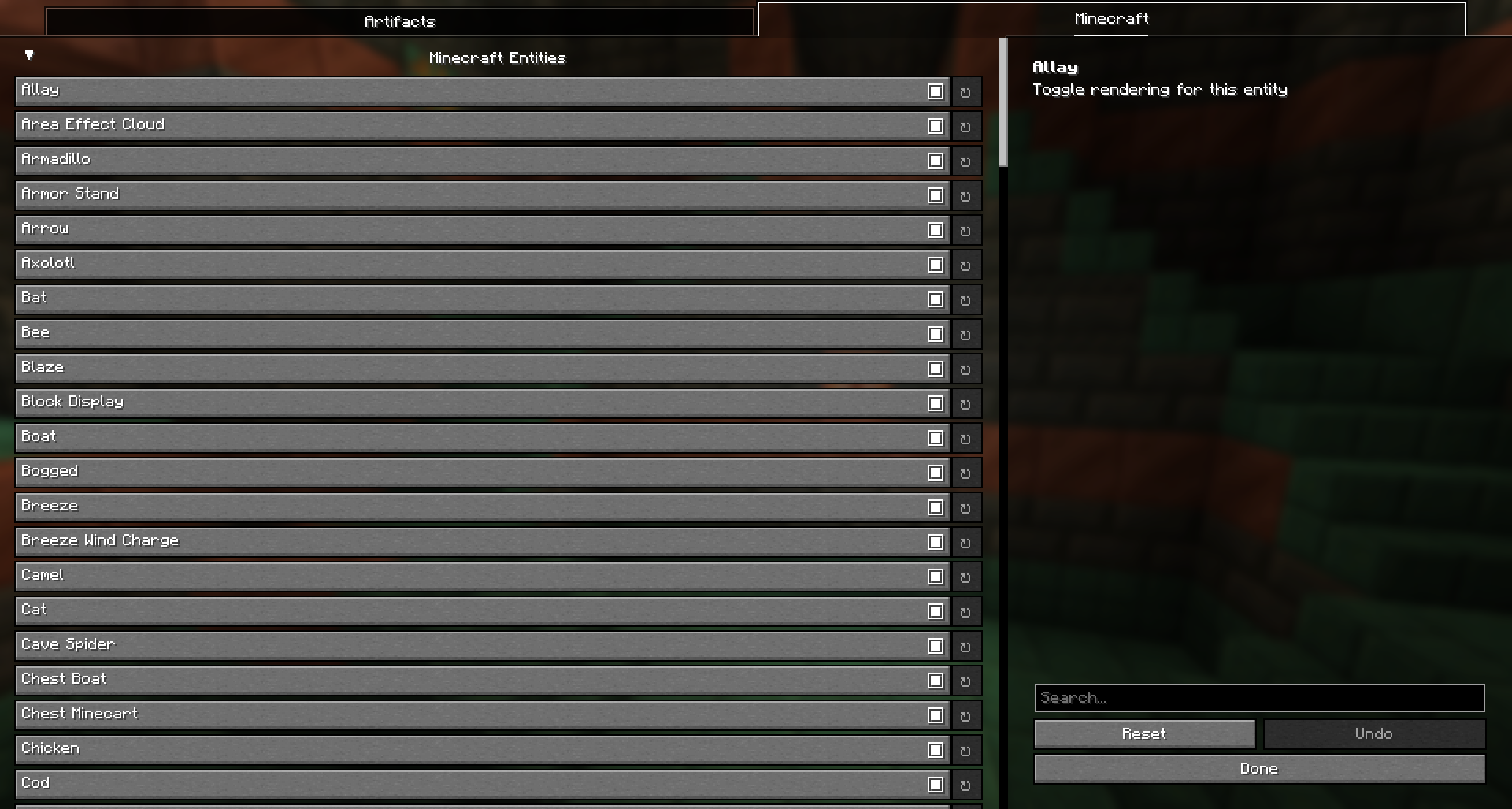
Easily customize which entities are rendered! Here is a screenshot of the mod's configuration menu showing how entities are now organized by mod:
- Example: Toggle entities on/off using the organized selection list
🔄 Before vs After – Performance Comparison
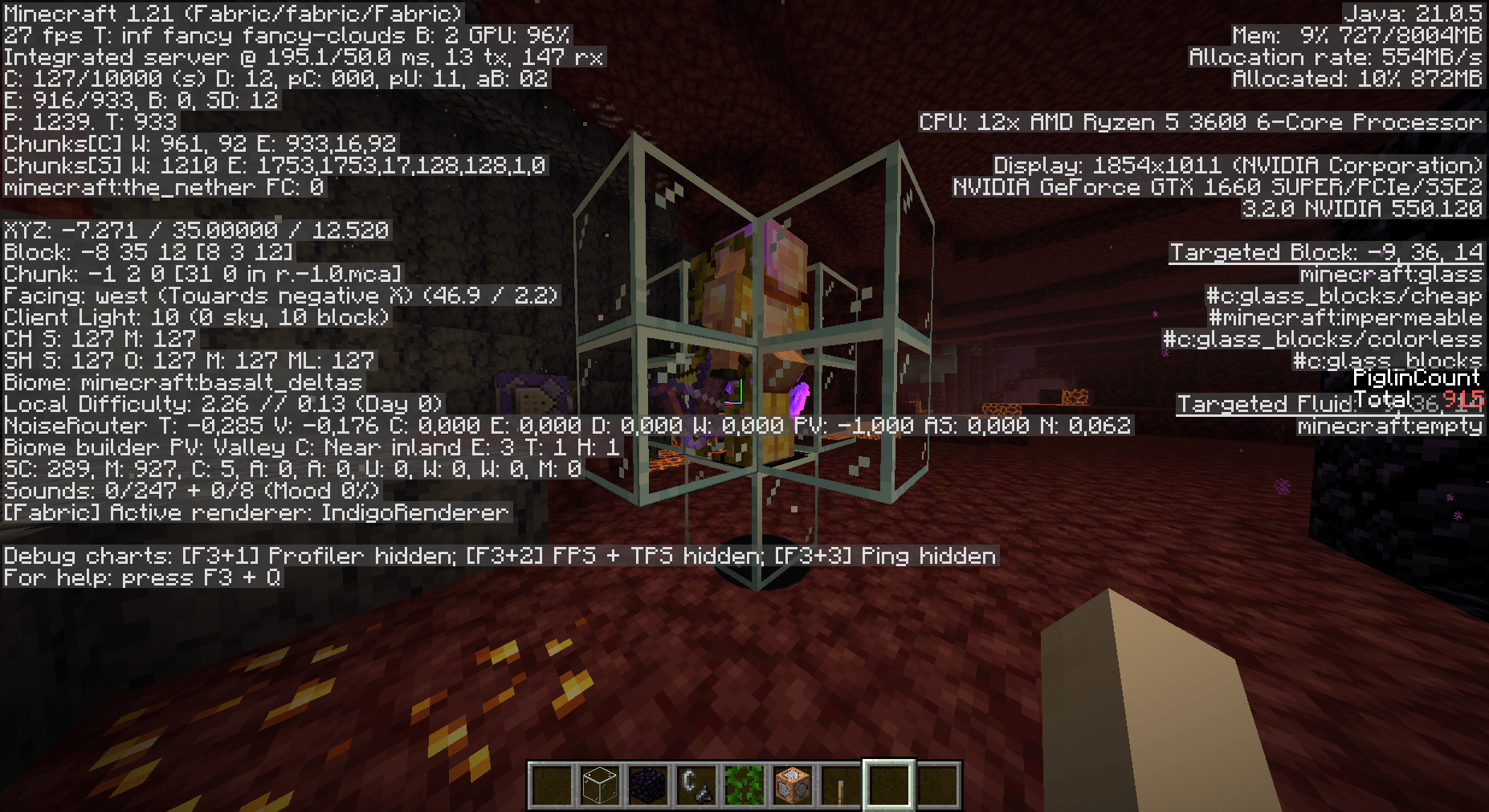
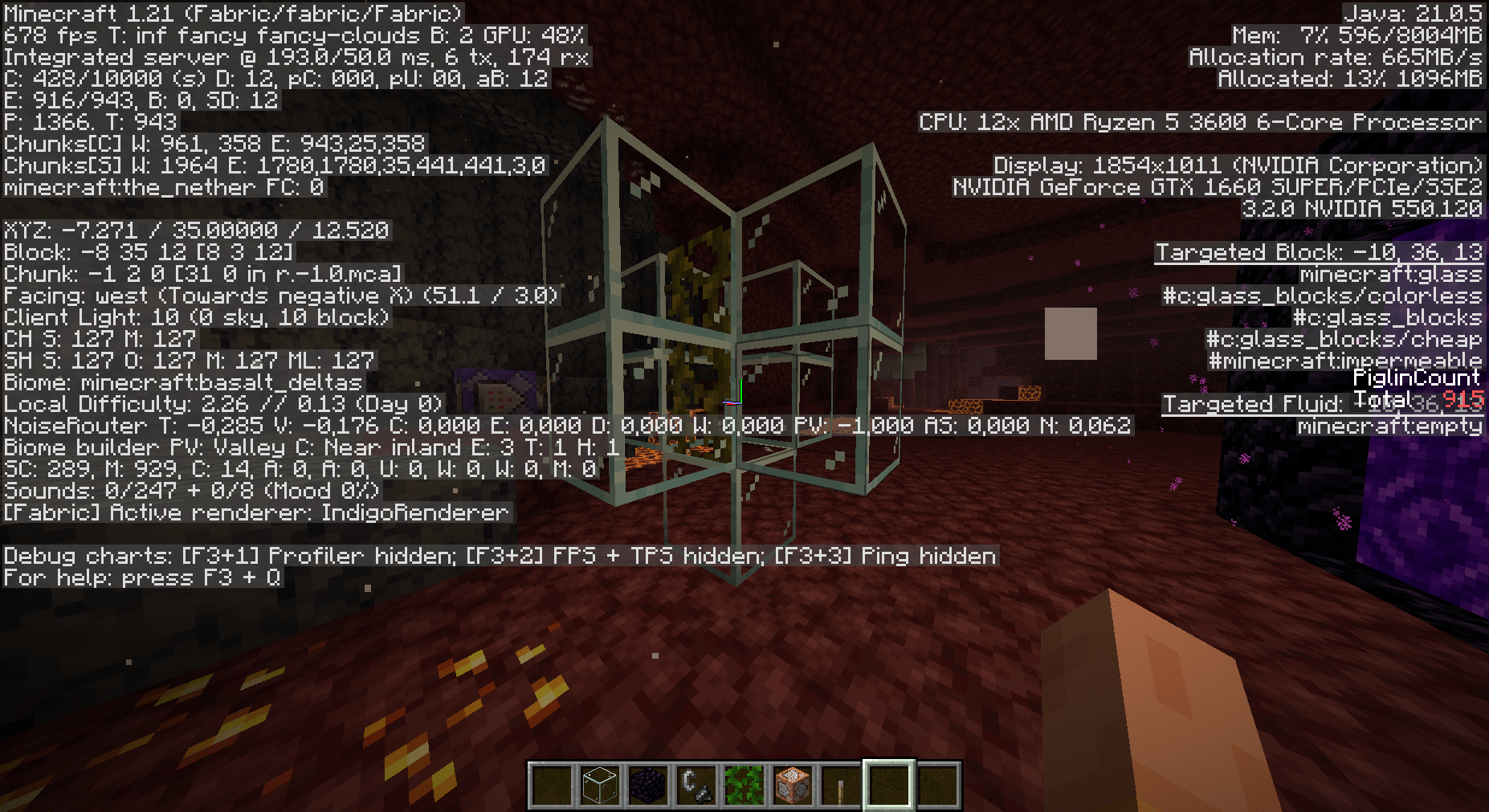
See the difference for yourself! Below are two comparison images:
- With Entities Rendered: Full mob rendering causing lower FPS
- Without Entities Rendered: Selected entities hidden, boosting performance and FPS
⌨️ Controls
- Press O to open the configuration screen
- Press G to quickly toggle the mod on/off
Boost your game's performance and eliminate unnecessary rendering – Entity Render Disabler is here to make your Minecraft experience smoother than ever!
Available Versions
How to Install Entity Render Disabler on Your Client
Install the Mod Loader Locally
Install fabric for your local Minecraft version.
Download the Matching File
Choose the Entity Render Disabler file for fabric and Minecraft 1.21.11.
Install Mod
Place the .jar file in your local .minecraft/mods folder and restart Minecraft. No server-side installation is required.
Compatibility
Mod Loaders
Minecraft Versions
1.21.11, 1.21.10, 1.21.9 (+10 more)
Server-side
✗ UnsupportedRecommended RAM
4 GB(min. 3 GB)Frequently Asked Questions
Does Entity Render Disabler need to be installed on the Minecraft server?
No. Modrinth marks Entity Render Disabler as unsupported on the server side. Install it only in your local Minecraft mods folder. Your server can remain unchanged unless the mod page lists an additional dependency.
Which version and loader does Entity Render Disabler require?
Use a file for fabric, neoforge and your exact Minecraft version. Supported versions include 1.21.11, 1.21.10, 1.21.9. Files for different loaders are not interchangeable.
Entity Render Disabler is not working – what should I check?
First check the Minecraft version, loader version and required dependencies. Put the .jar file in your local .minecraft/mods folder and remove older duplicates. Because this mod is client-side, adding server RAM will not fix it.
Similar Mods
![[EMF] Entity Model Features](https://cdn.modrinth.com/data/4I1XuqiY/6e5bbd0d06b1741bfdab6c0cfab6de8fdaf0064c_96.webp)


Minecraft Server for Your Group
Entity Render Disabler stays on your client. Host a compatible world for your group.