
Fairy Lights
Decorative string lights to light up your world! A Fabric & NeoForge port.
Screenshots
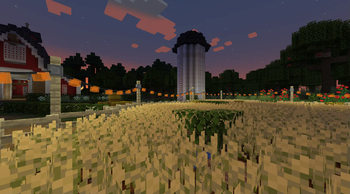
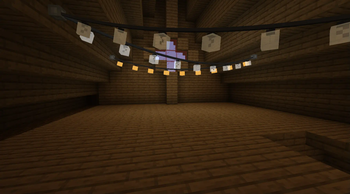
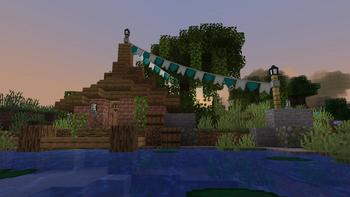
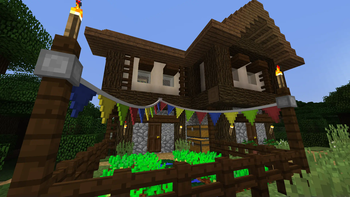
About this Mod
Fairy Lights adds decorative hanging lights that can have any combination of six light variants each with one of the sixteen dye colors. A Fabric & NeoForge port of the original Fairy Lights.
News
- As of v1.2.0, NeoForge 1.21.1 is supported natively!
- On Fabric, versions 1.2.0 and above use a new architecture that might still have some issues. If you're encountering any bugs, try downgrading to v1.1.4.
Features
- Different types of lights: fairy lights, lanterns, incandescent light bulbs, and many more!
- Pennants: Squares & Triangles
- Arbitrary patterns of lights and pennants
- Increase or decrease the slack of hanging ropes by right clicking with string or a stick respectively.
- Hanging lights can be turned on and off by right clicking
- EMI and JEI integration
Gallery

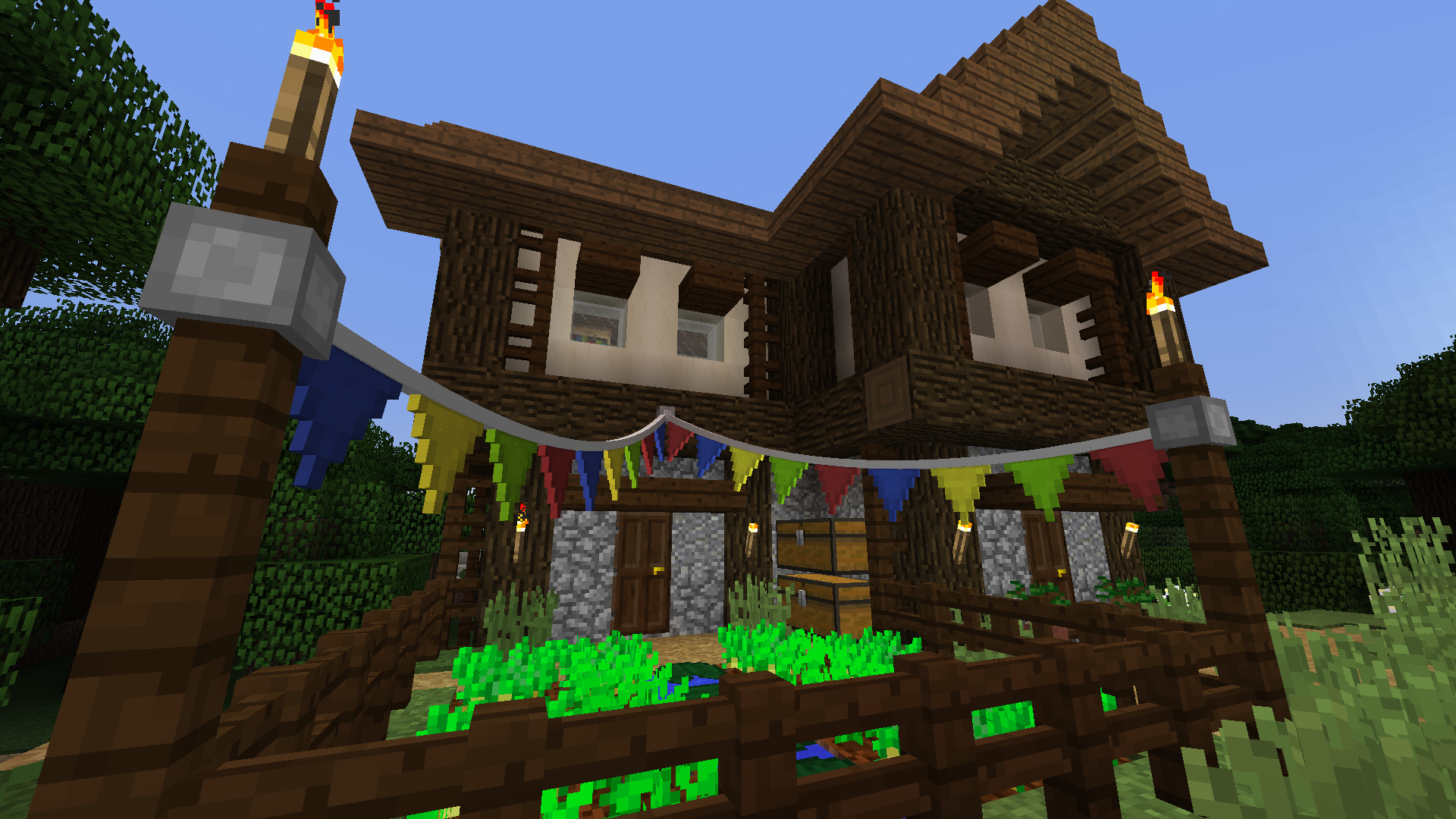
Crafting
Fairy lights are crafted by a horizontal combination of iron ingot, string or stick, iron ingot, along with any combination of lights to specify a pattern (left-right, top-down). Combine a light with glowstone dust to make it twinkle. The hanging lights item will only show the first four light colors, but the most lights that can be crafted is eight by placing a hanging lights in a crafting table with eight lights. Pennant buntings work analogously.
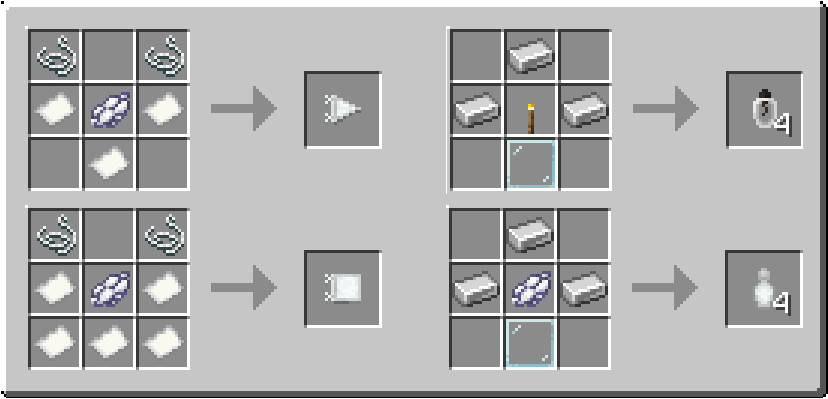
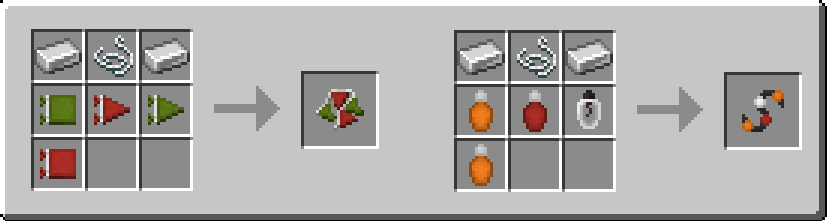

A selection of crafting recipes.
Modpacks
Yes, you can use this mod in your modpack.
Available Versions
How to Install Fairy Lights on Your Server
Order Server
Order a Minecraft Java server with at least 3 GB RAM (4 GB recommended).
Set fabric Loader
In the panel under "Egg", select the fabric loader and matching Minecraft version (1.21.1).
Install Mod
Open the mod browser in the dashboard and search for "Fairy Lights". Click "Install" – done! Alternatively, upload the .jar via SFTP to the /mods folder.
Compatibility
Mod Loaders
Minecraft Versions
1.21.1, 1.20.1
Server-side
✓ RequiredRecommended RAM
4 GB(min. 3 GB)Frequently Asked Questions
Fairy Lights server crashes on startup – what to do?
Most common cause: wrong fabric version or insufficient RAM. Check the server log (latest.log) for "OutOfMemoryError" or "Mixin" errors. With Mado Hosting: ensure at least 3 GB RAM is allocated and the loader matches the mod version (1.21.1). You can switch loaders with one click in the panel.
Is Fairy Lights compatible with fabric and neoforge?
Fairy Lights officially supports fabric, neoforge for Minecraft 1.21.1, 1.20.1. The Mado dashboard automatically detects incompatible loader combinations.
Server lagging with Fairy Lights – how to optimize performance?
Recommended RAM: 4 GB (per 8 players). Use /spark profiler to check if Fairy Lights consumes the most tick time. Common fixes: reduce server view-distance to 8-10, install "performant" or "starlight" as supplementary mods on Forge. With Mado Hosting, your server runs on NVMe SSDs with dedicated CPU cores for minimal latency.
Similar Mods

![[ETF] Entity Texture Features](https://cdn.modrinth.com/data/BVzZfTc1/af683d206d50b05258d865b0d6e4aa2f2cee12f2_96.webp)
![[EMF] Entity Model Features](https://cdn.modrinth.com/data/4I1XuqiY/6e5bbd0d06b1741bfdab6c0cfab6de8fdaf0064c_96.webp)



Rent Modded Server
Install Fairy Lights with just one click on your server.