FootprintParticle
A simple mod that adds footprint particle for mobs.
Screenshots
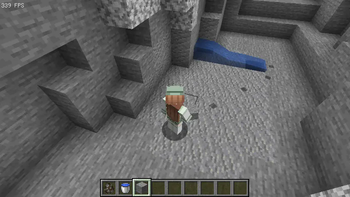
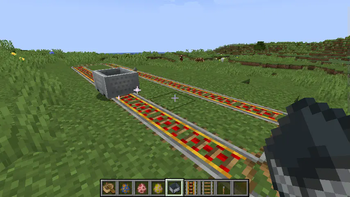
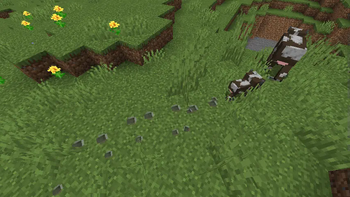
About this Mod
I'm just confused that those particle mods have no footprint feature.
I can't find such one, so I made this one.
Footprint Particle
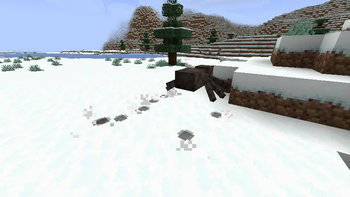
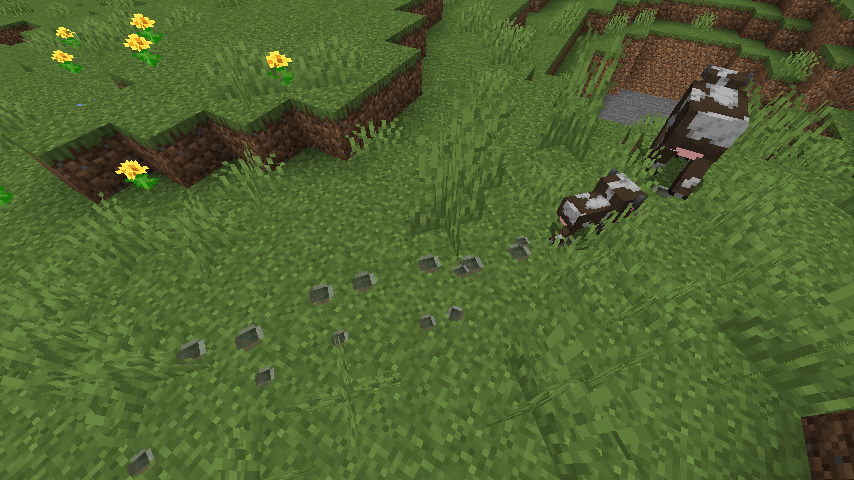
A simple mod that adds footprint for mobs (and players). Pure particle implementation. Highly configurable designed for modpacks.
HEY, NEW HERE!
Wants an interactive footprint that can locate mob which leaves the print? Check it ➡️ Traceable Print.
Feature
- Footprint gen on low hardness block (by default).
- Baby mob has a baby print.
- Spider & horse has special pos to gen.
- Waterprint gen when touched water for a while.
- Minecart Spark.
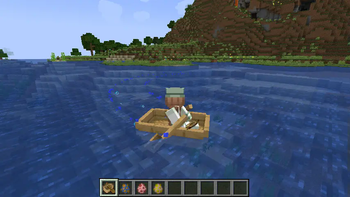
- Boat trail (water and land is difference).
- Swimming Pop.
- Raise dust when walking on snow.
- Pehkui support.
- Random Mob Sizes support.
Configurable
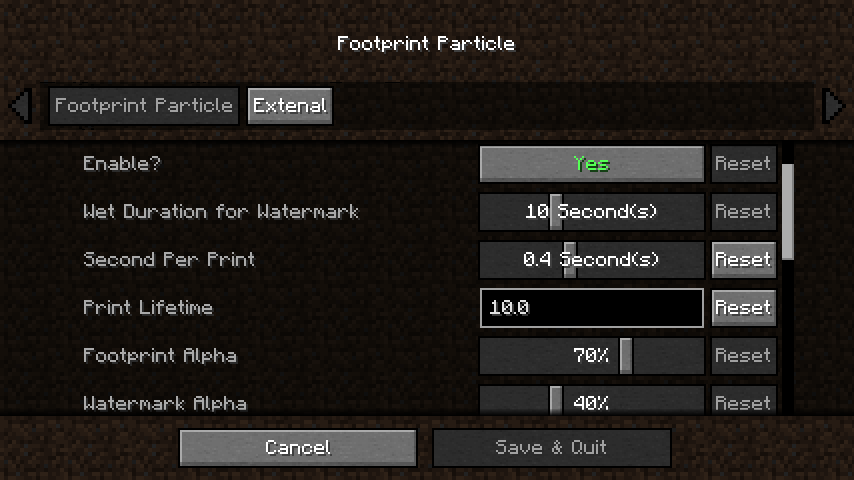
You can config its lifetime, frequency, and others through Cloth Config and Mod Menu.
- Which type / specific block can (or not) gen.
- Which mob can (or not) gen.
- What print size for specific mob.
- How high where is print gen on specific block (snow etc.)
- Which mob regarded as spider / horse (to gen on special way).
- Which texture should specific mob gen.
- More as you wish...
Custom Print Texture
1.Make a resourcepack and put your texture.pngs to the path below:
assets\footprintparticle\textures\particle\
2.Make a footprint.json or copy one from the mod.jar to your resourcepack path below (or watermark.json if you wanna replace watermark at same time):
assets\footprintparticle\particles\
3.Add your texture.pngs file name to the .json, formatting like:
{
  "textures": [
    "footprintparticle:footprint",  // delete this line if you don't need default ugly print :)
    "footprintparticle:texture1",
    "footprintparticle:texture2",
    "footprintparticle: ..."  // remember last line NOT have comma (",")
  ]
}
4.Packing and install your pack into the game, enabled your resourcepack, then go to the config screen and edit the "Custom Print Texture" option as tooltip says:
minecraft:cat,texture1,texture2
minecraft:cow,texture1
modid:mobid,textureName
...
5.Enjoy!
Dependence
Since 0.3.1c we now support Forge & Fabric in a same jar, but dependence has some differ:
For all loader
- Architectury API is required.
- Cloth Config is required to manage config file & build configScreen.
Fabric extra needs
- Fabric API is required.
- Mod Menu is optional to access configScreen.
Contact
Any suggestions are welcome to Github.
Available Versions
How to Install FootprintParticle on Your Client
Install the Mod Loader Locally
Install fabric for your local Minecraft version.
Download the Matching File
Choose the FootprintParticle file for fabric and Minecraft 26.3.
Install Mod
Place the .jar file in your local .minecraft/mods folder and restart Minecraft. No server-side installation is required.
Compatibility
Mod Loaders
Minecraft Versions
26.3, 26.2, 26.1.2 (+27 more)
Server-side
✗ UnsupportedRecommended RAM
4 GB(min. 3 GB)Frequently Asked Questions
Does FootprintParticle need to be installed on the Minecraft server?
No. Modrinth marks FootprintParticle as unsupported on the server side. Install it only in your local Minecraft mods folder. Your server can remain unchanged unless the mod page lists an additional dependency.
Which version and loader does FootprintParticle require?
Use a file for fabric, forge and your exact Minecraft version. Supported versions include 26.3, 26.2, 26.1.2. Files for different loaders are not interchangeable.
FootprintParticle is not working – what should I check?
First check the Minecraft version, loader version and required dependencies. Put the .jar file in your local .minecraft/mods folder and remove older duplicates. Because this mod is client-side, adding server RAM will not fix it.
Similar Mods

![[ETF] Entity Texture Features](https://cdn.modrinth.com/data/BVzZfTc1/af683d206d50b05258d865b0d6e4aa2f2cee12f2_96.webp)
![[EMF] Entity Model Features](https://cdn.modrinth.com/data/4I1XuqiY/6e5bbd0d06b1741bfdab6c0cfab6de8fdaf0064c_96.webp)



Minecraft Server for Your Group
FootprintParticle stays on your client. Host a compatible world for your group.