
Info+ 📑
Show detailed system information directly in Minecraft chat. View CPU, RAM, GPU, OS, Java, Minecraft, and Loader details. Built for debugging, player support, server checks, and modpack troubleshooting.
Screenshots
About this Mod

InfoPlus
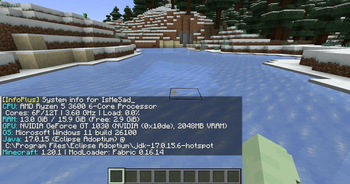
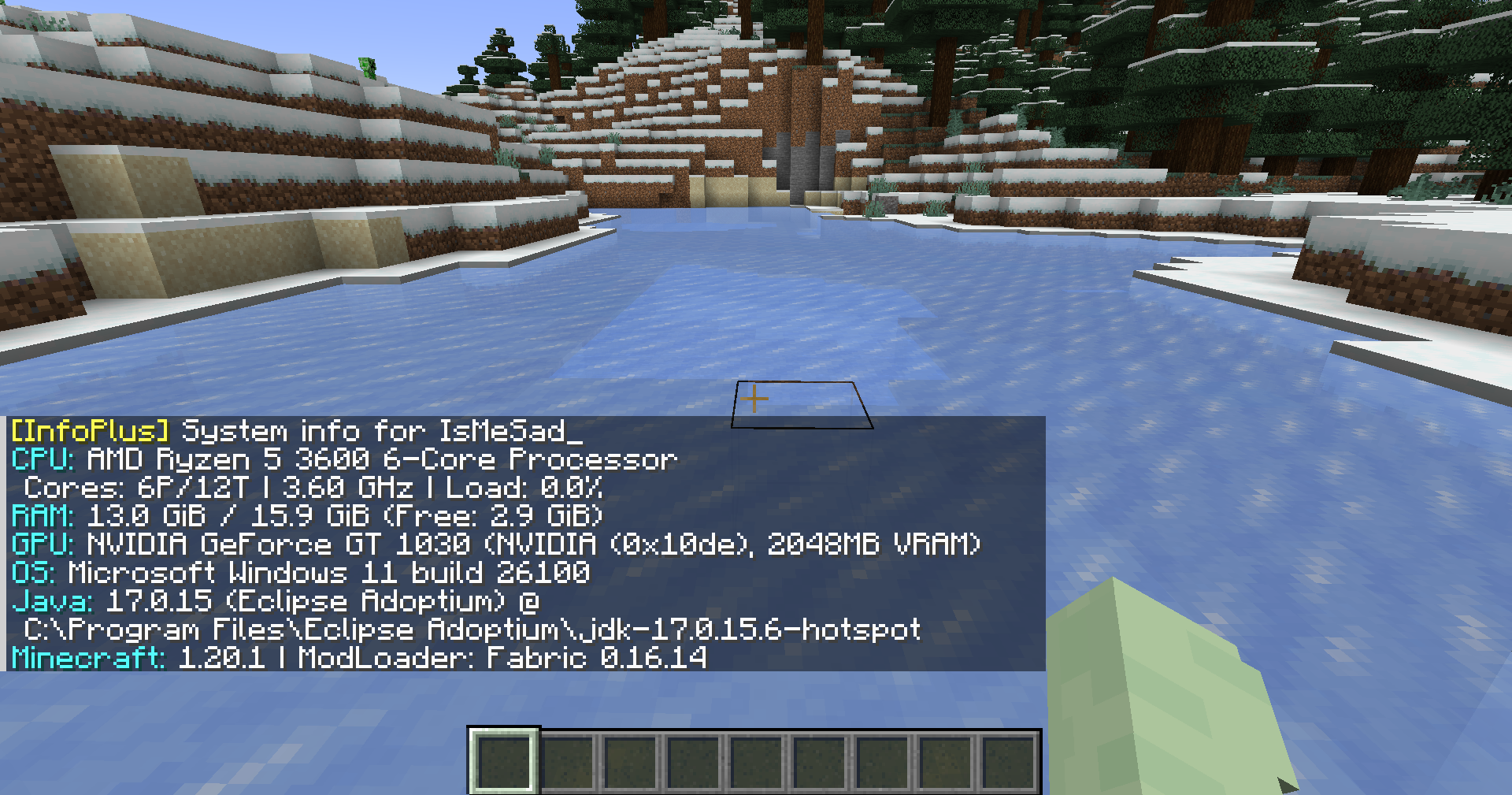
Show detailed system information directly in Minecraft chat.
View CPU, RAM, GPU, OS, Java, Minecraft, and Loader details.
Built for debugging, player support, server checks, and modpack troubleshooting.
Features
- View CPU information, including model, vendor, cores, threads, frequency, and usage
- View RAM usage, including total, used, available, and swap/virtual memory
- View GPU details, including model, vendor, VRAM, device ID, and version info
- View operating system information, uptime, process count, and boot time
- View Java runtime information, Minecraft version, loader name, and loader version
- View disk, network, battery, firmware, motherboard, and file system information when using full mode
- Supports both local client checks and multiplayer player checks
- Outputs information in a clear chat-friendly format
Screenshot
Usage
Local system info
Run the command in Minecraft chat:
/info
Basic system information:
/info basic
Full system information:
/info full
You can also use the alias:
/infoplus
Multiplayer player info
Request system information from another player:
/info <player>
Request basic information from another player:
/info <player> basic
Request full information from another player:
/info <player> full
Alias:
/infoplus <player> full
Server-side player requests require permission level 2.
Command Summary
| Command | Description |
|---|---|
/info |
Shows your basic system information |
/info basic |
Shows your basic system information |
/info full |
Shows your full system information |
/info <player> |
Requests basic system information from a player |
/info <player> basic |
Requests basic system information from a player |
/info <player> full |
Requests full system information from a player |
/infoplus |
Alias for /info |
Privacy Notice
InfoPlus can display hardware and runtime information such as CPU, RAM, GPU, operating system, Java version, Minecraft version, loader version, and other system details.
Full mode may include more detailed information depending on the enabled options. Server-side player requests are limited to users with the required permission level.
Use this mod responsibly and avoid sharing sensitive system information publicly.
Requirements
- Minecraft 1.20.1
- Fabric Loader
- Fabric API
- Java 17
Download
Source Code
The source code is available on GitHub:
https://github.com/TamKungZ/infoplus
License
This project is licensed under the MIT License.
See the LICENSE file for more details.
Available Versions
How to Install Info+ 📑 on Your Server
Order Server
Order a Minecraft Java server with at least 3 GB RAM (4 GB recommended).
Set fabric Loader
In the panel under "Egg", select the fabric loader and matching Minecraft version (1.21.6-pre4).
Install Mod
Open the mod browser in the dashboard and search for "Info+ 📑". Click "Install" – done! Alternatively, upload the .jar via SFTP to the /mods folder.
Compatibility
Mod Loaders
Minecraft Versions
1.21.6-pre4, 1.21.6-pre3, 1.21.6-pre2 (+10 more)
Server-side
~ OptionalRecommended RAM
4 GB(min. 3 GB)Frequently Asked Questions
Info+ 📑 server crashes on startup – what to do?
Most common cause: wrong fabric version or insufficient RAM. Check the server log (latest.log) for "OutOfMemoryError" or "Mixin" errors. With Mado Hosting: ensure at least 3 GB RAM is allocated and the loader matches the mod version (1.21.6-pre4). You can switch loaders with one click in the panel.
Is Info+ 📑 compatible with fabric and forge and quilt?
Info+ 📑 officially supports fabric, forge, quilt for Minecraft 1.21.6-pre4, 1.21.6-pre3, 1.21.6-pre2. Note: Forge and Fabric mods are NOT cross-compatible – pick one loader and stick with it. The Mado dashboard automatically detects incompatible loader combinations.
Server lagging with Info+ 📑 – how to optimize performance?
Recommended RAM: 4 GB (per 8 players). Use /spark profiler to check if Info+ 📑 consumes the most tick time. Common fixes: reduce server view-distance to 8-10, install "performant" or "starlight" as supplementary mods on Forge. With Mado Hosting, your server runs on NVMe SSDs with dedicated CPU cores for minimal latency.
Similar Mods



Rent Modded Server
Install Info+ 📑 with just one click on your server.