
JSON Paintings
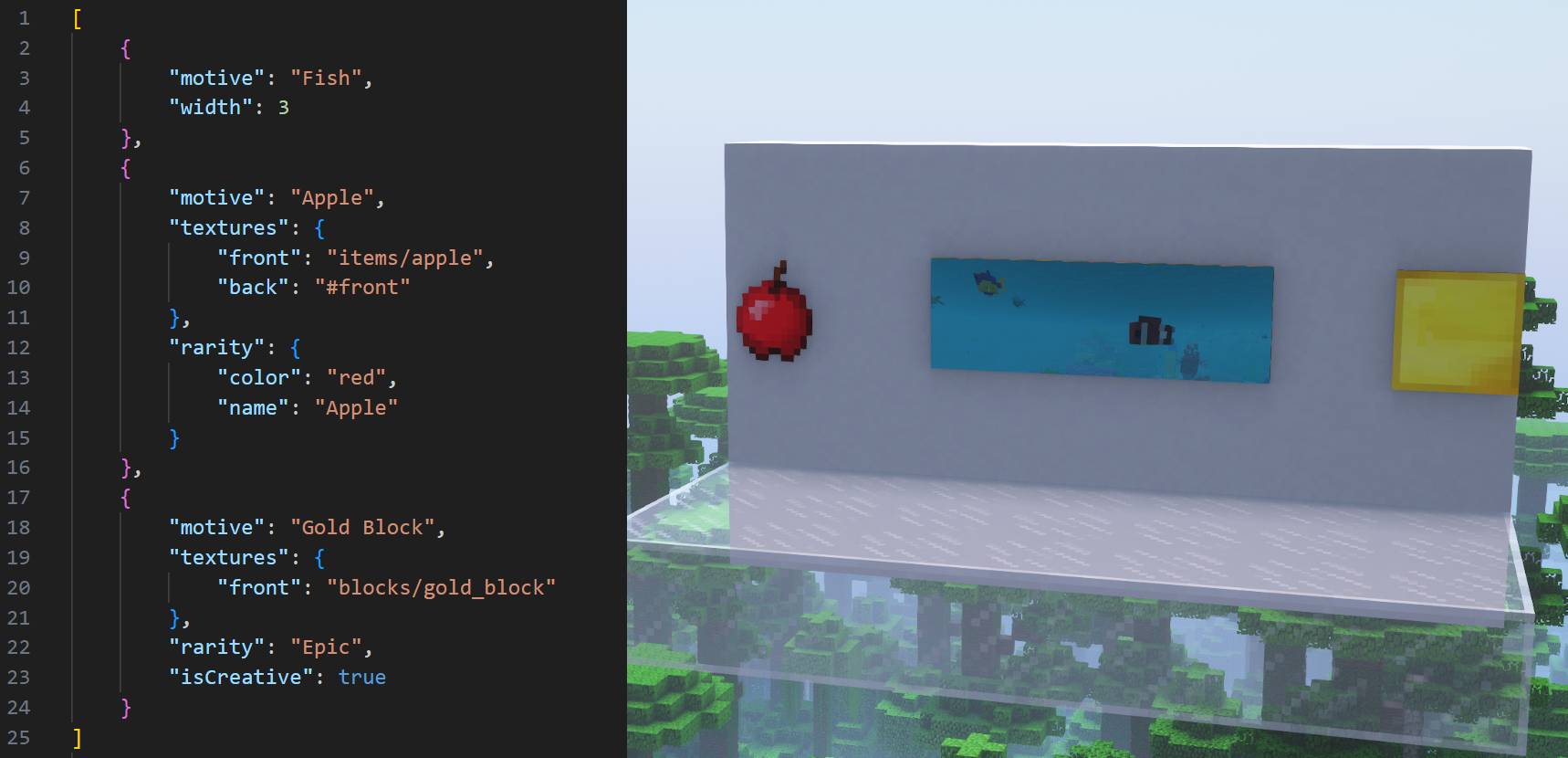
Easily add custom paintings through a json file!
Screenshots
About this Mod
A mod that allows custom paintings to be added through a json file!


If you're a modpack developer wanting to add JSON Paintings to a modpack distributed outside of CurseForge or Modrinth, use File Director to avoid reuploading JSON Paintings' files.
JSON Paintings doesn't add any new painting entities/items or painting type handlers, but rather expands on vanilla's system, which means that this mod will work nicely with all other mods that don't override how paintings work!
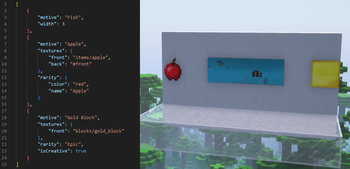
Paintings added through this mod use their own textures instead of being stuck to using vanilla's painting atlas texture! This means that an infinite amount of paintings can be added, and that they can have larger sizes!
Paintings can also have their properties overridden! This could be used for example to give certain vanilla paintings custom item models or back and side textures that match the front.
More info about how to use JSON Paintings, including all possible customizations, can be found under the README.md on this mod's github page.
JSON Paintings added a new feature in v1.5.0 called Painting Packs (more info here), which serve as a convenient way to share your paintings or use paintings made by other players! These also support datapacks and mods for 1.21+ that add paintings! Tested datapacks and mods include:
- Absolem's Base Painting Pack
- Dark Paintings
- Macaw's Paintings (Note: don't use the 1.12 version)
- New Custom Paintings
Captured Paintings:
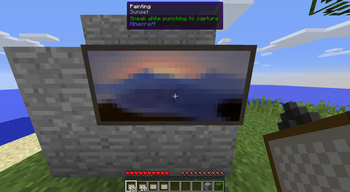
When a player breaks a painting while sneaking, its painting's art type will be captured!
When a player is using the pick-block feature on a painting, they can hold ctrl to capture its art type.
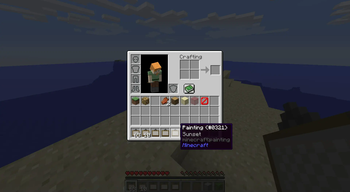
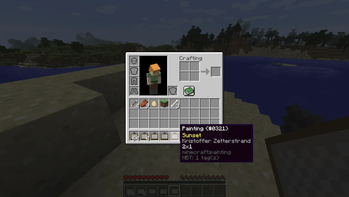
Painting items with a captured art type have a tooltip, similar to 1.21+.
All captured paintings appear in JEI, and in their own designated creative tab.
It's heavily recommended to use the Standalone Paintings++ "Painting Selection Gui" Module along side this, since it makes the process of selecting paintings far easier.
This mod is incompatible with the full Paintings++ mod because it overrides vanilla's painting system, but adding compatibility is planned in the future.
Direct contact: [email protected]
Available Versions
How to Install JSON Paintings on Your Server
Order Server
Order a Minecraft Java server with at least 3 GB RAM (4 GB recommended).
Set forge Loader
In the panel under "Egg", select the forge loader and matching Minecraft version (1.12.2).
Install Mod
Open the mod browser in the dashboard and search for "JSON Paintings". Click "Install" – done! Alternatively, upload the .jar via SFTP to the /mods folder.
Compatibility
Mod Loaders
Minecraft Versions
1.12.2
Server-side
✓ RequiredRecommended RAM
4 GB(min. 3 GB)Frequently Asked Questions
JSON Paintings server crashes on startup – what to do?
Most common cause: wrong forge version or insufficient RAM. Check the server log (latest.log) for "OutOfMemoryError" or "Mixin" errors. With Mado Hosting: ensure at least 3 GB RAM is allocated and the loader matches the mod version (1.12.2). You can switch loaders with one click in the panel.
Is JSON Paintings compatible with forge?
JSON Paintings officially supports forge for Minecraft 1.12.2. The Mado dashboard automatically detects incompatible loader combinations.
Server lagging with JSON Paintings – how to optimize performance?
Recommended RAM: 4 GB (per 8 players). Use /spark profiler to check if JSON Paintings consumes the most tick time. Common fixes: reduce server view-distance to 8-10, install "performant" or "starlight" as supplementary mods on Forge. With Mado Hosting, your server runs on NVMe SSDs with dedicated CPU cores for minimal latency.
Similar Mods

![[ETF] Entity Texture Features](https://cdn.modrinth.com/data/BVzZfTc1/af683d206d50b05258d865b0d6e4aa2f2cee12f2_96.webp)
![[EMF] Entity Model Features](https://cdn.modrinth.com/data/4I1XuqiY/6e5bbd0d06b1741bfdab6c0cfab6de8fdaf0064c_96.webp)



Rent Modded Server
Install JSON Paintings with just one click on your server.