
Lomka
Mix of small optimizations for your Minecraft
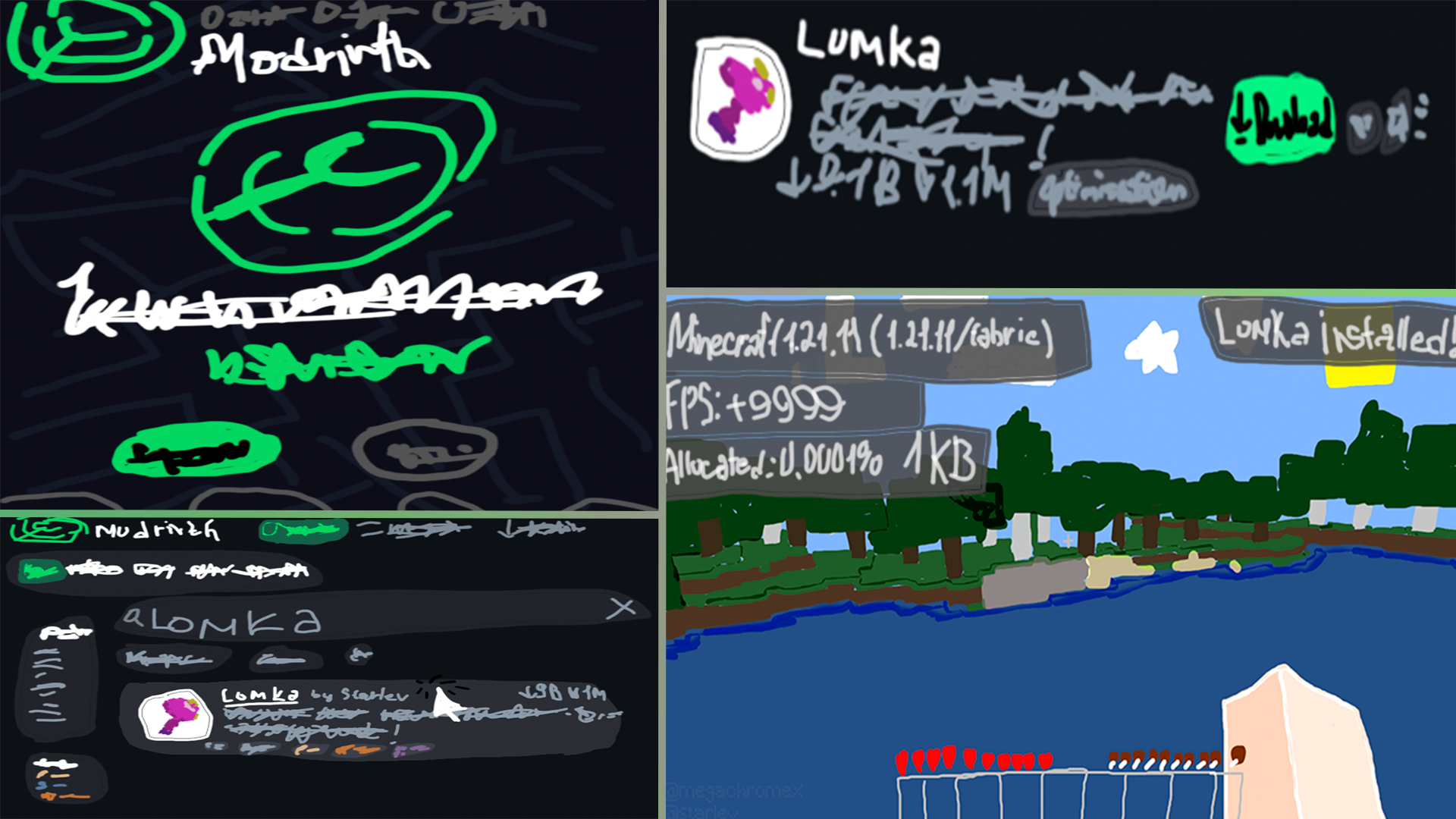
Screenshots
About this Mod
The project code was created with help of Artificial Intelligence.





An open source mod with mix of small optimizations for your Minecraft. Fewer stutters, slightly improvements: more FPS (up to 4.58% increase depends on your hardware), faster resource loading, world generation and reduces memory usage.
Optimizations
- Faster hot-path math and color engine
- Faster texture atlas animation and light engine updates
- Less garbage in render and tick loops
- Caching where vanilla repeats work
- Faster block collision scans and a cached block-sturdiness bitmask
- Cached voxel shape AABBs and allocation-free raycasts
- Bulk NBT array reads for world, player and structure data on the server side (chunks, heightmaps, saves load in blocks instead of per-element stream calls)
- Faster heightmap priming for world generation
- Cached font glyph advances for faster text rendering
- Playing a sound no longer waits for the sound thread
- Fewer native buffer reallocations (audio streaming and mesh building)
- Faster block and section traversal, plus in-place worldgen RNG reseeds (also, check incompatibilities list)
- Cached uniform palette lookups
- Zero-alloc framebuffer and GPU uniform caching (26.3 renderpearl backend)
- Cheaper resource scanning and metadata reads
- Leaner network buffers (without affecting your connection)
- Fewer redundant OpenGL calls
- Removing
Thread.yield()from the render thread - And many other small bugfixes in the game's code
Versions
1.21.11 is the main version. It carries the full set of optimizations and gets the most testing.
Other supported versions (1.19.2-26.3) are ports of the same or with the less of features set.
FAQ
I see performance drops with Lomka installed
Update to the latest build for your MC version first. Try out Lomka's best versions: 0.2.0, 0.2.1, (0.4.x, 0.5.x) and 0.6.x
Still bad? Report it (link below).
Is it server-side compatible?
Yes, it is.
Will be mod backports below Minecraft version 1.19.2?
No. The mod closely follows modern Minecraft internals. Surely, it is possible but not really needed.
Can I add this mod in my modpack?
Sure. Lomka is free and open source. Check out how it goes on your modpack first.
Configuration
Lomka has no in-game GUI. Instead, on first launch it creates config/lomka-mixins.properties with basic mixin configuration.
The full list of mixins with descriptions lives in the wiki.
Compatibility
This should work fine with most mods (like Sodium, Lithium, Iris, FerriteCore, ModernFix, ImmediatelyFast and even VulkanMod) but no guarantees at all.
Known conflicts are listed with Lomka versions in the incompatibilities list.
Bug reports
Found something that only happens with Lomka?
- Try reproducing it without Lomka first.
- Still there? Post it on the issue tracker with an optional log attached.
Please don't report Lomka-related crashes to other mod authors, because Lomka's mixins are cruel that could break unrelated systems.
Credits
Lomka was created by Starlev and contributors.
Also, other mods credits for their's effecient work!
VecDeltaCodeczero-delta path adapted from Collections Of Optimizations by Misanthropy (LGPL-3.0).Vec3iPhiMix hashing credits efficient_hashing by ZZZank (CC0-1.0).- The legacy hardware-blit presentation path references from Tritium (MIT), but popularized in VulkanMod (LGPL-3.0-only).
Available Versions
How to Install Lomka on Your Server
Order Server
Order a Minecraft Java server with at least 3 GB RAM (4 GB recommended).
Set fabric Loader
In the panel under "Egg", select the fabric loader and matching Minecraft version (26.3).
Install Mod
Open the mod browser in the dashboard and search for "Lomka". Click "Install" – done! Alternatively, upload the .jar via SFTP to the /mods folder.
Compatibility
Mod Loaders
Minecraft Versions
26.3, 26.2, 26.1.2 (+14 more)
Server-side
~ OptionalRecommended RAM
4 GB(min. 3 GB)Frequently Asked Questions
Lomka server crashes on startup – what to do?
Most common cause: wrong fabric version or insufficient RAM. Check the server log (latest.log) for "OutOfMemoryError" or "Mixin" errors. With Mado Hosting: ensure at least 3 GB RAM is allocated and the loader matches the mod version (26.3). You can switch loaders with one click in the panel.
Is Lomka compatible with fabric and forge and neoforge and quilt?
Lomka officially supports fabric, forge, neoforge, quilt for Minecraft 26.3, 26.2, 26.1.2. Note: Forge and Fabric mods are NOT cross-compatible – pick one loader and stick with it. The Mado dashboard automatically detects incompatible loader combinations.
Server lagging with Lomka – how to optimize performance?
Recommended RAM: 4 GB (per 8 players). Use /spark profiler to check if Lomka consumes the most tick time. Common fixes: reduce server view-distance to 8-10, install "performant" or "starlight" as supplementary mods on Forge. With Mado Hosting, your server runs on NVMe SSDs with dedicated CPU cores for minimal latency.
Similar Mods


Rent Modded Server
Install Lomka with just one click on your server.