
NeverEnoughAnimation
A mod for 1.12 which adds various animations to inventories and HUD
Screenshots
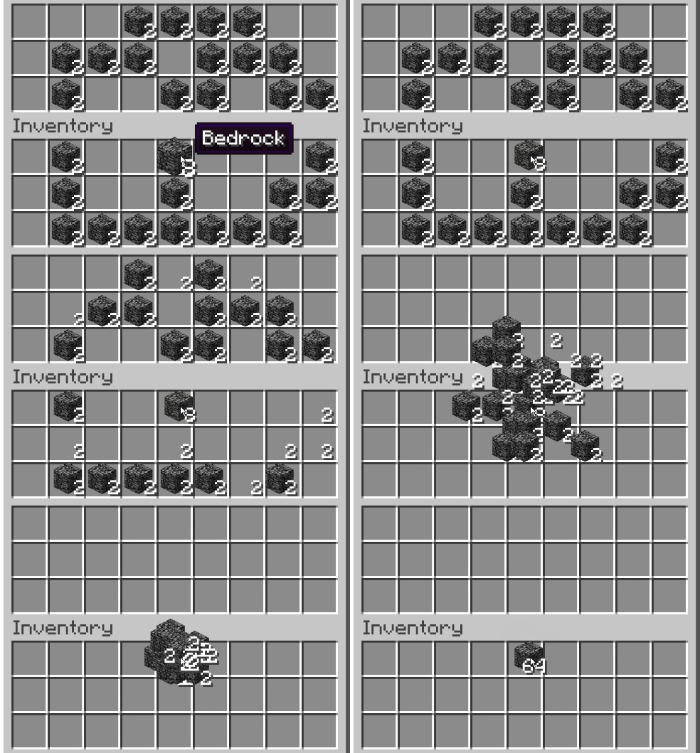
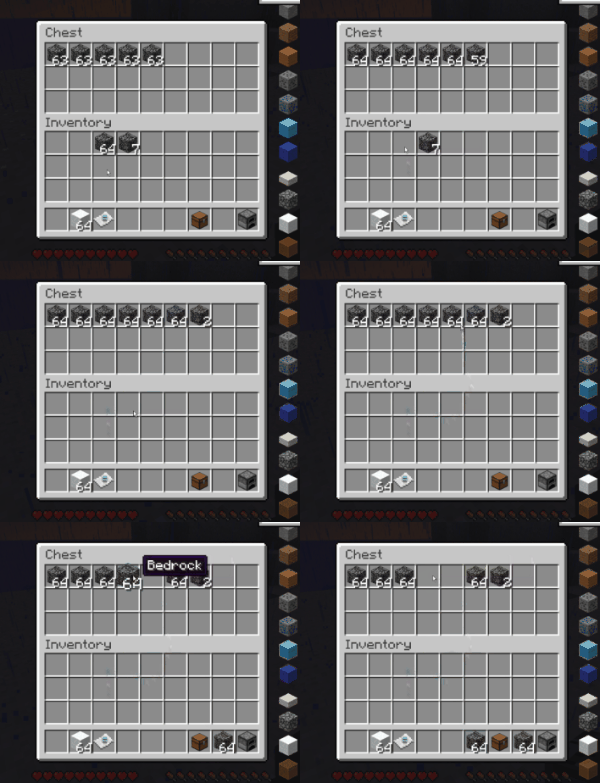
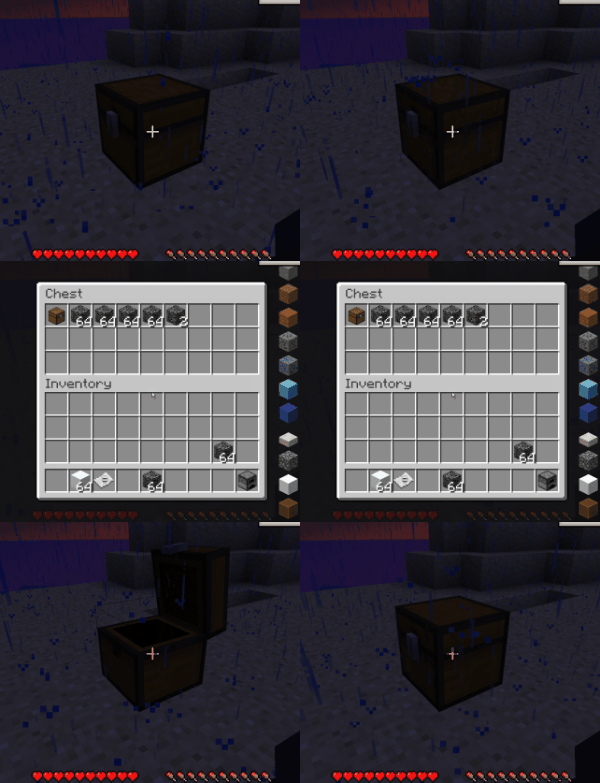
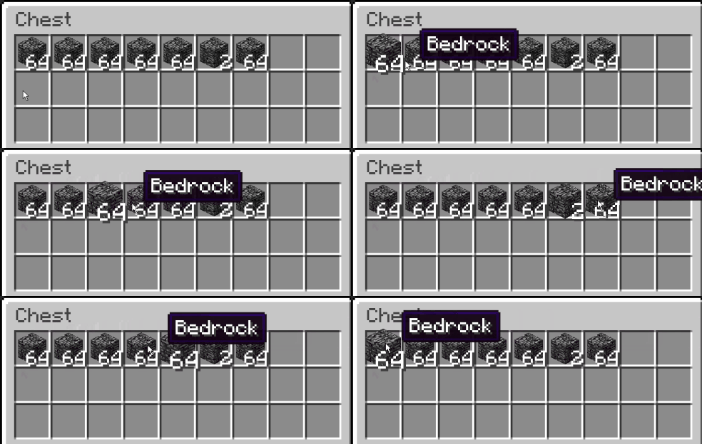
About this Mod

Features
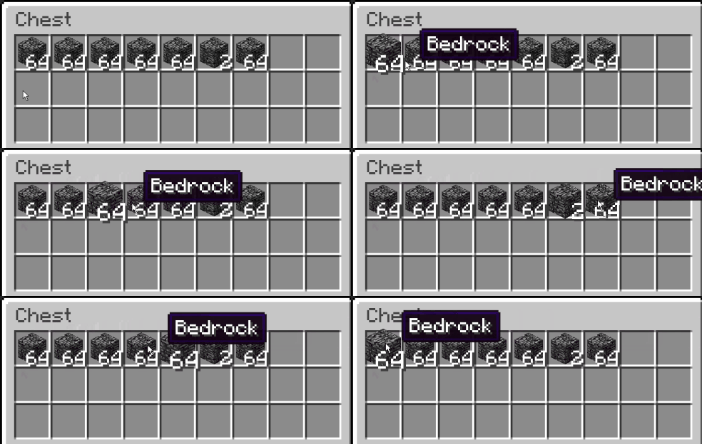
- When hovering an item with the mouse there is no longer drawn a gray rectangle one top. Instead the item becomes slightly larger with an animation.
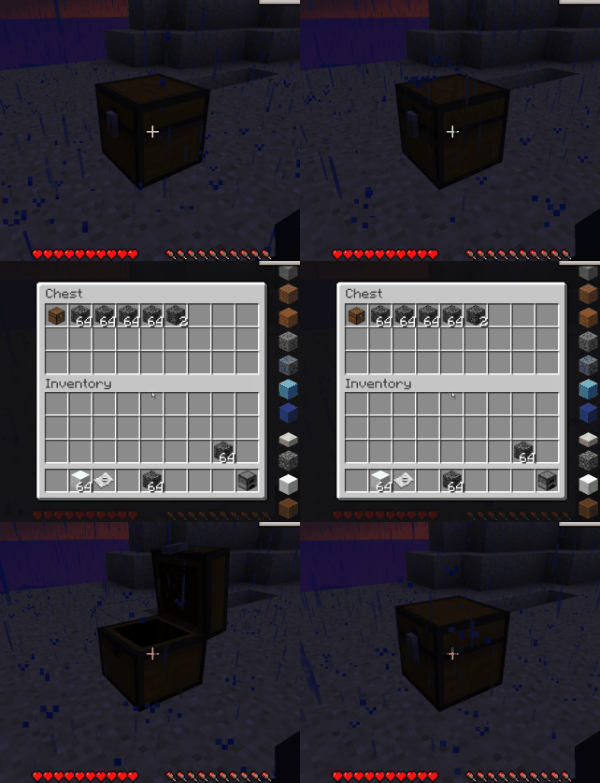
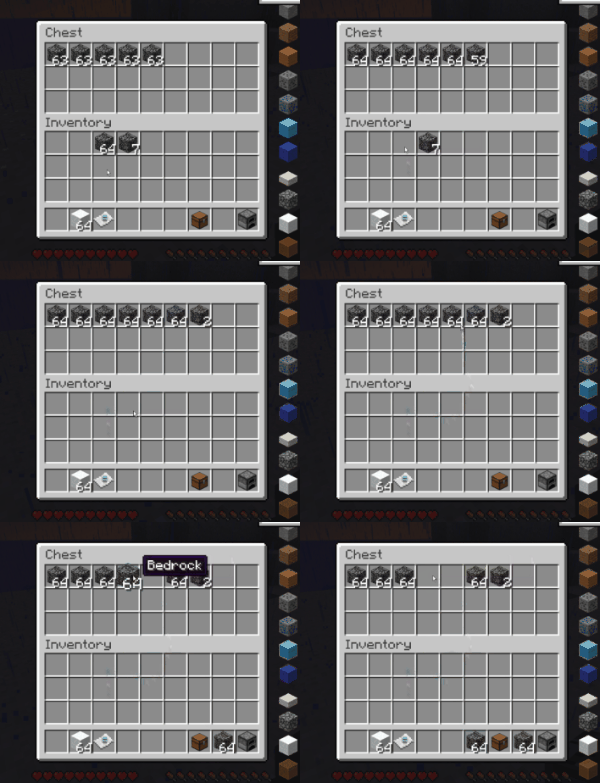
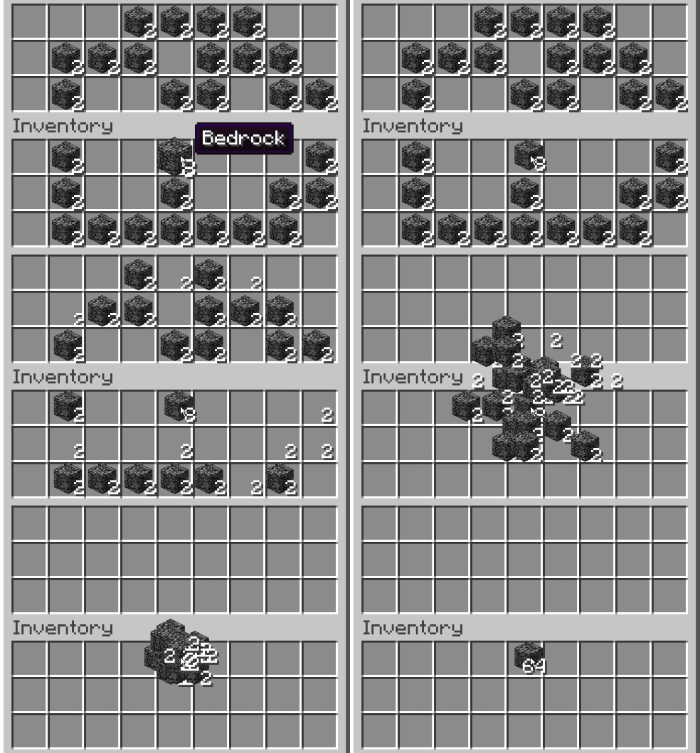
- When moving an item with shift click, it now moves with an animation into its target slot.
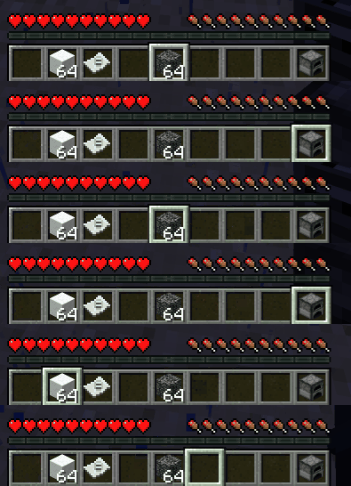
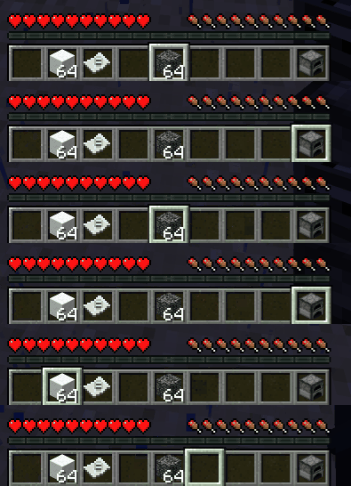
- When scrolling through the hotbar, the current item markere is now animated.
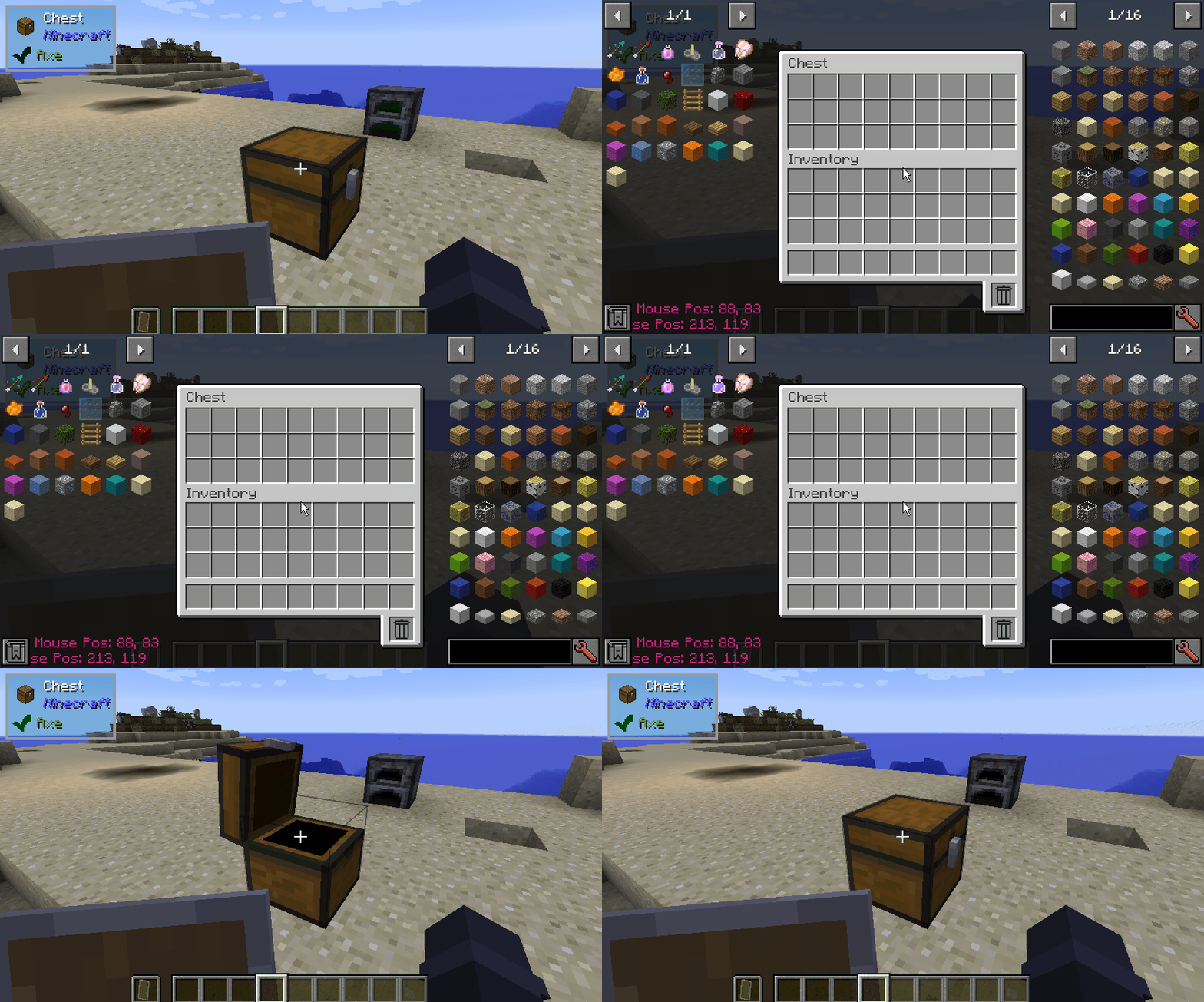
- When opening or closing guis a short animatio will be played.
- Throwing an item in an inventory is animated.
- Swapping an item in an inventory with hotbar shortcut keys is animated.
- All the features above are configurable with animation time (0 to disable) and interpolation curve.
- Compat with MouseTweaks scrolling
- Compat with JEI (animated ingredient areas on the side (doesnt work with HEI batch render mode))
- Compat with ItemBorders to not scale the borders on hover.
ToDo
- Compat with ModularUI
- Compat with InventoryBogoSorter
Note that this might not work correctly in some modded guis!
Available Versions
How to Install NeverEnoughAnimation on Your Client
Install the Mod Loader Locally
Install forge for your local Minecraft version.
Download the Matching File
Choose the NeverEnoughAnimation file for forge and Minecraft 1.21.1.
Install Mod
Place the .jar file in your local .minecraft/mods folder and restart Minecraft. No server-side installation is required.
Compatibility
Mod Loaders
Minecraft Versions
1.21.1, 1.12.2, 1.7.10
Server-side
✗ UnsupportedRecommended RAM
4 GB(min. 3 GB)Frequently Asked Questions
Does NeverEnoughAnimation need to be installed on the Minecraft server?
No. Modrinth marks NeverEnoughAnimation as unsupported on the server side. Install it only in your local Minecraft mods folder. Your server can remain unchanged unless the mod page lists an additional dependency.
Which version and loader does NeverEnoughAnimation require?
Use a file for forge, neoforge and your exact Minecraft version. Supported versions include 1.21.1, 1.12.2, 1.7.10. Files for different loaders are not interchangeable.
NeverEnoughAnimation is not working – what should I check?
First check the Minecraft version, loader version and required dependencies. Put the .jar file in your local .minecraft/mods folder and remove older duplicates. Because this mod is client-side, adding server RAM will not fix it.
Similar Mods

![[ETF] Entity Texture Features](https://cdn.modrinth.com/data/BVzZfTc1/af683d206d50b05258d865b0d6e4aa2f2cee12f2_96.webp)
![[EMF] Entity Model Features](https://cdn.modrinth.com/data/4I1XuqiY/6e5bbd0d06b1741bfdab6c0cfab6de8fdaf0064c_96.webp)



Minecraft Server for Your Group
NeverEnoughAnimation stays on your client. Host a compatible world for your group.