
NoParticles-Fps
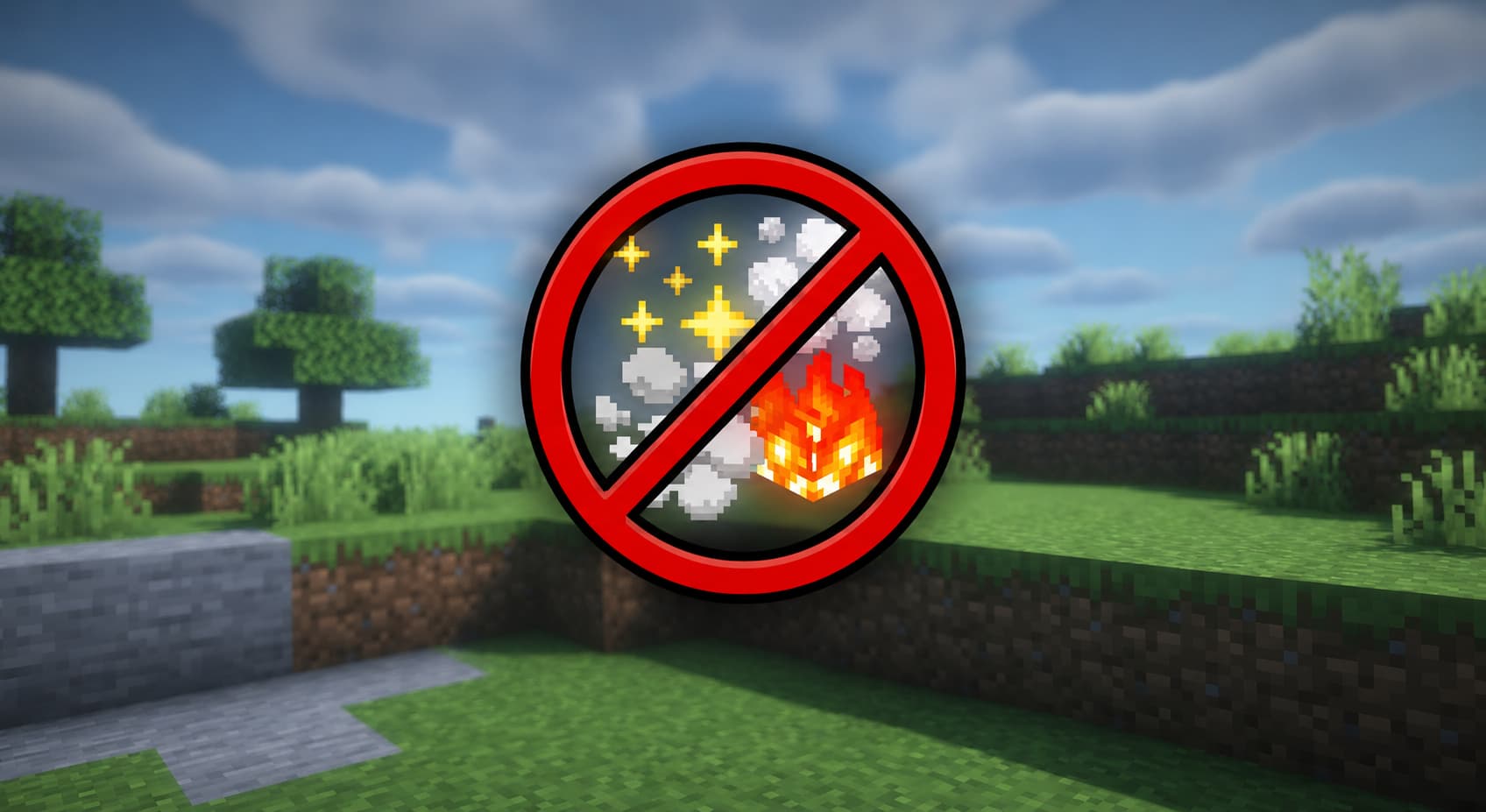
Remove all particles and improve your FPS and gameplay — block crits, potions, block break, fire & smoke before they ever render. Press P to toggle. Lightweight & built for PvP on 1.8.9.
Screenshots
About this Mod
NoParticles
Remove all particles and improve your FPS and gameplay — built for PvP on low-end PCs.
What is NoParticles?
NoParticles is a lightweight, client-side Forge mod for Minecraft 1.8.9 that blocks particle effects at the source — before they ever render. Instead of wasting CPU/GPU cycles on distracting particles, your hardware focuses on what matters: your game.
Built for PvP players on low-end PCs who need every frame they can get.
Features
- Disable All Particles — one toggle, zero particles, maximum FPS
- PvP Mode — blocks crits, potion, block break, fire & smoke at once
- Per-Type Toggles — independently control each particle type
- Toggle Keybind — press
Pin-game to switch on/off instantly - Config File — simple
.cfgfile + Forge GUI support - Zero Overhead — blocked particles never allocate memory or execute render code
Performance
Particles are intercepted via ASM bytecode injection in EffectRenderer, before they enter the render pipeline:
- ✅ No garbage collection pressure from discarded particle objects
- ✅ No GPU draw calls for blocked particles
- ✅ No visual glitches — particles never appear, not even for a frame
- ✅ Measurable FPS gains on low-end hardware during PvP, block breaking, or potion effects
How to Install
- Install Minecraft Forge 1.8.9 (build 11.15.1.2318+)
- Drop the
.jarinto.minecraft/mods/ - Launch the game
- Press
Pto toggle, or edit.minecraft/config/noparticles.cfg
Config Options
| Option | Default | Description |
|---|---|---|
enabled |
true |
Master toggle for the entire mod |
particlesDisabled |
false |
Disable ALL particles completely |
pvpMode |
false |
Disable crit, potion, block, fire & smoke at once |
blockCrit |
false |
Remove critical hit particles |
blockPotion |
false |
Remove potion effect particles |
blockBlockBreak |
false |
Remove block break / dig particles |
blockFireSmoke |
false |
Remove fire, smoke and lava particles |
Requirements
- Minecraft 1.8.9
- Minecraft Forge 11.15.1.2318 or later
- Java 8
Open source — built with ForgeGradle 2.1, no extra dependencies.
Links
- Discord — Support server
Available Versions
How to Install NoParticles-Fps on Your Client
Install the Mod Loader Locally
Install forge for your local Minecraft version.
Download the Matching File
Choose the NoParticles-Fps file for forge and Minecraft 1.8.9.
Install Mod
Place the .jar file in your local .minecraft/mods folder and restart Minecraft. No server-side installation is required.
Compatibility
Mod Loaders
Minecraft Versions
1.8.9
Server-side
✗ UnsupportedRecommended RAM
4 GB(min. 3 GB)Frequently Asked Questions
Does NoParticles-Fps need to be installed on the Minecraft server?
No. Modrinth marks NoParticles-Fps as unsupported on the server side. Install it only in your local Minecraft mods folder. Your server can remain unchanged unless the mod page lists an additional dependency.
Which version and loader does NoParticles-Fps require?
Use a file for forge and your exact Minecraft version. Supported versions include 1.8.9. Files for different loaders are not interchangeable.
NoParticles-Fps is not working – what should I check?
First check the Minecraft version, loader version and required dependencies. Put the .jar file in your local .minecraft/mods folder and remove older duplicates. Because this mod is client-side, adding server RAM will not fix it.
Similar Mods





Minecraft Server for Your Group
NoParticles-Fps stays on your client. Host a compatible world for your group.