
Oracle Index
A minecraft fabric / neoforge client-side documentation viewer mod, intended to be used with wikis alongside moddedmc.wiki
Screenshots
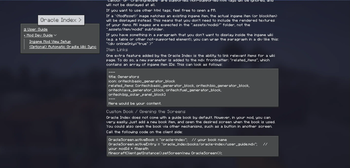
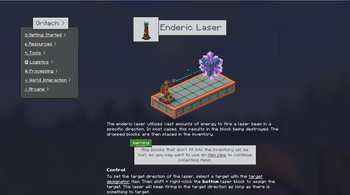
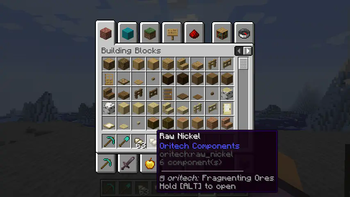
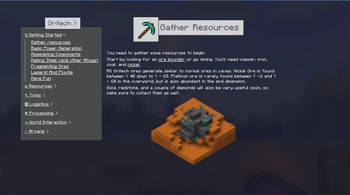
About this Mod
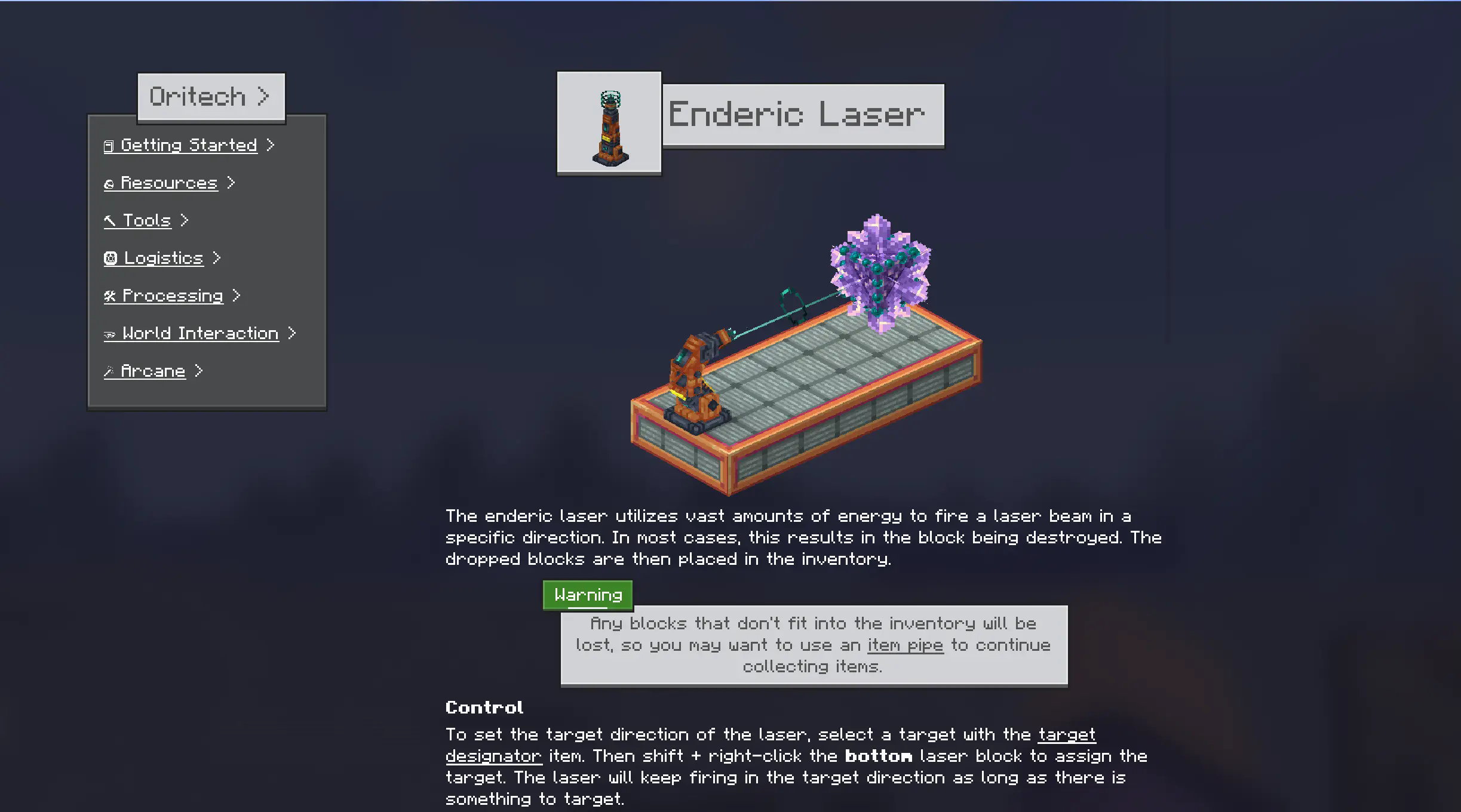







Tired of alt-tabbing to find information about mods? Oracle Index brings the wiki directly into your Minecraft world! This mod provides an in-game documentation viewer for both Neoforge and Fabric on Minecraft 1.21. It's designed with simplicity and compatibility in mind, using the same formatting and directory structure as ModdedMC.wiki. This means modders can create wiki content once and use it both in-game and online.
Key Features ✨
- Seamless In-Game Documentation: Access comprehensive guides and information about supported mods directly in the game.
- No Custom Books Needed: Open the Oracle Index with a customizable hotkey or directly from an item's tooltip.
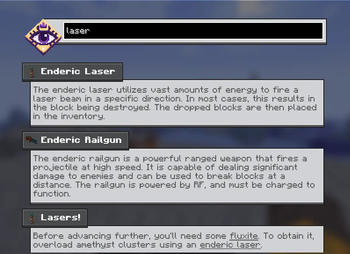
- Smart Search Included: A semantic search that understands the meaning of your queries is built-in. It also supports math expressions!
- Familiar Markdown Support: Uses a basic markdown parser and supports custom HTML tags, ensuring compatibility with ModdedMC.wiki content.
- Item Linking: Define relevant items for each wiki page. Hover over the item and hold [ALT] to open the wiki page!
- ModdedMC.wiki Compatibility: Leverage existing documentation created for ModdedMC.wiki. No need to rewrite anything! 🚀
- Cross-Linking: Effortlessly navigate between pages and items within the wiki.
- Visually Appealing & Responsive: Enjoy a modern Minecraft-inspired design, smooth scrolling, and responsive layouts that adapt to your screen size.
- Easy to Use: Quick setup, so you can get to documenting fast!
- Unlock System: Designate some pages (or folders) as hidden/obfuscated. They can then be unlocked at runtime.
How it Works ⚙️
Oracle Index parses Markdown content organized in a directory structure similar to ModdedMC.wiki. Simply place your Markdown files in the designated location (check the mod's configuration for the exact path), and Oracle Index will handle the rest!
Content can be included either via a mods resources or via a resource pack. An example of a resource pack is on github in the oracle index repo:
https://github.com/Rearth/Oracle-Index/tree/26.1.2/example_resource_pack
Why Oracle? 🤔
Oracle Index bridges the gap between online documentation and in-game accessibility. It provides a convenient and intuitive way for players to learn about mods, recipes, and mechanics without interrupting their gameplay.
Available Versions
How to Install Oracle Index on Your Client
Install the Mod Loader Locally
Install fabric for your local Minecraft version.
Download the Matching File
Choose the Oracle Index file for fabric and Minecraft 26.1.2.
Install Mod
Place the .jar file in your local .minecraft/mods folder and restart Minecraft. No server-side installation is required.
Compatibility
Mod Loaders
Minecraft Versions
26.1.2, 1.21.1, 1.21
Server-side
✗ UnsupportedRecommended RAM
4 GB(min. 3 GB)Frequently Asked Questions
Does Oracle Index need to be installed on the Minecraft server?
No. Modrinth marks Oracle Index as unsupported on the server side. Install it only in your local Minecraft mods folder. Your server can remain unchanged unless the mod page lists an additional dependency.
Which version and loader does Oracle Index require?
Use a file for fabric, neoforge and your exact Minecraft version. Supported versions include 26.1.2, 1.21.1, 1.21. Files for different loaders are not interchangeable.
Oracle Index is not working – what should I check?
First check the Minecraft version, loader version and required dependencies. Put the .jar file in your local .minecraft/mods folder and remove older duplicates. Because this mod is client-side, adding server RAM will not fix it.
Similar Mods



Minecraft Server for Your Group
Oracle Index stays on your client. Host a compatible world for your group.