
Outline Effects
Outline effects for enhantment tools with punchy!
Screenshots
![1.1 [update]](https://cdn.modrinth.com/data/tzMIGXhD/images/265e9f8cb358616d47ffe797d8bdd4ae4d9a4d9c_350.webp)
![1.1 [update]](https://cdn.modrinth.com/data/tzMIGXhD/images/f2af1a6795a037759df41da633f18bef75261102_350.webp)
About this Mod
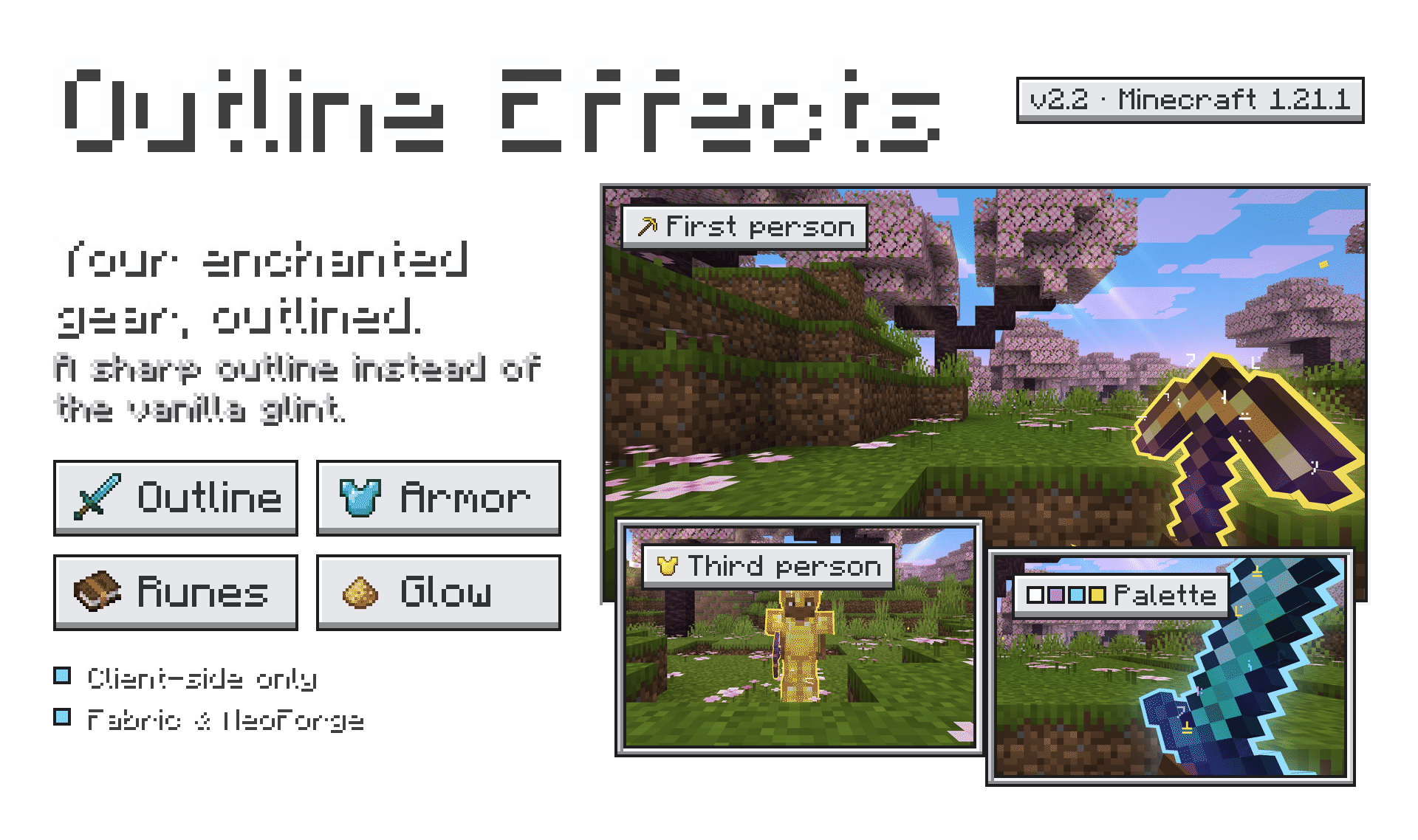
Compatibility
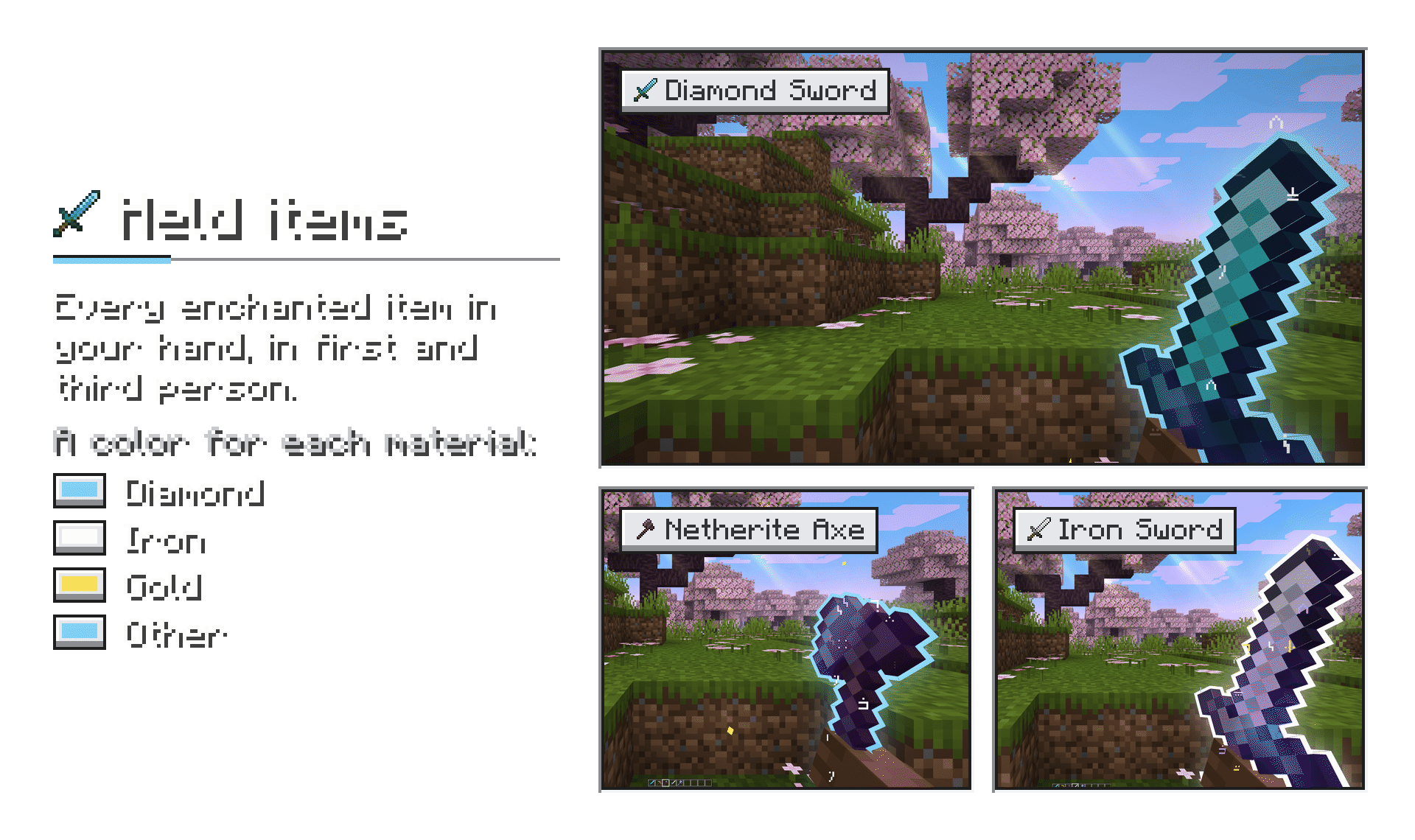
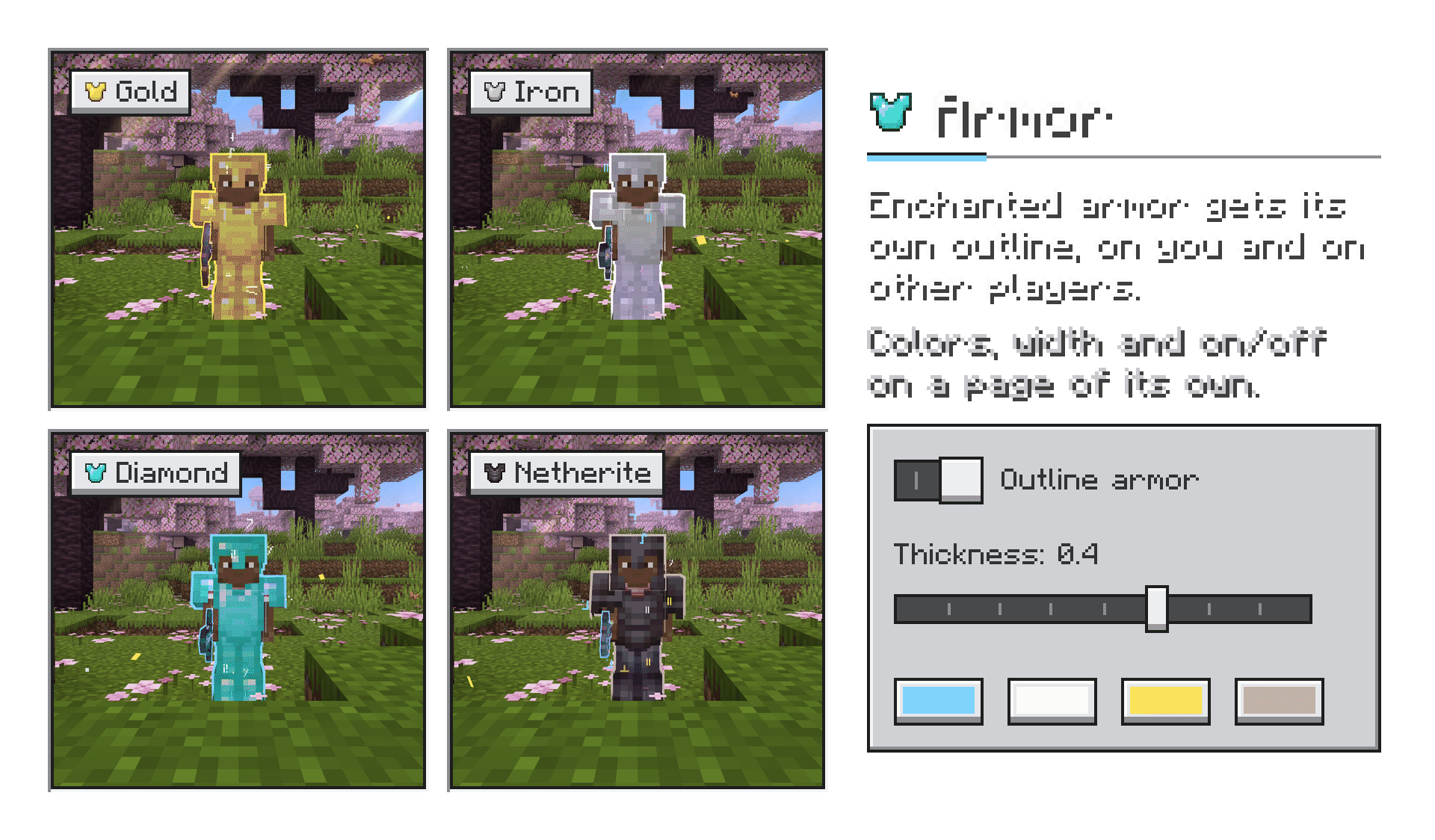
- Any mod, any item. The outline follows the vanilla enchantment glint, so every enchanted item gets it — vanilla or modded tools, weapons and armor alike. No per-mod setup needed.
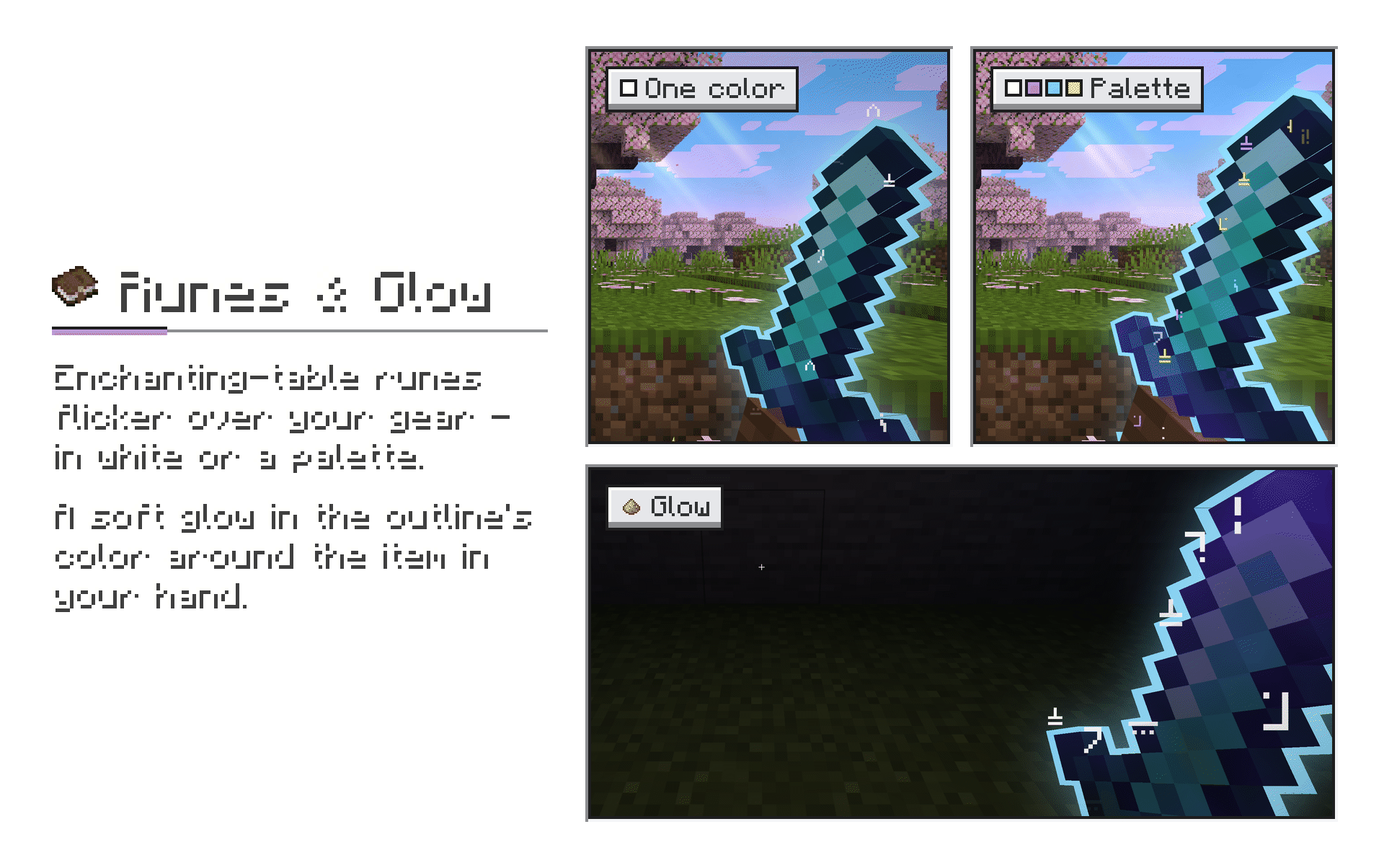
- Resource packs. Works with retextured items and with 3D item models from resource packs; runes sit on the model itself.
- Tested alongside: Hold My Items, LambDynamicLights, Visual Effects+ (Polytone), Punchy.
- Client-side only. Nothing to install on the server — works in singleplayer and on any server.
Dependencies
| Fabric 1.21.1 | NeoForge 1.21.1 | |
|---|---|---|
| Fabric API | required | — |
| YetAnotherConfigLib | optional, for the settings screen | optional, for the settings screen |
| Mod Menu | optional, opens the settings screen | — |
| LambDynamicLights | optional, lights up the world around glowing items | optional, same |
Without YACL the mod runs with its defaults; settings can still be changed in config/hmioutline.json.
Roadmap
- In-game quick settings panel — change everything live, on a key, without leaving the game
- Runes and outline for the trident and the shield
- Glow in third person
- Runes and glow for the 1.20.1 versions
- More Minecraft versions
Available Versions
How to Install Outline Effects on Your Client
Install the Mod Loader Locally
Install fabric for your local Minecraft version.
Download the Matching File
Choose the Outline Effects file for fabric and Minecraft 1.21.1.
Install Mod
Place the .jar file in your local .minecraft/mods folder and restart Minecraft. No server-side installation is required.
Compatibility
Mod Loaders
Minecraft Versions
1.21.1, 1.20.1
Server-side
✗ UnsupportedRecommended RAM
4 GB(min. 3 GB)Frequently Asked Questions
Does Outline Effects need to be installed on the Minecraft server?
No. Modrinth marks Outline Effects as unsupported on the server side. Install it only in your local Minecraft mods folder. Your server can remain unchanged unless the mod page lists an additional dependency.
Which version and loader does Outline Effects require?
Use a file for fabric, neoforge and your exact Minecraft version. Supported versions include 1.21.1, 1.20.1. Files for different loaders are not interchangeable.
Outline Effects is not working – what should I check?
First check the Minecraft version, loader version and required dependencies. Put the .jar file in your local .minecraft/mods folder and remove older duplicates. Because this mod is client-side, adding server RAM will not fix it.
Similar Mods

![[ETF] Entity Texture Features](https://cdn.modrinth.com/data/BVzZfTc1/af683d206d50b05258d865b0d6e4aa2f2cee12f2_96.webp)
![[EMF] Entity Model Features](https://cdn.modrinth.com/data/4I1XuqiY/6e5bbd0d06b1741bfdab6c0cfab6de8fdaf0064c_96.webp)



Minecraft Server for Your Group
Outline Effects stays on your client. Host a compatible world for your group.