
PMW Rendering Additions
Some additional settings for ProtoManly's Weather Mod focusing on rendering, including a new particle-based renderer.
Screenshots
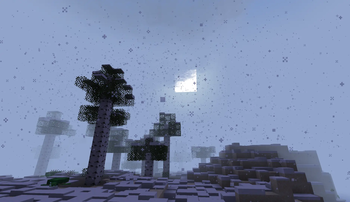
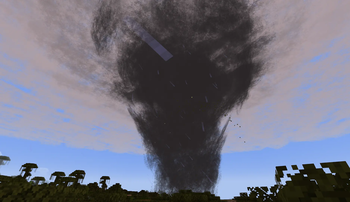
About this Mod
PMW Rendering Additions
Some additional settings for ProtoManly's Weather Mod focusing on rendering, including a new particle-based renderer. Built to make the original mod more accessable to those with lower-end hardware, mainly for server use.
Config Options
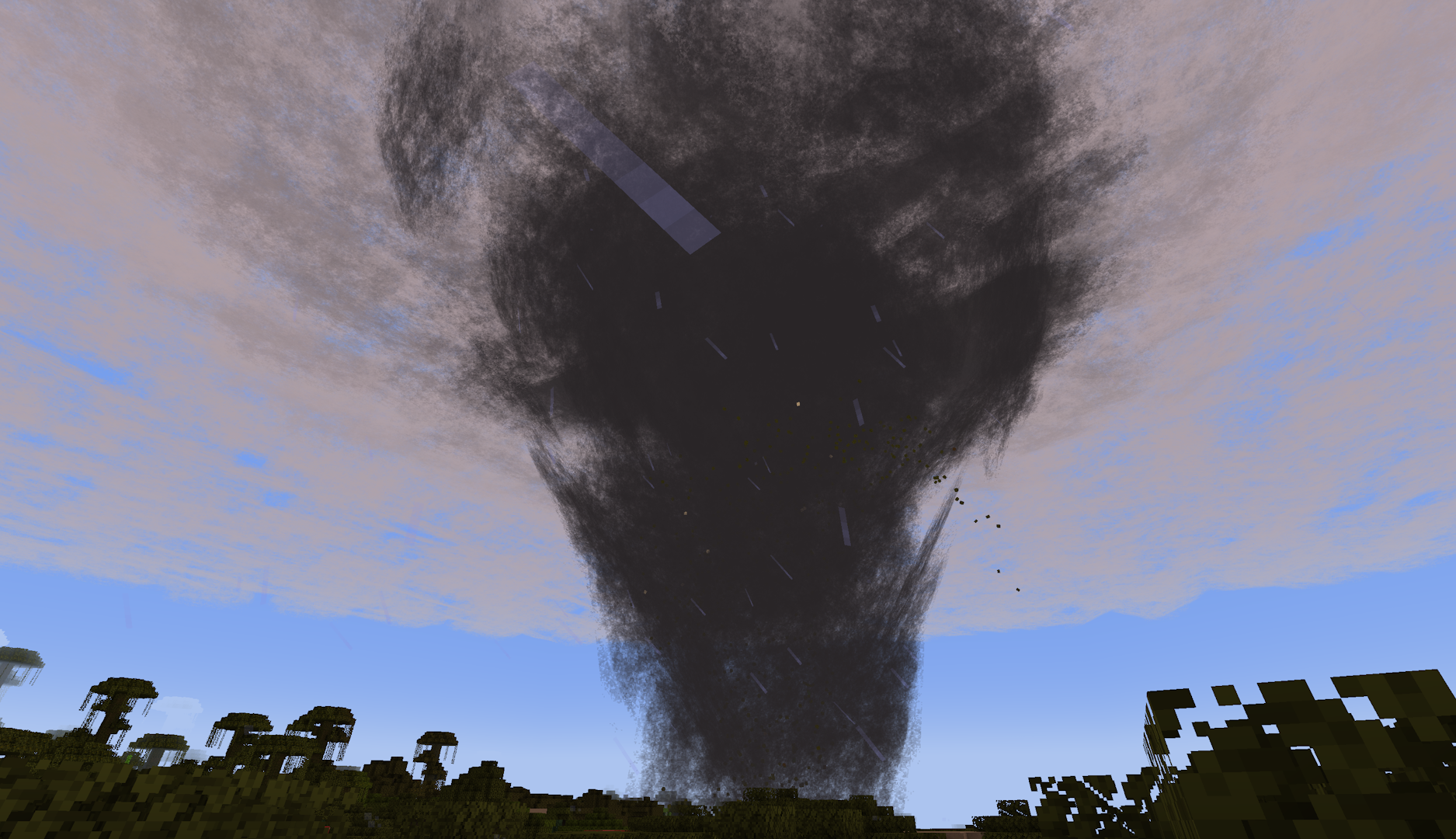
render_mode: The renderer used for volumetrics-based weather effects
SHADER- The default renderer used in the original modCLASSIC- A particle-based renderer meant for lower-end devices; heavily inspired by Corosauce's Weather2DISABLE- Disables all cloud effects
enable_mist: Toggles mist particles used in heavy rain/wind.
enable_splash: Toggles splash particles from rain on the ground
enhanced_fog: Toggles more intense fog/darkness effects for precipitation, meant to be used with the CLASSIC renderer to make up for a lack of a shader
update_every_ticks: Update rate for cloud/storm particle refresh with the CLASSIC renderer
particle_crossover: Ticks for particle fading during refresh with the CLASSIC renderer; should only need to be changed if using a resource pack that modifies the cloud texture
bleed_fix_mode: Experimental bleeding fixes with the original/SHADER renderer
FULL: Fixes bleeding with a significant performance hitLIGHT: Fixes bleeding for entities, block entities, and particles (bleeding remains for blocks)DISABLE: No changes to SHADER rendering behavior
Available Versions
How to Install PMW Rendering Additions on Your Client
Install the Mod Loader Locally
Install neoforge for your local Minecraft version.
Download the Matching File
Choose the PMW Rendering Additions file for neoforge and Minecraft 1.21.1.
Install Mod
Place the .jar file in your local .minecraft/mods folder and restart Minecraft. No server-side installation is required.
Compatibility
Mod Loaders
Minecraft Versions
1.21.1
Server-side
✗ UnsupportedRecommended RAM
4 GB(min. 3 GB)Frequently Asked Questions
Does PMW Rendering Additions need to be installed on the Minecraft server?
No. Modrinth marks PMW Rendering Additions as unsupported on the server side. Install it only in your local Minecraft mods folder. Your server can remain unchanged unless the mod page lists an additional dependency.
Which version and loader does PMW Rendering Additions require?
Use a file for neoforge and your exact Minecraft version. Supported versions include 1.21.1. Files for different loaders are not interchangeable.
PMW Rendering Additions is not working – what should I check?
First check the Minecraft version, loader version and required dependencies. Put the .jar file in your local .minecraft/mods folder and remove older duplicates. Because this mod is client-side, adding server RAM will not fix it.
Similar Mods


Minecraft Server for Your Group
PMW Rendering Additions stays on your client. Host a compatible world for your group.