
PolyDecorations
Decorate your world! A server side furniture / decorations mod!
Screenshots
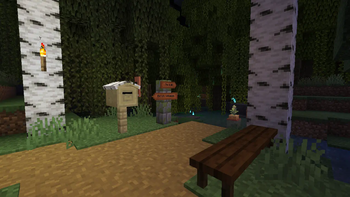
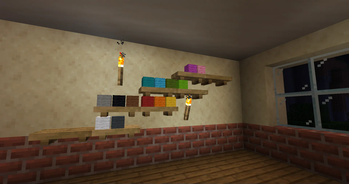
About this Mod
PolyDecorations
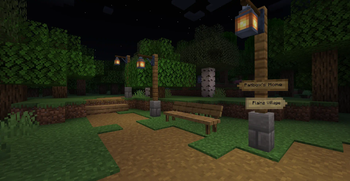
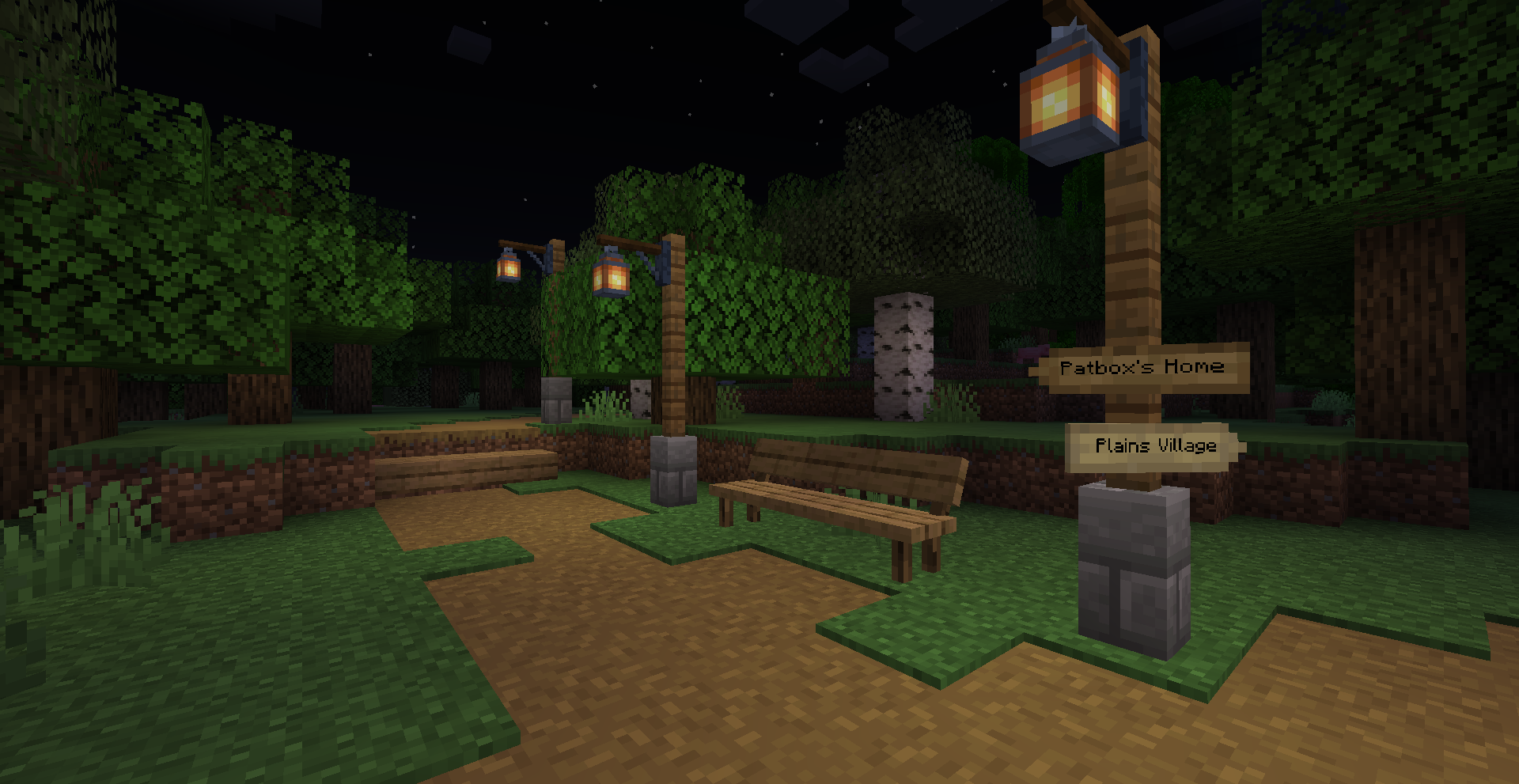
Wanted to decorate your world bit more? Add some sign posts directing through the world,
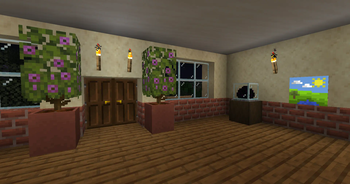
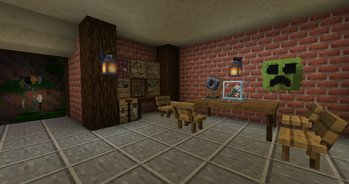
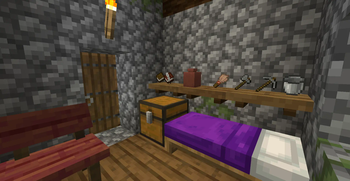
some benches in the park to sit on or shelves in your house to put items on?
PolyDecorations is Fabric (and Quilt) server side modification powered by
Polymer which multiple decorative blocks such as wooden benches,
shelves, sign posts and braziers! It's ideal to add to server you play with your friends,
that don't want to install mods on the client.
== Download on Modrinth ==
This mod was heavily inspired by Aurora's Decorations mod,
which you should try out/use instead if you aren't looking for server side mod!
Extra mods you might want to use!
Polymer AutoHost
Simplest way to handle automatic resource pack generation for your server!
While bundled by main distribution of Polymer, you need to enable it by hand
as it will be otherwise disabled. But it is quick and simple!
Armor Stand Editor
The best™ server side pose editor for Armor Stand (and by extension, Statues!). Highly suggested for better customizability!
Checkout Modrinth page for more information!
PolyFactory
The first of my mods in this style! But instead being purely decorative, it adds some functional stuff, new crafting stations
and automation. Checkout Modrinth page for more information!
Available Versions
How to Install PolyDecorations on Your Server
Order Server
Order a Minecraft Java server with at least 3 GB RAM (4 GB recommended).
Set fabric Loader
In the panel under "Egg", select the fabric loader and matching Minecraft version (26.3).
Install Mod
Open the mod browser in the dashboard and search for "PolyDecorations". Click "Install" – done! Alternatively, upload the .jar via SFTP to the /mods folder.
Compatibility
Mod Loaders
Minecraft Versions
26.3, 26.3-rc-1, 26.2 (+20 more)
Server-side
✓ RequiredRecommended RAM
4 GB(min. 3 GB)Frequently Asked Questions
PolyDecorations server crashes on startup – what to do?
Most common cause: wrong fabric version or insufficient RAM. Check the server log (latest.log) for "OutOfMemoryError" or "Mixin" errors. With Mado Hosting: ensure at least 3 GB RAM is allocated and the loader matches the mod version (26.3). You can switch loaders with one click in the panel.
Is PolyDecorations compatible with fabric and quilt?
PolyDecorations officially supports fabric, quilt for Minecraft 26.3, 26.3-rc-1, 26.2. The Mado dashboard automatically detects incompatible loader combinations.
Server lagging with PolyDecorations – how to optimize performance?
Recommended RAM: 4 GB (per 8 players). Use /spark profiler to check if PolyDecorations consumes the most tick time. Common fixes: reduce server view-distance to 8-10, install "performant" or "starlight" as supplementary mods on Forge. With Mado Hosting, your server runs on NVMe SSDs with dedicated CPU cores for minimal latency.
Similar Mods

![[ETF] Entity Texture Features](https://cdn.modrinth.com/data/BVzZfTc1/af683d206d50b05258d865b0d6e4aa2f2cee12f2_96.webp)
![[EMF] Entity Model Features](https://cdn.modrinth.com/data/4I1XuqiY/6e5bbd0d06b1741bfdab6c0cfab6de8fdaf0064c_96.webp)



Rent Modded Server
Install PolyDecorations with just one click on your server.