
ScreenFX
Customise your overlays and screen effects, resource pack compatible
Screenshots
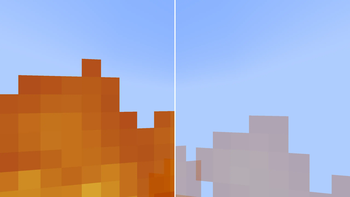
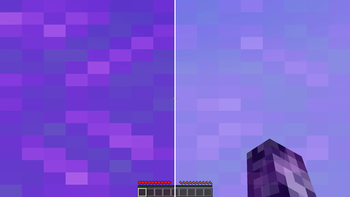
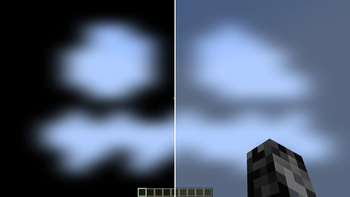
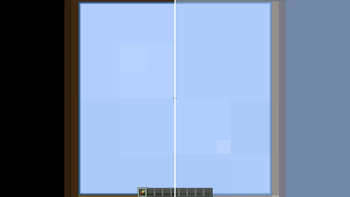

About this Mod
ScreenFX
Customise your overlays and screen effects
Fully client-side & resource pack compatible
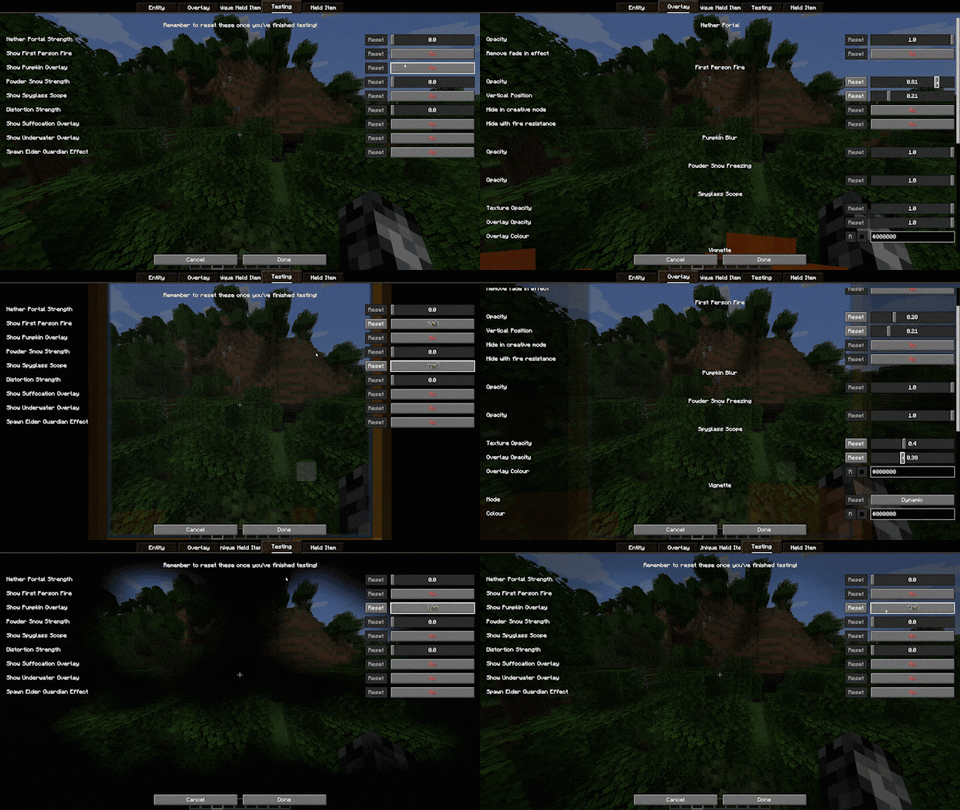
- First Person Fire
- Underwater Overlay
- Nether Portal Swirls
- Spyglass Scope
- Vignette
- Distortion (Nausea)
- Pumpkin Blur
- Powder Snow Freezing
- Suffocation Overlay
- Elder Guardian Effect
- Totem of Undying Effect
- Held Item Viewmodels
Available Versions
How to Install ScreenFX on Your Client
Install the Mod Loader Locally
Install fabric for your local Minecraft version.
Download the Matching File
Choose the ScreenFX file for fabric and Minecraft 26.3.
Install Mod
Place the .jar file in your local .minecraft/mods folder and restart Minecraft. No server-side installation is required.
Compatibility
Mod Loaders
Minecraft Versions
26.3, 26.2, 26.1.2 (+29 more)
Server-side
✗ UnsupportedRecommended RAM
4 GB(min. 3 GB)Frequently Asked Questions
Does ScreenFX need to be installed on the Minecraft server?
No. Modrinth marks ScreenFX as unsupported on the server side. Install it only in your local Minecraft mods folder. Your server can remain unchanged unless the mod page lists an additional dependency.
Which version and loader does ScreenFX require?
Use a file for fabric, quilt and your exact Minecraft version. Supported versions include 26.3, 26.2, 26.1.2. Files for different loaders are not interchangeable.
ScreenFX is not working – what should I check?
First check the Minecraft version, loader version and required dependencies. Put the .jar file in your local .minecraft/mods folder and remove older duplicates. Because this mod is client-side, adding server RAM will not fix it.
Similar Mods

![[ETF] Entity Texture Features](https://cdn.modrinth.com/data/BVzZfTc1/af683d206d50b05258d865b0d6e4aa2f2cee12f2_96.webp)
![[EMF] Entity Model Features](https://cdn.modrinth.com/data/4I1XuqiY/6e5bbd0d06b1741bfdab6c0cfab6de8fdaf0064c_96.webp)



Minecraft Server for Your Group
ScreenFX stays on your client. Host a compatible world for your group.