
Sky Aesthetics
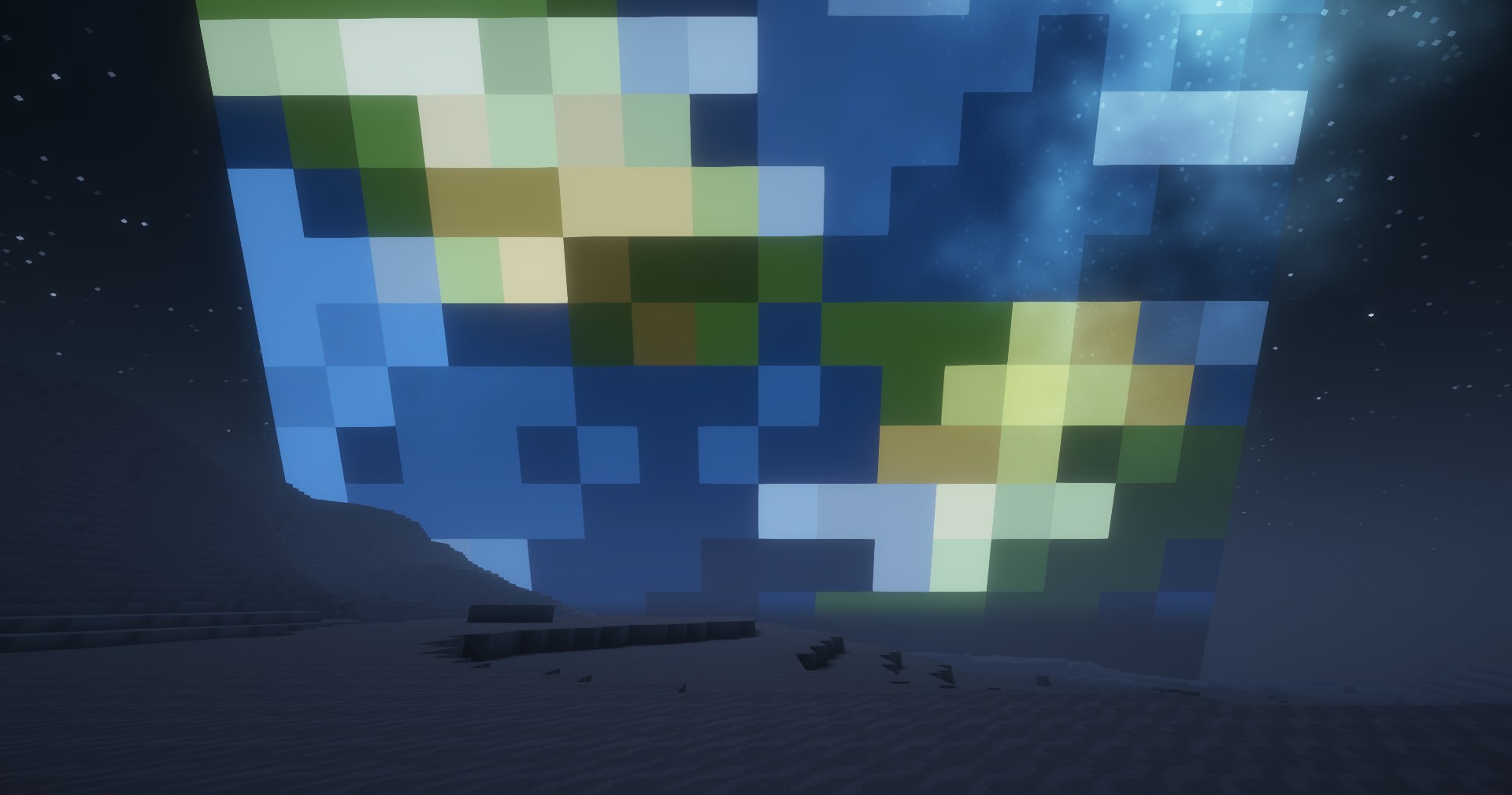
Change the minecraft skybox as you wish!
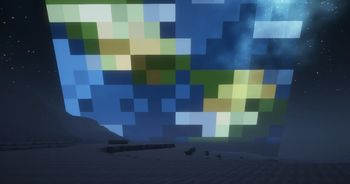
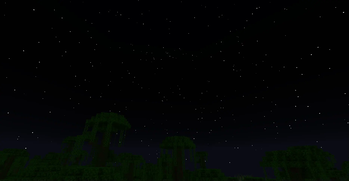
Screenshots
About this Mod
Sky Aesthetics


What is Sky Aesthetics
Sky Aesthetics is an API that aim to makes change to the minecraft sky easier. All you need to do is configure a file in your resourcepack. This means that even resource packs maker can change the sky !
What can be made
Here you can find a list of possible things you can do with this mod
- Add any object in the sky
- Change sun/moon texture (or remove them)
- Change sun/moon size
- Add more colorful stars
- Add moving stars
- Remove clouds
- Remove Rain
- Change the color of the sky/sunset
- Add End sky to your world
- Shootings Stars (new)
- Constellations (new)
Check our wiki to have all the informations needed for changing the sky : click here
Shader compatibility
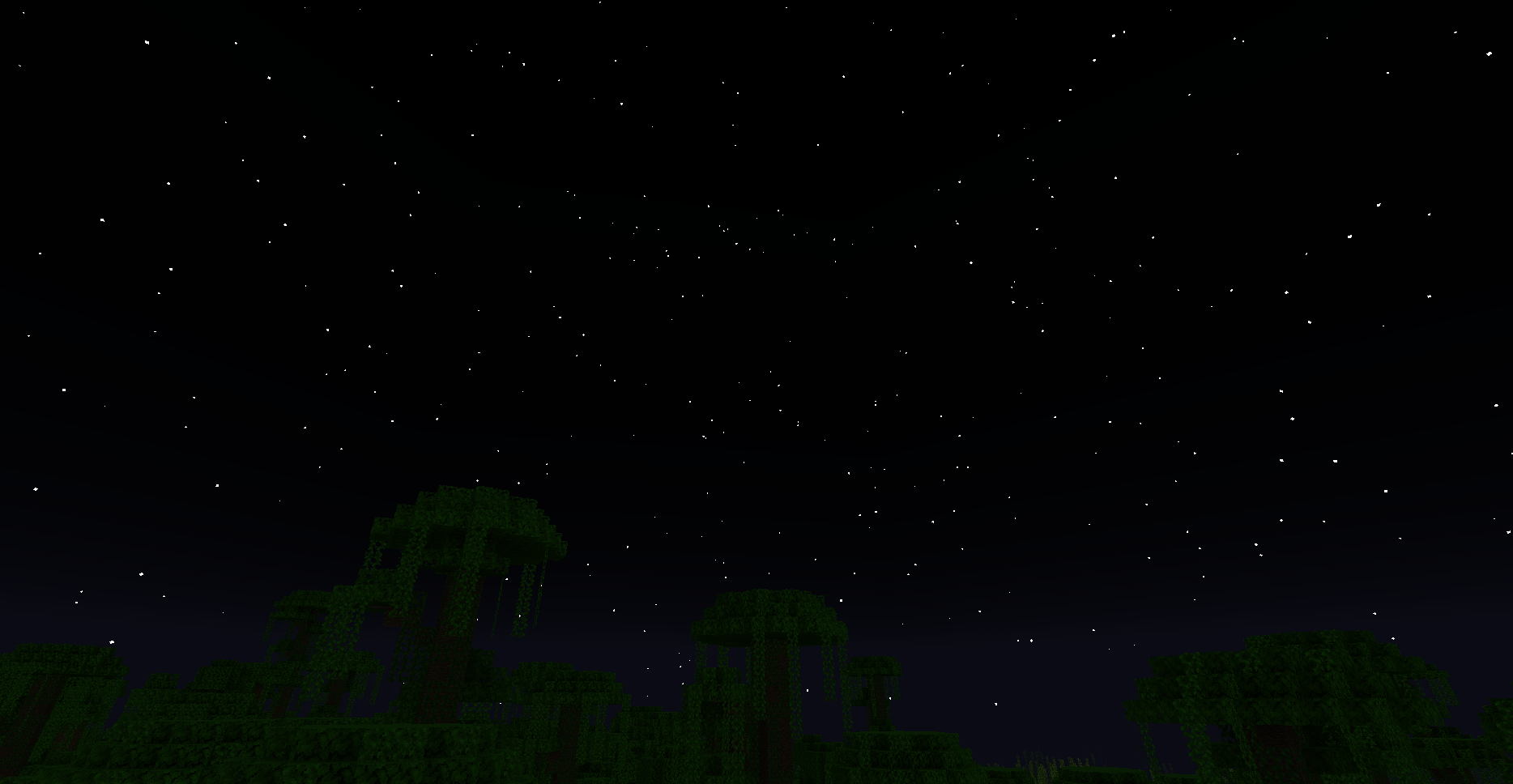
Shader test : Rethinking Voxel.
This mod is mostly compatible with shaders.
Adding object in the sky works, changing moon/sun textures and changing the color of the sky also work (require to change the skytype to "END" or "NONE").
All the stars and clouds are handled by the shader so theses features wont work with shaders.
You can find all the shaders infos by clicking here
Need Help ?
If you have trouble with Sky Aesthetic, you can use misode.github.io, visit our wiki or you can join our discord !
FAQ
I installed this mod but nothing changed ?
This is normal. This mod is only an API. It change nothing to the game. You need to install other mods that use this mod
Damn, I found a bug!
Join our discord server to report it : https://discord.gg/Xb2nPmN
Available Versions
How to Install Sky Aesthetics on Your Client
Install the Mod Loader Locally
Install fabric for your local Minecraft version.
Download the Matching File
Choose the Sky Aesthetics file for fabric and Minecraft 26.3.
Install Mod
Place the .jar file in your local .minecraft/mods folder and restart Minecraft. No server-side installation is required.
Compatibility
Mod Loaders
Minecraft Versions
26.3, 26.2, 26.1.2 (+8 more)
Server-side
✗ UnsupportedRecommended RAM
4 GB(min. 3 GB)Frequently Asked Questions
Does Sky Aesthetics need to be installed on the Minecraft server?
No. Modrinth marks Sky Aesthetics as unsupported on the server side. Install it only in your local Minecraft mods folder. Your server can remain unchanged unless the mod page lists an additional dependency.
Which version and loader does Sky Aesthetics require?
Use a file for fabric, neoforge and your exact Minecraft version. Supported versions include 26.3, 26.2, 26.1.2. Files for different loaders are not interchangeable.
Sky Aesthetics is not working – what should I check?
First check the Minecraft version, loader version and required dependencies. Put the .jar file in your local .minecraft/mods folder and remove older duplicates. Because this mod is client-side, adding server RAM will not fix it.
Similar Mods

![[ETF] Entity Texture Features](https://cdn.modrinth.com/data/BVzZfTc1/af683d206d50b05258d865b0d6e4aa2f2cee12f2_96.webp)
![[EMF] Entity Model Features](https://cdn.modrinth.com/data/4I1XuqiY/6e5bbd0d06b1741bfdab6c0cfab6de8fdaf0064c_96.webp)



Minecraft Server for Your Group
Sky Aesthetics stays on your client. Host a compatible world for your group.