
Sodium/Embeddium Device Check 钠/铷-设备检测
A minecraft mod can check you hardware and software
Screenshots


About this Mod


English
Sodium Device Check
Sodium Device Check is an auxiliary module for sodium. Please install the Sodium before installation
The mod not only compatible Sodium but also with some version of Embeddium!
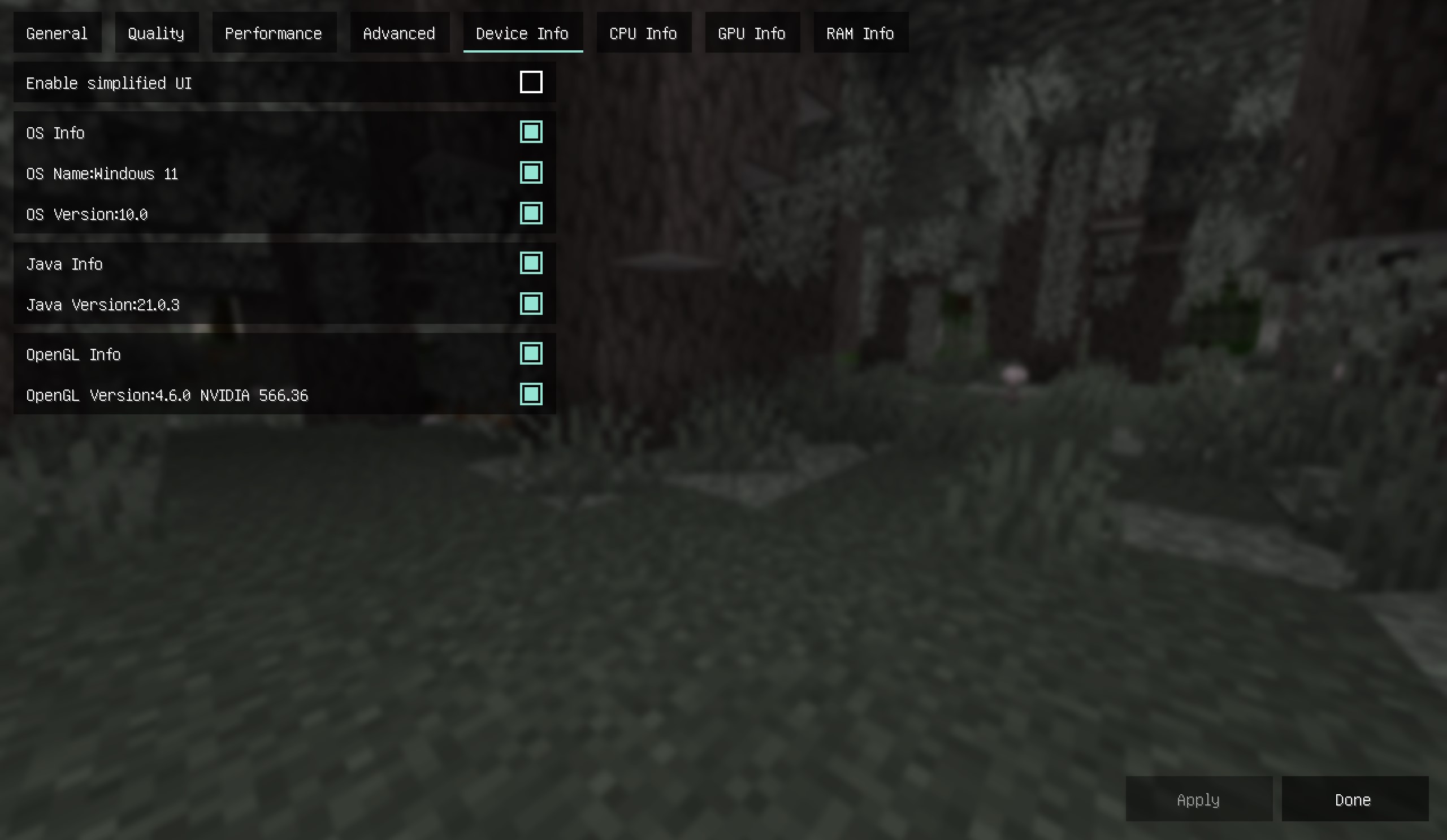
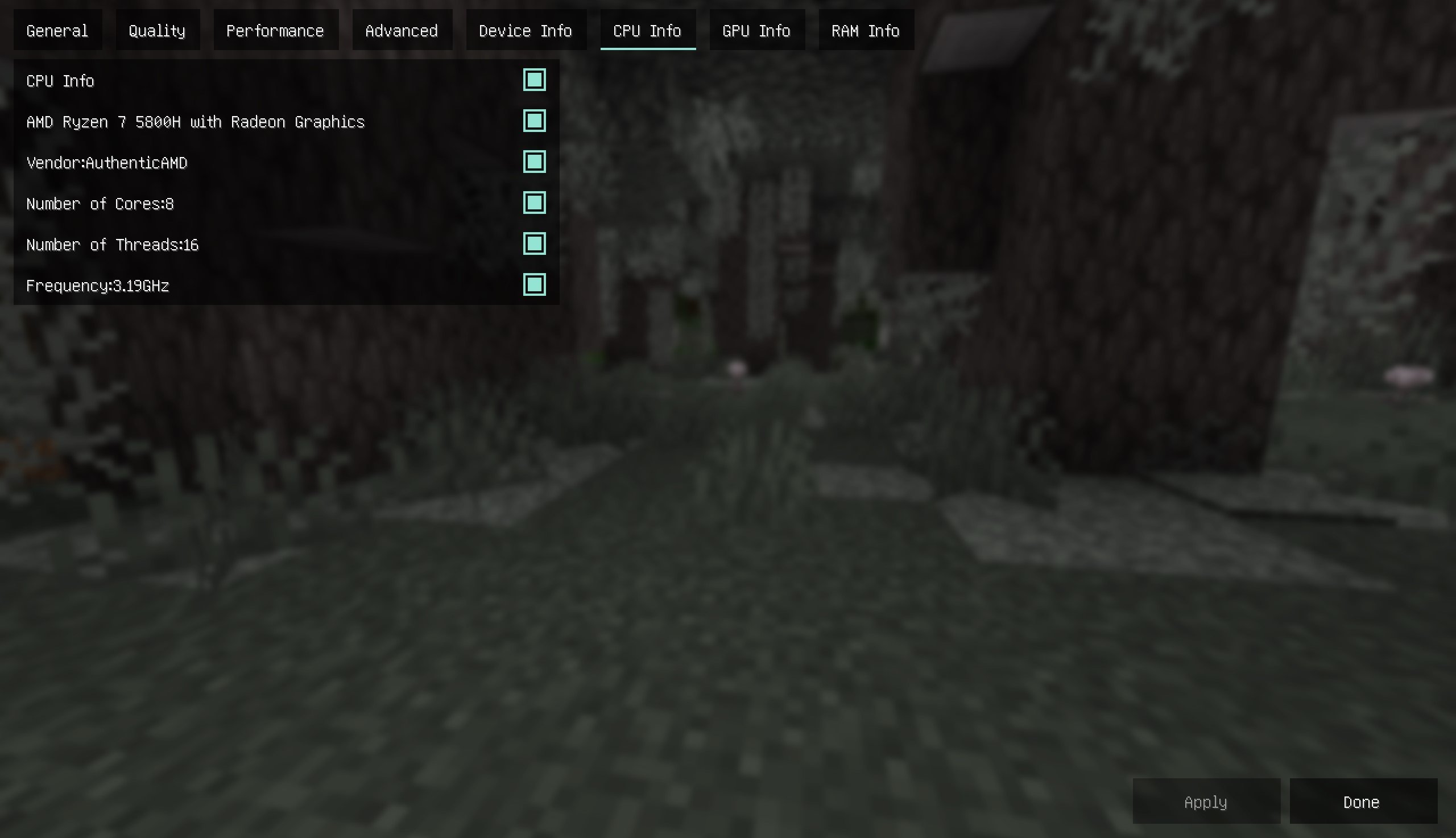
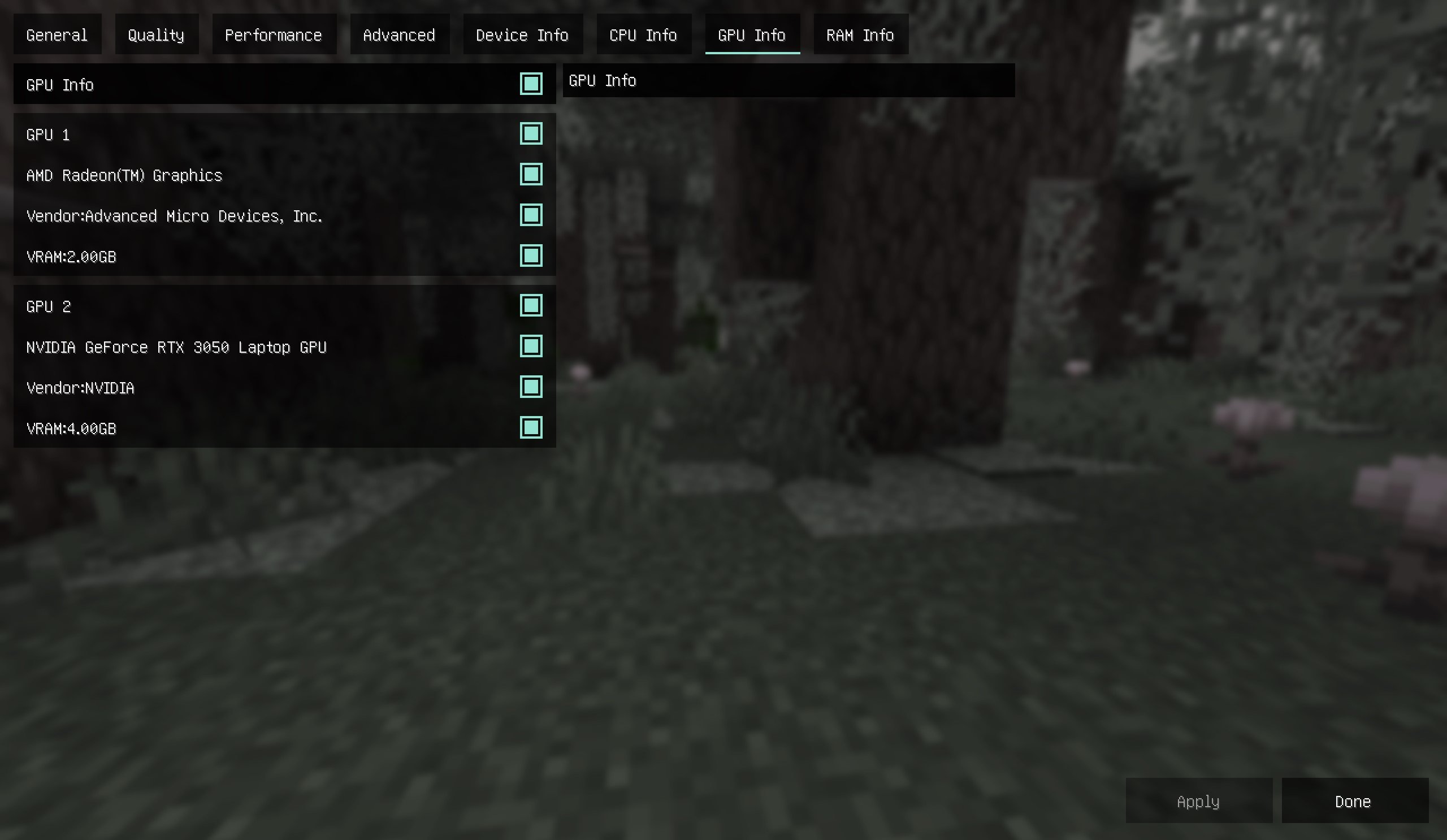
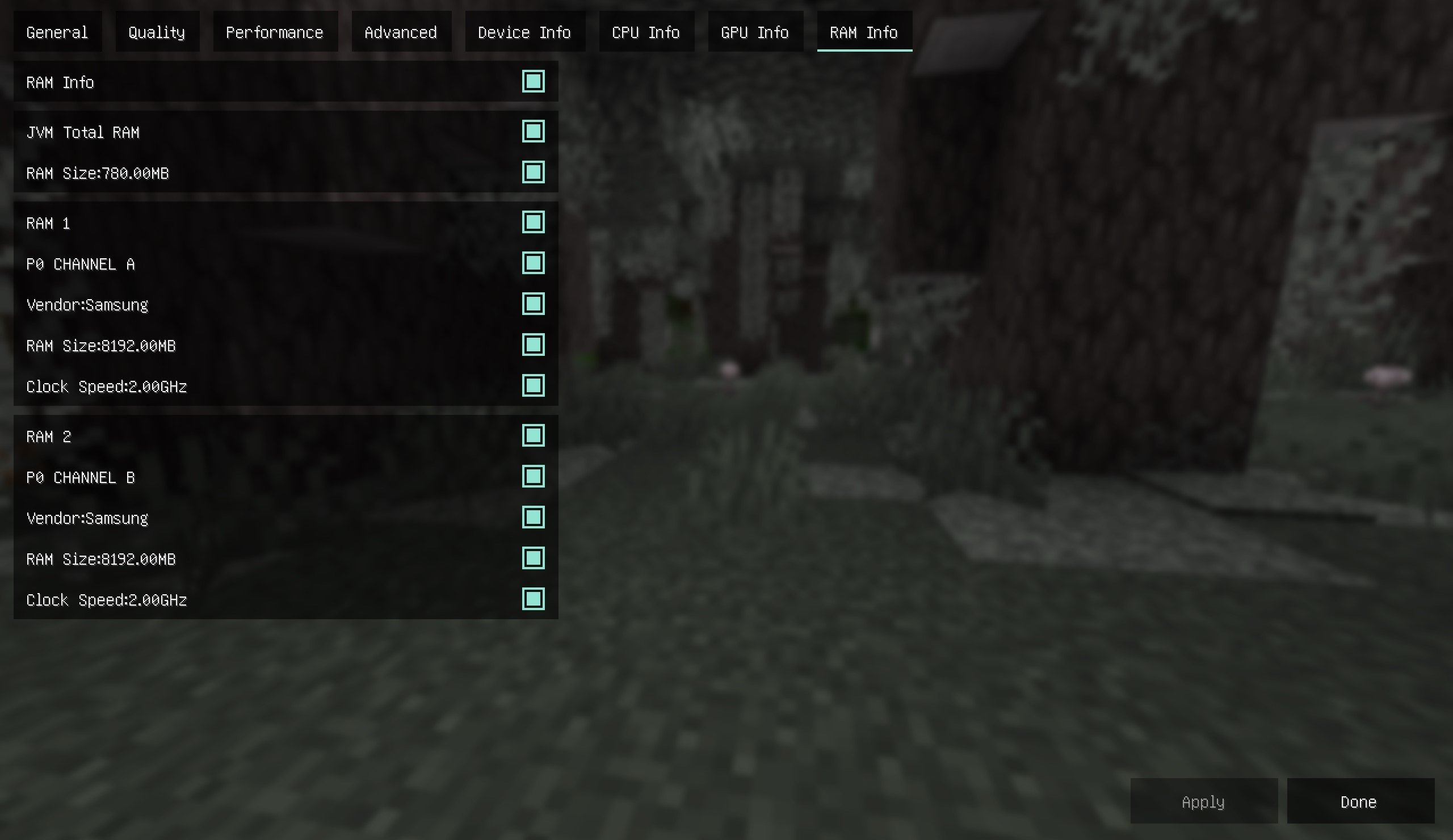
After installing the module, you can view platform information as a reference for adjusting image quality
The functions are as follows
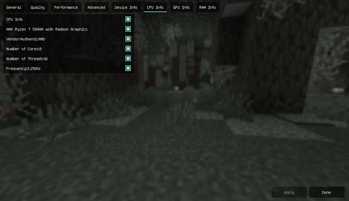
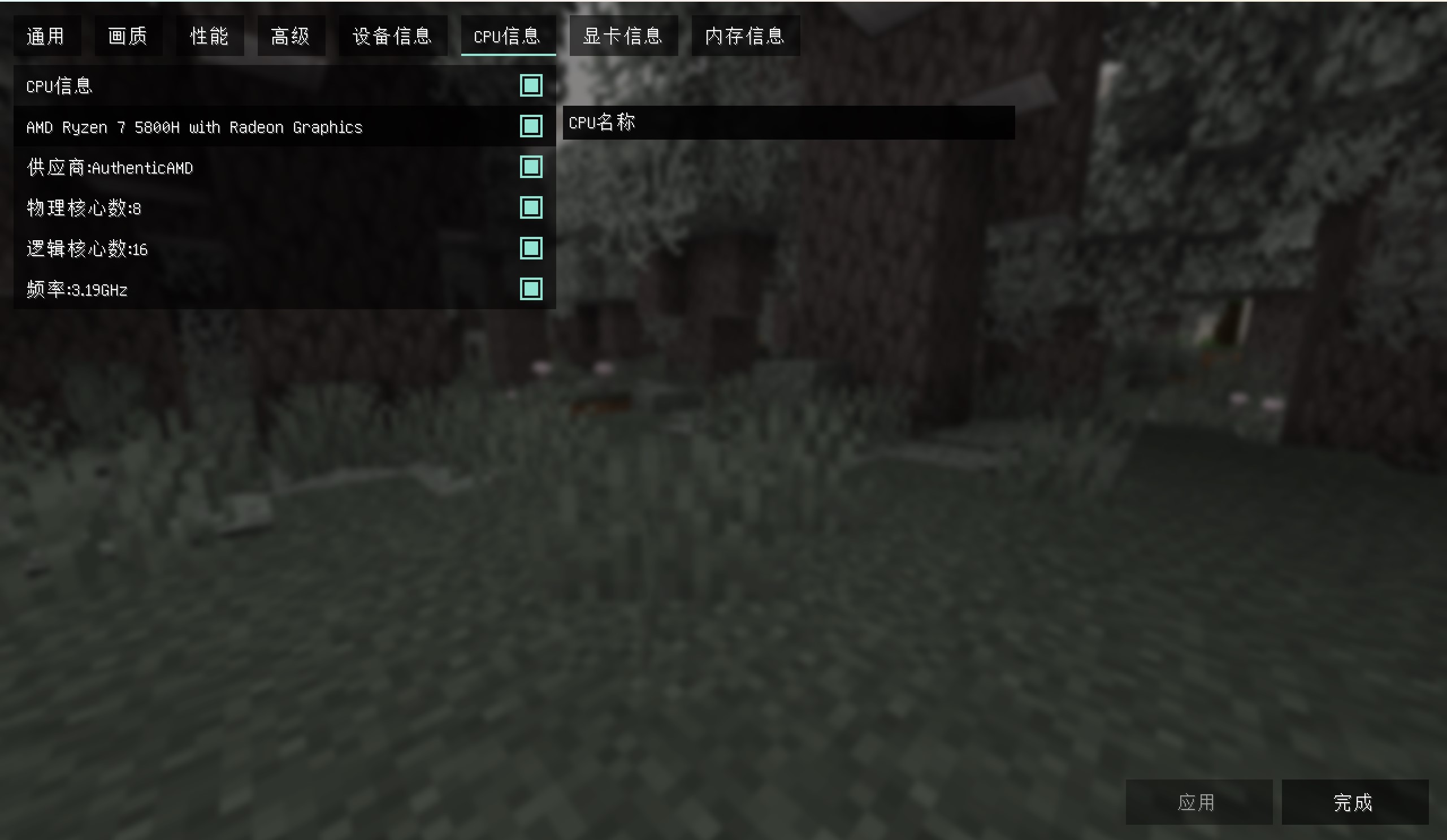
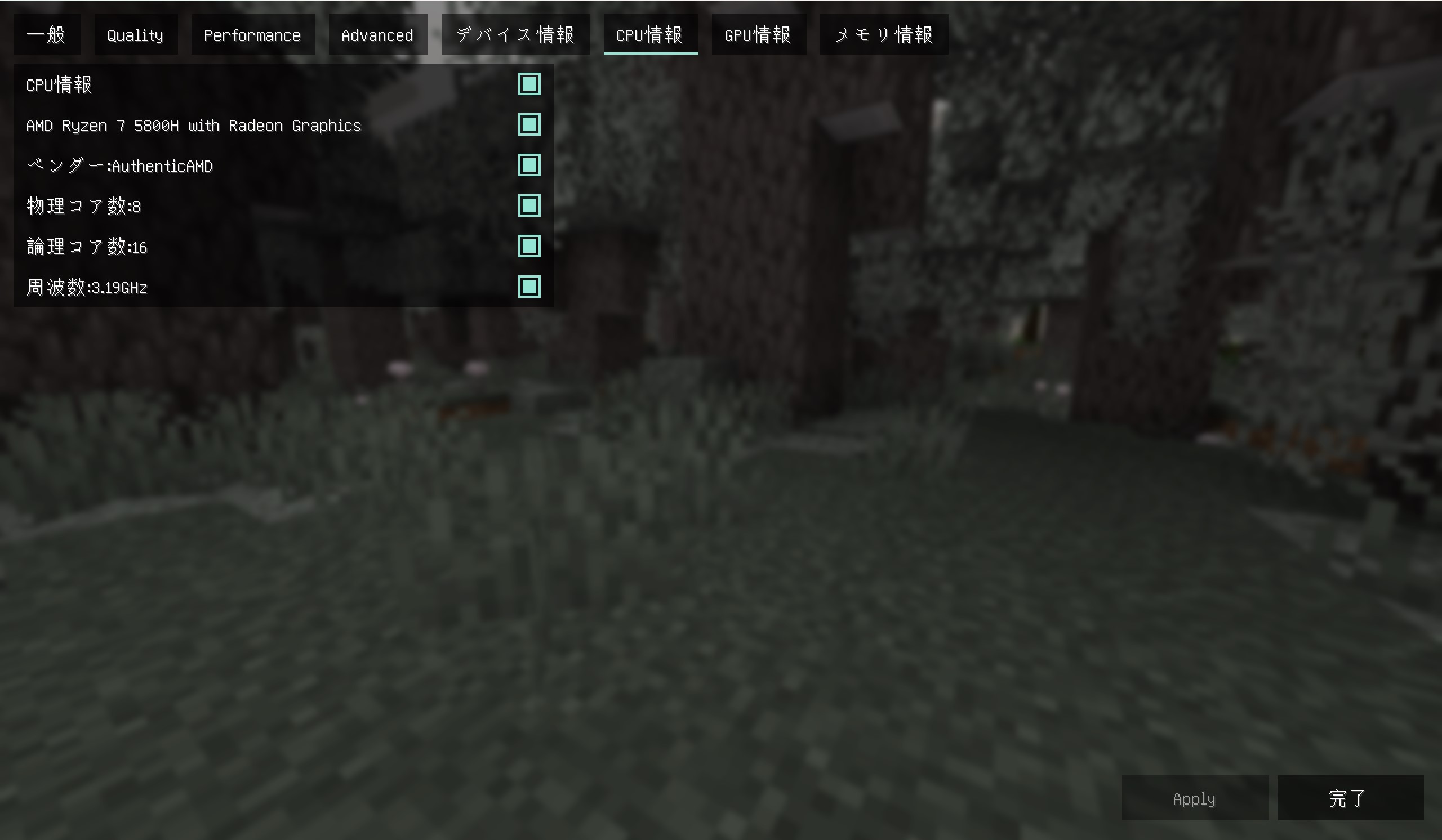
1. View CPU information, including model, supplier, number of physical cores (cores), number of logical cores (threads), frequency
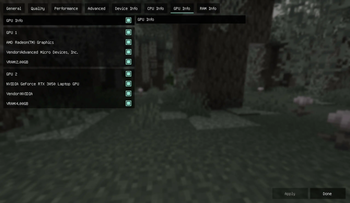
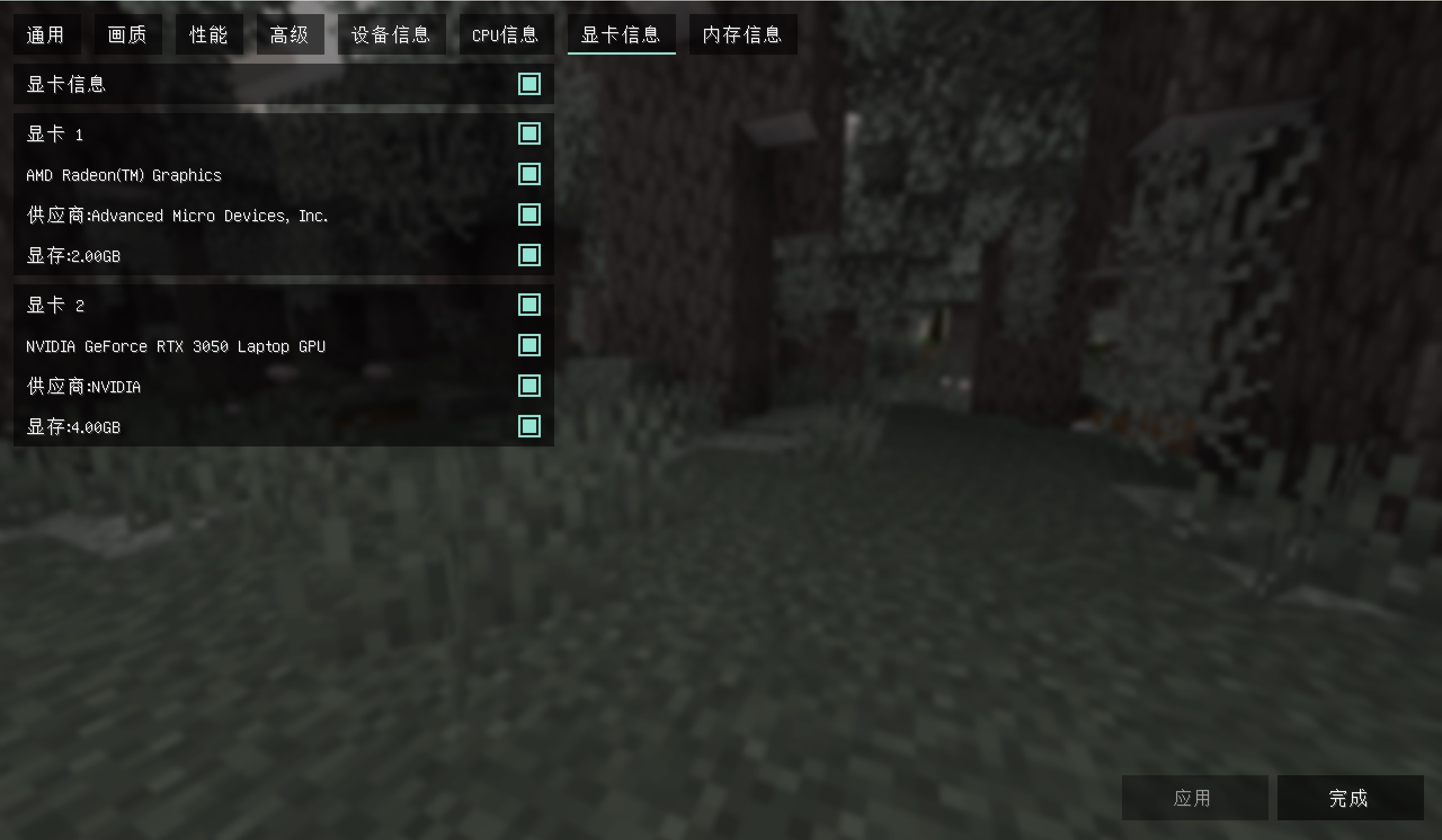
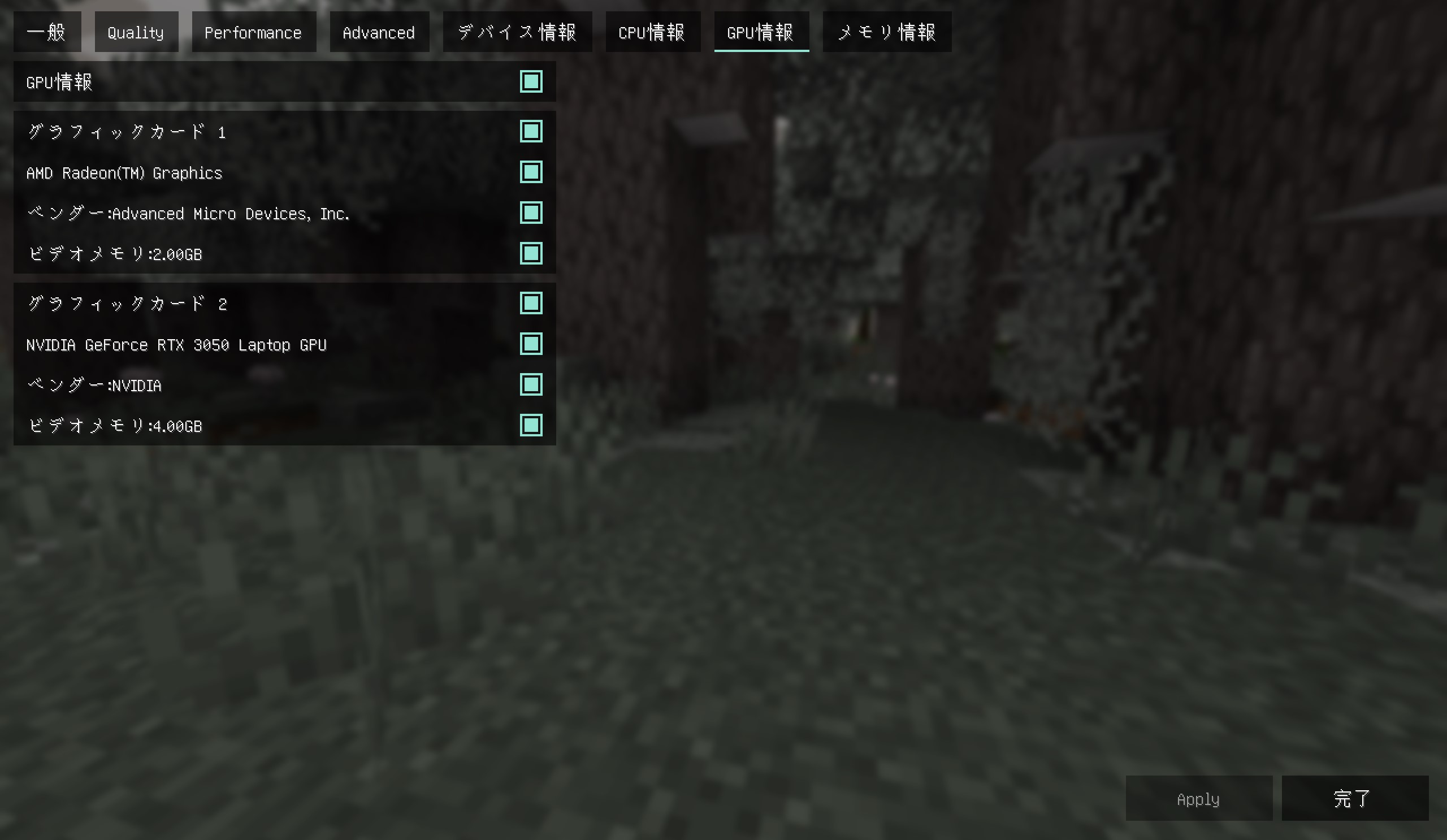
2. View graphics card information, including the model, supplier, and memory of each graphics card on the computer
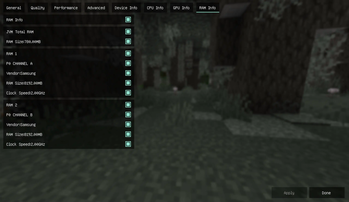
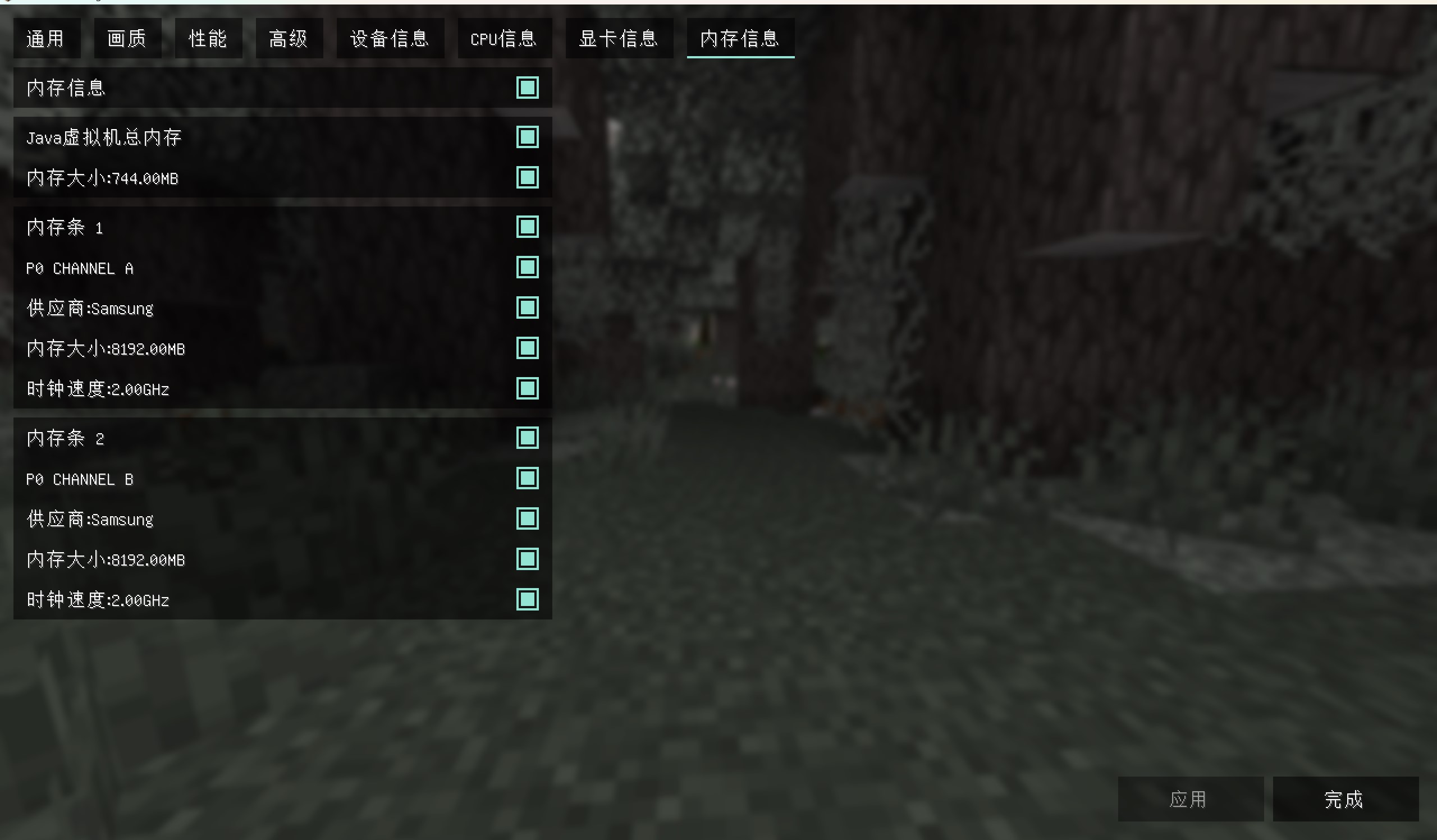
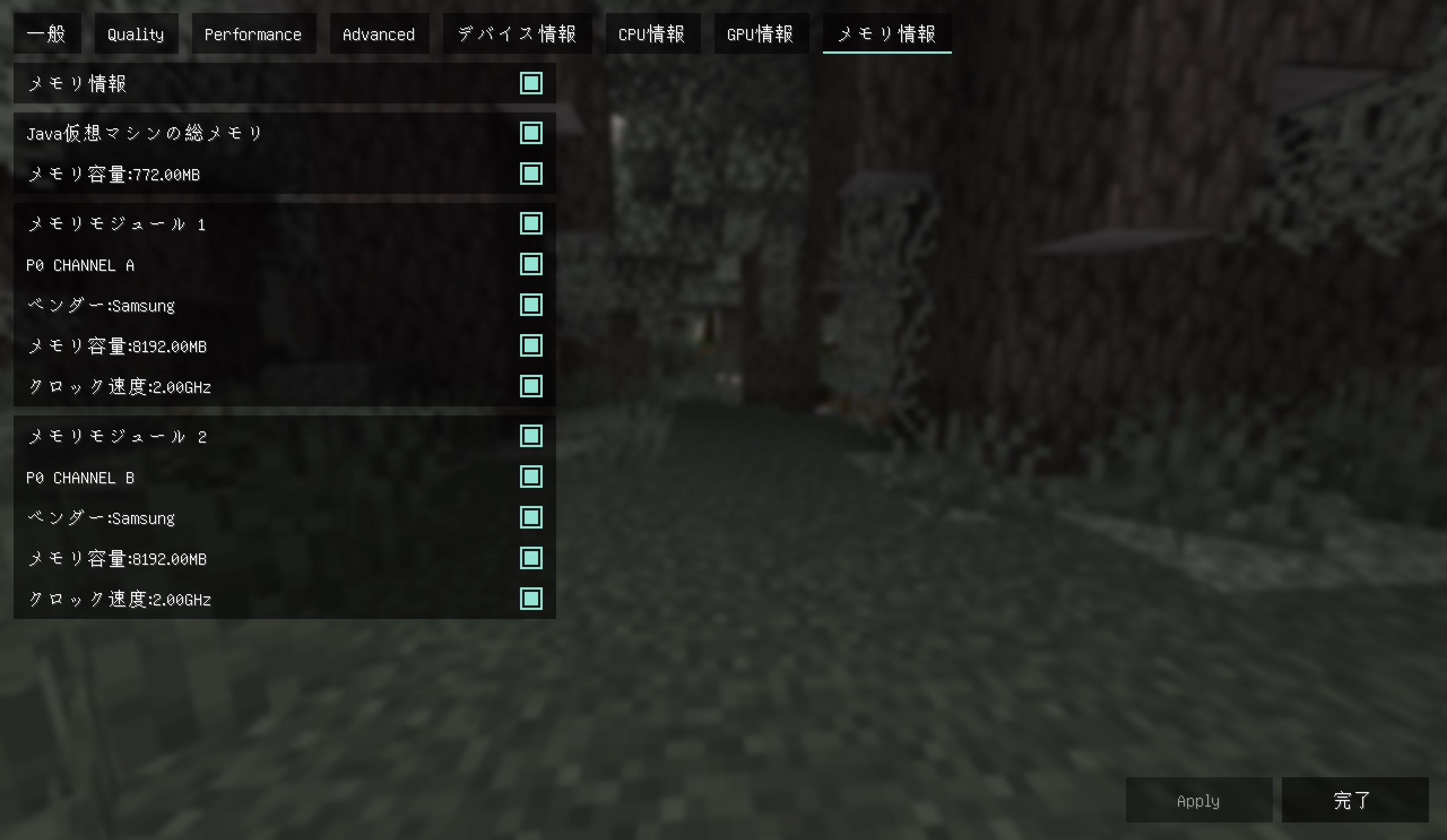
3. View memory information, including the model, supplier, and size of each memory module on the computer
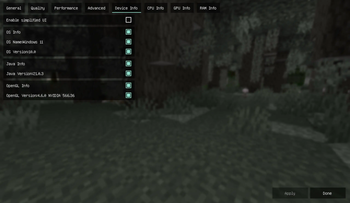
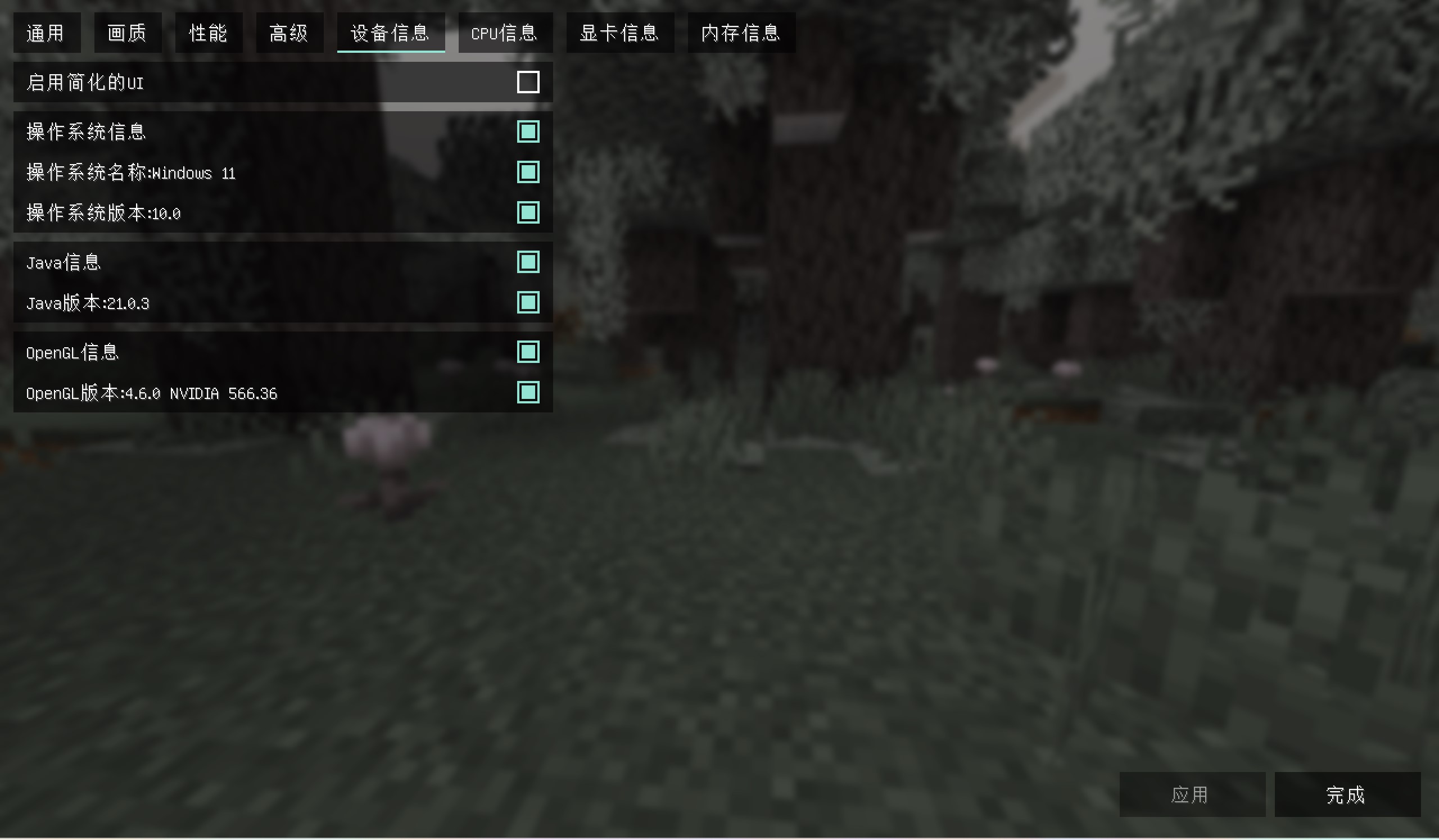
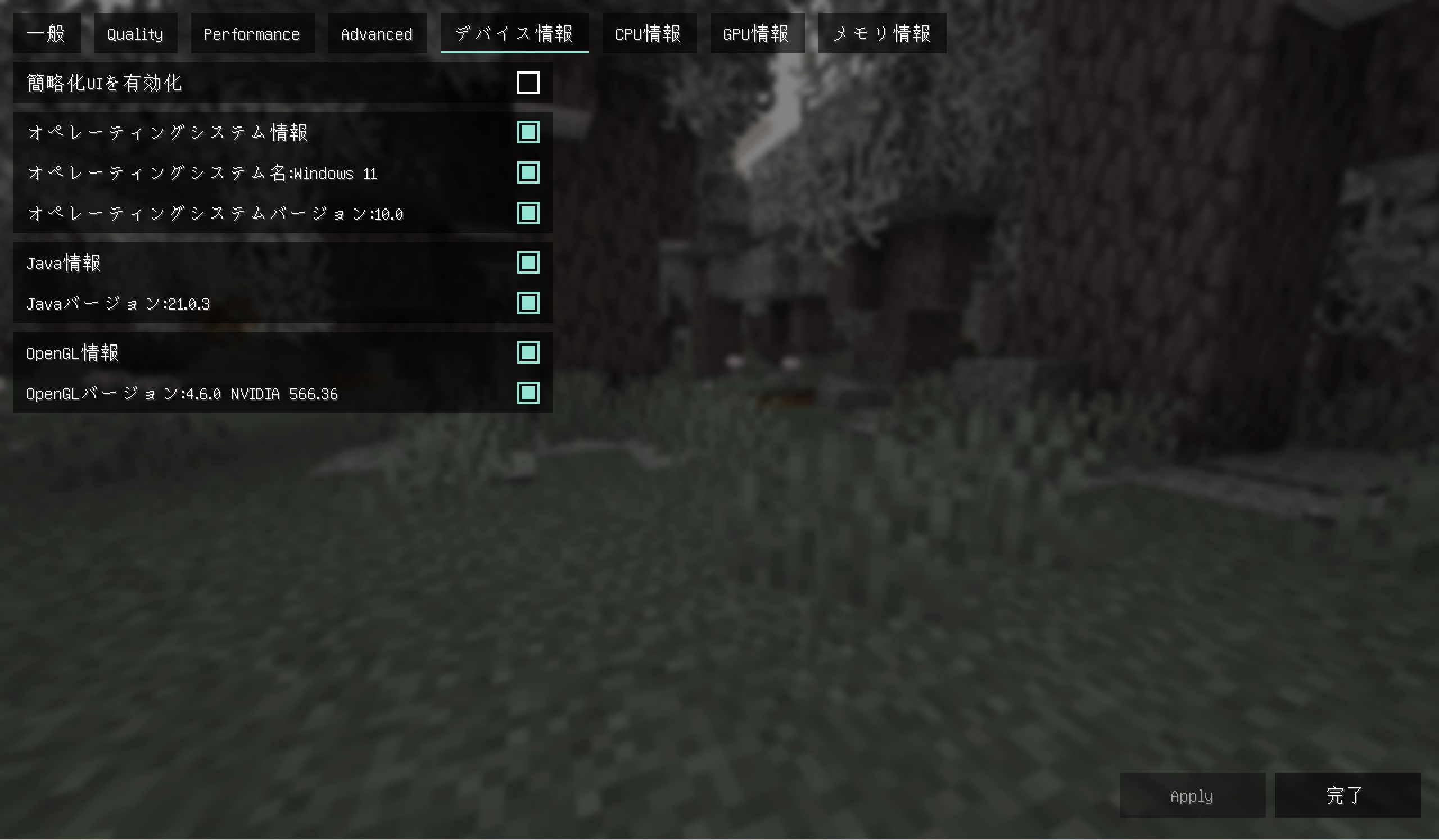
4. View software information, including Java information, operating system information, and OpenGL information
If you like this mod,please buy me a coffee,THANKS!

img
中文
钠-设备检测
钠-设备检测是钠的附属模组,安装前请先安装钠模组(Sodium)
本模组不仅兼容钠,而且还兼容铷(Embeddium)的部分版本!!
安装模组后可以查看平台信息以作为调节画质时的参考
功能如下
1.查看CPU信息,包含型号,供应商,物理核心数(核心数),逻辑核心数(线程数),频率
2.查看显卡信息,包含计算机上每一张显卡的型号,供应商,显存
3.查看内存信息,包含计算机上每一根内存条的型号,供应商,大小
4.查看软件信息,包含Java信息,操作系统信息和OpenGL信息
如果你喜欢这个模组,可以请我喝杯咖啡吗?谢谢!
图片
日本語
Sodium-デバイス検出
モッドをインストール後、プラットフォーム情報を確認し、画質調整時の参考にすることができます
機能は以下の通り
1.CPU情報を確認できます。型番、ベンダー、物理コア数(コア数)、論理コア数(スレッド数)、周波数を含みます
2.グラフィックカード情報を確認できます。コンピューター上の各グラフィックカードの型番、ベンダー、ビデオメモリを含みます
3.メモリ情報を確認できます。コンピューター上の各メモリモジュールの型番、ベンダー、容量を含みます
4.ソフトウェア情報を確認できます。Java情報、オペレーティングシステム情報、OpenGL情報を含みます
このモッドを気に入っていただけたら、コーヒーをごちそうしていただけますか?ありがとうございます!
スクリーンショット


Available Versions
How to Install Sodium/Embeddium Device Check 钠/铷-设备检测 on Your Client
Install the Mod Loader Locally
Install fabric for your local Minecraft version.
Download the Matching File
Choose the Sodium/Embeddium Device Check 钠/铷-设备检测 file for fabric and Minecraft 26.3.
Install Mod
Place the .jar file in your local .minecraft/mods folder and restart Minecraft. No server-side installation is required.
Compatibility
Mod Loaders
Minecraft Versions
26.3, 26.2, 26.1.2 (+34 more)
Server-side
✗ UnsupportedRecommended RAM
4 GB(min. 3 GB)Frequently Asked Questions
Does Sodium/Embeddium Device Check 钠/铷-设备检测 need to be installed on the Minecraft server?
No. Modrinth marks Sodium/Embeddium Device Check 钠/铷-设备检测 as unsupported on the server side. Install it only in your local Minecraft mods folder. Your server can remain unchanged unless the mod page lists an additional dependency.
Which version and loader does Sodium/Embeddium Device Check 钠/铷-设备检测 require?
Use a file for fabric, forge, neoforge, quilt and your exact Minecraft version. Supported versions include 26.3, 26.2, 26.1.2. Files for different loaders are not interchangeable.
Sodium/Embeddium Device Check 钠/铷-设备检测 is not working – what should I check?
First check the Minecraft version, loader version and required dependencies. Put the .jar file in your local .minecraft/mods folder and remove older duplicates. Because this mod is client-side, adding server RAM will not fix it.
Similar Mods


Minecraft Server for Your Group
Sodium/Embeddium Device Check 钠/铷-设备检测 stays on your client. Host a compatible world for your group.