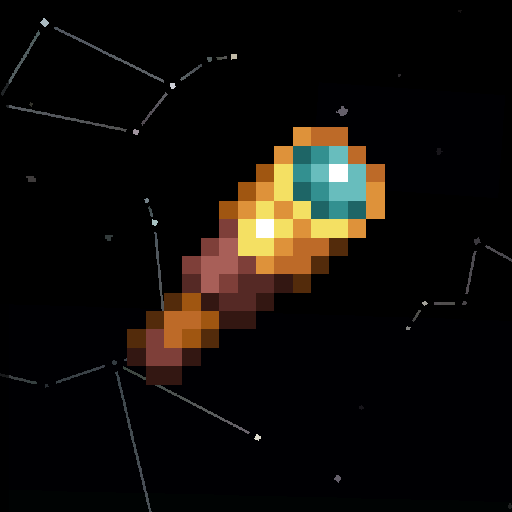
Spyglass Astronomy
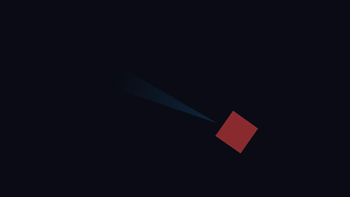
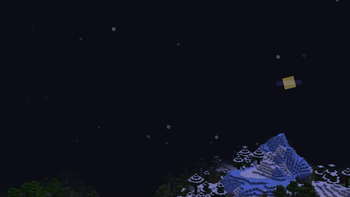
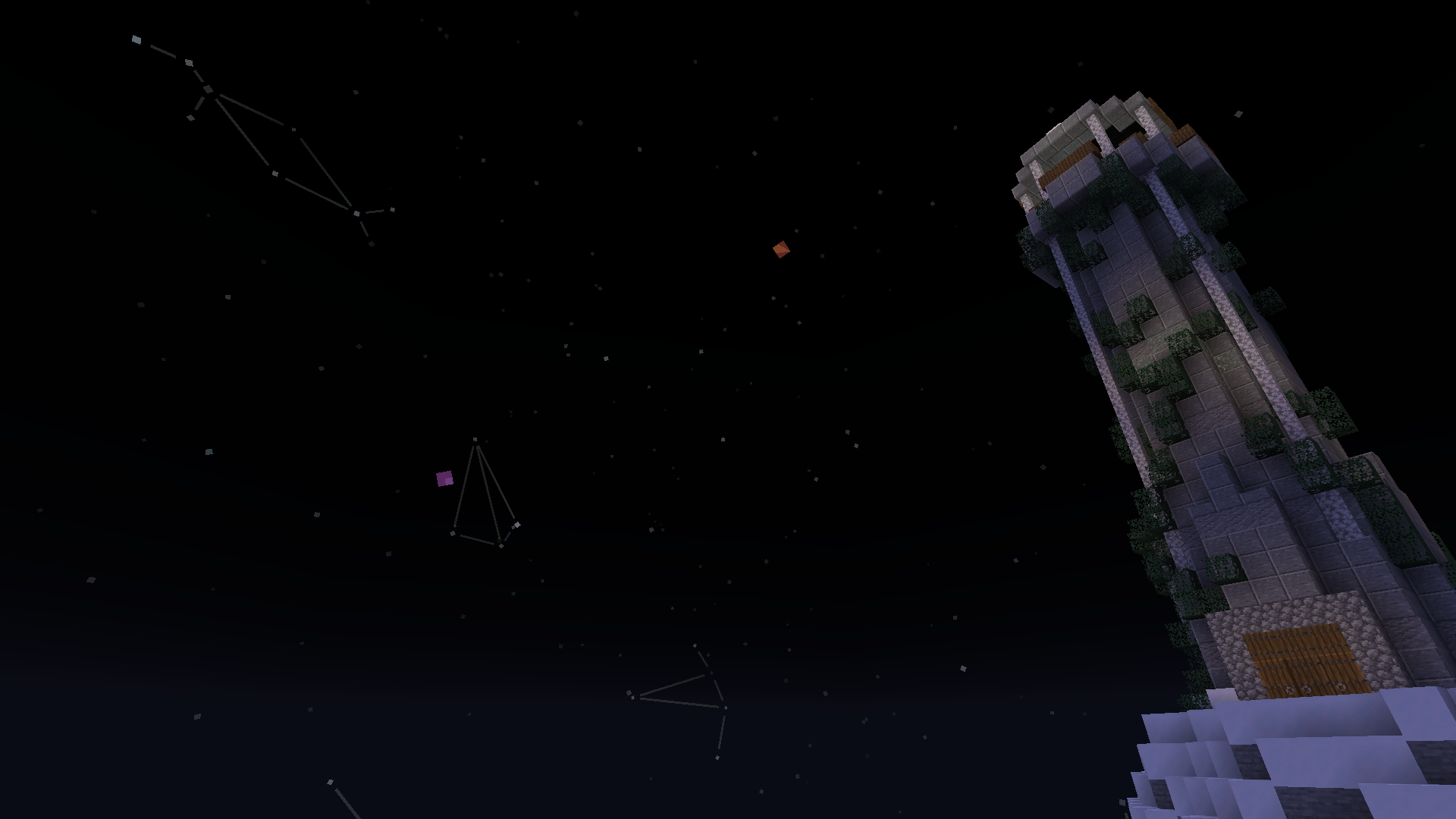
Draw your own constellations on an interactive and improved night sky. An immersive overhaul of the space skybox, including planets and better stars.
Screenshots
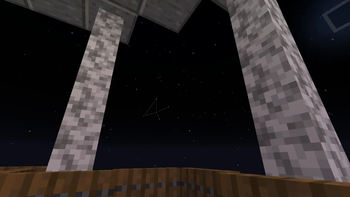
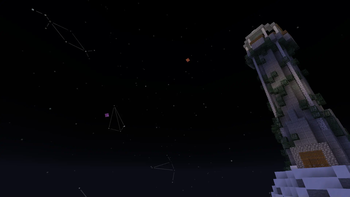
About this Mod
Spyglass Astronomy
Explore a procedurally generated solar system through the lens of a spyglass!
The mod is entirely client-side and designed for helping with world-building and immersion, it is encouraged you think of lore about all the constellations you draw and planets you name!
Planets and stars will be the same for all players on a particular world, and are generated randomly (and largely scientifically accurately) per world, and you can easily share constellations between players using a client-side command
The scientific accuracy means the underlying physics of astrology (orbital resonance, alignments, etc) work exactly the same, you just have to spot them and make up your own lore!
Dependencies:
- Fabric API (or the Quilt equivalent, although i have not tested this mod with Quilt)
How to use
To interact with the cosmos there are three spyglass modes: vanilla, constellation (amethyst), and star (emerald), these are cycled with the pick block button (middle click) while zoomed in.
Constellation mode allows you to draw constellations by holding the attack button (left click) and drawing between stars, as well as being able to select constellations
Star mode allows you to select stars and planets, note that comets are referred to as planets when using commands
Once an object is selected you can name it with /sga:name <name>, or get useful information with /sga:info, you can also get the information of a specific object without selecting it by following the suggestions after typing /sga:info <x>
If you're playing on a multiplayer server, you can use /sga:share or /sga:share <x> to share the currently selected or specified object respectively, this gives you a code you can send in chat or /message to someone directly, which allows them to easily add a constellation or name of a planet or star on their side, provided they have the mod too, of course. For an even smoother experience, you can use Spyglass Astronomy Sync, although that needs to be on the server too
All the client-side commands can be seen by looking at the suggestions after typing /sga:, or by looking at the list on the github readme
There is also a client+server mod that allows for bulk sharing, it's made by someone else, but it looks good!
Compatibility
You can use the mod with Cosmos to have its star rendering, and most of its customisability. I recommend increasing the star count with /sga:admin starCount <...>, since Cosmos looks nice with denser stars, but beware as anyone else youre playing with on that world will need to do it too if you want to be synced
If you want to use shaders, I recommend Complementary with Euphoria Patches, which has proper support for the colors of the stars and planets
Older versions of Spyglass Astronomy are incompatible with the mod Spyglass Improvements, however Spyglass Astronomy comes with its own scrollable spyglass zoom, and other mods, like Zoomglass, exist to allow for spyglass hotkeys
Available Versions
How to Install Spyglass Astronomy on Your Client
Install the Mod Loader Locally
Install fabric for your local Minecraft version.
Download the Matching File
Choose the Spyglass Astronomy file for fabric and Minecraft 26.3.
Install Mod
Place the .jar file in your local .minecraft/mods folder and restart Minecraft. No server-side installation is required.
Compatibility
Mod Loaders
Minecraft Versions
26.3, 26.2, 26.1.2 (+26 more)
Server-side
✗ UnsupportedRecommended RAM
4 GB(min. 3 GB)Frequently Asked Questions
Does Spyglass Astronomy need to be installed on the Minecraft server?
No. Modrinth marks Spyglass Astronomy as unsupported on the server side. Install it only in your local Minecraft mods folder. Your server can remain unchanged unless the mod page lists an additional dependency.
Which version and loader does Spyglass Astronomy require?
Use a file for fabric and your exact Minecraft version. Supported versions include 26.3, 26.2, 26.1.2. Files for different loaders are not interchangeable.
Spyglass Astronomy is not working – what should I check?
First check the Minecraft version, loader version and required dependencies. Put the .jar file in your local .minecraft/mods folder and remove older duplicates. Because this mod is client-side, adding server RAM will not fix it.
Similar Mods

![[ETF] Entity Texture Features](https://cdn.modrinth.com/data/BVzZfTc1/af683d206d50b05258d865b0d6e4aa2f2cee12f2_96.webp)
![[EMF] Entity Model Features](https://cdn.modrinth.com/data/4I1XuqiY/6e5bbd0d06b1741bfdab6c0cfab6de8fdaf0064c_96.webp)



Minecraft Server for Your Group
Spyglass Astronomy stays on your client. Host a compatible world for your group.