
TrafficCraft
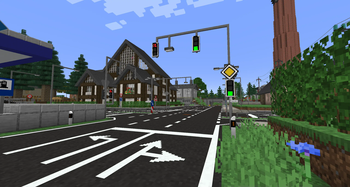
A Minecraft mod that brings roads, traffic signs, traffic lights and much more to your Minecraft world. Build your own cities and roads according to your wishes.
Screenshots
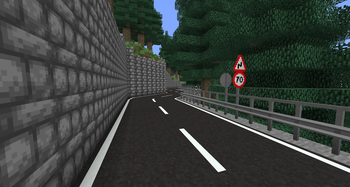
About this Mod
🚗 TrafficCraft
TrafficCraft is a Minecraft mod that brings roads, traffic signs, traffic lights and much more to your worlds. Build your own cities and roads according to your wishes.
This mod is inspired by Mapper's RoadStuff Mod, which has been discontinued.



🧩 Dependencies

- Version
>= 1.2.0requires DragonLib to be installed! Older versions<= 1.1.3do NOT require DragonLib! Delete it from your mods folder. Please read this post to see which versions of my other mods are compatible with each other.
Content
- Road Blocks: Asphalt, Concrete and slopes of the same materials which act like snow layers
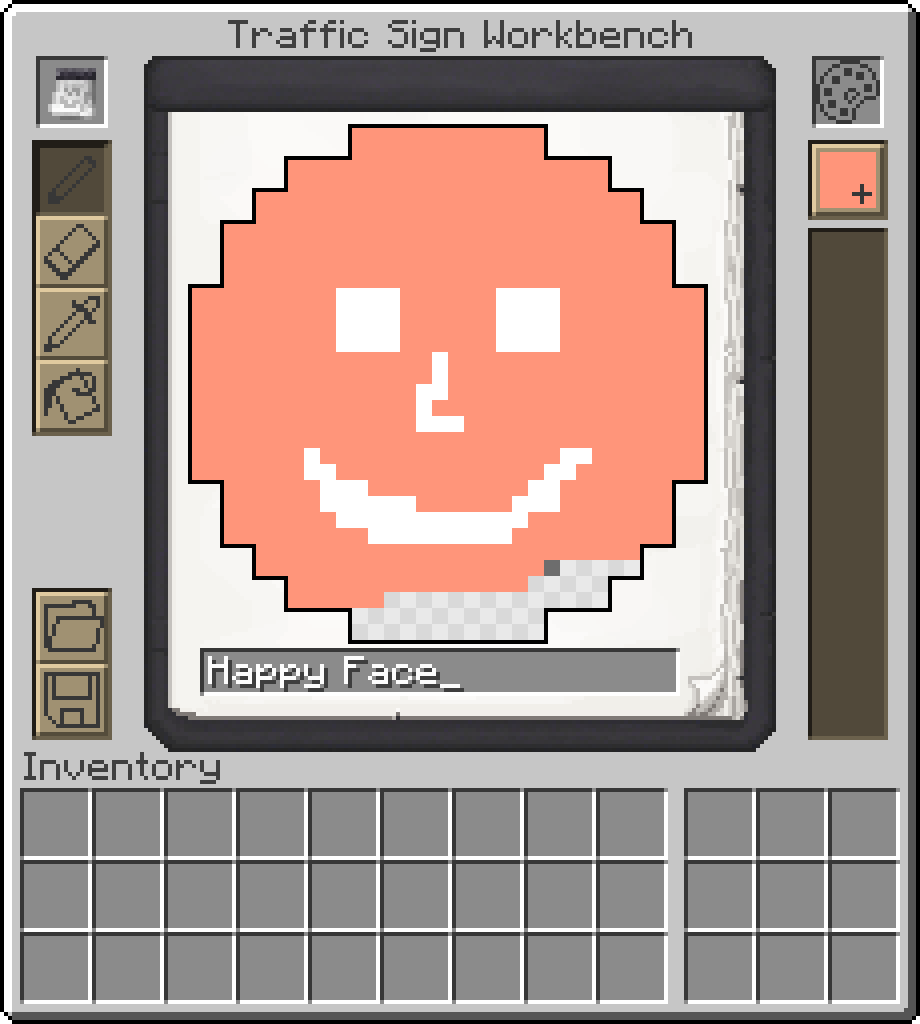
- Traffic Signs: Choose between hunderds of different signs or create your custom one.
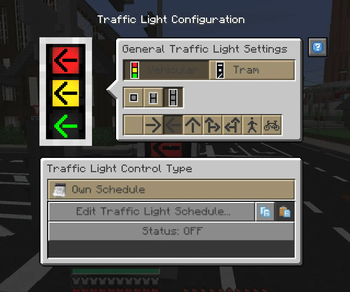
- Traffic Lights: Create fully customizable and working traffic light systems.
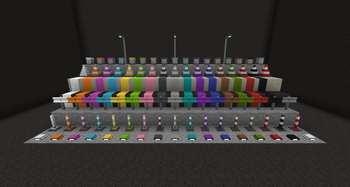
- Paintable blocks: Use a paint brush to paint hundreds of different patterns on your streets in all 16 different colors. Use the brush to color some other blocks of this mod as well.
- Street Lamps: Configure when lights turn on and off
- Writable Signs: Write the name of your steets on Street Name Signs.
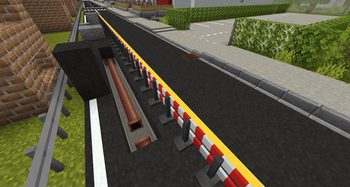
- Decorations: Guardrails, Traffic Cones, Road Barrier Fences, Concrete Barriers, ...
- Useful tools: Tired of building large road networks? The mod contains practical tools to make your work easier.
... and more ...
🤝 Contribute
Thanks to all the people who are helping with development and translating the mod into different languages.
This project is open source, so if you'd like to help with development or localization, feel free to create pull requests or issues on GitHub and visit our Crowdin page.


⚠️ Please note!
To protect your worlds, you should always create a backup before installing an update of this mod. Alpha versions in particular may contain critical bugs! I am not responsible for any damage caused to your worlds by this mod if you ignore this warning!
Available Versions
How to Install TrafficCraft on Your Server
Order Server
Order a Minecraft Java server with at least 3 GB RAM (4 GB recommended).
Set fabric Loader
In the panel under "Egg", select the fabric loader and matching Minecraft version (1.21.1).
Install Mod
Open the mod browser in the dashboard and search for "TrafficCraft". Click "Install" – done! Alternatively, upload the .jar via SFTP to the /mods folder.
Compatibility
Mod Loaders
Minecraft Versions
1.21.1, 1.20.4, 1.20.1 (+4 more)
Server-side
✓ RequiredRecommended RAM
4 GB(min. 3 GB)Frequently Asked Questions
TrafficCraft server crashes on startup – what to do?
Most common cause: wrong fabric version or insufficient RAM. Check the server log (latest.log) for "OutOfMemoryError" or "Mixin" errors. With Mado Hosting: ensure at least 3 GB RAM is allocated and the loader matches the mod version (1.21.1). You can switch loaders with one click in the panel.
Is TrafficCraft compatible with fabric and forge and neoforge?
TrafficCraft officially supports fabric, forge, neoforge for Minecraft 1.21.1, 1.20.4, 1.20.1. Note: Forge and Fabric mods are NOT cross-compatible – pick one loader and stick with it. The Mado dashboard automatically detects incompatible loader combinations.
Server lagging with TrafficCraft – how to optimize performance?
Recommended RAM: 4 GB (per 8 players). Use /spark profiler to check if TrafficCraft consumes the most tick time. Common fixes: reduce server view-distance to 8-10, install "performant" or "starlight" as supplementary mods on Forge. With Mado Hosting, your server runs on NVMe SSDs with dedicated CPU cores for minimal latency.
Similar Mods

![[ETF] Entity Texture Features](https://cdn.modrinth.com/data/BVzZfTc1/af683d206d50b05258d865b0d6e4aa2f2cee12f2_96.webp)
![[EMF] Entity Model Features](https://cdn.modrinth.com/data/4I1XuqiY/6e5bbd0d06b1741bfdab6c0cfab6de8fdaf0064c_96.webp)



Rent Modded Server
Install TrafficCraft with just one click on your server.