Visual Snowy Leaves
Snowy leaves that work for you, everywhere (not required on servers).
Screenshots
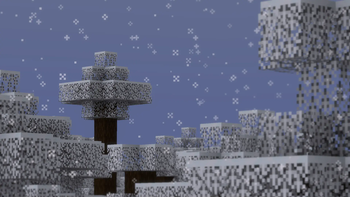
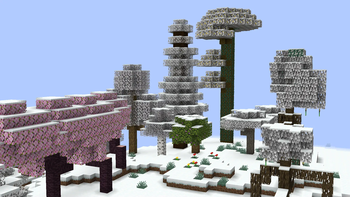
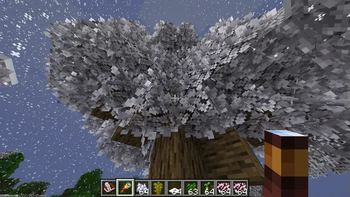
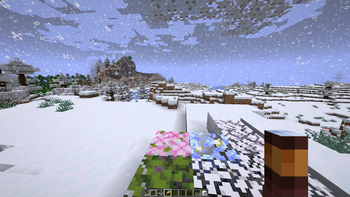
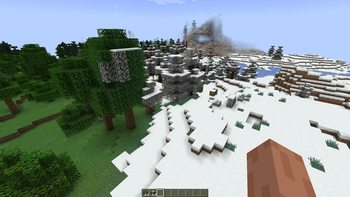
About this Mod
Snowy leaves that works for you, everywhere (especially servers).
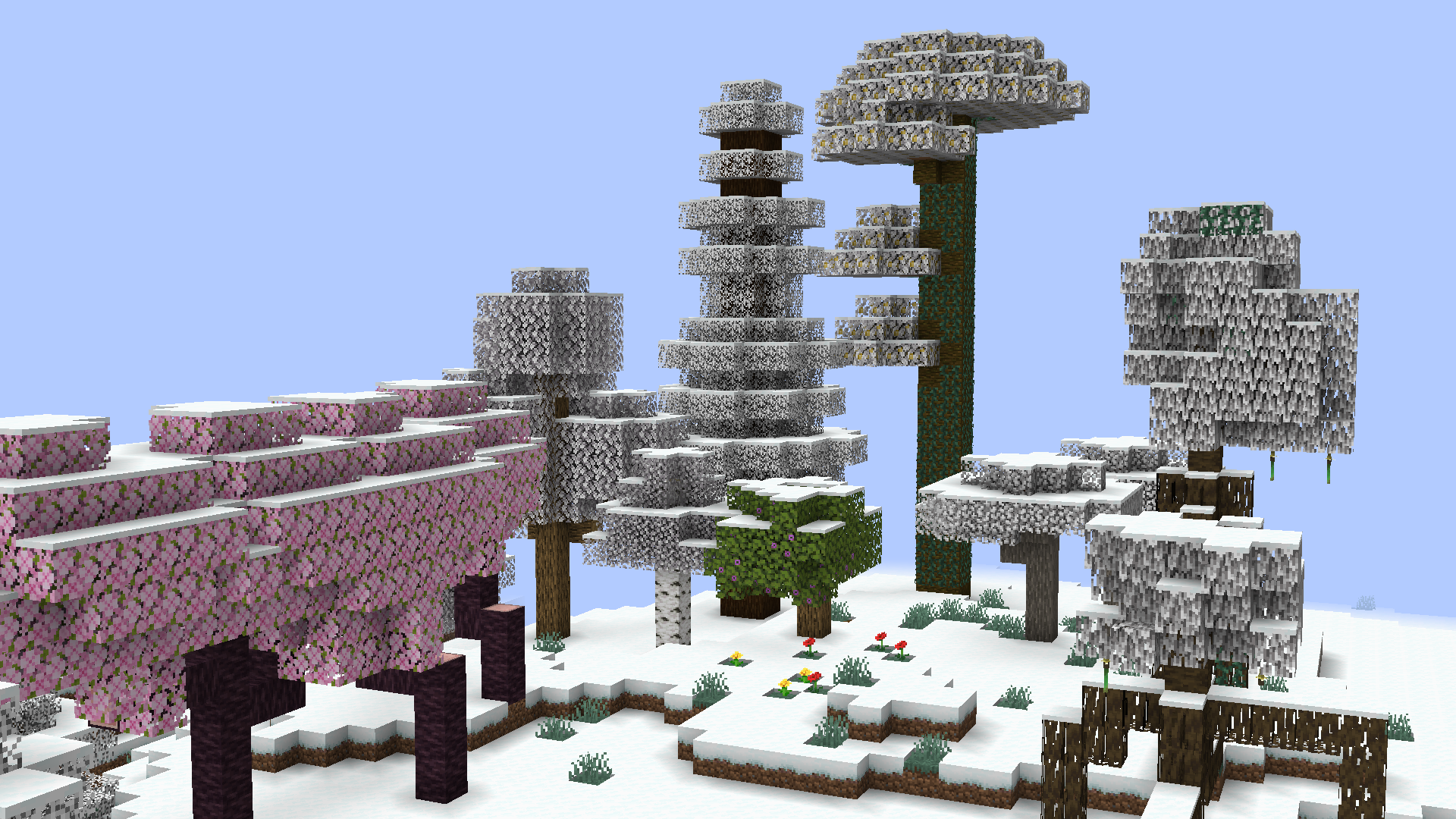
Leaves will slowly fade into their snowy colors during snowfall comprable to the same feature found at Minecraft: Bedrock Edition. Timings ang transition conditions are fully configurable!
Soon for version 0.6.0 (currently in Beta):
- This mods modifies Minecraft core shaders.
This is to achieve smooth transition instead of the former reliance on the more demanding and clunky chunk rebuilds. - This mod will not work when Iris shaders is enabled.
A fallback render is being considered at the moment.
See also: https://github.com/IrisShaders/Iris/blob/1.21.11/docs/development/compatibility/core-shaders.md
Compared to other snowy leaves mods, this one is fully client-side! You can join servers with no worries with things like registry mismatch and weird blocks that shouldn't be rendered there! Improvements through texture modifications allows leaves to reach true white at their fully frosted state instead of just gray leaves.
Configuration
The Visual Snowy Leaves configuration can be accessed through three ways:
- with Fabric API installed, you can bind a key to open the config screen
- with ModMenu, the same config screen can be accessed through the mod menu instead
- in any case, the configuration can still be accessed at
<.minecraft>/config/visual-snowy-leaves.json
Available Versions
How to Install Visual Snowy Leaves on Your Client
Install the Mod Loader Locally
Install fabric for your local Minecraft version.
Download the Matching File
Choose the Visual Snowy Leaves file for fabric and Minecraft 26.1-snapshot-2.
Install Mod
Place the .jar file in your local .minecraft/mods folder and restart Minecraft. No server-side installation is required.
Compatibility
Mod Loaders
Minecraft Versions
26.1-snapshot-2, 26.1-snapshot-1, 1.21.11 (+57 more)
Server-side
✗ UnsupportedRecommended RAM
4 GB(min. 3 GB)Frequently Asked Questions
Does Visual Snowy Leaves need to be installed on the Minecraft server?
No. Modrinth marks Visual Snowy Leaves as unsupported on the server side. Install it only in your local Minecraft mods folder. Your server can remain unchanged unless the mod page lists an additional dependency.
Which version and loader does Visual Snowy Leaves require?
Use a file for fabric and your exact Minecraft version. Supported versions include 26.1-snapshot-2, 26.1-snapshot-1, 1.21.11. Files for different loaders are not interchangeable.
Visual Snowy Leaves is not working – what should I check?
First check the Minecraft version, loader version and required dependencies. Put the .jar file in your local .minecraft/mods folder and remove older duplicates. Because this mod is client-side, adding server RAM will not fix it.
Similar Mods

![[ETF] Entity Texture Features](https://cdn.modrinth.com/data/BVzZfTc1/af683d206d50b05258d865b0d6e4aa2f2cee12f2_96.webp)
![[EMF] Entity Model Features](https://cdn.modrinth.com/data/4I1XuqiY/6e5bbd0d06b1741bfdab6c0cfab6de8fdaf0064c_96.webp)



Minecraft Server for Your Group
Visual Snowy Leaves stays on your client. Host a compatible world for your group.