
VulkShade
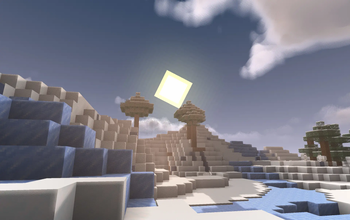
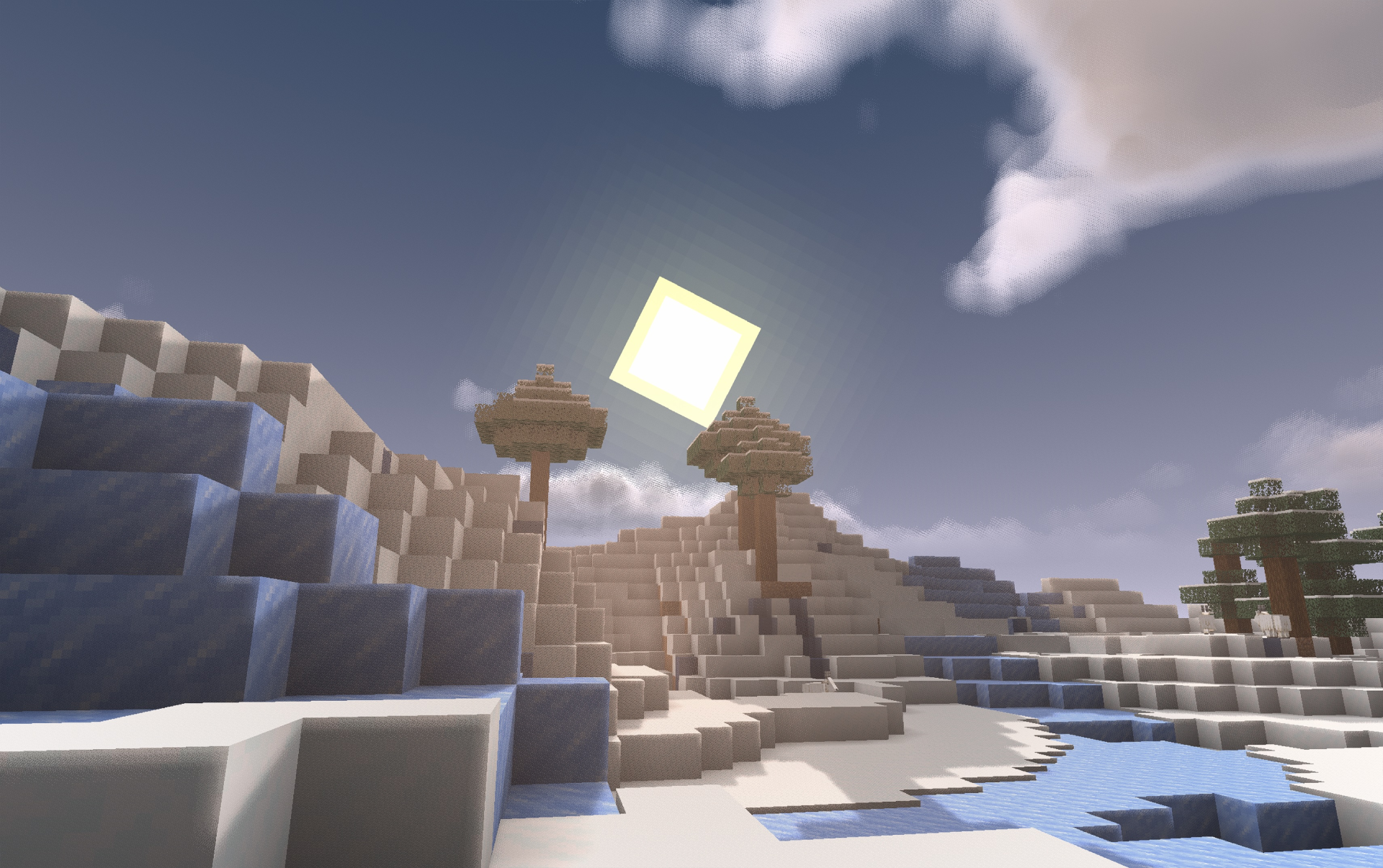
This mod brings shaders to Vulkan (fork of vulkanmod). You can now experience better graphics with the same hardware :)
Screenshots
About this Mod
v2.0.0 is under development and will be released soon.
shipping with built-in LoD, DLSS 4 (with frame gen), FSR, XeSS, shaders, and a fully custom rendering engine (no longer a fork of vulkanmod).
Significantly more performant than v1.x
Targets Minecraft Fabric 26.3
v2.x is also compatible with ETF,EMF and C2ME
stay tuned :)
(sneak peaks in discord)
VulkShade - Shaders on Vulkan
A fork of the popular mod VulkanMod implementing performant shaders and features.
Features:
- Shader Support (Only pre-made for now, if mod gains traction, I'll add more)
- FSR
- DLSS (With frame gen in v1.0.3)
- XeSS
- Various Shader Settings
Coming Soon:
- Built in LoD
- HDR (scRGB or HDR10)
- Auto Exposure
- Custom shaderpacks
Thanks to:
- The vulkanmod developers
- Gamingabdul for being my lab rat
- The creators of MakeUpUltraFast v9 (default shader is a port of this)
Available Versions
How to Install VulkShade on Your Client
Install the Mod Loader Locally
Install fabric for your local Minecraft version.
Download the Matching File
Choose the VulkShade file for fabric and Minecraft 1.21.10.
Install Mod
Place the .jar file in your local .minecraft/mods folder and restart Minecraft. No server-side installation is required.
Compatibility
Mod Loaders
Minecraft Versions
1.21.10, 1.21.9
Server-side
✗ UnsupportedRecommended RAM
4 GB(min. 3 GB)Frequently Asked Questions
Does VulkShade need to be installed on the Minecraft server?
No. Modrinth marks VulkShade as unsupported on the server side. Install it only in your local Minecraft mods folder. Your server can remain unchanged unless the mod page lists an additional dependency.
Which version and loader does VulkShade require?
Use a file for fabric and your exact Minecraft version. Supported versions include 1.21.10, 1.21.9. Files for different loaders are not interchangeable.
VulkShade is not working – what should I check?
First check the Minecraft version, loader version and required dependencies. Put the .jar file in your local .minecraft/mods folder and remove older duplicates. Because this mod is client-side, adding server RAM will not fix it.
Similar Mods


Minecraft Server for Your Group
VulkShade stays on your client. Host a compatible world for your group.