
Xeno
A Performant Rendering optimization Mod for Minecraft.
Screenshots

About this Mod
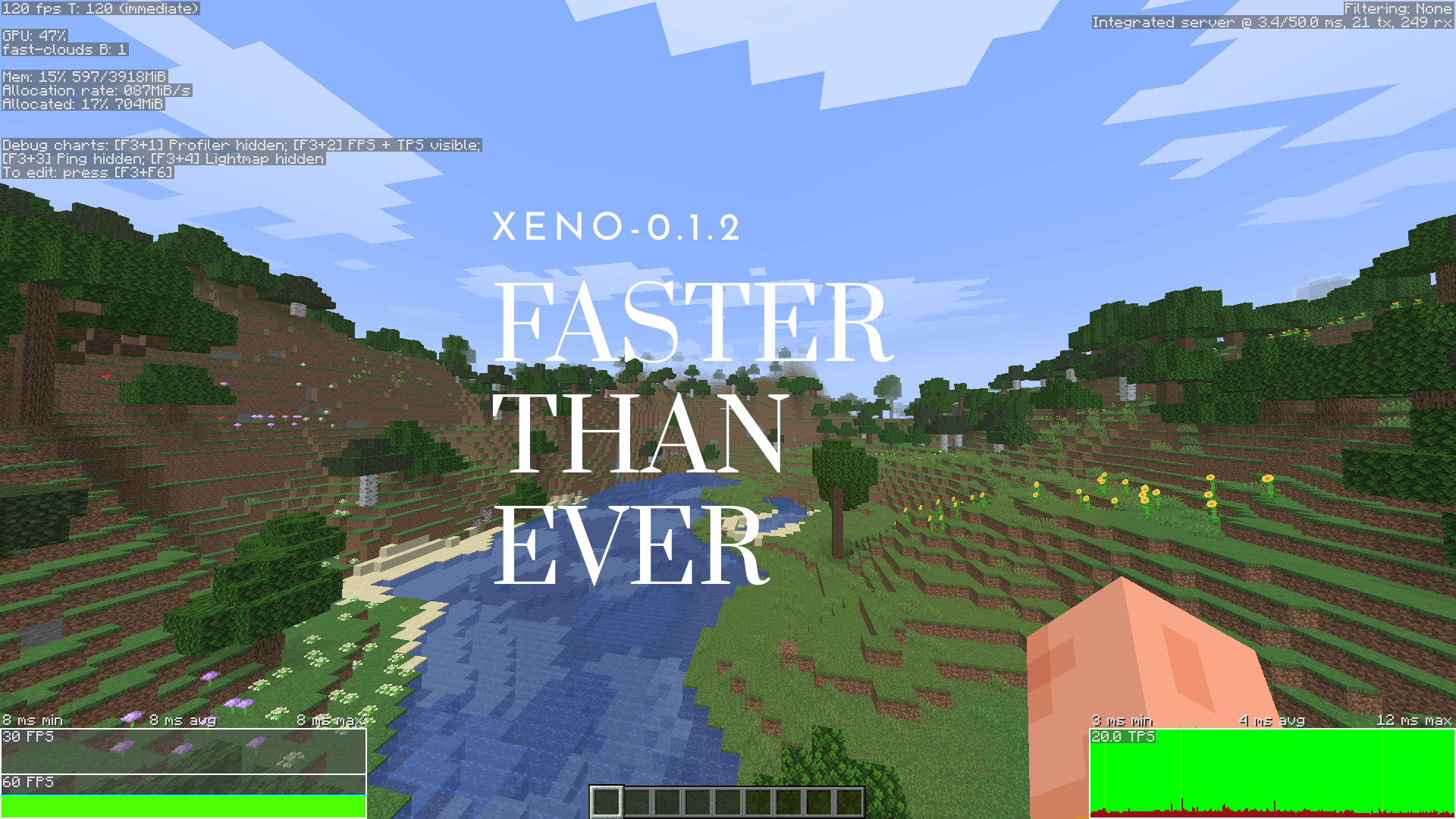
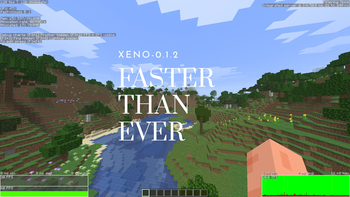
Xeno is an open-source, copyleft rendering optimization mod. I made it because I noticed there really wasn't a good copyleft alternative out there as rendering optimization mods.
Licensing
- GPL 3.0 & SemVer: As of August 12, 2026, everything follows standard Semantic Versioning and is under GPL 3.0.
- Older builds: Past versions under the Polyform license are still there if you need them, but they won't get any new updates.
Stability
This mod is currently in alpha. It’s bound to have many bugs, so if something breaks or crashes, please drop a report on the GitHub Issues page so I can fix it.
Support & Community
Xeno takes a lot of time to work on, so help is much appreciated! If you like the mod and want to support development, check out our links below:
Available Versions
How to Install Xeno on Your Client
Install the Mod Loader Locally
Install fabric for your local Minecraft version.
Download the Matching File
Choose the Xeno file for fabric and Minecraft 26.3.
Install Mod
Place the .jar file in your local .minecraft/mods folder and restart Minecraft. No server-side installation is required.
Compatibility
Mod Loaders
Minecraft Versions
26.3, 26.2
Server-side
✗ UnsupportedRecommended RAM
4 GB(min. 3 GB)Frequently Asked Questions
Does Xeno need to be installed on the Minecraft server?
No. Modrinth marks Xeno as unsupported on the server side. Install it only in your local Minecraft mods folder. Your server can remain unchanged unless the mod page lists an additional dependency.
Which version and loader does Xeno require?
Use a file for fabric, neoforge and your exact Minecraft version. Supported versions include 26.3, 26.2. Files for different loaders are not interchangeable.
Xeno is not working – what should I check?
First check the Minecraft version, loader version and required dependencies. Put the .jar file in your local .minecraft/mods folder and remove older duplicates. Because this mod is client-side, adding server RAM will not fix it.
Similar Mods


Minecraft Server for Your Group
Xeno stays on your client. Host a compatible world for your group.